1. הקדמה
Thank you for choosing Portronics AA Lithius Type C Rechargeable Batteries. These batteries are designed for modern convenience, offering a built-in USB Type-C port for direct charging. With a 1.5V / 1480mAh capacity (2220mWh energy), they provide high performance and consistent output for a wide range of devices. This manual provides essential information for the safe and efficient use of your new rechargeable batteries.
2. מידע בטיחות
אנא קראו והבינו את כל הוראות הבטיחות לפני השימוש בסוללות. אי הקפדה על הוראות אלה עלולה לגרום לשריפה, התחשמלות או פציעה.
- Do not disassemble, crush, puncture, or short-circuit the batteries.
- Do not expose batteries to extreme temperatures (above 60°C/140°F or below -20°C/-4°F) or direct sunlight.
- אין לטבול סוללות במים או בנוזלים אחרים.
- הרחק סוללות מילדים וחיות מחמד.
- Use only compatible Type-C charging cables and power sources (DC 5V/0.5A).
- If a battery leaks, swells, or emits an odor, discontinue use immediately and dispose of it properly.
- אין לערבב סוללות חדשות וישנות, או סוגים שונים של סוללות.
- יש לוודא קוטביות נכונה (+/-) בעת הכנסת סוללות למכשירים.

Figure 2.1: Advanced Multi-Layer Protection features of the Lithius Cell battery, including fireproof shell, short-circuit, surge, over-voltage, והגנה מפני התחממות יתר.

Figure 2.2: Leak-Proof Design elements of the Lithius Cell battery, featuring a short-circuit guard, pressure relief valve, dual-lock ring, and reinforced steel shell.
3. המוצר נגמרview
The Portronics AA Lithius Cell is a high-capacity lithium-ion rechargeable battery designed for convenience and durability. Key features include:
- Built-in Type-C Charging: Eliminates the need for a separate charger.
- קיבולת גבוהה: 1.5V / 1480mAh (2220mWh) for long-lasting power.
- פריקה עצמית נמוכה: Maintains charge for extended periods during storage.
- בטיחות משופרת: Over-current and over-discharge protection.
- תאימות רחבה: Suitable for various AA-powered devices.
4. התקנה
4.1 טעינה ראשונית
Before first use, fully charge your Portronics Lithius Cell batteries.
- Locate the USB Type-C port on the side of the battery.
- Connect a standard USB Type-C charging cable (DC 5V/0.5A) to the battery port.
- Plug the other end of the cable into a compatible USB power source (e.g., wall adapter, computer USB port, car charger).
- The blue indicator light on the battery will blink during charging.
- Once fully charged, the blue indicator light will become stable (solid).
- נתק את כבל הטעינה.
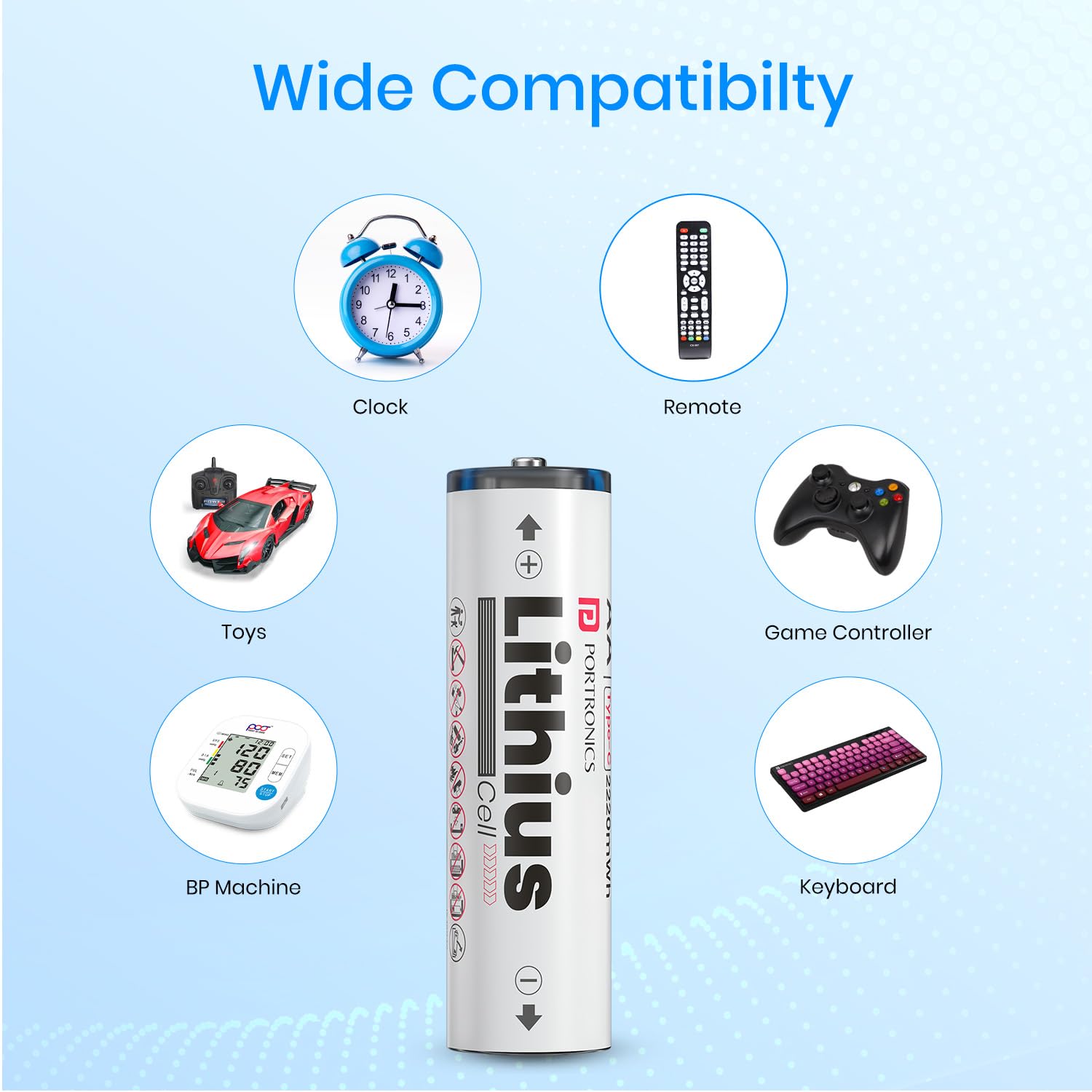
Figure 4.1: Direct Type-C charging of the Lithius Cell battery, eliminating the need for external chargers.

Figure 4.2: Visual guide to charging the Lithius Cell batteries, demonstrating charging via various USB sources and explaining the blue light indicators for charging status.
4.2 התקנת סוללה
After charging, insert the batteries into your device:
- פתח את תא הסוללות של המכשיר שלך.
- שימו לב לסימוני הקוטביות (+ ו-) בתוך התא.
- Insert the Lithius Cell batteries, matching the battery's positive (+) and negative (-) terminals with the device's markings.
- סגור היטב את תא הסוללות.
5. הוראות הפעלה
The Portronics AA Lithius Cell batteries are designed to power a wide array of devices that typically use standard AA batteries. Their consistent 1.5V output ensures optimal performance for most electronics.

Figure 5.1: Wide compatibility of Lithius Cell batteries with common household and electronic devices.
Compatible devices include, but are not limited to:
- מקלדות ועכברים אלחוטיים
- מצלמות
- Torches and flashlights
- Remote controls (TV, AC, etc.)
- Remote-control cars and toys
- בקרי משחקים
- Lamps and alarm clocks
- Electric brushes and other small appliances
6. תחזוקה
6.1 אחסון
Store batteries in a cool, dry place away from direct sunlight and extreme temperatures. The Lithius Cell features Low Self-Discharge technology, allowing it to retain up to 80% of its charge even after months of non-use.

Figure 6.1: Low Self-Discharge performance of Lithius Cell batteries over time.
6.2 ניקוי
If necessary, clean the battery terminals with a dry, clean cloth to ensure good contact with your device.
6.3 Charging Cycles
For optimal battery life, avoid completely draining the batteries before recharging. Regular charging helps maintain battery health.
7. פתרון תקלות
If you encounter issues with your Portronics Lithius Cell batteries, refer to the table below for common problems and solutions.
| בְּעָיָה | סיבה אפשרית | פִּתָרוֹן |
|---|---|---|
| סוללה לא נטענת | Loose cable connection, faulty cable/adapter, dirty charging port | Ensure cable is securely connected. Try a different Type-C cable or USB power source. Clean the charging port gently. |
| המכשיר לא נדלק | Battery not charged, incorrect polarity, device issue | Charge the battery fully. Check battery orientation (+/-). Test the device with other known-good batteries. |
| חיי סוללה קצרים | High-drain device, battery degradation, incomplete charge | Ensure battery is fully charged. For high-drain devices, battery life will naturally be shorter. Consider replacing old batteries if degradation is significant. |
| Battery gets warm during charging/use | Normal operation, excessive load, faulty battery | Slight warmth is normal. If it becomes excessively hot, discontinue use and charging immediately. Contact support if warmth is unusual or extreme. |
8. מפרטים
Detailed technical specifications for the Portronics AA Lithius Type C Rechargeable Batteries:
| תכונה | פְּרָט |
|---|---|
| מותג | פורטרוניקה |
| דֶגֶם | POR-2509 |
| שם הדגם | Lithius Cell |
| סוג סוללה | ליתיום יון |
| גוֹדֶל | AA |
| יְכוֹלֶת | 1480mAh (2220mWh) |
| פלט כרךtage | 1.5V (DC 1.5V/2A max) |
| קלט כרךtage/נוכחי | DC 5V/0.5A |
| סוג מחבר | USB Type-C (built-in) |
| מידות המוצר (LxWxH) | 7.8 x 5.9 x 1.9 ס"מ |
| משקל פריט | 57 גרם |
| תכונות מיוחדות | Durable & Cost Effective Cell, Low Self Discharge, Over-Current Protection, Over-Discharge Protection |
| מכשירים תואמים | Remote, Torch, Wireless keyboard, Camera, Remote-control cars, Wireless mouse, Lamps, Alarm clocks, Electric brushes, Gaming controllers |
| ארץ מוצא | סִין |
9. אחריות ותמיכה
For warranty information and customer support, please refer to the product packaging or visit the official Portronics website. You can also contact Portronics customer service directly:
- אֶלֶקטרוֹנִי: help@portronics.com
- טלפון: +91 9555-245-245
10. מידע לסילוק
These batteries contain materials that should not be disposed of with regular household waste. Please dispose of them responsibly at designated recycling centers. Proper disposal helps prevent potential negative consequences for the environment and human health.

Figure 10.1: Emphasizing the sustainable and reusable nature of Lithius Cell batteries, promoting proper recycling and waste reduction.


