1. הקדמה
Welcome to your new Xiaomi 32-inch G QLED Smart TV. This manual provides essential information for setting up, operating, and maintaining your television. Please read it thoroughly before use and retain it for future reference.
מידע בטיחות
- ודא אוורור נאות סביב הטלוויזיה.
- אל תחשוף את הטלוויזיה לגשם או לחות.
- הימנעו מהצבת הטלוויזיה בקרבת מקורות חום או באור שמש ישיר.
- השתמשו רק בכבל החשמל המצורף לטלוויזיה.
- הפנה כל טיפול לצוות שירות מוסמך.

איור 1.1: חזית view of the Xiaomi 32-inch G QLED Smart TV.
2. מה בקופסה
ודא שכל הרכיבים נמצאים באריזה:
- 1 x Xiaomi 32-inch G QLED Smart TV
- 1 x שלט רחוק
- מדריך למשתמש אחד (מסמך זה)
- 2 מעמדי טלוויזיה
- 4 ברגים לסטנדים לטלוויזיה
- 2 סוללות AAA (לשלט רחוק)
- 1 x כבל מתח

Figure 2.1: Illustration of included items in the product packaging.
3. התקנה
3.1 חיבור מעמדי הטלוויזיה
- הנח בזהירות את הטלוויזיה כשפניה כלפי מטה על משטח רך ושטוח כדי למנוע נזק למסך.
- יישר כל מעמד עם חורי הברגים המתאימים בתחתית הטלוויזיה.
- אבטחו כל מעמד באמצעות הברגים המצורפים.
- הרם את הטלוויזיה זקופה והנח אותה על משטח יציב וישר.
3.2 התקנה על הקיר (אופציונלי)
If you choose to wall mount your TV, ensure you use a compatible VESA mount (not included) and follow the instructions provided with the wall mount kit. Professional installation is recommended.
3.3 חיבור ציוד היקפי
Refer to the port diagram below for connecting external devices.
איור 3.1: אחורי view של הטלוויזיה המציגה יציאות קלט/פלט שונות.
- יציאות HDMI (x2): Connect Blu-ray players, gaming consoles, set-top boxes.
- יציאות USB (x2): חבר התקני אחסון USB להפעלת מדיה.
- רשת (אתרנט): התחבר לרשת הביתית שלך באמצעות חיבור קווי.
- קלט אנטנה: חבר אנטנה לשידורים אלחוטיים.
- קלט AV: חבר מכשירים ישנים יותר באמצעות כבלי וידאו מרוכבים ואודיו סטריאו.
- שקע שמע 3.5 מ"מ: חבר אוזניות או רמקולים חיצוניים.
3.4 חיבור מתח
חבר את כבל החשמל לשקע החשמל של הטלוויזיה ולאחר מכן לשקע בקיר. הטלוויזיה תיכנס למצב המתנה.
4. הפעלת הטלוויזיה שלך
שלט רחוק 4.1
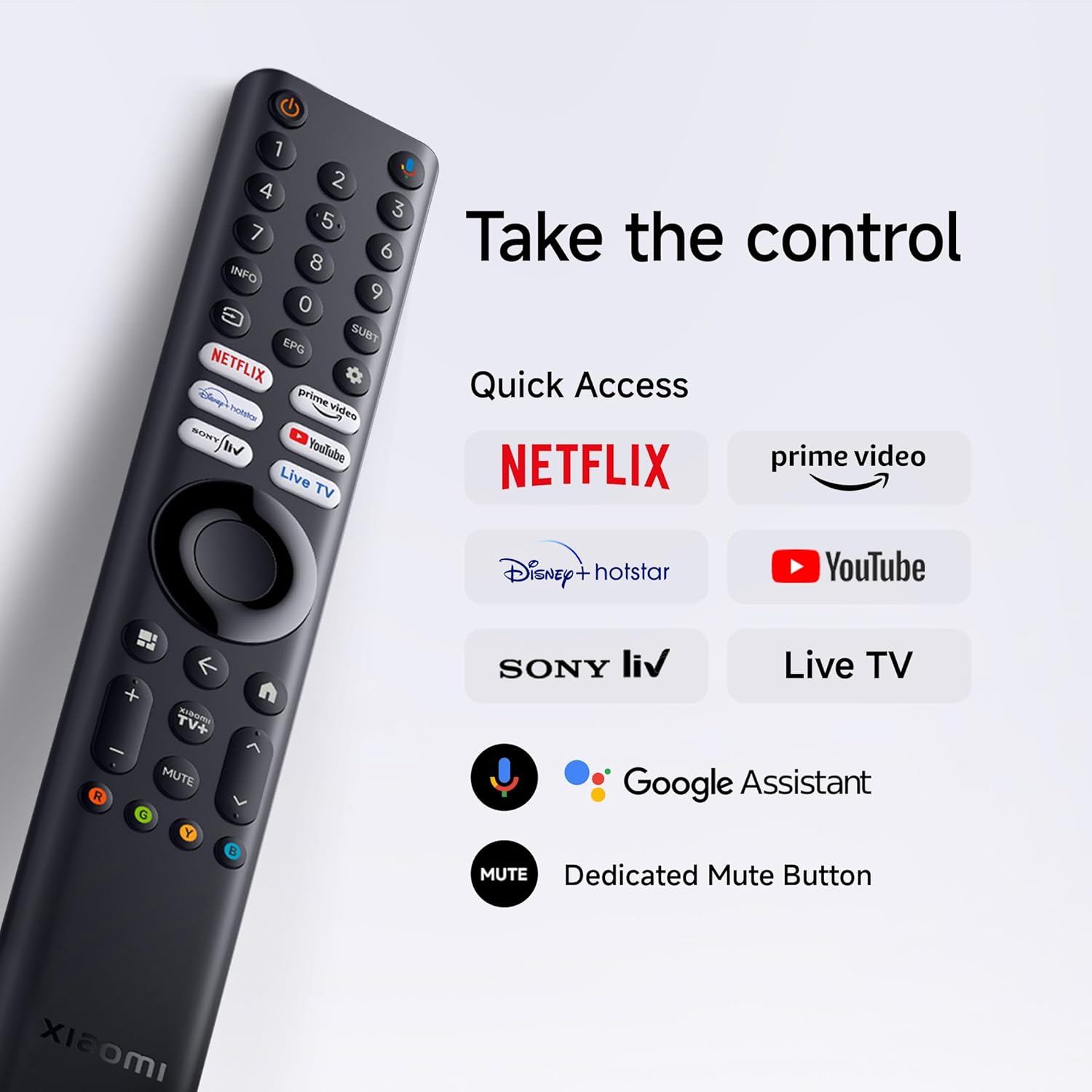
Insert the two AAA batteries into the remote control, observing polarity. The remote allows navigation, volume control, channel selection, and quick access to streaming services and Google Assistant.
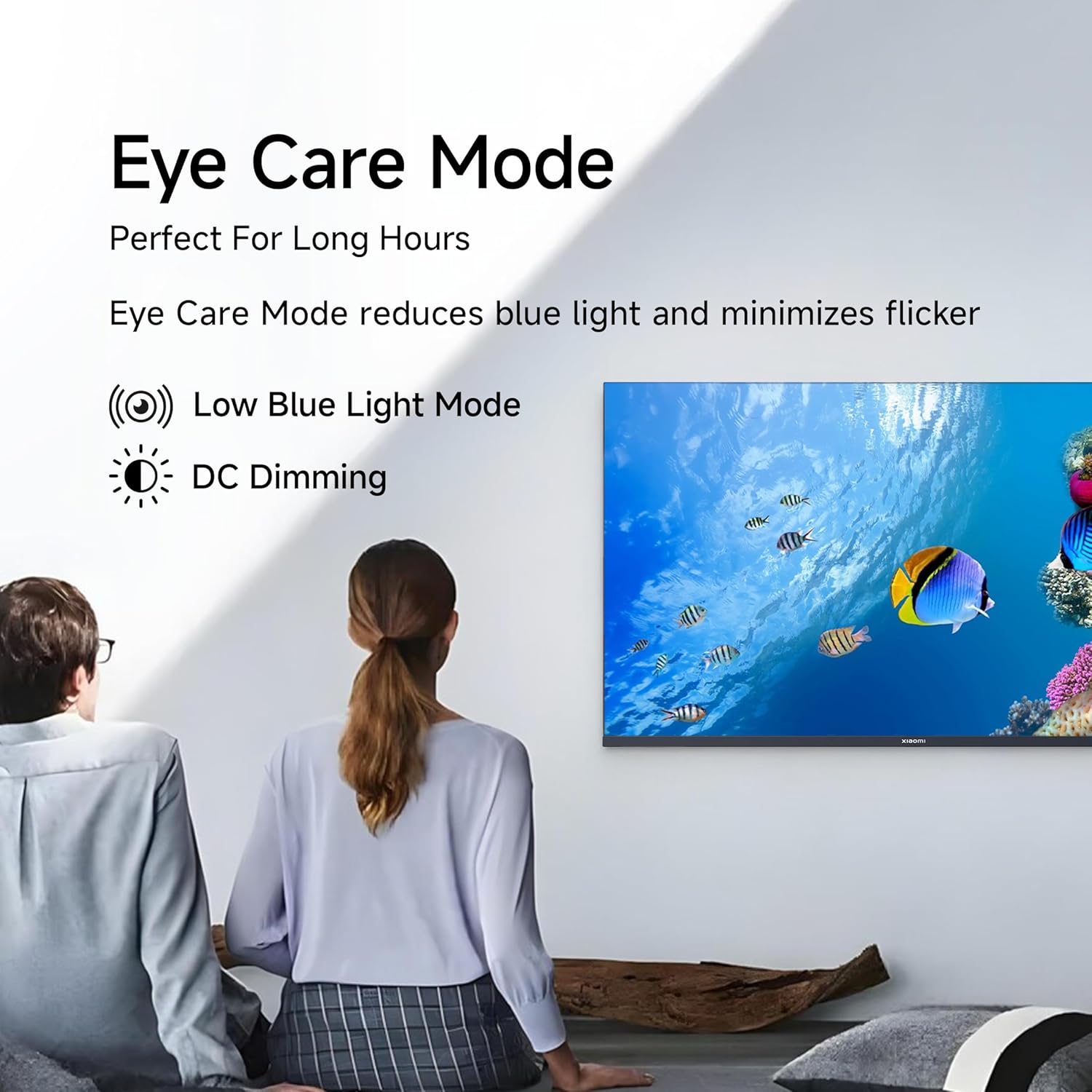
Figure 4.1: Xiaomi Smart TV remote control layout.
- לחצן הפעלה: מפעיל/מכבה את הטלוויזיה או מעביר אותה למצב המתנה.
- משטח ניווט: לניווט בתפריטים.
- לחצן אישור: מאשר בחירות.
- כפתור חזרה: חוזר למסך הקודם.
- כפתור בית: גישה למסך הבית של גוגל TV.
- נפח +/-: מתאים את עוצמת הקול.
- כפתור השתק: השתקה/ביטול השתקת אודיו.
- כפתור העוזר של גוגל: מפעיל את בקרת הקול.
- כפתורי גישה מהירה: Dedicated buttons for Netflix, Prime Video, YouTube, and other streaming services.
4.2 תכונות טלוויזיה חכמה (Google TV)
Your TV runs on Android 14 OS with Google TV, offering a personalized entertainment experience.

איור 4.2: מעלview of Google TV features.
- ממשק משתמש קודם כל של תוכן: Prioritizes content discovery.
- מקצוען אישיfiles: צור מקצוען אישיfileלקבלת המלצות מותאמות אישית.
- Google Assistant: השתמש בפקודות קוליות לחיפוש, שליטה ומידע.
- Chromecast Built-in: העבר תוכן ממכשירים ניידים תואמים.
- רשימת מעקב: Keep track of movies and shows you want to watch.
- מצב אווירה: הצג תמונות או מידע שימושי כאשר הטלוויזיה במצב סרק.
- ילדים פרוfile: Curated content and parental controls for children.
- המלצות: הצעות מותאמות אישית המבוססות על שלך viewיצירת הרגלים.
4.3 יישומים נתמכים
The TV comes with pre-installed applications and supports downloads from the Google Play Store. Popular supported apps include Netflix, Prime Video, YouTube, JioCinema, JioHotstar, SonyLiv, and Zee5.

איור 4.3: דוגמהamples of supported streaming applications.
5. תכונות תצוגה
Experience enhanced visuals with the following display technologies:
- תצוגת QLED: Quantum Dot technology delivers vivid, vibrant, and sharp picture quality.
- HD Ready (1366 x 768) Resolution: מספק תמונות ברורות ומפורטות.
- תמיכה ב-HDR 10 ו-HLG: Enhances contrast and color accuracy for compatible content.
- מנוע תמונה חי 2: Proprietary technology that fine-tunes every frame for improved clarity and realism.
- סולם צבעים רחב: Offers a broad spectrum of colors (up to 16.7 million) for rich and vivid visuals.
- מצב נוחות עיניים: Reduces blue light and minimizes flicker for comfortable long-term viewing.
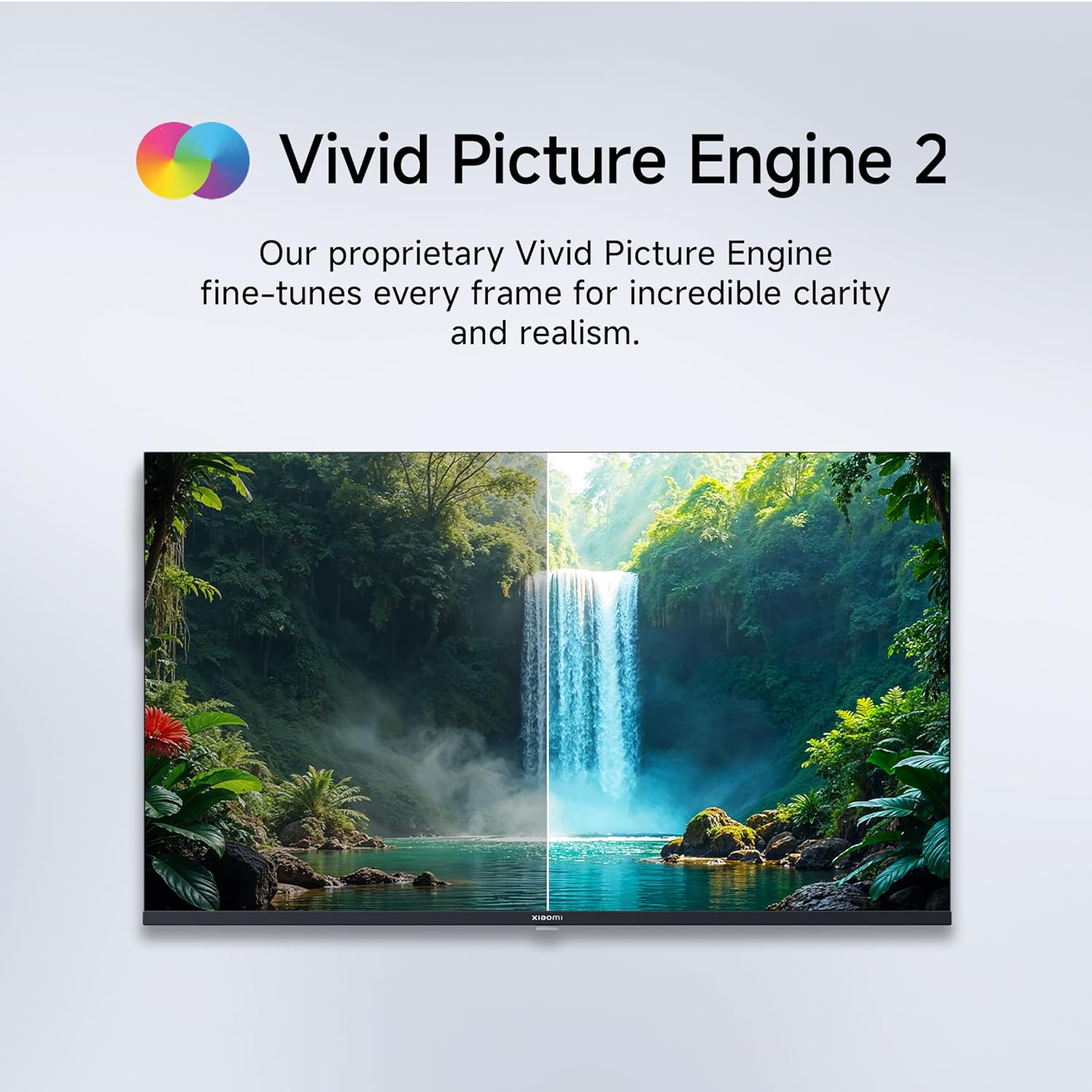
Figure 5.1: Quantum Clarity for exceptional contrast and color.
Figure 5.2: Vivid Picture Engine 2 for enhanced realism.
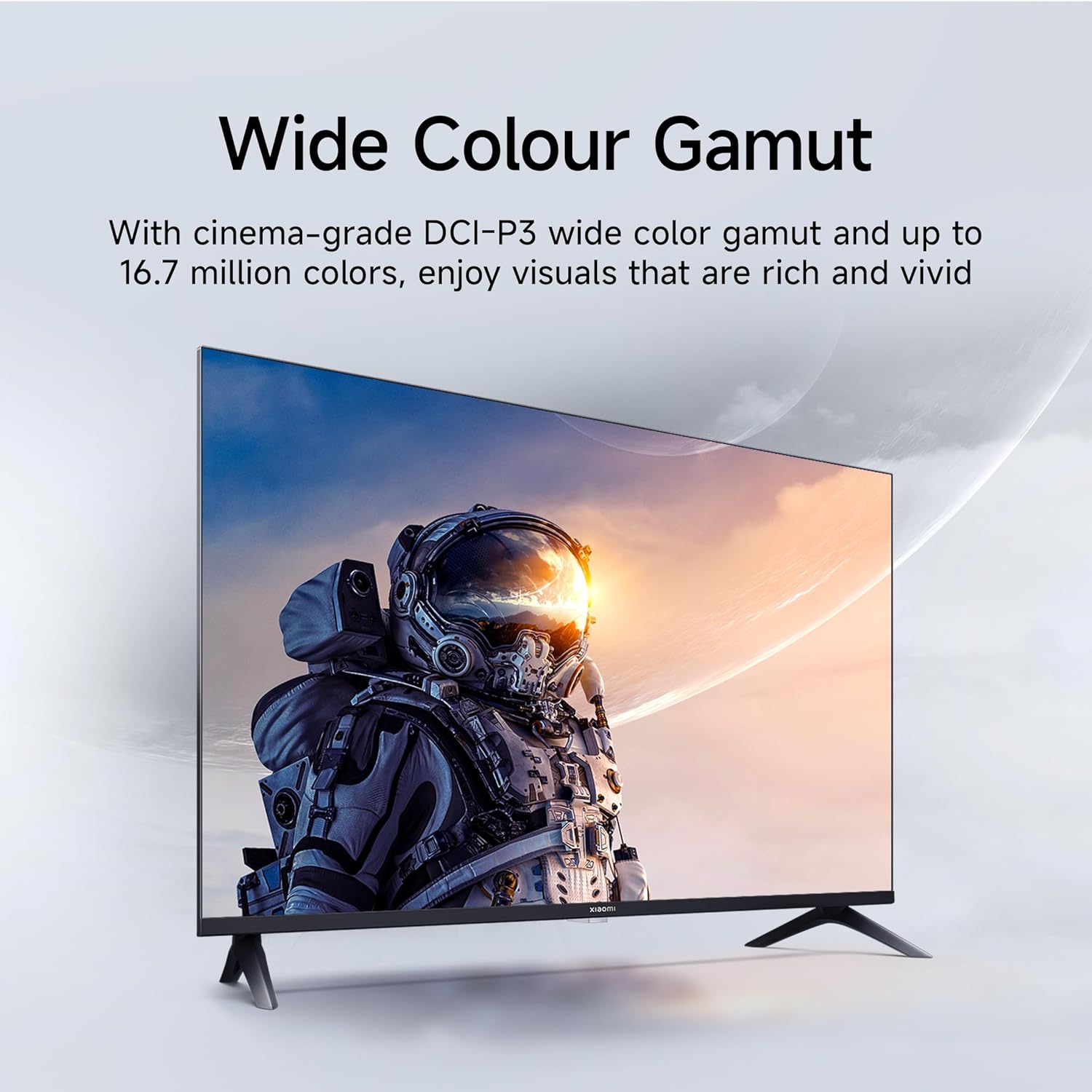
Figure 5.3: Eye Care Mode for reduced eye strain.
6. תכונות אודיו
Your TV is equipped with advanced audio technologies for an immersive sound experience:
- תפוקה של 20 וואט: רמקולי סטריאו רבי עוצמה מספקים צליל צלול ודינמי.
- Dolby Audio: Provides rich, clear, and powerful sound for movies, shows, and games.
- DTS-X ו-DTS Virtual:X: Creates a multi-dimensional audio experience, simulating surround sound without additional speakers.
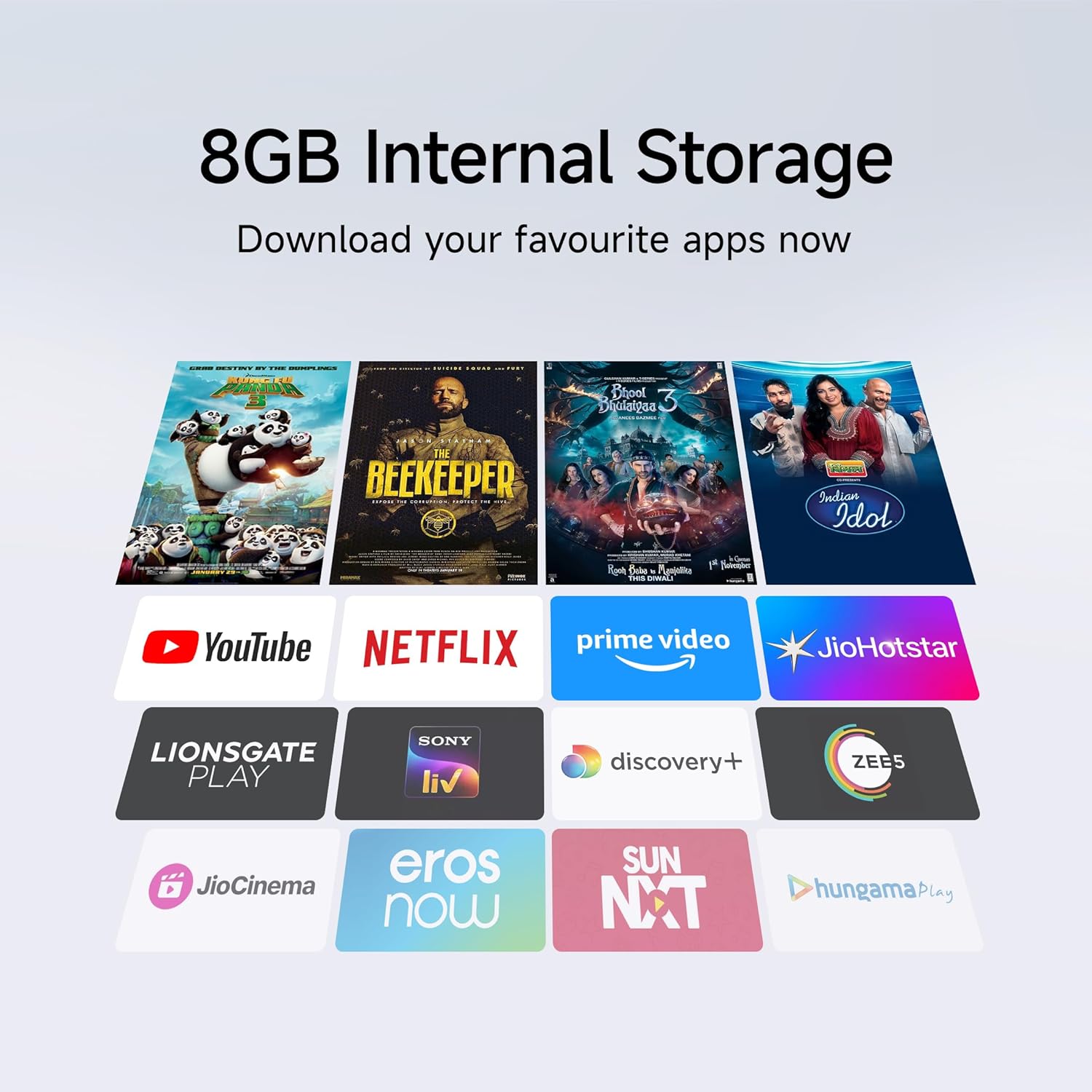
Figure 6.1: Enhanced audio experience with 20W speakers and Dolby/DTS technologies.
7. קישוריות
The TV offers various options for connecting to networks and other devices:
- Wi-Fi כפול-פס: Connect wirelessly to your home network (2.4GHz and 5GHz).
- אתרנט: עבור חיבור אינטרנט קווי יציב.
- בלוטות': Connect wireless headphones, speakers, or other Bluetooth-enabled accessories.
- HDMI (x2) with ARC: Audio Return Channel (ARC) allows audio to be sent from the TV to a compatible sound system via a single HDMI cable.
- USB (x2): For connecting external storage.
8. תחזוקה
8.1 ניקוי הטלוויזיה
- תמיד נתקו את הטלוויזיה מהחשמל לפני ניקוי.
- השתמש במטלית רכה, יבשה ונטולת סיבים כדי לנגב את המסך והמארז.
- עבור סימנים עקשניים, ליטוש קלותampנקו את המטלית במים או בחומר ניקוי מיוחד למסכים (הימנעו מכימיקלים חזקים).
- אין לרסס נוזל ישירות על הטלוויזיה.
8.2 טיפול כללי
- הימנע מהנחת חפצים כבדים על הטלוויזיה.
- יש להגן על הטלוויזיה מפני טמפרטורות ולחות קיצוניים.
- If moving the TV, ensure it is properly supported and handled to prevent damage.
9. פתרון תקלות
לפני יצירת קשר עם תמיכת הלקוחות, נסה את הפתרונות הנפוצים הבאים:
| בְּעָיָה | סיבה אפשרית | פִּתָרוֹן |
|---|---|---|
| אין כוח | כבל החשמל מנותק; בעיה בשקע החשמל | בדוק את חיבור כבל החשמל; בדוק את השקע עם מכשיר אחר. |
| אין תמונה, אבל יש קול | מקור קלט שגוי; כבל HDMI/AV רופף | Press the "Input" button on the remote to select the correct source; Reconnect cables securely. |
| אין קול, אבל יש תמונה | עוצמת הקול מושתקת או נמוכה מדי; בעיה בהתקן שמע חיצוני | בטל השתקה או הגברת עוצמת הקול; בדוק חיבורים למערכות שמע חיצוניות. |
| השלט רחוק לא עובד | סוללות ריקות; חסימה בין השלט לטלוויזיה | החלף סוללות; הסר כל מכשול. |
| לא ניתן להתחבר ל-Wi-Fi | סיסמה שגויה; בעיית נתב; טלוויזיה רחוקה מדי מהנתב | Verify Wi-Fi password; Restart router; Move TV closer or use Ethernet. |
10. מפרטים
| תכונה | פְּרָט |
|---|---|
| מותג | שיאומי |
| דֶגֶם | L32MB-APIN |
| גודל מסך | 32 אינץ '(80 ס"מ) |
| טכנולוגיית תצוגה | QLED |
| הַחְלָטָה | מוכן ל-HD (1366 x 768 פיקסלים) |
| קצב רענון | 60 הרץ |
| מַעֲרֶכֶת הַפעָלָה | Android 14 OS, Google TV |
| זיכרון RAM | 1 ג'יגה-בייט |
| אחסון פנימי | 8 ג'יגה-בייט |
| מעבד | A53 Quad Core Processor |
| פלט אודיו | 20 וואט |
| טכנולוגיות אודיו | דולבי אודיו, DTS-X, DTS וירטואלי:X |
| קישוריות | Dual Band Wi-Fi, Bluetooth, 2 x HDMI (ARC), 2 x USB, Ethernet, 3.5mm Audio, AV Input |
| Viewזווית | 178 מעלות |
| מידות המוצר (LxWxH) | 19.8 x 71.6 x 46.9 ס"מ (עם מעמד) |
| משקל פריט | 3.2 ק"ג |
| שנת דגם | 2025 |

איור 10.1: מידות ומשקל המוצר.

Figure 10.2: A53 Quad Core Processor for optimal performance.

Figure 10.3: Energy efficiency label.
11. אחריות ותמיכה
11.1 מידע אחריות
טלוויזיית ה-Xiaomi שלך מגיעה עם אחריות מקיפה ל-1 שנים על המוצר ועל אחריות נוספת לשנה על הפאנל, provided by the brand from the date of purchase. Please retain your purchase receipt for warranty claims.
11.2 תמיכת לקוחות
For technical assistance, service requests, or warranty claims, please contact Xiaomi customer support. Refer to the official Xiaomi webבאתר או במסמכי הרכישה שלך לקבלת פרטי הקשר העדכניים ביותר.


