1. הקדמה
The Nothing Ear (3) wireless earbuds are designed to provide a high-quality audio experience with advanced features for various activities. This manual provides essential information for setting up, operating, and maintaining your earbuds.
2. מה בקופסה
- Nothing Ear (3) Earbuds
- נרתיק טעינה אלחוטי
- כבל USB-C ל-USB-C
- Eartips (XS / S / L)
- מדריך למשתמש
- מידע בנושא בטיחות ואחריות

Image: All items included in the Nothing Ear (3) product packaging.
3. התקנה
3.1 צימוד ראשוני
- Ensure your Nothing Ear (3) earbuds are in the charging case and the case is charged.
- Open the charging case lid. The indicator light should begin to flash, indicating pairing mode.
- On your device (smartphone, tablet, laptop), go to Bluetooth settings and select "Nothing Ear (3)" from the list of available devices.
- פעל לפי כל ההנחיות שעל המסך כדי להשלים את תהליך ההתאמה.
3.2 Nothing X App Installation
For full functionality and customization, download the Nothing X app from your device's app store. The app allows you to adjust EQ settings, manage Active Noise Cancellation, customize controls, and access other advanced features.

Image: The Nothing X App provides comprehensive control over your Ear (3) earbuds.
4. הוראות הפעלה
4.1 פקדי מגע
The Nothing Ear (3) features intuitive pinch controls on the earbud stems. These controls can be customized via the Nothing X app.
- Single Pinch: השמעה/השהיה של אודיו, מענה/סיום שיחה.
- Double Pinch: Skip forward, Decline incoming call.
- Triple Pinch: דלג אחורה.
- Pinch & Hold: Toggle Noise Control (ANC/Transparency/Off).
- Double Pinch & Hold: Volume down (customizable).
4.2 ביטול רעשים אקטיבי (ANC) ומצב שקיפות
The earbuds offer up to 45 dB of Smart Hybrid ANC to reduce ambient noise. Transparency Mode allows you to hear your surroundings without removing the earbuds.
- מצבי החלפה: Use the Pinch & Hold gesture on either earbud to cycle through ANC, Transparency, and Off modes.
- ANC אדפטיבי: The Nothing X app allows for adaptive ANC settings, adjusting noise cancellation levels based on your environment.

Image: Visualizing the noise control features of Nothing Ear (3).
4.3 Super Mic Feature
The charging case integrates a dual-microphone system, called Super Mic, designed to enhance voice clarity by targeting your voice and reducing background noise up to 95 dB during calls.
- הַפעָלָה: Press and hold the 'TALK' button on the charging case. For optimal clarity in loud settings, hold the case within 5cm of your mouth.
- Quick Commands: Hold the 'TALK' button for quick commands.
- Extended Conversations: Double-tap the 'TALK' button to lock it for longer conversations.
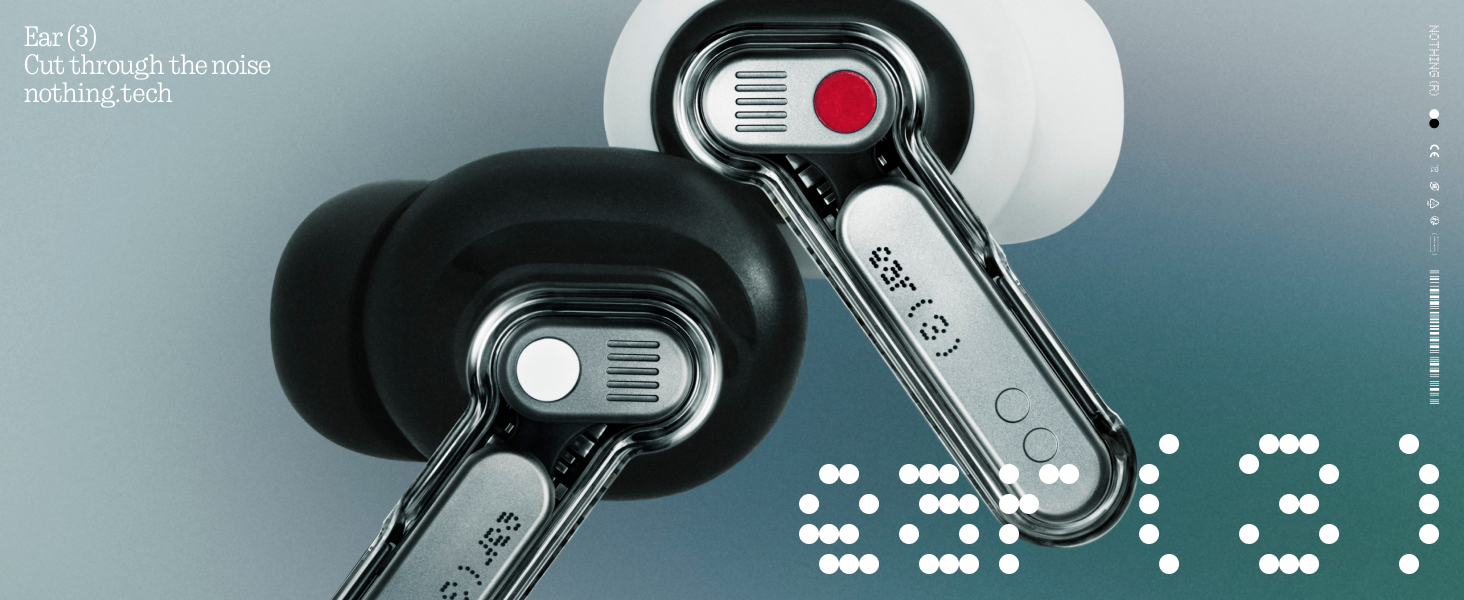
Image: The Super Mic feature in use for clear communication.
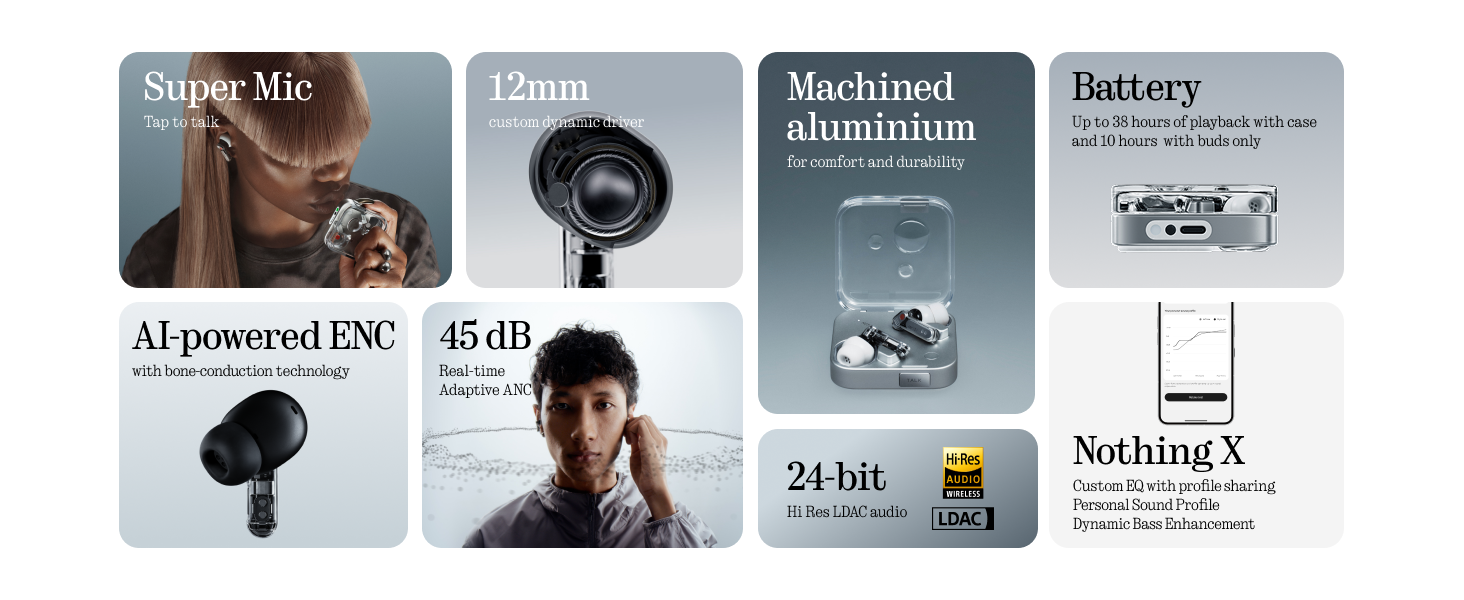
Image: The 'TALK' button on the charging case for Super Mic activation.
4.4 אודיו מרחבי
Experience immersive sound with Spatial Audio. This feature can be toggled between 'Fixed' and 'Off' modes within the Nothing X app.
4.5 Low Lag Mode (Gaming)
Activate Low Lag Mode via the Nothing X app for optimized audio synchronization during gaming sessions on compatible devices.
4.6 חיבור כפול
The earbuds support Bluetooth 5.4 with Dual Connect, allowing seamless switching between two paired devices (e.g., phone and laptop).
5. טעינה וסוללה
The Nothing Ear (3) provides up to 10 hours of continuous playback, with a total of 38 hours using the charging case. A quick 10-minute charge can provide an additional 10 hours of use.
- טעינה קווית: Use the provided USB-C to USB-C cable to charge the case.
- טעינה אלחוטית: מארז הטעינה תומך בטעינה אלחוטית.

Image: Battery life and charging capabilities of Nothing Ear (3).
6. תחזוקה וטיפול
- עמידות במים: The earbuds have an IP54 rating, making them water resistant and suitable for workouts and light rain. The charging case also has an IP54 rating.
- ניקוי: Regularly clean the earbuds and charging case with a soft, dry cloth. Ensure no moisture enters the charging ports or speaker grilles.
- קצות אוזניים: Remove and clean eartips periodically. Replace them if they show signs of wear or damage.
7. פתרון תקלות
- אין צליל: ודאו שהאוזניות טעונות, מחוברות כראוי ושהעוצמה גבוהה גם באוזניות וגם במכשיר שלכם.
- בעיות זיווג: Place earbuds back in the case, close the lid, then open it again to re-enter pairing mode. Forget the device on your phone's Bluetooth settings and try pairing again.
- ANC לא עובד: Check ANC settings in the Nothing X app. Ensure eartips provide a good seal.
- איכות שיחה ירודה: Ensure Super Mic is activated correctly in noisy environments. Check earbud microphone grilles for obstructions.
- בעיות באפליקציה: Ensure the Nothing X app is updated to the latest version. Restart the app or your device if problems persist.
8. מפרטים
| שם הדגם | Nothing Ear (3) |
| מספר דגם של פריט | B173 |
| בקרת רעש | ביטול רעשים היברידי אקטיבי (עד 45 dB) |
| טכנולוגיית קישוריות | בלוטות' 5.4, אלחוטי |
| גודל מנהל התקן שמע | דרייבר דינמי של 12 מילימטרים |
| רמת עמידות במים | IP54 (Earbuds & Case) |
| חיי סוללה (אוזניות) | עד 10 שעות |
| חיי סוללה כוללים (עם מארז) | עד 38 שעות |
| טעינה מהירה | טעינה של 10 דקות ל-10 שעות נגינה |
| טעינה אלחוטית | נתמך |
| מיקרופונים | 6 HD Microphones (earbuds), Dual-Microphone System (case for Super Mic) |
| חוֹמֶר | אלומיניום, פלסטיק |
| משקל פריט | 71.4 Grams (Case) |
9. סרטון מוצר רשמי
וידאו: סיום רשמיview of the Nothing Ear (3) Wireless Earbuds, highlighting key features like 45dB Hybrid ANC.
10. אחריות ותמיכה
For warranty information and customer support, please refer to the 'Safety and Warranty Information' document included in your product packaging or visit the official Nothing webאֲתַר.


