1. הקדמה
This manual provides essential information for the safe and efficient operation of your SWOFY M503Pro MP3 Player. Please read it thoroughly before using the device to ensure optimal performance and longevity.
2. מידע בטיחות
- Use ONLY the 5V/1A USB-C charger provided or a compatible charger. Fast chargers may cause overheating or permanent battery damage.
- הימנעו מטעינה באור שמש ישיר, בסביבות לחות או בקרבת מקורות חום.
- אם המכשיר מתחמם במהלך הטעינה, נתקו אותו מיד מהחשמל ותנו לו להתקרר באזור מאוורר היטב.
- Operating Temperature: 0°C to 35°C. Storage Temperature: -10°C to 45°C.
- אין לחשוף לנוזלים, חול או לחץ קיצוני (למשל, ישיבה על המכשיר).
3. תכולת החבילה
ודא שכל הפריטים נמצאים בחבילה:
- SWOFY M503Pro MP3 Player
- כבל טעינה USB-A ל-USB-C
- Wired Earphones (3.5mm jack)
- תיק מגן
- מגן מסך
- מדריך למשתמש
- כרטיס Micro SD בנפח 64GB (מותקן מראש או כלול בנפרד)
4. המכשיר נגמרview

איור 1: חזית ואחורה view of the SWOFY M503Pro MP3 Player, showcasing its sleek design and 4-inch touch screen.
כפתורים ויציאות פיזיים
- לחצן הפעלה: Located on the side, press and hold to power on/off or short press to lock/unlock the screen.
- לחצני עוצמת הקול: Located on the side, use to adjust audio volume.
- אפס חור: A small pinhole for resetting the device if it becomes unresponsive.
- יציאת USB-C: לטעינה והעברת נתונים.
- פלט שמע 3.5 מ"מ: לחיבור אוזניות חוטיות.
- חריץ לכרטיס מיקרו SD: להרחבת אחסון עד 512GB.
- רַמקוֹל: רמקול מובנה להשמעת שמע ללא אוזניות.

איור 2: צד view of the MP3 player, highlighting the power button, volume controls, and Micro SD card slot.
איור 3: תחתון view of the MP3 player, showing the USB-C port, 3.5mm audio jack, and speaker grille.
5. התקנה
5.1 טעינה ראשונית
Before first use, fully charge the device. Connect the provided USB-C cable to the player and a 5V/1A USB charger. A full charge typically takes approximately 2.5 hours.
5.2 הפעלה/כיבוי
- הפעלה: לחץ והחזק את לחצן ההפעלה למשך 3 שניות.
- כיבוי: לחץ והחזק את לחצן ההפעלה, ולאחר מכן בחר 'כיבוי' על המסך.
- נעילת מסך/ביטול נעילה: לחיצה קצרה על לחצן ההפעלה.
5.3 תצורה ראשונית
Upon first power-on, follow the on-screen prompts to set up the device:
- בחר את השפה המועדפת עליך.
- הגדר את אזור הזמן והתאריך.
- אשר את תנאי השירות ומדיניות הפרטיות של גוגל כדי להפעיל את שירותי Google Play.
5.4 התחברות ל-Wi-Fi
- עבור אל הגדרות > רשת ואינטרנט > Wi-Fi.
- הפעל את ה-Wi-Fi.
- בחר את הרשת הרצויה מהרשימה והזן את הסיסמה במידת הצורך.
- The device supports dual-band Wi-Fi (2.4G/5G) for stable connectivity.
5.5 התחברות להתקני בלוטות'
- עבור אל הגדרות > מכשירים מחוברים > בלוטות'.
- הפעל את ה-Bluetooth.
- The device will scan for available Bluetooth devices.
- Select your Bluetooth headphones, speaker, or other device to pair.
- The player automatically connects to the last paired device.
Video 1: Demonstrates the Bluetooth and Wi-Fi connectivity features of the SWOFY M503Pro MP3 Player, showing how to pair with external devices.
5.6 Inserting Micro SD Card
The device comes with 80GB of internal storage (2GB RAM + 16GB ROM + 64GB card). You can expand storage up to 512GB using a Micro SD card.
- Locate the Micro SD card slot on the side of the device.
- הכנס בעדינות את כרטיס ה-Micro SD לתוך החריץ עד שייכנס למקומו בנקישה.
- כדי להוציא, דחפו בעדינות את הכרטיס פנימה עד שייחלץ.

Figure 4: Illustrates the large capacity memory of the MP3 player, including the Micro SD card slot for expandable storage.
6. הוראות הפעלה
6.1 ניווט
The device features a 4-inch 1080P HD full-color touch screen for intuitive navigation. Swipe left/right to browse apps and tap to select.
6.2 השמעת מוזיקה
The SWOFY M503Pro supports various music formats including MP3, OGG, FLAC, AAC, WAV, WMA, and APE. Use the pre-installed HiByMusic app for offline playback or streaming apps like Spotify and Amazon Music.
- סאונד HiFi ללא אובדן נתונים: Enjoy premium audio quality.
- רמקול מובנה: Play music or videos without headphones.
- אקולייזר מותאם אישית: התאם את הגדרות הצליל להעדפתך.
- Playlist Creation: Organize your music into custom playlists.
- Synchronized Lyrics: View lyrics while music plays.
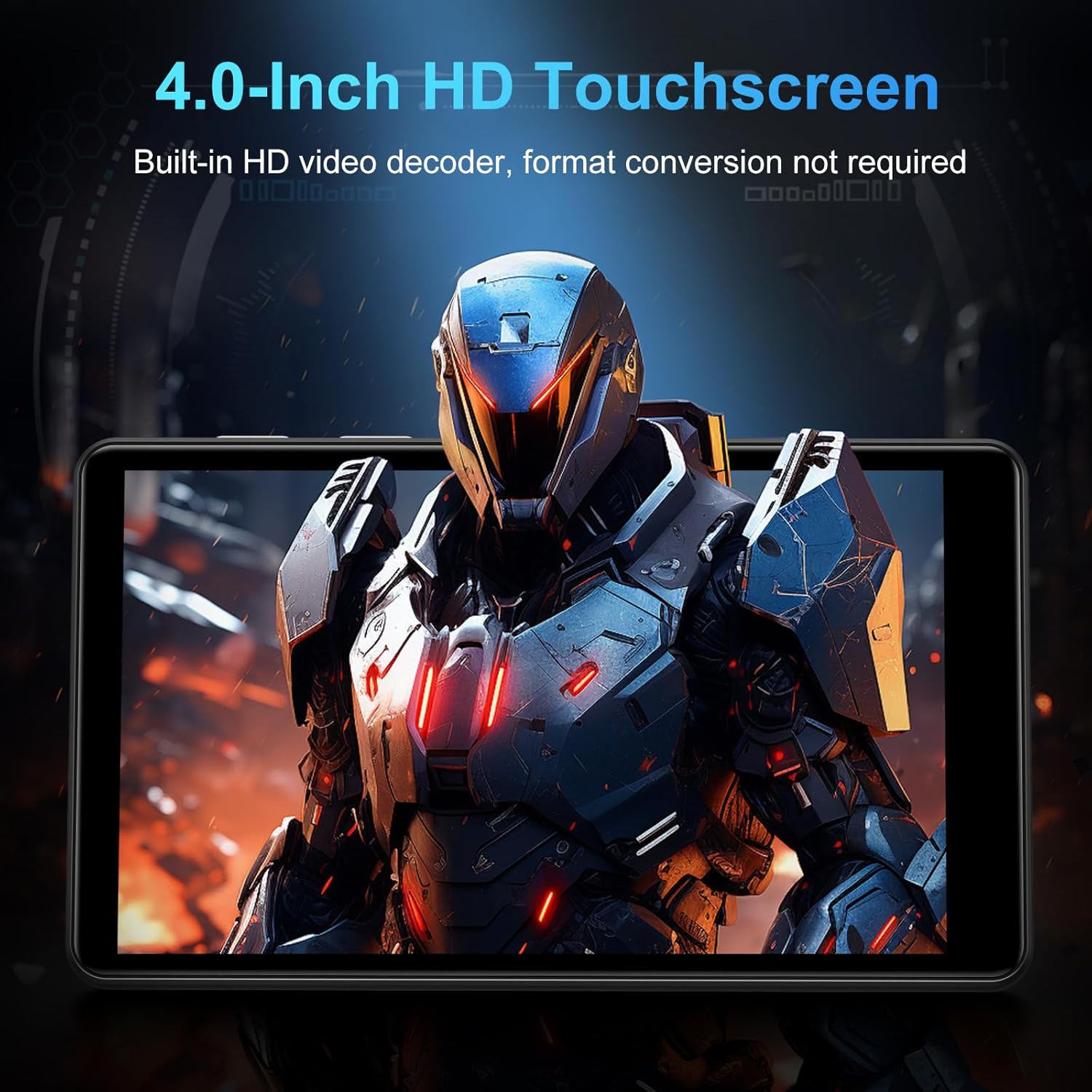
Figure 5: The MP3 player displaying music playback on its screen, with a user wearing headphones, emphasizing HiFi lossless sound quality.
6.3 הפעלת וידאו
The 4-inch 1080P HD screen allows direct online or offline playback of 720P and 1080P videos without format conversion. Supported video formats include RM, RMVB, FLV, MP4, DAT, MKV, MPG, MOV, and TS.

Figure 6: The MP3 player displaying a video on its 4-inch HD screen, demonstrating its video playback capabilities.
6.4 יישומים מותקנים מראש
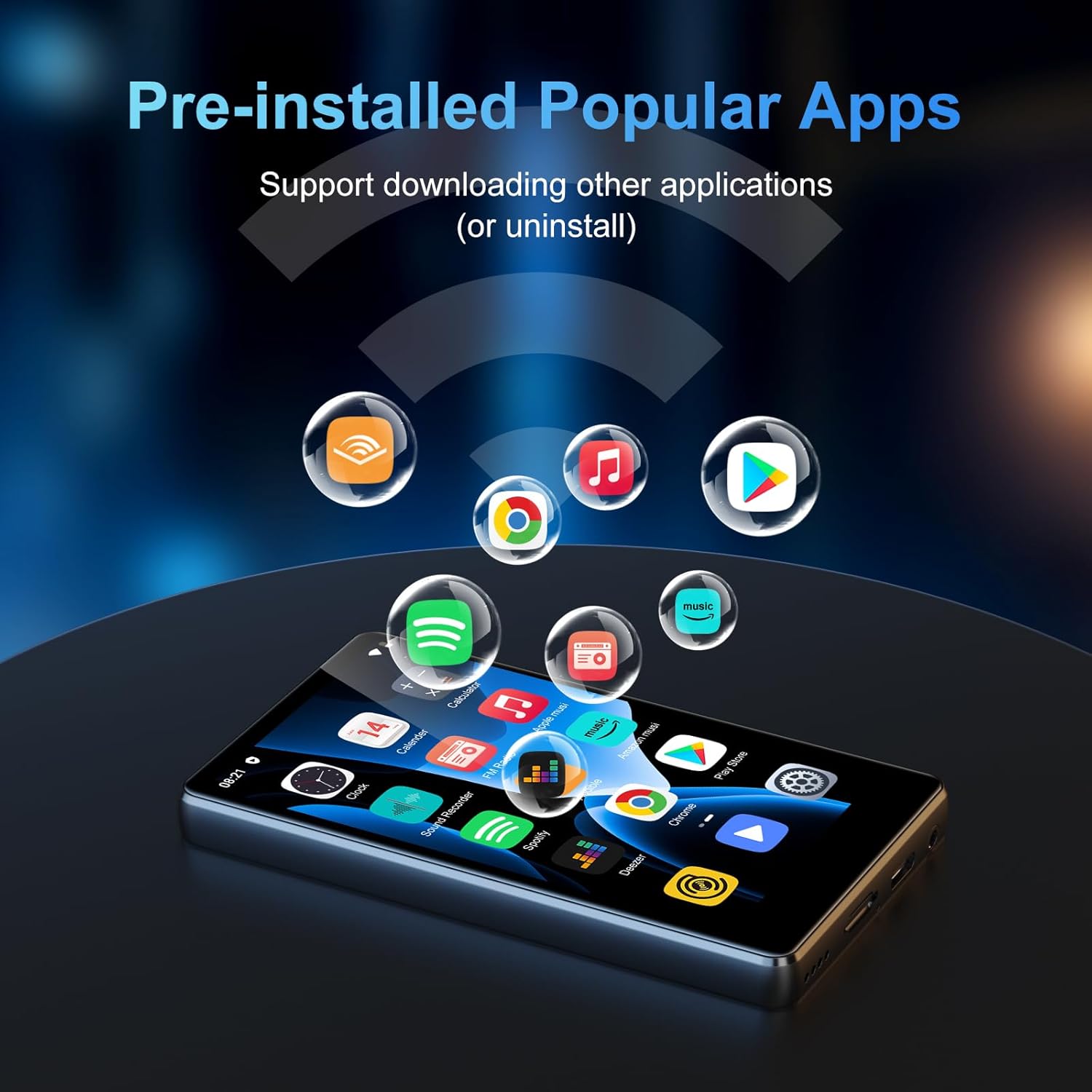
The device comes with a rich lineup of pre-installed mainstream media apps and practical tools:
- Apple Music, Spotify, Audible, Amazon Music, Deezer
- FM Radio, Video Player, Calendar, Sound Recorder
- דפדפן (Chrome)
- Google Play Store (for downloading additional apps)

Figure 7: The MP3 player's screen displaying various pre-installed applications like Spotify, Amazon Music, and Audible.
סרטון 2: הצגת סרטון למוכרasing the SWOFY M503Pro MP3 Player's interface and various pre-installed applications.
6.5 One-Key Lock Screen and Screenshot
- מסך נעילה: Short press the Power Button to prevent accidental touches.
- צילום מסך: Press and hold the Power Button to capture a screenshot.
7. מפרטים
| תכונה | פְּרָט |
|---|---|
| שם הדגם | M503Pro |
| מספר דגם של פריט | M503 pro-80GB |
| מותג | SWOFY |
| קיבולת אחסון זיכרון | 80 GB (2GB RAM + 16GB ROM + 64GB card) |
| אחסון ניתן להרחבה | עד 512 ג'יגה-בייט באמצעות כרטיס Micro SD |
| גודל מסך | 4 אינץ' |
| טכנולוגיית תצוגה | 1080P HD LCD Touch Screen |
| מַעֲרֶכֶת הַפעָלָה | אנדרואיד 9.0 |
| מעבד | Advanced CPU (Octa-Core) |
| טכנולוגיית קישוריות | Bluetooth, Wi-Fi (Dual-band 2.4G/5G) |
| קיבולת סוללה | 2000mAh |
| זמן השמעת מוסיקה | עד 40 שעות |
| זמן המתנה | 3-5 חודשים |
| יציאת טעינה | USB-C |
| פורמטי שמע | MP3, OGG, FLAC, AAC, WAV, WMA, APE |
| פורמטי וידאו | RM, RMVB, FLV, MP4, DAT, MKV, MPG, MOV, TS |
| משקל פריט | 8.4 אונקיות |
8. פתרון תקלות
8.1 Device Won't Turn On/Is Unresponsive
- Ensure the device is fully charged. Connect to the charger for at least 30 minutes.
- Perform a soft reset: Use a thin pin to press the reset hole on the side of the device.
8.2 אין סאונד
- Check the volume level using the side buttons or on-screen controls.
- Ensure headphones are properly connected if using them. Try a different pair of headphones to rule out faulty earphones.
- If using Bluetooth, ensure the device is properly paired and connected. Try unpairing and re-pairing.
8.3 אפליקציות קורסות או קופאות
- Clear the app's cache: Go to הגדרות > אפליקציות והתראות, select the problematic app, then אחסון ומטמון > נקה את המטמון.
- ודא שיש מספיק שטח אחסון זמין. מחק מיותר. files או אפליקציות.
- הפעל מחדש את המכשיר.
8.4 בעיות קישוריות (Wi-Fi/Bluetooth)
- Ensure Wi-Fi/Bluetooth is enabled in הגדרות.
- הפעל מחדש את המכשיר ואת הנתב/אביזר ה-Bluetooth שלך.
- שכח מהרשת/המכשיר והתחבר מחדש
9. תחזוקה
- נקו את המסך והגוף בעזרת מטלית רכה ויבשה. הימנעו מחומרי ניקוי שוחקים.
- הרחק את המכשיר משדות מגנטיים חזקים.
- אחסן במקום קריר ויבש כאשר אינו בשימוש.
10. אחריות ותמיכה
Your SWOFY M503Pro MP3 Player comes with a standard manufacturer's warranty. For detailed warranty information, technical support, or service inquiries, please refer to the contact information provided in your product packaging or visit the official SWOFY webאֲתַר.


