1. הקדמה
Welcome to the user manual for your DOOGEE Note58 Pro Android 16 Smartphone. This guide provides essential information to help you set up, operate, maintain, and troubleshoot your device. Please read this manual thoroughly to ensure optimal performance and longevity of your smartphone.
2. תכונות עיקריות
- מערכת הפעלה אנדרואיד 16: Experience the latest Android 16 OS, optimized for 64-bit applications, offering enhanced startup and response times. Enjoy a user-friendly interface with features like Private Space for sensitive data and App Pair for efficient multitasking.
- Generous Memory & Storage: Equipped with 32GB RAM (8GB physical + 24GB expandable virtual RAM) and 256GB internal storage, expandable up to 2TB via a TF card. This configuration supports smooth multitasking and ampמקום לכל שלך files.
- Immersive 90Hz HD+ Display: Features a 6.75-inch HD+ IPS display with a 90Hz refresh rate and 1600x720 resolution for a fluid visual experience. Includes two eye-care modes to reduce strain during extended use.
- High-Resolution Camera System: Capture vivid images with the 16MP main camera and natural selfies with the 8MP front camera. Additional depth and macro cameras enhance photographic capabilities.
- סוללה עמידה לאורך זמן: A large 6250mAh battery provides extended usage, allowing you to comfortably use your phone for photography, gaming, and work throughout the day without frequent recharging.
- Advanced Connectivity & Navigation: Supports Bluetooth 5.2 for stable, low-power connections and Wi-Fi 5 for fast data transfer. Integrated GPS, GLONASS, Galileo, and BeiDou systems ensure accurate navigation in diverse environments.
- עיצוב מלוטש: Boasts an ultra-thin 8.6mm profile with a dirt-resistant finish and a smooth sand-textured back cover for a stylish and comfortable grip.
3. התקנה
3.1 הכנסת כרטיסי SIM וכרטיס TF
- אתר את מגש כרטיס ה-SIM בצד המכשיר.
- הכנס את כלי חילוץ ה-SIM המצורף לחור הקטן שליד המגש ודחף בעדינות עד שהמגש ייצא החוצה.
- הכניסו את כרטיסי הננו-סים ו/או כרטיס ה-TF לחריצים המיועדים לכך במגש. ודאו שהמגעים המוזהבים פונים כלפי מטה.
- דחפו בזהירות את המגש בחזרה לתוך המכשיר עד שהוא שטוח.
3.2 הפעלה/כיבוי
- To power on: Press and hold the Power button (located on the right side) until the DOOGEE logo appears.
- כדי לכבות: לחץ והחזק את לחצן ההפעלה, ולאחר מכן בחר "כיבוי" מהאפשרויות שעל המסך.
- כדי להפעיל מחדש: לחץ והחזק את לחצן ההפעלה, ולאחר מכן בחר "הפעלה מחדש" מהאפשרויות שעל המסך.
3.3 אשף ההתקנה הראשונית
Upon first power-on, follow the on-screen instructions to complete the initial setup, including language selection, Wi-Fi connection, Google account login, and security settings.
4. הוראות הפעלה
4.1 מחוות מסך מגע
- בֶּרֶז: Touch the screen once to select an item, open an app, or press a button.
- גע והחזק: Touch and hold an item to access contextual menus or drag items.
- לִגנוֹב: גרור את האצבע על פני המסך כדי לגלול, להחליף מסכים או לסגור התראות.
- קַמצוּץ: השתמשו בשתי אצבעות כדי להגדיל או להקטין את התצוגה של תמונות ו web דפים.
4.2 סרגל ניווט
The navigation bar at the bottom of the screen typically includes:
- כפתור חזרה: חוזר למסך הקודם.
- כפתור בית: חוזר למסך הבית.
- Recents button: מציג יישומים ששימשו לאחרונה.
4.3 תכונות אבטחה
The Note58 Pro supports multiple security options:
- נעילת טביעות אצבע: Register your fingerprint for quick and secure unlocking. The fingerprint sensor is typically integrated into the power button.
- ביטול נעילת פנים: Use the front camera to unlock your device with facial recognition.
- תבנית, קוד סודי, סיסמה: אפשרויות אבטחה סטנדרטיות של אנדרואיד.

Image: Face Unlock and Fingerprint Sensor
5. שימוש במצלמה
The DOOGEE Note58 Pro features a versatile camera system to capture your moments.
5.1 Main Camera (16MP)
The 16MP main camera captures clear and detailed photos. Open the Camera app and select "Photo" mode for standard shots.

Image: Rear Camera Setup
מצלמה קדמית 5.2 (8MP)
The 8MP front camera is ideal for natural-looking selfies and video calls. Switch to the front camera within the Camera app.

תמונה: מצלמה קדמית 8MP
5.3 AI Camera Features
Utilize Google AI Camera features for enhanced photography, including object recognition, text extraction, and scene analysis.

Image: Google AI Camera Features
6. קישוריות
6.1 חיבור Wi-Fi
כדי להתחבר לרשת Wi-Fi:
- עבור אל הגדרות > רשת ואינטרנט > Wi-Fi.
- הפעל את ה-Wi-Fi.
- בחר את הרשת הרצויה מהרשימה והזן את הסיסמה במידת הצורך.

Image: High-Speed Wi-Fi 5
6.2 זיווג בלוטות '
להתאמה עם מכשיר Bluetooth:
- עבור אל הגדרות > מכשירים מחוברים > בלוטות'.
- הפעל את בלוטות'.
- Make sure your other device is in pairing mode.
- Select the device from the list and follow any on-screen prompts.
6.3 פונקציונליות NFC
The Note58 Pro supports NFC for contactless payments and data transfer. Ensure NFC is enabled in settings to use this feature.

Image: Multifunctional NFC
*Note: Mobile payment services like Google Pay may not be supported in all regions.
7. ניהול סוללה
The DOOGEE Note58 Pro is equipped with a 6250mAh large-capacity battery for extended use.
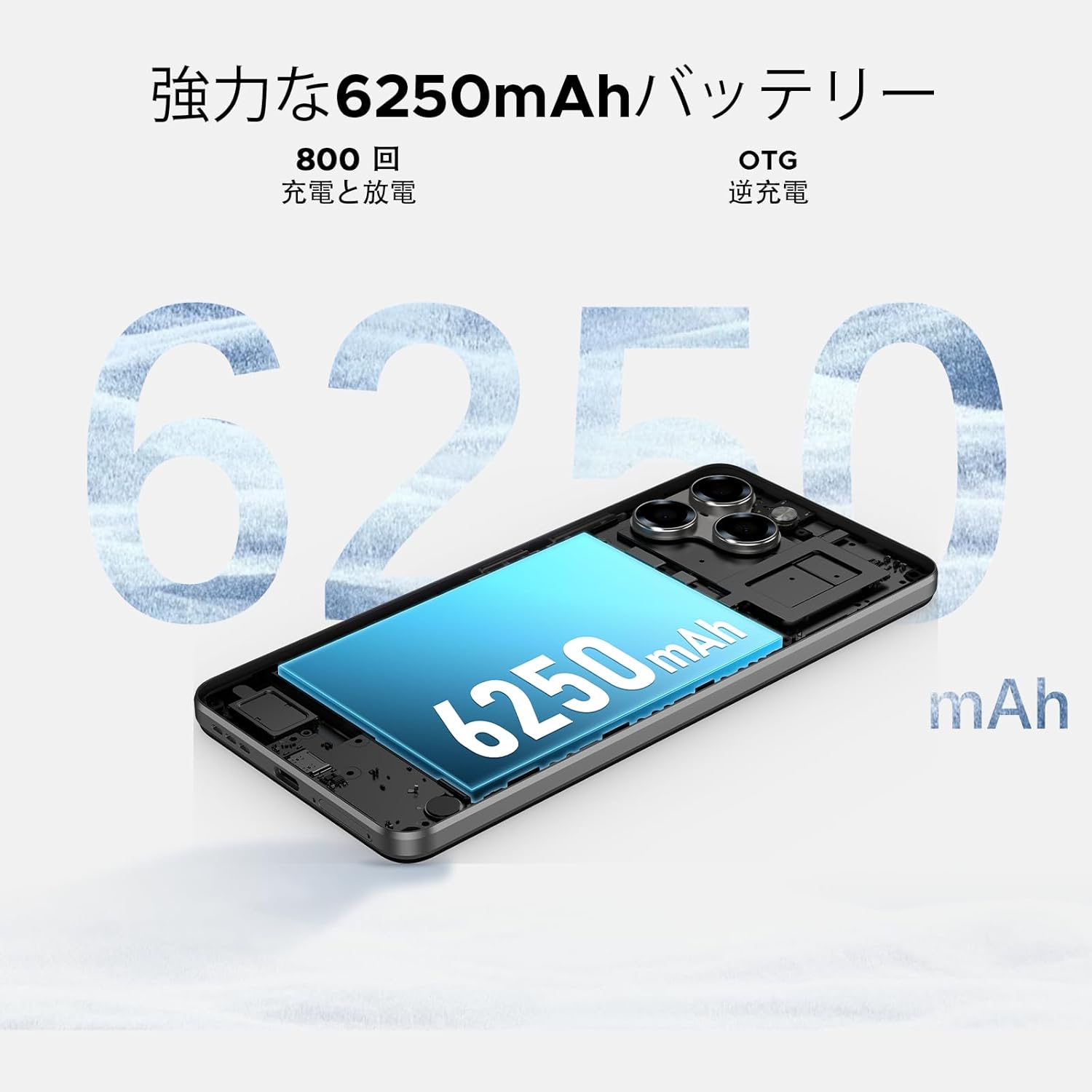
Image: 6250mAh Large Capacity Battery
7.1 טעינת המכשיר שלך
Use the provided Type-C cable and charger to charge your smartphone. Connect the Type-C end to the phone's charging port and the adapter to a power outlet. The battery icon on the screen will indicate charging status.
7.2 אופטימיזציה של סוללה
To maximize battery life, consider the following:
- הפחת את בהירות המסך.
- כבה את Wi-Fi, Bluetooth ו-GPS כאשר אינם בשימוש.
- סגור יישומים ברקע.
- הפעל את מצב חיסכון בסוללה בהגדרות.
8. Storage & Performance
The Note58 Pro offers robust performance and ample storage for your needs.
8.1 זיכרון (RAM)
With 32GB of RAM (8GB physical + 24GB expandable virtual RAM), the device ensures smooth multitasking and efficient app handling, even under heavy usage.
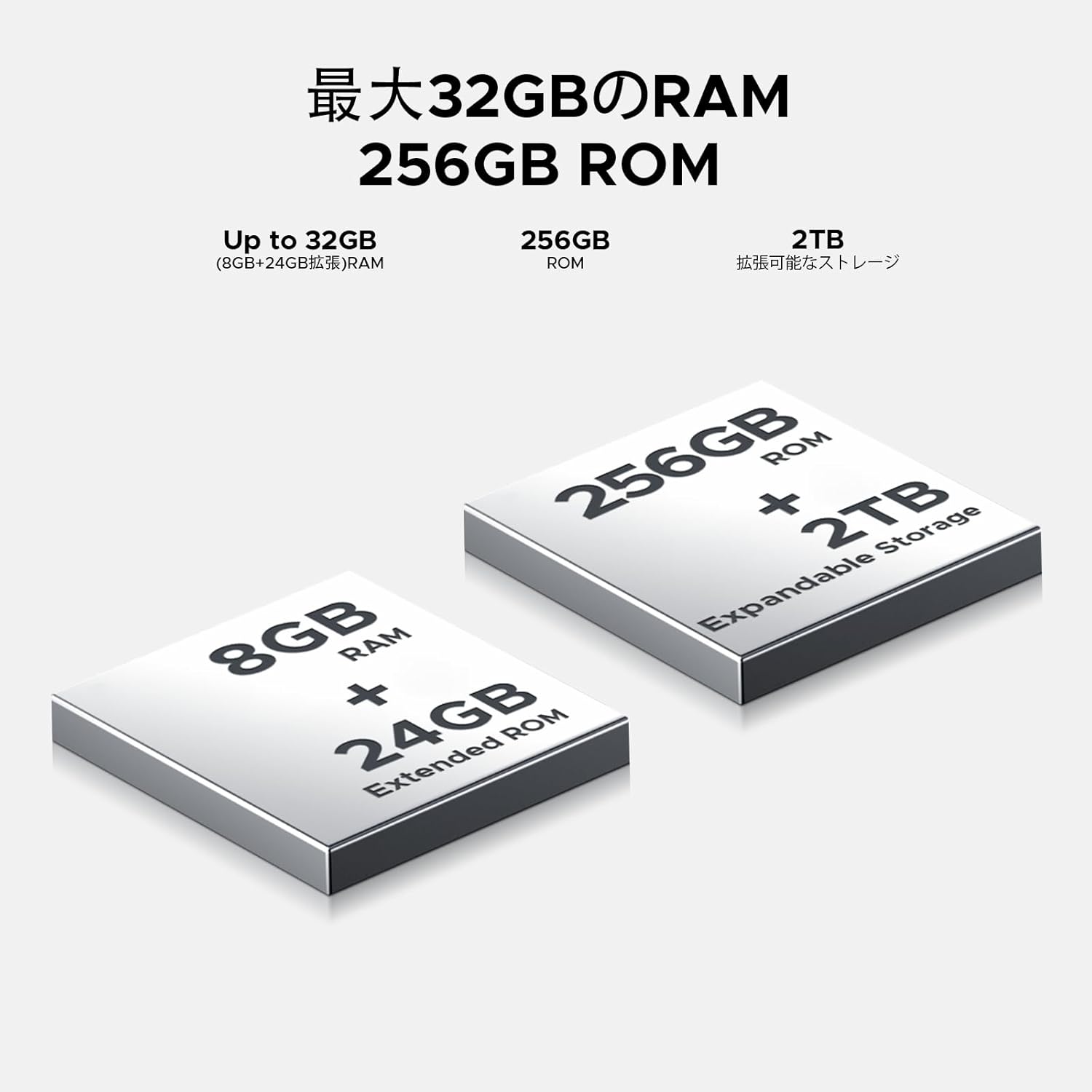
Image: 32GB RAM + 256GB ROM
8.2 Internal Storage (ROM)
The 256GB internal storage provides sufficient space for your apps, photos, and videos. For additional storage, you can expand it up to 2TB using a TF (microSD) card.

Image: 256GB ROM with 2TB Expandable Storage
8.3 מעבד
Powered by the Unisoc T7250 Octa-core processor, the device delivers reliable performance for daily tasks, gaming, and multimedia consumption.

Image: Powerful T7250 Octa-core Processor
9. תצוגה
The DOOGEE Note58 Pro features a 6.75-inch HD+ IPS display with a 90Hz refresh rate, providing a smooth and vibrant visual experience.
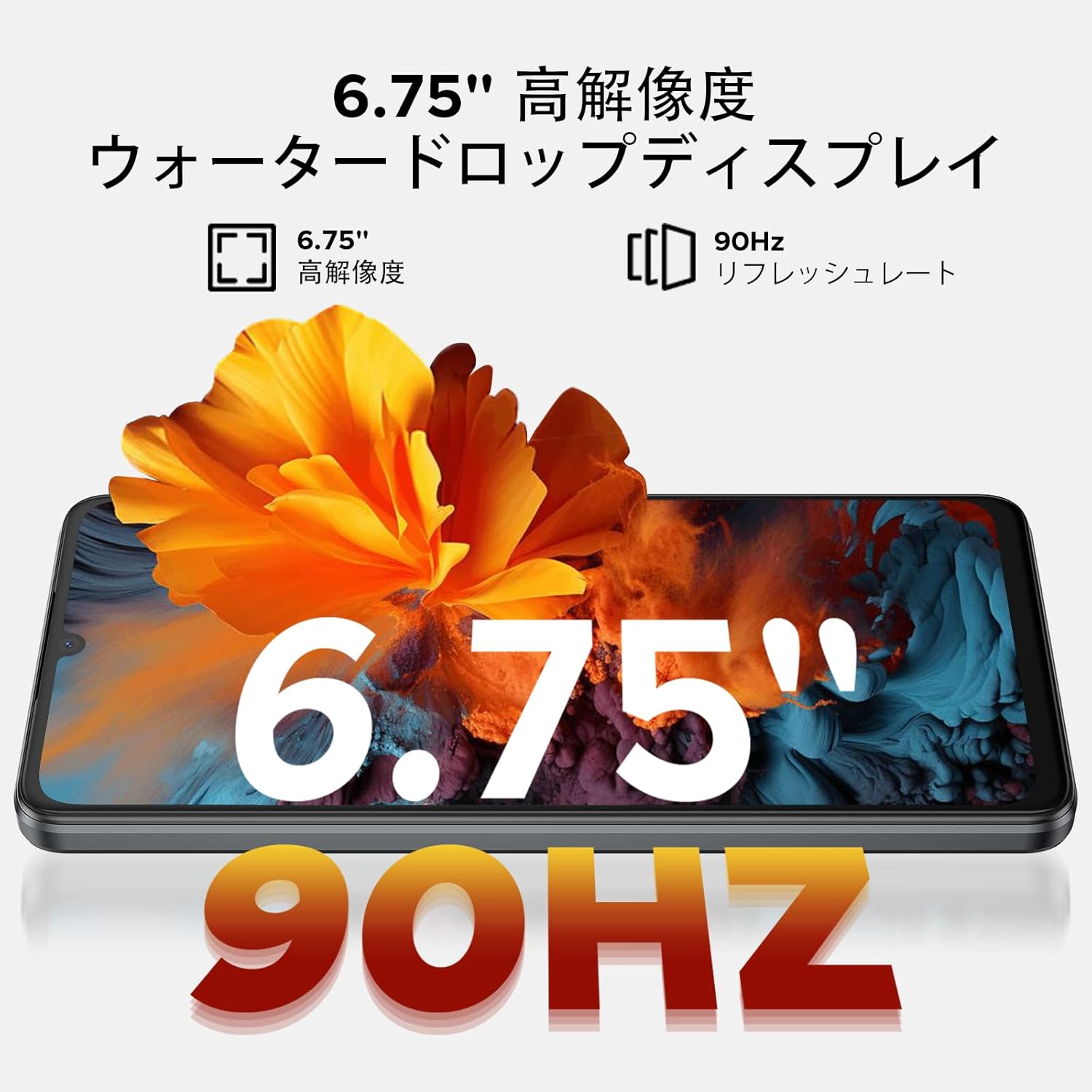
Image: 6.75-inch 90Hz HD+ Display
9.1 Eye-Care Modes
To reduce eye strain, activate the eye-care modes available in the display settings. These modes adjust color temperature to provide a more comfortable viewניסיון, במיוחד בתאורה חלשה.
9.2 תמיכה ב-Widevine L1
The device supports Widevine L1, allowing you to stream high-definition content from popular platforms like Hulu, Amazon Prime Video, and HBO Max.

Image: Seamless Visual Experience with Widevine L1
10. ניווט
The DOOGEE Note58 Pro integrates four major global positioning systems for accurate navigation.

Image: Precise Navigation System
10.1 Supported Systems
- GPS: מערכת מיקום גלובלית
- GLONASS: Globalnaya Navigatsionnaya Sputnikovaya Sistema
- גלילאו: European satellite navigation system
- BeiDou: Chinese satellite navigation system
These systems ensure reliable location tracking and navigation whether you are in urban areas, mountainous regions, or remote locations.
11. תחזוקה
11.1 ניקוי המכשיר שלך
To clean your smartphone, use a soft, lint-free cloth. Avoid using harsh chemicals or abrasive materials, as these can damage the screen and finish. For stubborn smudges, lightly dampנקו את המטלית במים או בחומר ניקוי מסכים המיועד לאלקטרוניקה.
11.2 עדכוני תוכנה
בדוק באופן קבוע אם קיימים עדכוני תוכנה והתקן אותם כדי לוודא שהמכשיר שלך כולל את התכונות, תיקוני האבטחה ושיפורי הביצועים העדכניים ביותר. עבור אל הגדרות > מַעֲרֶכֶת > עדכון מערכת כדי לבדוק אם יש עדכונים.
11.3 ניהול אחסון
מעת לעת מחדשview המאוחסן שלך files and applications. Delete unnecessary items to free up space and maintain optimal device performance. You can also offload large fileלאחסון ענן או לכרטיס TF חיצוני.
12. פתרון תקלות
If you encounter issues with your DOOGEE Note58 Pro, try the following common troubleshooting steps:
- המכשיר לא נדלק: ודא שהסוללה טעונה. חבר את המטען והמתן מספר דקות לפני שתנסה להפעיל שוב.
- אפליקציות קורסות או קופאות: Close the problematic app and reopen it. If the issue persists, restart your device. Clear the app's cache and data in הגדרות > אפליקציות > [שם האפליקציה] > אחסון ומטמון.
- Poor Wi-Fi/Bluetooth connection: Ensure Wi-Fi/Bluetooth is enabled and you are within range of the network/device. Try forgetting the network/device and reconnecting. Restart your router if it's a Wi-Fi issue.
- ביצועים איטיים: Close unnecessary background apps. Clear cached data. Check for available software updates. Consider performing a factory reset as a last resort (back up your data first).
- כרטיס ה-SIM לא זוהה: Ensure the SIM card is correctly inserted and that your carrier's frequency bands are supported by the device. Restart the phone.
- הסוללה מתרוקנת במהירות: Review צריכת סוללה ב הגדרות > סוֹלְלָה to identify power-hungry apps. Reduce screen brightness, disable unnecessary features (GPS, Bluetooth, Wi-Fi), and enable battery saver mode.
אם שלבים אלה אינם פותרים את הבעיה, אנא עיין בסעיף האחריות והתמיכה לקבלת סיוע נוסף.
13. מפרטים
| תכונה | מִפרָט |
|---|---|
| מותג | דוגי |
| מספר דגם | N58 Pro |
| מַעֲרֶכֶת הַפעָלָה | אנדרואיד 16 |
| גודל מסך | 6.75 אינץ' |
| סוג תצוגה | LCD |
| גודל זיכרון RAM מותקן | 32 ג'יגה-בייט |
| קיבולת אחסון זיכרון | 256 ג'יגה-בייט (ניתן להרחבה עד 2 טרה-בייט באמצעות כרטיס TF) |
| קיבולת סוללה | 6250 מיליאמפר/שעה |
| מצלמה ראשית | 16 מגה פיקסל |
| מצלמה קדמית | 8 מגה פיקסל |
| טכנולוגיית קישוריות | Bluetooth 5.2, Wi-Fi 5, 4G Dual SIM, NFC |
| מערכות ניווט | GPS, GLONASS, Galileo, BeiDou |
| משקל פריט | 199 גרם |
| מידות חבילה | 19.2 x 10.4 x 5.2 ס"מ |
| שנת יציאה | 2025 |
14. אחריות ותמיכה
The DOOGEE Note58 Pro comes with a one-year warranty from the date of purchase.
14.1 Frequency Band Compatibility
Before purchase, please verify that the device's supported frequency bands are compatible with your local carrier. Supported bands include:
- GSM: B2/3/5/8
- WCDMAB: 1/2/4/5/8
- זמן יציאה: 38/40/41
- FDD: B1/2/3/4/5/7/8/18/19/20/25/26/28A/28B/66
14.2 תמיכה טכנית
Should you encounter any issues or require technical assistance, please contact our customer support. Our technical specialists are committed to responding within 48 hours.

Image: Customer Service Information
15. תכולת החבילה
The following items are included in your DOOGEE Note58 Pro package:
- 1x DOOGEE Note58 Pro Smartphone
- 1x כבל Type-C
- 1x מטען
- 1x SIM Card Pin
- 1x קופסת אריזה
- 1x כיסוי לטלפון

תמונה: תכולת החבילה
16. אפשרויות צבע
The DOOGEE Note58 Pro is available in the following colors:
- Inkstone Black
- Amber Gold
- Silver (as seen in product videos)

Image: Color Options
17. סרטוני מוצר
17.1 DOOGEE Note58 Pro Overview
Video: This video provides a quick overview of the DOOGEE Note58 Pro, showcasing its unboxing, design, camera features, and multimedia capabilities. It highlights the phone's sleek appearance and user experience.


