1. הקדמה
This manual provides detailed instructions for the installation, operation, and maintenance of your MOES WHT-9000-MS Smart Programmable Thermostat. This device is designed for controlling 120V/240V electric baseboard heaters and offers smart features including Wi-Fi connectivity, remote control via the Smart Life/TUYA APP, and compatibility with Alexa and Google Home.
2. מידע בטיחות
WARNING: Installation must be performed by a qualified electrician. Disconnect power at the circuit breaker before installation to prevent electrical shock or damage to the product. This thermostat is designed for high-voltage electric heating systems (120V/240V) and requires at least four wires (including neutral or a second live wire) in the electrical box. Do not use with low-voltagמערכות אלקטרוניות.
הקפד תמיד על חוקי החשמל והתקנות המקומיים במהלך ההתקנה.
3. תכולת החבילה
- MOES WHT-9000-MS Smart Thermostat
- ברגי הרכבה (2)
- מדריך למשתמש (מסמך זה)
4. המוצר נגמרview
The MOES WHT-9000-MS Smart Thermostat features a frosted display for clear readability and an easy-grip knob for manual temperature adjustments. It integrates seamlessly with smart home ecosystems for enhanced control and energy efficiency.

איור 4.1: MOES Smart Thermostat with its corresponding mobile application interface, showing current temperature and settings.
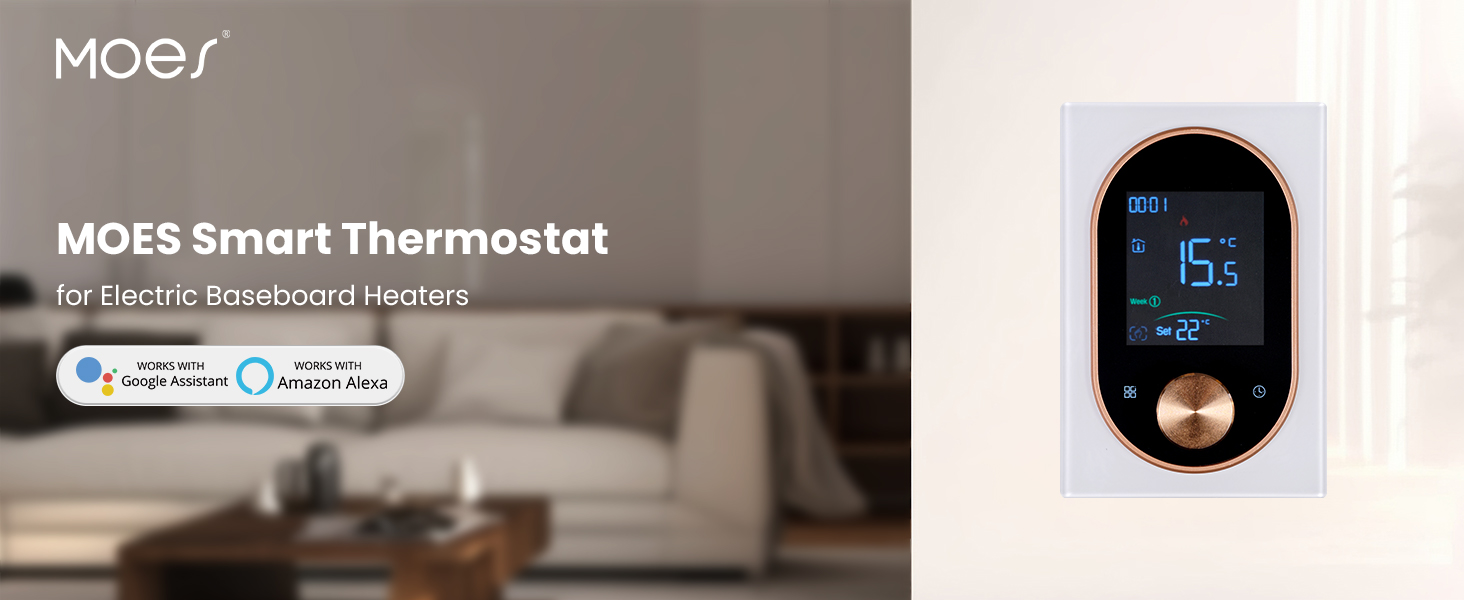
איור 4.2: The MOES Smart Thermostat, highlighting its compatibility with electric baseboard heaters and smart home systems.
5. התקנה והתקנה
5.1 דרישות לפני התקנה
- Ensure your heating system is a high-voltage electric heating system (120V/240V).
- Verify that your electrical box has at least four wires, including a neutral or a second live wire.
- Turn off power to the heating circuit at the main electrical panel before proceeding.
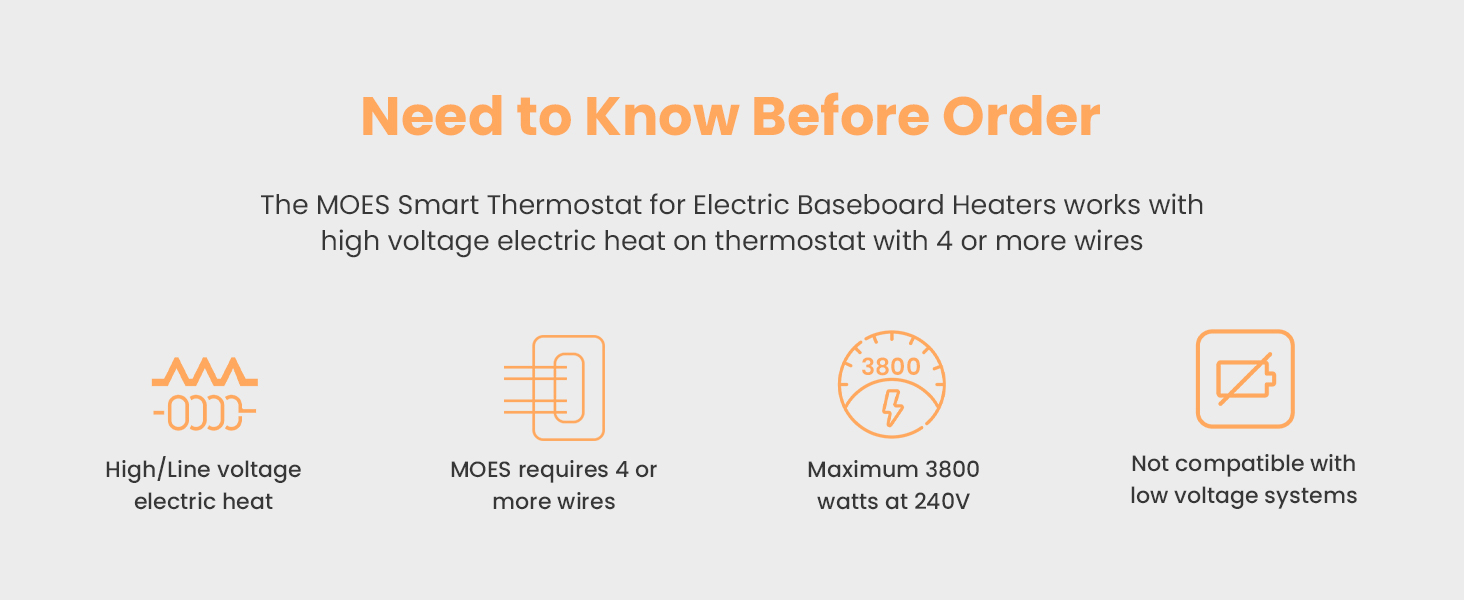
איור 5.1: Important considerations before installing the thermostat, including voltage, wiring, and wattage גבולות.
5.2 חיווט והרכבה
- נתק את החשמל במפסק החשמל.
- Remove your old thermostat (if applicable) and identify the existing wiring.
- Connect the MOES thermostat wires according to the wiring diagram provided. Ensure all connections are secure.
- Mount the thermostat base plate to the wall using the provided screws.
- חבר את יחידת תצוגת התרמוסטט ללוח הבסיס.
- החזר את החשמל במפסק החשמל.

איור 5.2: מְפוֹרָט view of the thermostat's backplate with wiring terminals and overall dimensions for installation reference.
5.3 הורדת אפליקציה וצימוד
- Download the "Smart Life" or "TUYA Smart" app from your smartphone's app store.
- הירשם או התחבר לחשבונך.
- Follow the in-app instructions to add a new device. The thermostat should enter pairing mode automatically upon first power-up or by holding the knob for a few seconds.
- Ensure your phone is connected to a 2.4GHz Wi-Fi network during the pairing process.
6. הוראות הפעלה
6.1 שליטה ידנית
Use the easy-grip knob on the thermostat to manually adjust the desired temperature. Rotate clockwise to increase the temperature and counter-clockwise to decrease it. The current temperature and set temperature will be displayed on the frosted screen.
6.2 מידע על תצוגה
The thermostat's display shows:
- טמפרטורת החדר הנוכחית
- הגדר טמפרטורה
- שעה ויום בשבוע
- מצב חיבור Wi-Fi
- מחוון חימום
7. Smart Features and App Integration
7.1 שליטה מרחוק באמצעות אפליקציה
Once paired with the Smart Life or TUYA Smart app, you can control your thermostat from anywhere using your smartphone. Adjust settings, monitor temperature, and manage schedules remotely.
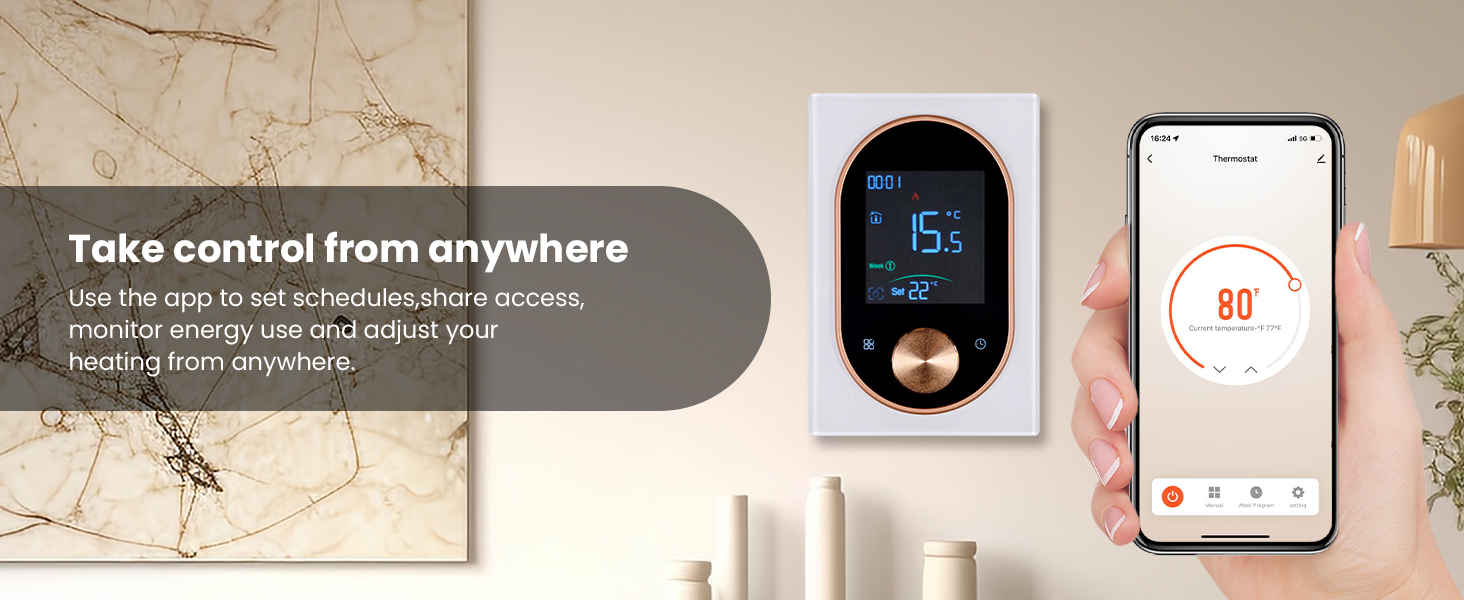
איור 7.1: A user adjusting the thermostat settings remotely using the mobile application.
7.2 Programmable Scheduling
Set custom weekly schedules through the app to automatically adjust heating based on your daily routine. This feature helps optimize energy consumption and maintain comfort.

איור 7.2: The mobile app displaying options for setting a weekly heating schedule, allowing for different temperatures at various times of the day.
7.3 שליטה קולית
The MOES Smart Thermostat is compatible with Amazon Alexa and Google Home. Link your thermostat to your preferred voice assistant for hands-free temperature control using simple voice commands.
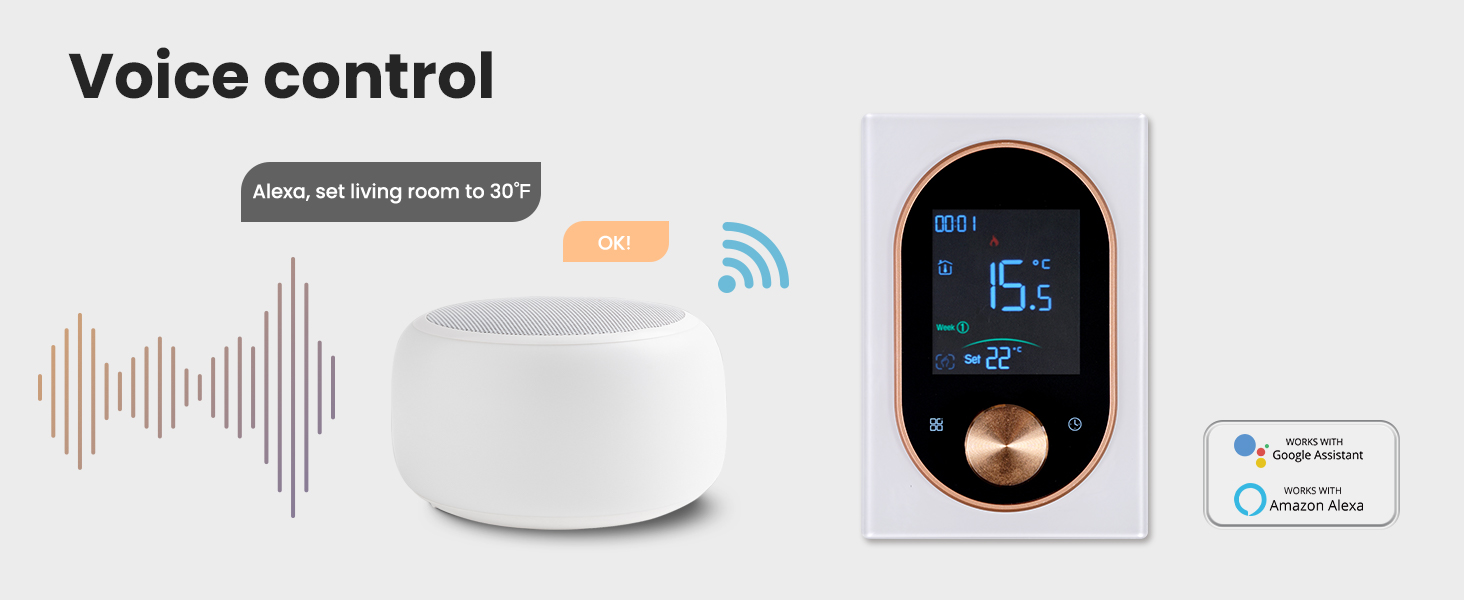
איור 7.3: An illustration of using a smart speaker to control the MOES thermostat via voice commands.
7.4 Intelligent Detection
The thermostat features intelligent detection capabilities, such as automatically pausing heating when an open window is detected, further contributing to energy savings.
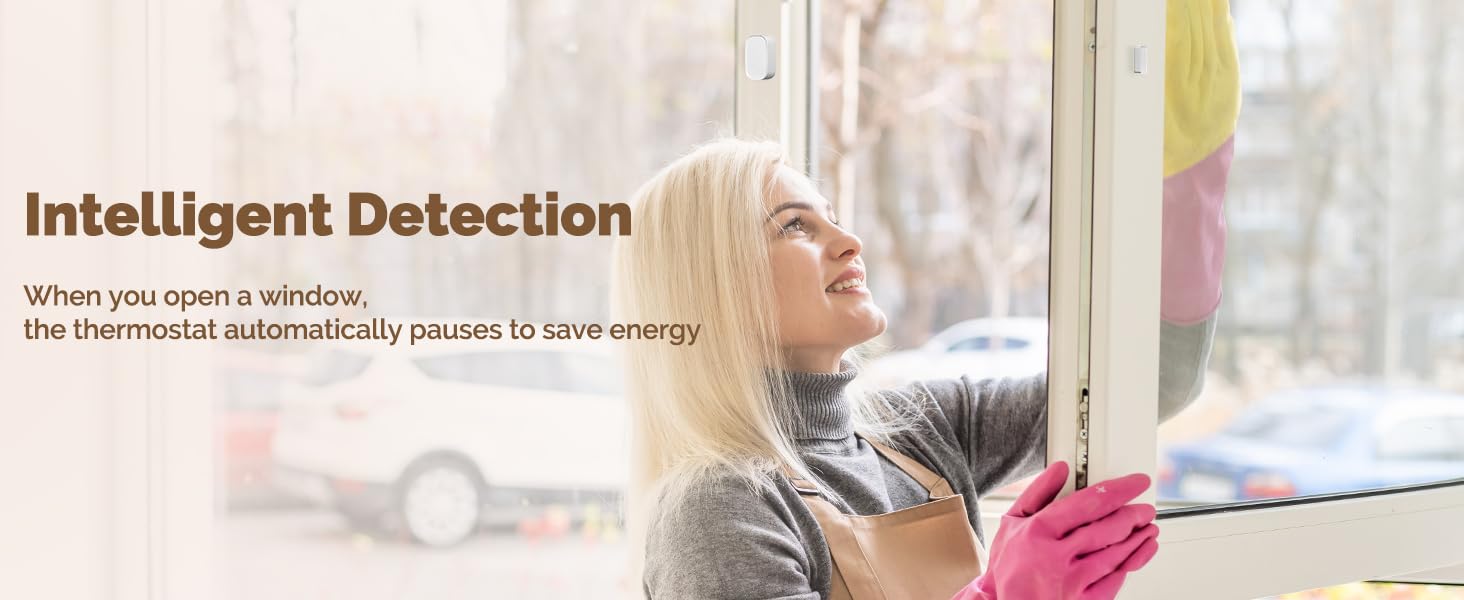
איור 7.4: The thermostat's intelligent detection feature, which can pause heating when an open window is detected to conserve energy.
8. תחזוקה
To ensure optimal performance and longevity of your MOES Smart Thermostat, follow these simple maintenance guidelines:
- ניקוי: Gently wipe the thermostat's exterior with a soft, dry, or slightly damp cloth. Avoid using abrasive cleaners, solvents, or chemical sprays, as these can damage the finish or internal components.
- טיפול בתצוגה: Keep the frosted display clean and free from dust to maintain clear readability.
- הימנע מחסימות: Ensure no objects are blocking the thermostat's sensors, which could affect temperature readings.
9. פתרון תקלות
If you encounter issues with your MOES Smart Thermostat, refer to the following common problems and solutions:
| בְּעָיָה | סיבה אפשרית | פִּתָרוֹן |
|---|---|---|
| Thermostat has no power/display is off. | No power from the circuit breaker; incorrect wiring. | Check the circuit breaker and ensure it is ON. Verify wiring connections are secure and correct according to the installation guide. |
| לא ניתן להתחבר ל-Wi-Fi או לאפליקציה. | Incorrect Wi-Fi password; 5GHz Wi-Fi network; thermostat out of range; pairing mode not active. | Ensure correct 2.4GHz Wi-Fi password. Confirm your router supports 2.4GHz. Move thermostat closer to router. Activate pairing mode (refer to app instructions). |
| נראה שקריאת הטמפרטורה אינה מדויקת. | תרמוסטט חשוף לאור שמש ישיר או לרוחות; חסימה בחיישן. | Relocate thermostat if possible, or shield it from direct environmental influences. Ensure no objects are covering the thermostat's sensors. |
| החימום לא נדלק/כבה כמתוכנן. | Incorrect schedule settings in the app; manual override active. | Review and adjust your schedule settings in the Smart Life/TUYA app. Check if manual mode is active and switch to program mode if desired. |
10. מפרטים
| תכונה | פְּרָט |
|---|---|
| מותג | MOES |
| שם הדגם | תרמוסטט ידית |
| מספר דגם של פריט | WHT-9000-MS |
| תכונה מיוחדת | ניתן לתכנות |
| צֶבַע | לָבָן |
| טכנולוגיית קישוריות | Wi-Fi |
| כרך ידtage | 120 Volts / 240 Volts (High Voltage) |
| סוג בקרה | App Control, Manual Knob |
| פרוטוקול קישוריות | Wi-Fi (2.4GHz) |
| סוג הרכבה | מתקן קיר |
| יַצרָן | WENZHOU NOVA NEW ENERGY CO., LTD |
| מידות חבילה | 5.75 x 3.82 x 2.91 אינץ' |
| משקל פריט | 12.3 אונקיות |
| תאריך ראשון זמין | 16 ביוני 2025 |

איור 10.1: The MOES Smart Thermostat seamlessly integrated into a modern living space, demonstrating its compact design.
11. אחריות ותמיכה
For specific warranty details, technical assistance, or customer support, please refer to the official MOES website or contact MOES customer service directly. It is recommended to retain your purchase receipt as proof of purchase for any warranty claims.
You can visit the MOES store online for additional product information and support resources: MOES Official Store


