1. הקדמה
This manual provides essential information for the safe and efficient use of your Doro Leva E20 4G Flip Phone. Designed with seniors in mind, this phone features a large 2.8-inch display, contrasting keys, loud and clear sound, HD voice, a camera, and a dedicated assistance button. Please read these instructions carefully before using your new phone.

Image 1: Doro Leva E20 highlighting key features such as 4G connectivity, large display, clear sound, and hearing aid compatibility.
2. התקנה
2.1. הכנסת כרטיס ה-SIM והסוללה
Before using your phone, you must insert a SIM card (provided by your mobile network operator) and the battery.
- Open the phone: Gently open the flip phone to access the battery compartment.
- הסר את מכסה הסוללה: Locate the notch on the back cover and carefully lift it off.
- הכנס כרטיס SIM: Slide the SIM card into the designated slot with the gold contacts facing down and the cut corner aligned as shown in the diagram (refer to your quick start guide for a visual).
- הכנס סוללה: Place the battery into its compartment, ensuring the contacts align with those in the phone.
- החלף מכסה: Snap the battery cover back into place until it clicks.
2.2. טעינת הטלפון
Your phone's battery may not be fully charged upon purchase. It is recommended to fully charge the battery before first use.
- חבר את המטען: Plug the USB Type-C cable into the charging port on the phone.
- חיבור לחשמל: חבר את הקצה השני של המטען לשקע בקיר.
- מחוון טעינה: The charging indicator on the screen will show the charging status. The phone is fully charged when the indicator shows a full battery icon.
2.3. הפעלה / כיבוי
- להפעלה: לחץ והחזק את האדום סיום שיחה/כיבוי button until the Doro logo appears.
- לכיבוי: לחץ והחזק את האדום סיום שיחה/כיבוי button, then select 'Power off' from the options on the screen.
3. הוראות הפעלה
3.1. פונקציות בסיסיות
- להתקשר:
- הזן את מספר הטלפון באמצעות לוח המקשים.
- לחץ על הירוק שִׂיחָה כפתור כדי להתחיל את השיחה.
- מענה לשיחה: Simply open the flip phone to answer an incoming call. Alternatively, press the green שִׂיחָה לַחְצָן.
- סיום שיחה: Close the flip phone or press the red סיום שיחה לַחְצָן.
- כוונון עוצמת הקול: השתמשו בכפתורי עוצמת הקול הממוקמים בצד הטלפון במהלך שיחה או בעת השמעת מדיה.
3.2. Sending and Receiving Messages (SMS)
- מהתפריט הראשי, נווט אל הודעות.
- לִבחוֹר הודעה חדשה.
- הזן את מספר הטלפון של הנמען או בחר מתוך אנשי הקשר שלך.
- הקלד את ההודעה שלך באמצעות לוח המקשים.
- לִלְחוֹץ לִשְׁלוֹחַ.
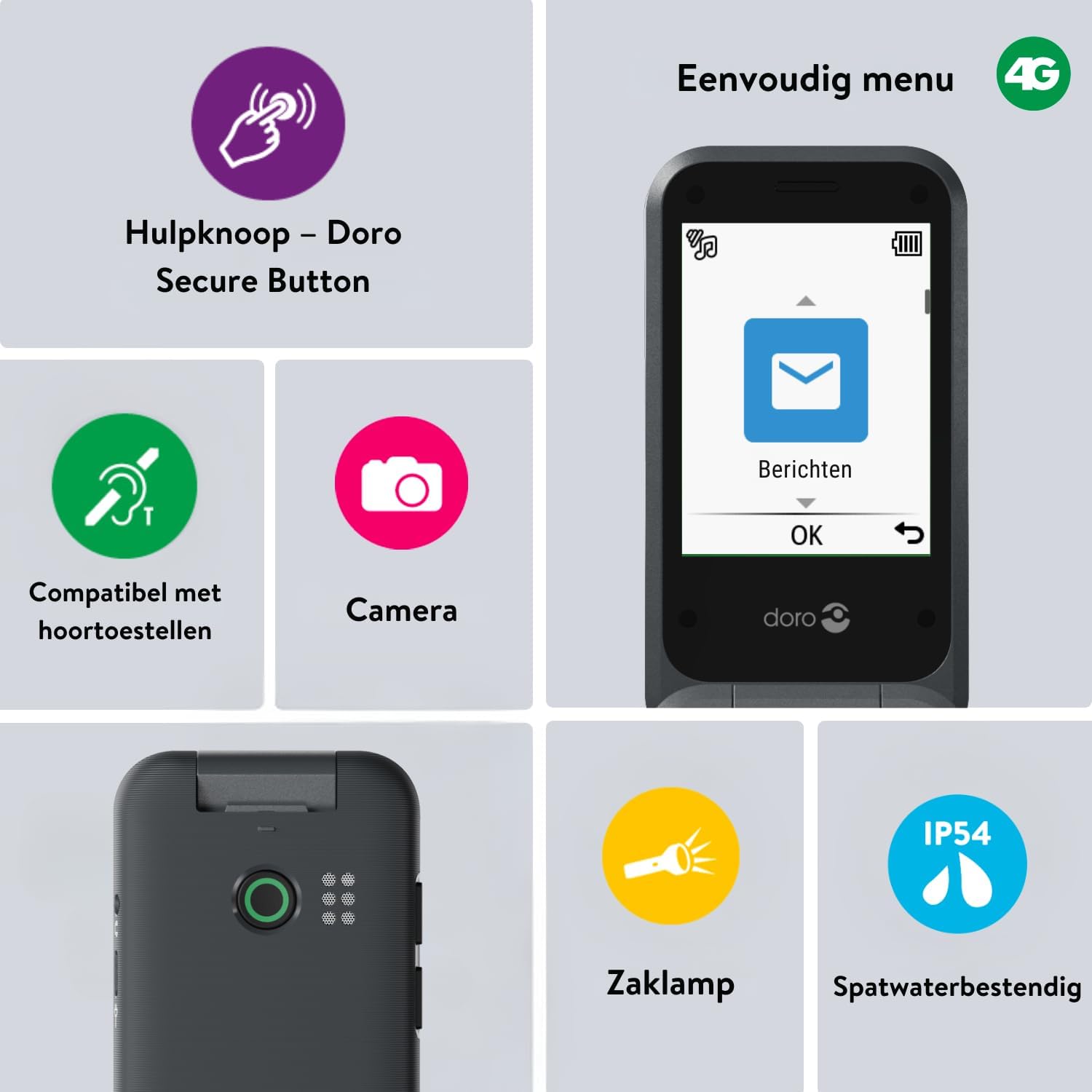
Image 2: The Doro Leva E20's simple menu interface, showing the 'Messages' icon, along with other features like the assistance button, camera, flashlight, and IP54 splash resistance.
3.3. מצלמה
The Doro Leva E20 includes a basic camera for capturing photos.
- מהתפריט הראשי, בחר מַצלֵמָה.
- מסגר את התמונה שלך באמצעות המסך כ viewמוֹצֵא.
- הקש על OK כפתור כדי לצלם תמונה.
3.4. Assistance Button (Doro Secure Button)
The dedicated assistance button is a key safety feature, allowing you to quickly contact pre-set emergency numbers.
- מגדיר: Refer to the phone's settings menu under 'Assistance' to program emergency contacts.
- מפעיל: Press and hold the assistance button (located on the back of the phone) for a few seconds. The phone will automatically call and send an SMS to your pre-programmed emergency contacts.

Image 3: The Doro Leva E20's Doro Secure Button, designed for quick access to emergency contacts.
3.5. פנס
To activate the built-in flashlight:
- Locate the flashlight icon or dedicated button (if available) on the phone or in the quick settings menu.
- Press the corresponding key or navigate to the option to turn the flashlight on/off.
3.6. כפתורי גישה מהירה
The Doro Leva E20 features quick access buttons for frequently used functions.
- אנשי קשר מועדפים: Assign frequently called numbers to speed dial keys.
- מַצלֵמָה: A dedicated button or menu option for quick camera access.
- הודעות: A dedicated button or menu option for quick message access.

Image 4: The Doro Leva E20 in hand, showcasing the keypad with quick access buttons for favorite contacts, camera, and messages.
4. תחזוקה
4.1. ניקוי המכשיר
כדי לשמור על הטלפון שלך במצב אופטימלי:
- Use a soft, dry, lint-free cloth to clean the screen and body of the phone.
- הימנע משימוש בכימיקלים קשים, ממיסים לניקוי או חומרי ניקוי חזקים.
- אין לחשוף את הטלפון ללחות מוגזמת.
4.2. טיפול בסוללה
The Doro Leva E20 is powered by a rechargeable battery. To maximize battery life and performance:
- Charge the phone regularly. Avoid letting the battery drain completely before recharging.
- אל תחשוף את הסוללה לטמפרטורות קיצוניות.
- אם לא נעשה שימוש בטלפון למשך תקופה ממושכת, טען אותו עד כ-50% לפני אחסונו.
4.3. עמידות במים
The Doro Leva E20 has an IP54 rating, meaning it is protected against dust ingress and splashing water from any direction. It is not designed to be submerged in water.
5. פתרון תקלות
אם נתקלתם בבעיות עם ה-Doro Leva E20 שלכם, נסו את הפתרונות הבאים:
| בְּעָיָה | פתרון אפשרי |
|---|---|
| הטלפון לא נדלק | ודא שהסוללה טעונה. חבר את המטען ונסה שוב. בדוק אם הסוללה הוכנסה כהלכה. |
| לא ניתן לבצע או לקבל שיחות | Check if the SIM card is correctly inserted. Ensure you have network coverage. Contact your service provider if the issue persists. |
| איכות סאונד ירודה | Adjust the volume. Ensure the speaker/microphone is not blocked. If using a hearing aid, ensure compatibility settings are correct. |
| הסוללה מתרוקנת במהירות | Reduce screen brightness. Close unused applications. Limit background data usage. Ensure the phone is not in an area with poor network signal, which can increase battery consumption. |
If these steps do not resolve the issue, please contact Doro customer support.
6. מפרטים
- שם הדגם: לבה E20
- מַעֲרֶכֶת הַפעָלָה: Mocor OS
- דגם מעבד: קורטקס A7
- גודל מסך: 2.8 אינץ'
- הַחְלָטָה: 320 x 240
- טכנולוגיה סלולרית: 4G
- קישוריות: USB סוג C
- קיבולת אחסון זיכרון: 17 ג'יגה-בייט
- צֶבַע: שָׁחוֹר
- עמידות במים: IP54 (Splash-resistant)
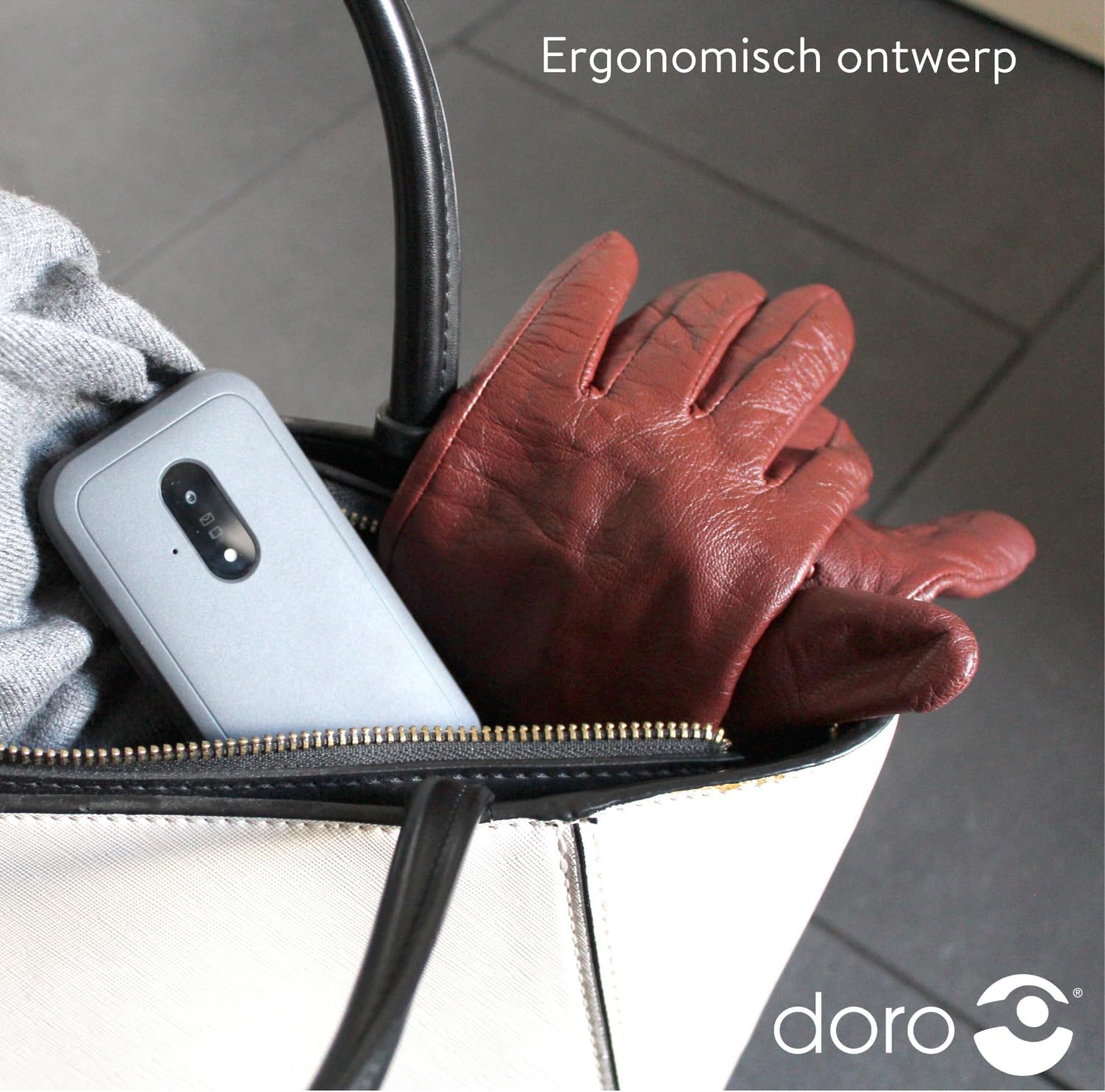
Image 5: The Doro Leva E20's ergonomic design allows for easy portability, fitting comfortably in a bag.
7. אחריות ותמיכה
Your Doro Leva E20 is manufactured by Doro. For specific warranty information, including terms and conditions, please refer to the warranty card included with your product or visit the official Doro website. For technical support, troubleshooting assistance beyond this manual, or service inquiries, please contact Doro customer support directly.
יַצרָן: דורו
Webאֲתַר: www.doro.com (Please check your regional Doro website for local support contact details.)


