1. הקדמה
Thank you for choosing the Portronics Conch Kappa Wired Earphones. These earphones are designed to provide a high-quality audio experience with powerful sound and convenient in-line controls. This manual provides instructions for proper setup, operation, maintenance, and troubleshooting to ensure optimal performance and longevity of your device.
תוכן החבילה
- 1N Wired Earphone (Portronics Conch Kappa)
2. המוצר נגמרview
The Portronics Conch Kappa earphones feature a 3.5mm audio jack for universal compatibility, 14.2mm dynamic drivers for powerful audio, and an in-line HD microphone with control buttons for easy management of music and calls.
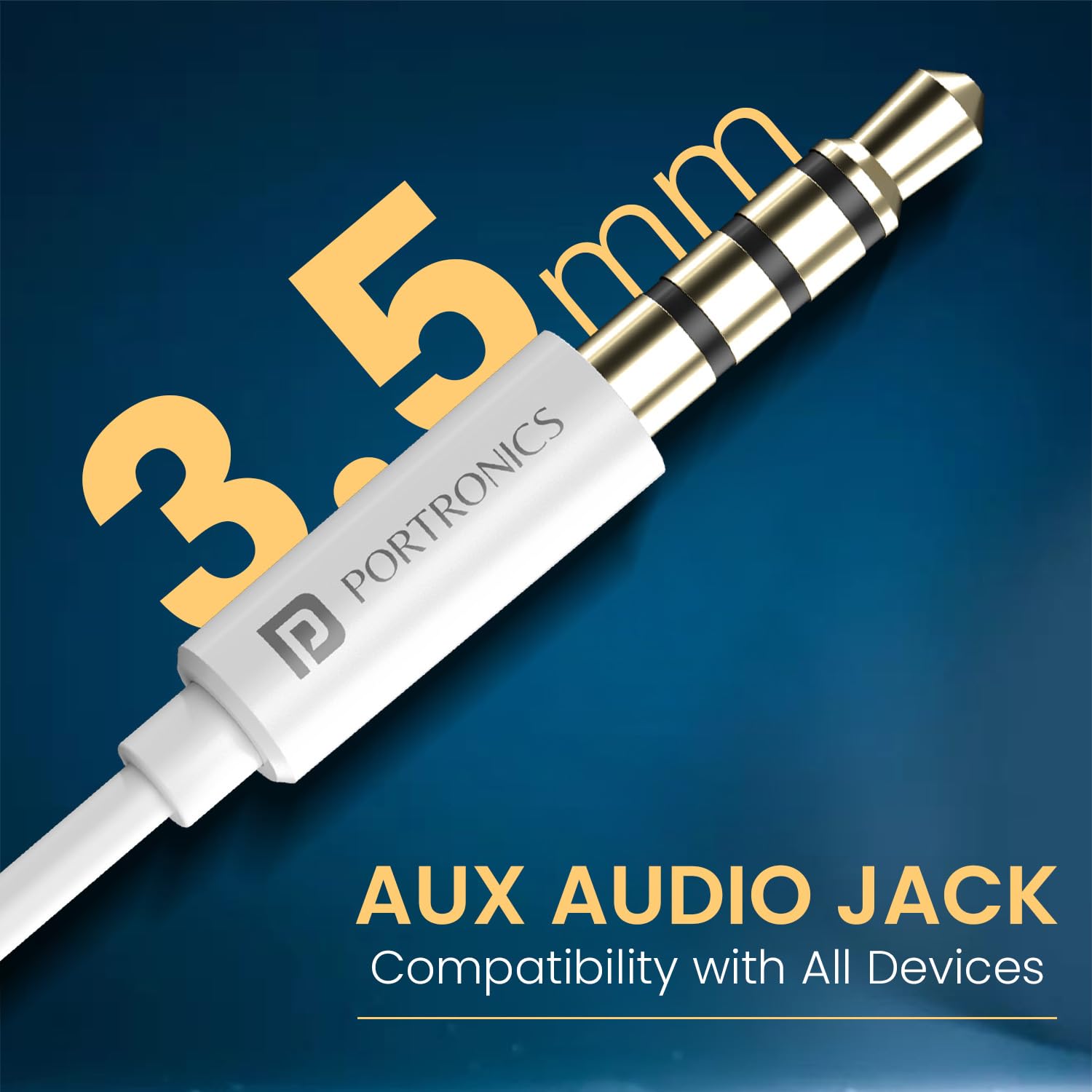
Image: Portronics Conch Kappa Wired Earphones, showing the earbuds and the 3.5mm jack.
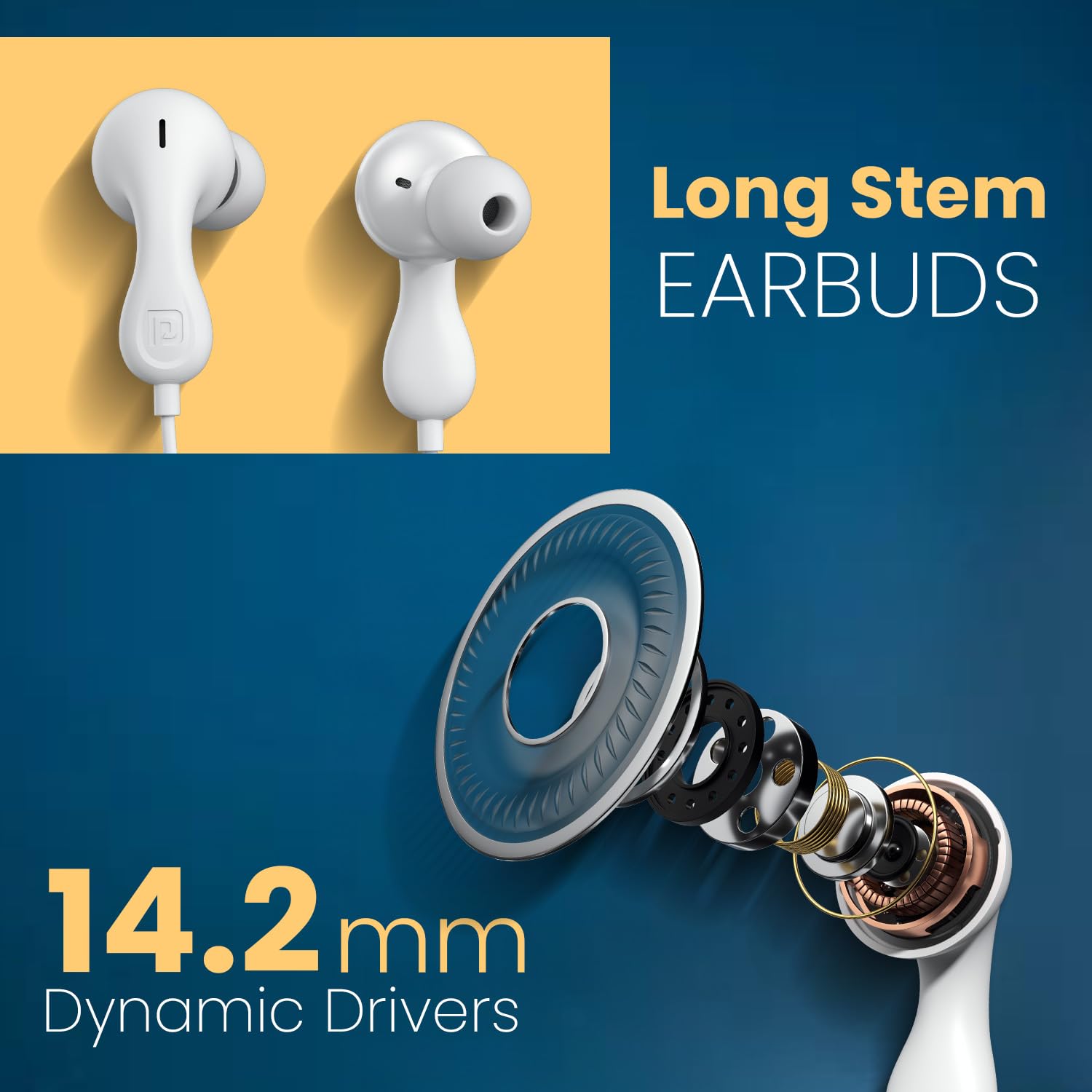
Image: Close-up of the long stem earbuds and an exploded view of the 14.2mm dynamic driver components.
תכונות מפתח
- דרייברים דינמיים בגודל 14.2 מ"מ: For deep bass and clear audio.
- Built-in HD Mic with Control Button: לשיחות ללא ידיים ושליטה במוזיקה.
- שקע שמע 3.5 מ"מ: Ensures wide compatibility with various devices.
- Ergonomic Earbud Design: מספק התאמה בטוחה ונוחה.
- TPE Anti-Tangle Wire: Durable and flexible cable material.
3. התקנה
Connecting the Earphones
- Locate the 3.5mm audio jack on your device (smartphone, laptop, tablet, PC).
- Insert the 3.5mm connector of the Portronics Conch Kappa earphones firmly into the audio jack.
- Ensure the connection is secure for optimal sound transmission.

Image: The 3.5mm AUX audio jack connected to a smartphone, illustrating wide compatibility with laptops, phones, and tablets.
לובש את האוזניות
- Gently insert the earbuds into your ears. The unique ergonomic design is intended for a comfortable and secure fit.
- Adjust the position until the sound is clear and the fit is snug, but not uncomfortable.
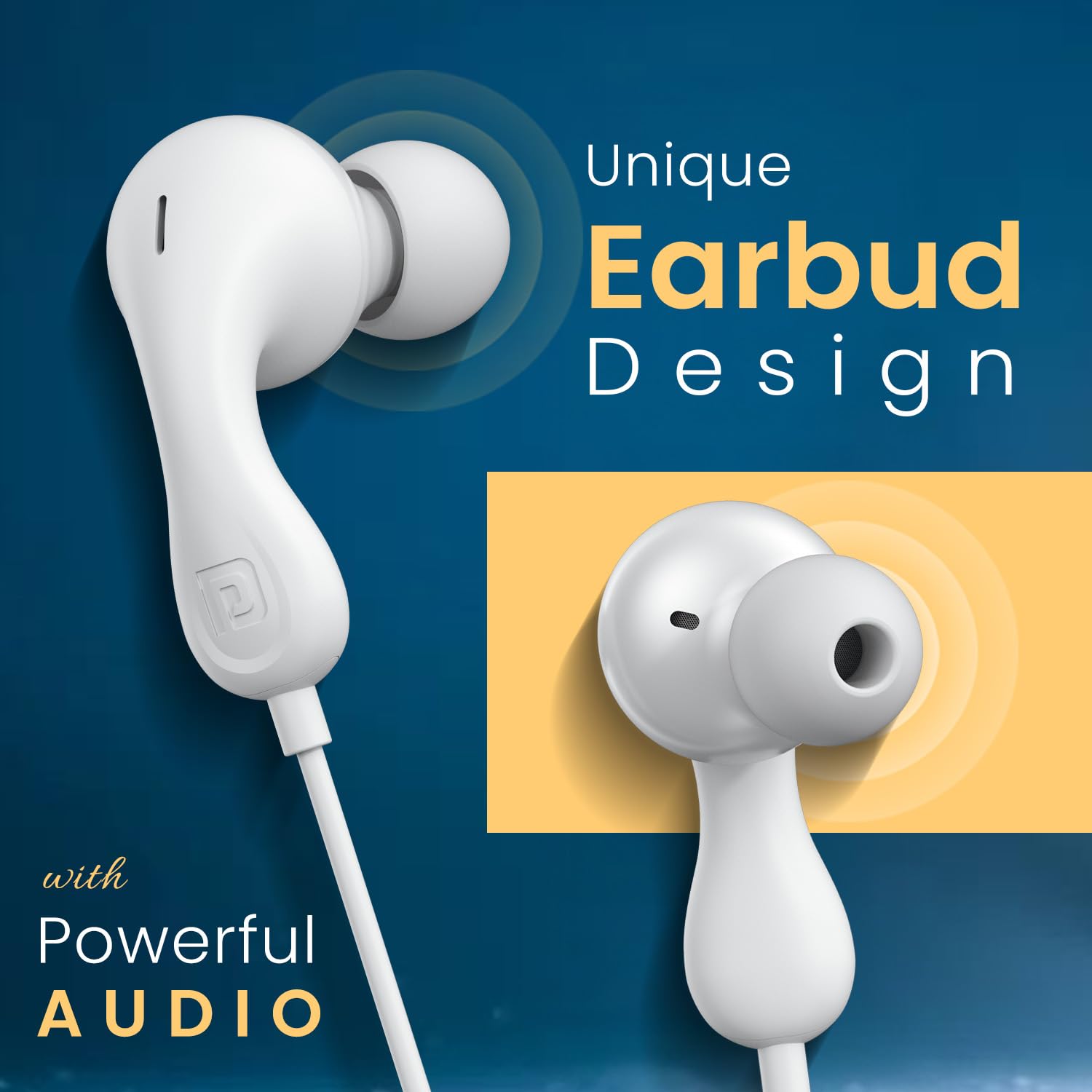
Image: Close-up of the unique earbud design, highlighting its shape for comfortable wear.
4. הוראות הפעלה
בקרות מוטבעות
The earphones feature an in-line remote with buttons to manage audio playback and calls.

Image: Diagram illustrating the functions of the in-line control buttons, including volume up/down, play/pause, answer/end/reject call, and next track.
- הגבר קול: לחץ על כפתור '+'.
- להנמיך קול: לחץ על כפתור '-'.
- הפעל/השהה מוזיקה: לחץ פעם אחת על הכפתור המרכזי.
- הרצועה הבאה: לחץ פעמיים במהירות על כפתור המרכז.
- מענה/סיום שיחה: Press the center button once during an incoming or active call.
- דחה שיחה: לחיצה ארוכה על הכפתור המרכזי במהלך שיחה נכנסת.
Using the HD Microphone
The integrated HD microphone is positioned to capture your voice clearly during calls.

Image: A person using the earphones, highlighting the in-line HD microphone's position for clear voice capture.
5. תחזוקה
ניקוי
- Wipe the earbuds and cable with a soft, dry cloth.
- אין להשתמש בכימיקלים קשים או בחומרי ניקוי שוחקים.
- Ensure no moisture enters the earphone drivers or the 3.5mm jack.
אִחסוּן
- Store the earphones in a clean, dry place when not in use.
- הימנע מטמפרטורות קיצוניות.
- Do not wrap the cable too tightly to prevent damage. The TPE cable is designed to be anti-tangle, but proper storage extends its life.
6. פתרון תקלות
| בְּעָיָה | סיבה אפשרית | פִּתָרוֹן |
|---|---|---|
| אין קול או עוצמת קול נמוכה |
|
|
| המיקרופון לא עובד |
|
|
| הפקדים לא מגיבים |
|
|
7. מפרטים
| תכונה | פְּרָט |
|---|---|
| שם הדגם | Conch Kappa |
| מספר דגם | POR-2930 |
| טכנולוגיית קישוריות | חוטי |
| סוג מנהל התקן שמע | מנהל התקן דינמי |
| גודל דרייבר | 14.2 מ"מ |
| שקע אוזניות | 3.5 מ"מ ג 'ק |
| מיקום אוזניים | אין אוזן |
| שיטת בקרה | מרחוק (בתוך הקו) |
| חוֹמֶר | ABS Plastic (earbuds), TPE (cable) |
| מכשירים תואמים | Smartphones, Laptops, Tablets, PCs |
| משקל פריט | 40 גרם |
| מידות המוצר (LxWxH) | 7 x 7 x 2 סנטימטרים |
| ארץ מוצא | סִין |
| רכיבים כלולים | 1N Wired Earphone |
8. אחריות ותמיכה
מידע על אחריות
Portronics products are covered by a limited warranty against manufacturing defects. Please refer to the warranty card included with your purchase or visit the official Portronics webבאתר לקבלת תנאי האחריות המפורטים.
תמיכת לקוחות
For any technical assistance, product inquiries, or warranty claims, please contact Portronics customer support:
- אֶלֶקטרוֹנִי: help@portronics.com
- טֵלֵפוֹן: +91 9555-245-245
- כתובת היצרן: Portronics Digital Pvt ltd, קומה ראשונה נכס מספר D 8 מרתף עליון מגזר 8 נוידה אוטר פרדש 201301


