1. הקדמה
Thank you for choosing the ACwO Dwots 333 True Wireless Earbuds. This manual provides essential information for setting up, operating, and maintaining your earbuds to ensure optimal performance and longevity. The Dwots 333 earbuds are designed for an immersive audio experience, featuring Hybrid Active Noise Cancellation (ANC), Hexa Microphones with AI-Enhanced Noise Cancellation (AI-ENC), and seamless Dual Device Connectivity.
2. תכולת החבילה
אנא ודא שכל הפריטים נמצאים בחבילה שלך:
- ACwO Dwots 333 True Wireless Earbuds (Left and Right)
- נרתיק טעינה
- כבל טעינה USB
- גדלים מרובים של קצוות אוזניים
- מדריך למשתמש (מסמך זה)
- תעודת אחריות
3. המוצר נגמרview
The ACwO Dwots 333 earbuds consist of two individual earbuds and a portable charging case. Familiarize yourself with the components for proper use.

תמונה 3.1: ACwO Dwots 333 Earbuds and Charging Case. This image displays the two earbuds resting in their open charging case, highlighting their design and the compact nature of the product.
תמונה 3.2: חֲזִית view of ACwO Dwots 333 Earbuds. This image shows the front perspective of the earbuds, emphasizing their ergonomic shape and the ACwO branding.
4. התקנה
4.1 טעינת האוזניות והנרתיק
Before first use, fully charge the earbuds and charging case. The case provides extended battery life for your earbuds.
- טעינת המארז: Connect the provided USB charging cable to the charging port on the case and a power source. The LED indicator on the case will show charging status. A full charge takes approximately 2.5 hours.
- טעינת האוזניות: Place the earbuds into the charging case. Ensure they are correctly seated. The earbuds will automatically begin charging. The case can provide multiple charges, extending total playtime up to 120 hours.
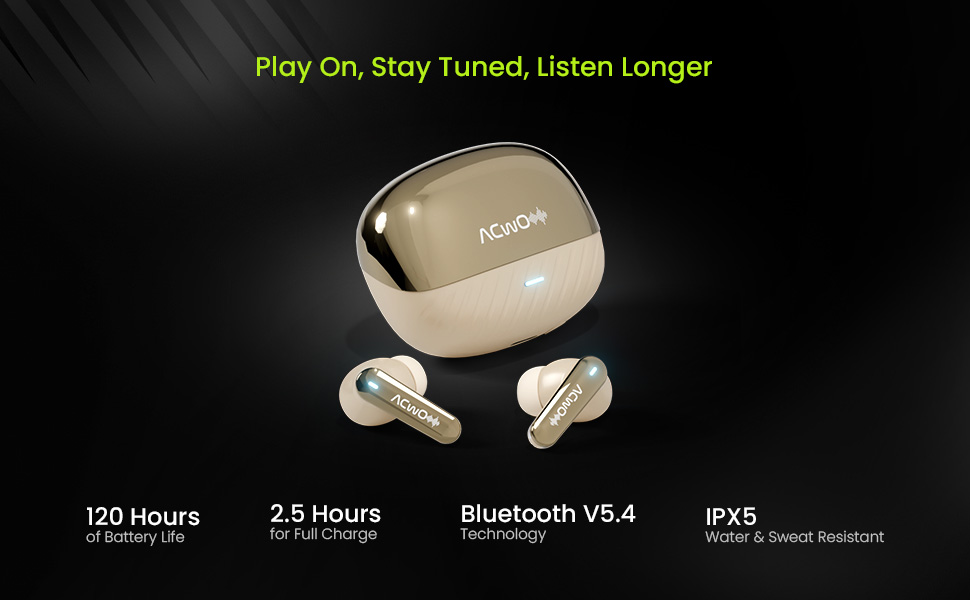
תמונה 4.1: ACwO Dwots 333 Battery Life and Features. This image highlights the 120-hour battery life, Bluetooth V5.4 technology, 2.5-hour full charge time, and IPX5 water and sweat resistance, illustrating key aspects of the earbuds' performance and durability.
4.2 צימוד ראשוני
בצעו את השלבים הבאים כדי להתאים את האוזניות שלכם למכשיר חדש:
- פתחו את מארז הטעינה. האוזניות ייכנסו אוטומטית למצב צימוד, כפי שיסומן על ידי נורית LED מהבהבת על האוזניות.
- במכשיר שלך (סמארטפון, טאבלט, מחשב נייד), הפעל את Bluetooth.
- חפש available Bluetooth devices and select "ACwO Dwots 333" from the list.
- לאחר החיבור, נורית ה-LED באוזניות תפסיק להבהב.
4.3 קישוריות כפולה של מכשירים
The Dwots 333 supports connecting to two devices simultaneously, allowing for seamless switching between them.
- התאם את האוזניות למכשיר הראשון שלך (למשל, סמארטפון) כמתואר בסעיף 4.2.
- Disconnect the earbuds from the first device's Bluetooth settings. The earbuds will re-enter pairing mode.
- התאם את האוזניות למכשיר השני שלך (למשל, מחשב נייד).
- חברו מחדש את האוזניות למכשיר הראשון מהגדרות ה-Bluetooth שלו. כעת האוזניות אמורות להיות מחוברות לשני המכשירים.
- To switch between devices, simply pause audio on one device and play audio on the other. The earbuds will automatically switch the connection.
5. הוראות הפעלה
5.1 ענידת האוזניות
For optimal sound quality and comfort, choose the correct eartip size and wear the earbuds properly.
- Select eartips that provide a snug fit in your ear canal.
- Gently insert each earbud into your ear, twisting slightly until it feels secure and comfortable.
- Ensure the microphone stems are pointing towards your mouth for clear call quality.
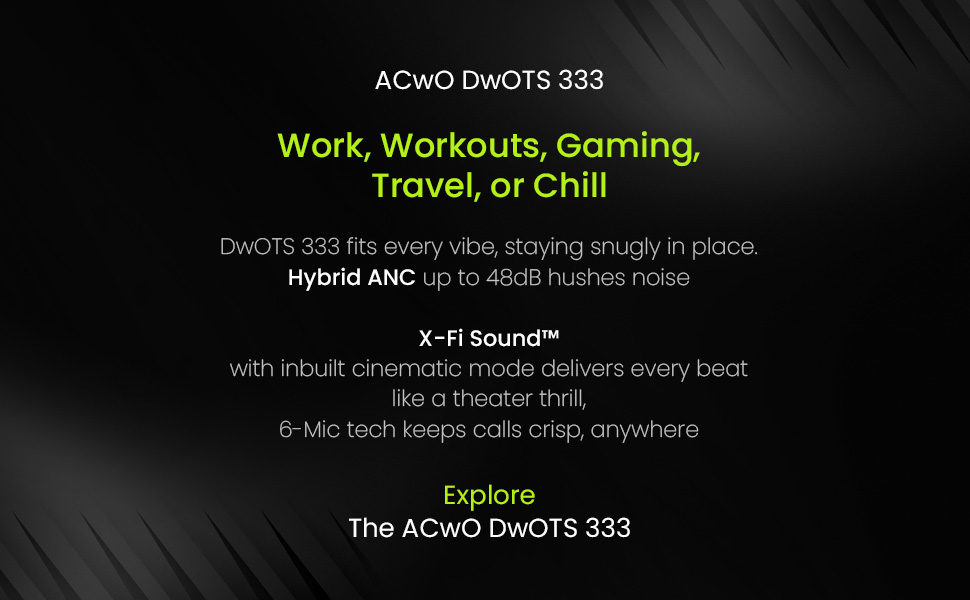
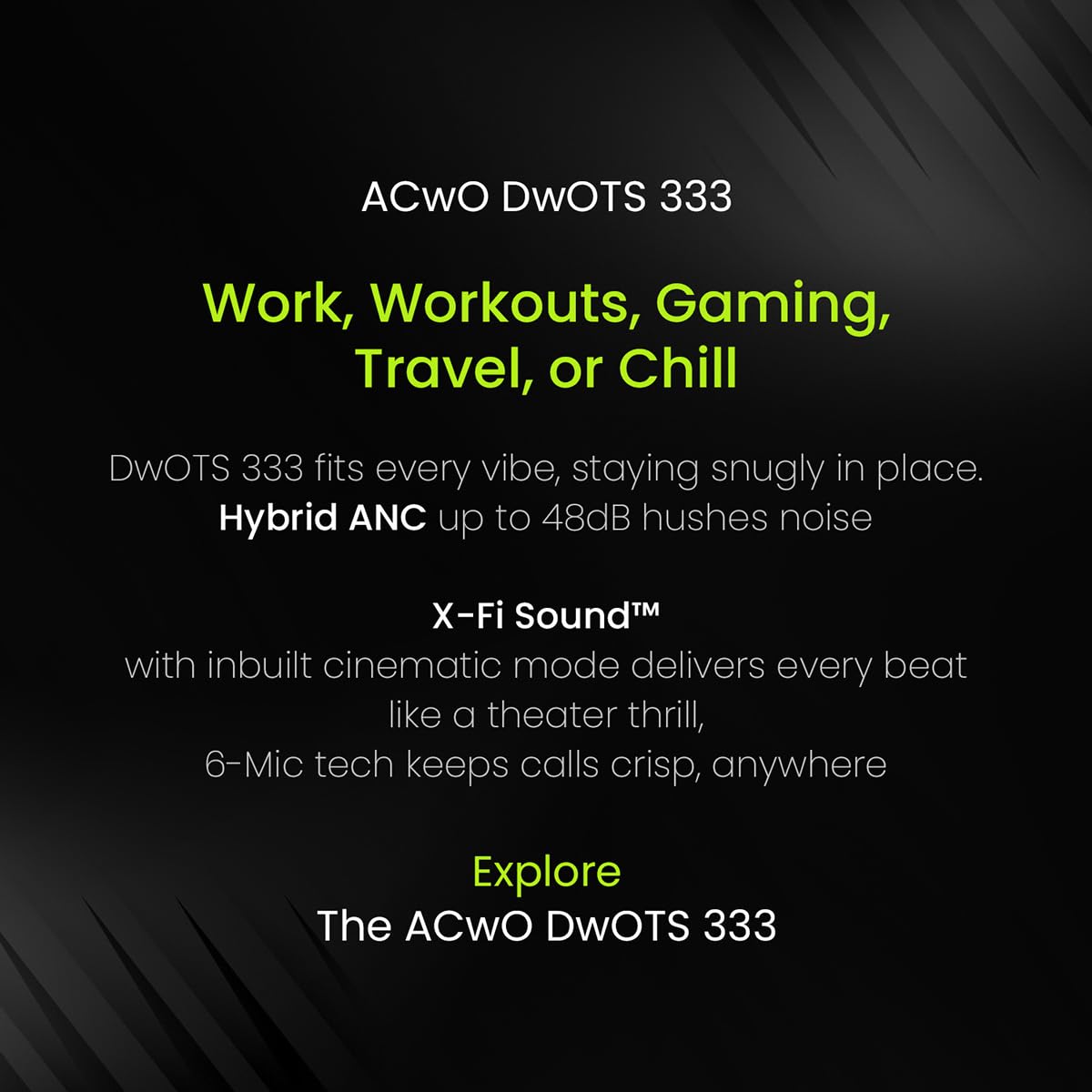
תמונה 5.1: ACwO Dwots 333 for various activities. This image illustrates the versatility of the Dwots 333 earbuds, showing them being used during work, workouts, gaming, and travel, emphasizing their comfortable and secure fit for different lifestyles.
5.2 פקדי מגע
The ACwO Dwots 333 earbuds feature intuitive touch controls on each earbud. Specific functions may vary slightly based on the connected device.
| פְּעוּלָה | אוזניה שמאלית | Earbud נכון |
|---|---|---|
| הפעל/השהה מוזיקה | הקשה אחת | הקשה אחת |
| המסלול הבא | הקש פעמיים | הקש פעמיים |
| המסלול הקודם | טריפל ברז | טריפל ברז |
| מענה/סיום שיחה | הקשה אחת | הקשה אחת |
| דחה שיחה | לחיצה ארוכה (2 שניות) | לחיצה ארוכה (2 שניות) |
| הפעל את עוזר הקולי | לחיצה ארוכה (2 שניות) | לחיצה ארוכה (2 שניות) |
| החלפת מצב ANC/שקיפות | לחיצה ארוכה (3 שניות) | לחיצה ארוכה (3 שניות) |
5.3 ביטול רעש פעיל (ANC)
The Dwots 333 features 48dB Hybrid ANC to reduce ambient noise, allowing for a more focused listening experience. It also includes a Transparency Mode to stay aware of your surroundings.
- הפעלה/ביטול של ANC: Long press the touch area on either earbud for approximately 3 seconds to cycle through ANC On, Transparency Mode, and ANC Off.
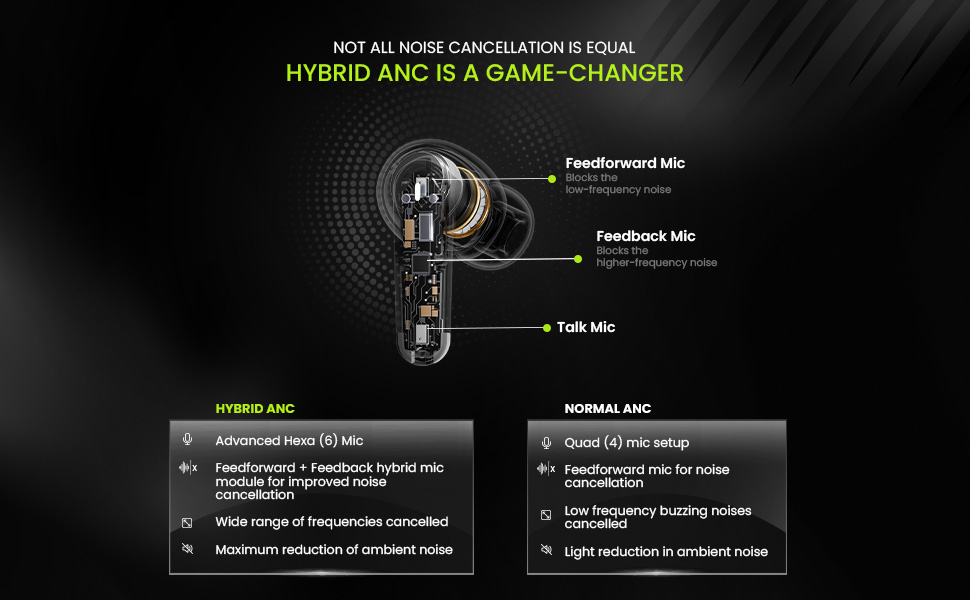
- ANC היברידי: Utilizes both feedforward and feedback microphones to block a wide range of frequencies, effectively reducing low-frequency hums and higher-frequency sounds.

תמונה 5.2: Hybrid ANC vs Normal ANC Explanation. This diagram illustrates the internal microphone setup for Hybrid ANC (Feedforward, Feedback, and Talk Mics) and compares its advanced noise cancellation capabilities, including wider frequency reduction and maximum ambient noise reduction, against standard ANC systems.
5.4 Call Quality with Hexa Mics and AI-ENC
The earbuds are equipped with a Hexa Mic setup (six microphones) and AI-Enhanced Noise Cancellation (AI-ENC) for clear voice pickup during calls, even in noisy environments.
תמונה 5.3: Hexa Mic Setup for Clearer Calls. This image visually explains the placement of the six dedicated microphones on the earbuds, detailing how they work with noise-reducing algorithms to isolate the user's voice and provide up to 2x clearer calls in crowded environments.
5.5 מצב השהייה נמוכה
For an optimized gaming or video watching experience, the earbuds feature a low latency mode to minimize audio delay. Refer to your device's settings or the earbuds' touch controls for activation, if available.
6. תחזוקה
6.1 ניקוי
ניקוי קבוע מסייע לשמור על איכות הצליל והיגיינה.
- השתמשו במטלית רכה, יבשה ונטולת סיבים כדי לנגב את האוזניות ואת מארז הטעינה.
- For eartips, remove them from the earbuds and clean with a mild soap solution, then rinse thoroughly and dry completely before reattaching.
- אין להשתמש בחומרים שוחקים, אלכוהול או חומרי ניקוי כימיים.
6.2 אחסון
כאשר אינן בשימוש, אחסנו את האוזניות בנרתיק הטעינה שלהן כדי להגן עליהן ולשמור עליהן טעונות.
6.3 עמידות למים (IPX5)
The ACwO Dwots 333 earbuds are rated IPX5 water and sweat resistant. This means they can withstand splashes of water and sweat, making them suitable for workouts and light rain. They are not designed for submersion in water or exposure to pressurized water jets.
7. פתרון תקלות
If you encounter issues with your ACwO Dwots 333 earbuds, refer to the following common solutions:
| בְּעָיָה | פתרון אפשרי |
|---|---|
| אוזניות לא מתאימות | Ensure earbuds are charged. Place them back in the case, close, then reopen to re-enter pairing mode. Forget the device in your phone's Bluetooth settings and try pairing again. |
| אין צליל מאוזניה אחת | Check battery level of both earbuds. Try placing both earbuds back in the case and taking them out again. Re-pair with your device. |
| איכות שיחה ירודה | Ensure microphones are not obstructed. Move to a quieter environment. Check network signal strength on your phone. |
| מארז טעינה לא נטען | Verify the charging cable and power adapter are working correctly. Ensure the cable is securely connected to the case and power source. |
| פקדי המגע אינם מגיבים | ודאו שהאצבעות שלכם נקיות ויבשות. נסו להפעיל מחדש את האוזניות על ידי הנחתן במארז והוצאתן. |
8. מפרטים
Detailed technical specifications for the ACwO Dwots 333 Earbuds:
| תכונה | פְּרָט |
|---|---|
| שם הדגם | DwOTS 333 |
| טכנולוגיית קישוריות | אלחוטי (בלוטות' גרסה 5.4) |
| טווח בלוטות' | 10 מטר |
| בקרת רעש | ביטול רעשים היברידי אקטיבי (48dB) |
| הגדרת מיקרופון | Hexa Mics with AI-ENC |
| סוג מנהל התקן שמע | דרייבר דינמי (10 מ"מ) |
| עַכָּבָּה | 32 אוהם |
| שיטת בקרה | לָגַעַת |
| חיי סוללה (סה"כ) | עד 120 שעות (עם מארז טעינה) |
| זמן טעינה (מארז) | כ. 2.5 שעות |
| רמת עמידות במים | IPX5 (עמיד במים וזיעה) |
| משקל פריט | 38 גרם |
| מידות מוצר (מארז) | 4.2 x 6.2 x 2.7 ס"מ |
| חוֹמֶר | פּלָסטִי |
| מכשירים תואמים | טלפונים סלולריים, מחשבים ניידים, טאבלטים |
| רכיבים כלולים | Cable, Eartip, Warranty card |
9. אחריות ותמיכה
Your ACwO Dwots 333 Earbuds come with a warranty. Please refer to the included Warranty Card for detailed terms and conditions, including the warranty period and coverage.
For technical support, product inquiries, or warranty claims, please contact ACwO customer service through the contact information provided on your warranty card or the official ACwO webאֲתַר.


