1. הקדמה
Welcome to the DOOGEE Tab A9 Pro user manual. This guide provides essential information to help you set up, operate, and maintain your new Android tablet. Please read this manual thoroughly before using the device to ensure proper functionality and safety.
2. מה בקופסה
The DOOGEE Tab A9 Pro package includes the following items:
- 1 x DOOGEE Tab A9 Pro Tablet
- 1 x כבל USB Type-C
- 1 x מטען
- 1 x SIM Ejector Pin
- 1 תיבת אריזה
- 1 x מדריך למשתמש
- 1 x תעודת אחריות
- 1 x מגן מסך (מוחל מראש)
3. המוצר נגמרview
The DOOGEE Tab A9 Pro features a sleek design and powerful components for an optimal user experience.
תכונות עיקריות:
- לְהַצִיג: 10.1-inch IPS HD Ultra-Clear Display (1280x800 pixels, 16.7 million colors, 16:10 aspect ratio, 1200:1 contrast, 2.5D cover glass).
- מעבד: Unisoc T310 Quad-core, 2 GHz.
- זיכרון ואחסון: 20GB RAM (4GB base + 16GB virtual), 128GB ROM, expandable up to 2TB with microSD.
- סוֹלְלָה: 6580 mAh Lithium battery for extended use.
- מצלמות: 8MP Rear Camera, 5MP Front Camera.
- מַעֲרֶכֶת הַפעָלָה: אנדרואיד 15.
- קישוריות: Wi-Fi (2.4G/5G), Bluetooth 5.0.
- שֶׁמַע: Dual 1217 BOX Speakers, 3.5mm Audio Jack.
- בִּטָחוֹן: ביטול נעילת פנים.
- מידות: 24.53 x 16.33 x 0.99 cm; 478 grams.
רכיבים פיזיים:
Familiarize yourself with the tablet's physical layout.
איור 3.1: חזית ואחורה view of the DOOGEE Tab A9 Pro Tablet.

איור 3.2: צד view showing power button, volume controls, and ports.

Figure 3.3: Available color options for the DOOGEE Tab A9 Pro Tablet.
4. התקנה
4.1 הפעלה ראשונית
- לחץ והחזק את לחצן ההפעלה הממוקם בצד הטאבלט עד להופעת הלוגו של DOOGEE.
- פעל לפי ההנחיות שעל המסך כדי לבחור את השפה שלך, להתחבר לרשת Wi-Fi ולהגדיר את חשבון Google שלך.
4.2 טעינת הסוללה
Before first use, fully charge the tablet's battery.
- חבר את כבל ה-USB Type-C ליציאת הטעינה של הטאבלט.
- חבר את הקצה השני של הכבל למטען המצורף, לאחר מכן חבר את המטען לשקע חשמל.
- מחוון הטעינה יופיע על המסך.

Figure 4.1: Illustration of the 6580 mAh high-capacity battery.
4.3 הכנסת כרטיס MicroSD
To expand storage, insert a microSD card (sold separately).
- אתר את מגש כרטיס ה-SIM/microSD בצד הטאבלט.
- הכנס את פין חילוץ כרטיס ה-SIM לחור הקטן שליד המגש כדי לפתוח אותו.
- הכנס את כרטיס ה-microSD לחריץ המיועד לכך במגש.
- דחף בעדינות את המגש בחזרה לתוך הטאבלט עד שייכנס למקומו בנקישה.

Figure 4.2: Storage capacity details, including expandable memory.
5. הוראות הפעלה
5.1 ניווט באנדרואיד 15
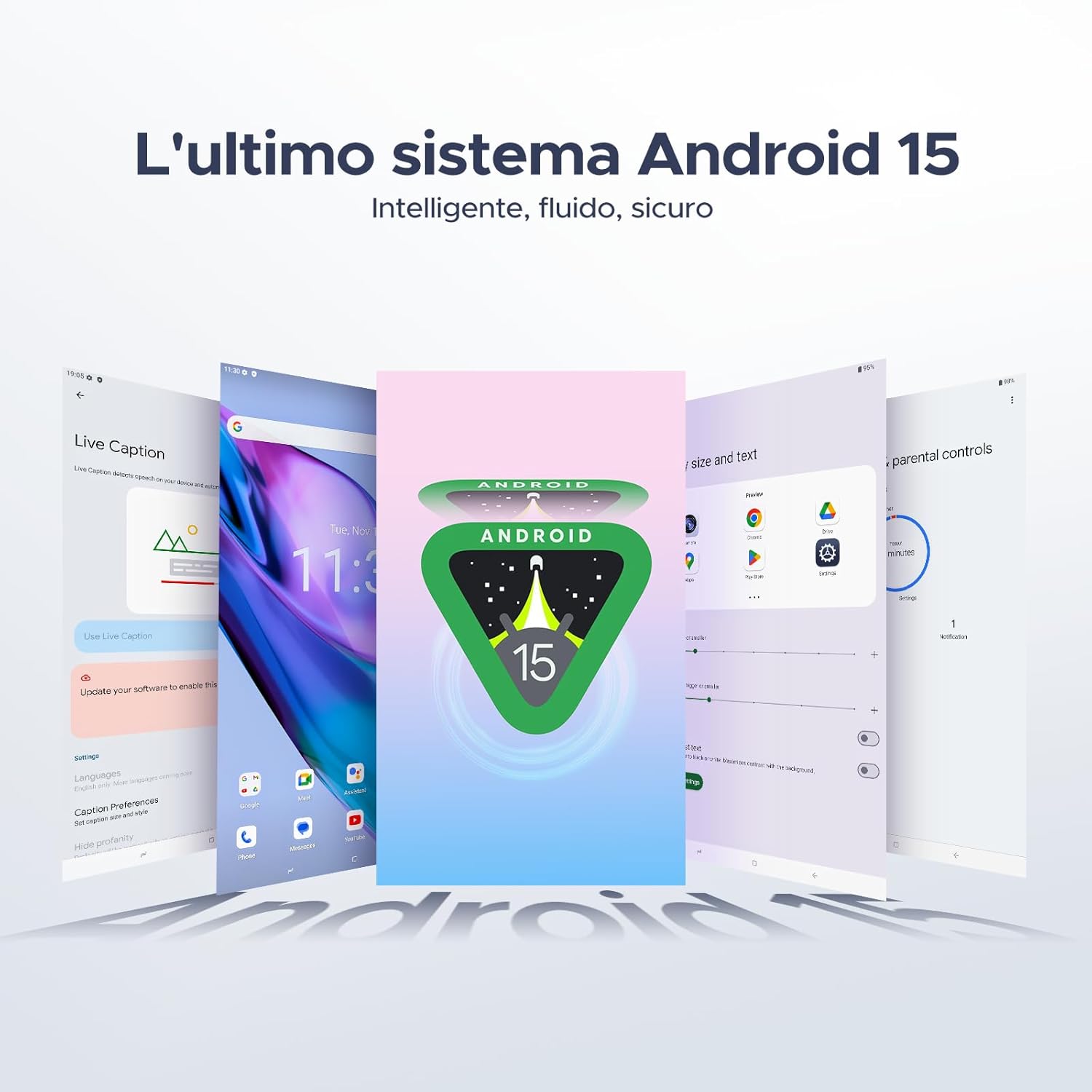
Your tablet runs on the latest Android 15 system, offering an intelligent, fluid, and secure experience.

Figure 5.1: The Android 15 operating system interface.
5.2 תכונות תצוגה
The 10.1-inch IPS HD display provides a wide visual field. Utilize features like Eye-Caring Mode and Dark Mode for enhanced viewנוחות.

Figure 5.2: Details of the 10.1-inch IPS HD Ultra-Clear Display.

Figure 5.3: Eye-Caring Mode and Dark Mode for visual comfort.
5.3 שימוש במצלמה
Capture moments with the 8MP main camera and take clear selfies or video calls with the 5MP front camera. The tablet also supports Beauty Mode and Google Smart Camera features.

Figure 5.4: The 8MP main camera for clear photos.

Figure 5.5: The 5MP front camera for selfies and video calls.

Figure 5.6: Beauty Mode for enhancing photos.

Figure 5.7: Google Smart Camera features for enhanced photography.
5.4 אודיו וקישוריות
Enjoy clear audio through the dual 1217 BOX speakers or connect headphones via the 3.5mm audio jack. The tablet supports Wi-Fi 5 (2.4G/5G) for stable and fast internet access.

Figure 5.8: Dual 1217 BOX speakers for crystal clear audio.

Figure 5.9: Standard 3.5mm audio jack for stable, distortion-free transmission.

Figure 5.10: Wi-Fi 5 for seamless connectivity.
5.5 אבטחה ופרטיות
Unlock your tablet effortlessly using Face Unlock. Android 15 also provides enhanced privacy features, including precise permission control, robust data encryption, and proactive app screening.

Figure 5.11: Face recognition unlock for easy access.

Figure 5.12: Enhanced privacy shield features of Android 15.
5.6 תכונות פרודוקטיביות
The tablet supports efficient split-screen multitasking and comes with WPS Office integrated for productivity on the go.

Figure 5.13: Efficient split-screen multitasking.

Figure 5.14: WPS Office integrated for PC-level productivity.
5.7 תכונות נוספות
The tablet offers Sleep Mode, Multi-user System, and Parental Control features for a versatile user experience.

Figure 5.15: Discover more with Android 15 features.
5.8 סרטוני מוצר
Watch these official videos for a visual guide to the DOOGEE Tab A9 Pro's features.
Video 5.1: DOOGEE Tab A9 Pro product overview (מִרֹאשׁview).
Video 5.2: DOOGEE Tab A9 Pro features highlight (Preview).
Video 5.3: DOOGEE Tab A9 Pro design and performance (Preview).
6. תחזוקה
6.1 ניקוי הטאבלט
- השתמש במטלית רכה ונטולת סיבים כדי לנקות את המסך וגוף הטאבלט.
- הימנע משימוש בכימיקלים קשים או חומרים שוחקים, מכיוון שהם עלולים לפגוע במשטח.
6.2 טיפול בסוללה
- הימנעו מחשיפת הטאבלט לטמפרטורות קיצוניות.
- להשגת חיי סוללה אופטימליים, הימנעו מפריקת הסוללה לחלוטין לעתים קרובות.
6.3 עדכוני תוכנה
בדוק באופן קבוע אם קיימים עדכוני תוכנה והתקן אותם כדי לוודא שהטאבלט שלך כולל את התכונות ושיפורי האבטחה העדכניים ביותר. עבור אל הגדרות > מערכת > עדכון מערכת כדי לבדוק אם יש עדכונים.
7. פתרון תקלות
If you encounter issues with your DOOGEE Tab A9 Pro, refer to the following common solutions:
| בְּעָיָה | פִּתָרוֹן |
|---|---|
| הטאבלט לא נדלק | Ensure the battery is charged. Connect the charger and wait a few minutes before attempting to power on again. If it still doesn't turn on, press and hold the power button for 10-15 seconds to force a restart. |
| המסך לא מגיב | הפעל מחדש את הטאבלט. אם הבעיה נמשכת, בצע איפוס להגדרות היצרן (הערה: פעולה זו תמחק את כל הנתונים). |
| בעיות חיבור Wi-Fi | הפעל מחדש את נתב ה-Wi-Fi ואת הטאבלט. שכח את הרשת בהגדרות הטאבלט והתחבר מחדש. ודא שאתה נמצא בטווח קליטה של אות ה-Wi-Fi. |
| אפליקציות קורסות או קופאות | Clear the cache and data for the problematic app (Settings > Apps > [App Name] > Storage > Clear Cache/Clear Data). If the issue continues, uninstall and reinstall the app. Ensure your tablet's software is up to date. |
| הסוללה מתרוקנת במהירות | Reduce screen brightness, close unused apps running in the background, disable Wi-Fi/Bluetooth when not in use, and check for power-intensive apps in battery usage settings. |
אם פתרונות אלה אינם פותרים את הבעיה, אנא פנו לתמיכת הלקוחות.
8. מפרטים
Detailed technical specifications for the DOOGEE Tab A9 Pro:
| תכונה | מִפרָט |
|---|---|
| מותג | דוגי |
| מספר דגם | Tab A9 PRO |
| מַעֲרֶכֶת הַפעָלָה | אנדרואיד 15 |
| מעבד | Unisoc T310 Quad-core, 2 GHz |
| אַיִל | 20 GB (4GB base + 16GB virtual) |
| אחסון פנימי (ROM) | 128 ג'יגה-בייט |
| אחסון ניתן להרחבה | עד 2 טרה-בייט באמצעות כרטיס microSD (נמכר בנפרד) |
| גודל מסך | 10.1 אינץ' |
| רזולוציית מסך | 1280 x 800 פיקסלים |
| מצלמה אחורית | 8 מגה פיקסל |
| מצלמה קדמית | 5 מגה פיקסל |
| קישוריות | Wi-Fi (802.11ac, 2.4G/5G), Bluetooth 5.0 |
| קיבולת סוללה | 6580 מיליampשעה (mAh) |
| מידות המוצר | 24.53 x 16.33 x 0.99 ס"מ |
| משקל פריט | 478 גרם |
| צֶבַע | BLACK (also available in Glacier Blue, Meteorite Gray) |
9. אחריות ותמיכה
Your DOOGEE Tab A9 Pro comes with a manufacturer's warranty. Please refer to the included Warranty Card for details on coverage and terms. For technical support, troubleshooting assistance beyond this manual, or warranty claims, please contact DOOGEE customer service through their official webהאתר או הקמעונאי שבו המוצר נרכש.
למידע נוסף, בקר באתר DOOGEE Store on Amazon.


