מָבוֹא
This manual provides comprehensive instructions for the setup, operation, and maintenance of your Hyperkin Hyper Jammer Wireless Guitar Controller. Designed for use with PlayStation 3 and PC, this controller offers a responsive and immersive experience for rhythm game enthusiasts. Please read this manual thoroughly before use to ensure optimal performance and longevity of your device.
המוצר נגמרview
The Hyperkin Hyper Jammer Wireless Guitar Controller features a classic layout for intuitive gameplay. Familiarize yourself with the key components:
- כפתורי סריג: Five colored buttons (Green, Red, Yellow, Blue, Orange) located on the neck for note input.
- סטרום בר: A central bar used to activate notes.
- בר וואמי: A spring-loaded lever for adding dynamic pitch effects.
- מוט כיווני: לניווט בתפריטים.
- PS3 Home Button: For accessing the PlayStation 3 system menu.
- כפתורי בחירה/התחל: For in-game menu functions.
- Guitar Strap Pegs: For attaching a guitar strap (strap not included).

תיאור תמונה: A detailed diagram of the Hyperkin Hyper Jammer Wireless Guitar Controller, highlighting and labeling its main components including the fret buttons, strum bar, whammy bar, directional stick, PS3 Home button, and Select/Start buttons.
הגדרה
1. התקנת סוללה
- אתר את תא הסוללות בגב בקר הגיטרה.
- פתח את מכסה תא הסוללות.
- הכניסו שלוש (3) סוללות AA, תוך הקפדה על קוטביות נכונה (+/-).
- The wireless USB dongle is stored inside the battery compartment. Remove it for use.
- סגור היטב את מכסה תא הסוללות.

תיאור תמונה: An illustration of the open battery compartment on the back of the Hyperkin Hyper Jammer guitar controller, showing the slots for three AA batteries and the dedicated storage slot for the wireless USB dongle.
2. Connecting to PlayStation 3 or PC
- Insert the wireless USB dongle into an available USB port on your PlayStation 3 console or PC.
- Turn on the guitar controller. The controller should automatically attempt to pair with the dongle.
- Once connected, an indicator light on the controller will confirm successful pairing.

תיאור תמונה: The Hyperkin Hyper Jammer guitar controller shown alongside icons representing PlayStation 3 and PC, indicating its dual compatibility with both platforms.
הוראות הפעלה
תאימות משחק
The Hyperkin Hyper Jammer is compatible with various rhythm games:
- PC: Guitar Hero 3 Legends of Rock, Guitar Hero World Tour, Clone Hero, and similar titles.
- פלייסטיישן 3: Guitar Hero 3, Guitar Hero 4, Guitar Hero 5, Rock Band 1 & 2.

תיאור תמונה: The official logos for Guitar Hero and Rock Band, illustrating the controller's compatibility with these popular rhythm game franchises.
משחק בסיסי
- נגינת תווים: Hold down the corresponding fret button(s) and strum the strum bar.
- Whammy Effects: While holding a sustained note, manipulate the whammy bar to alter the pitch.
- תפריט ניווט: Use the directional stick to navigate in-game menus.
- Pause/Options: Use the Select/Start buttons to access game menus.
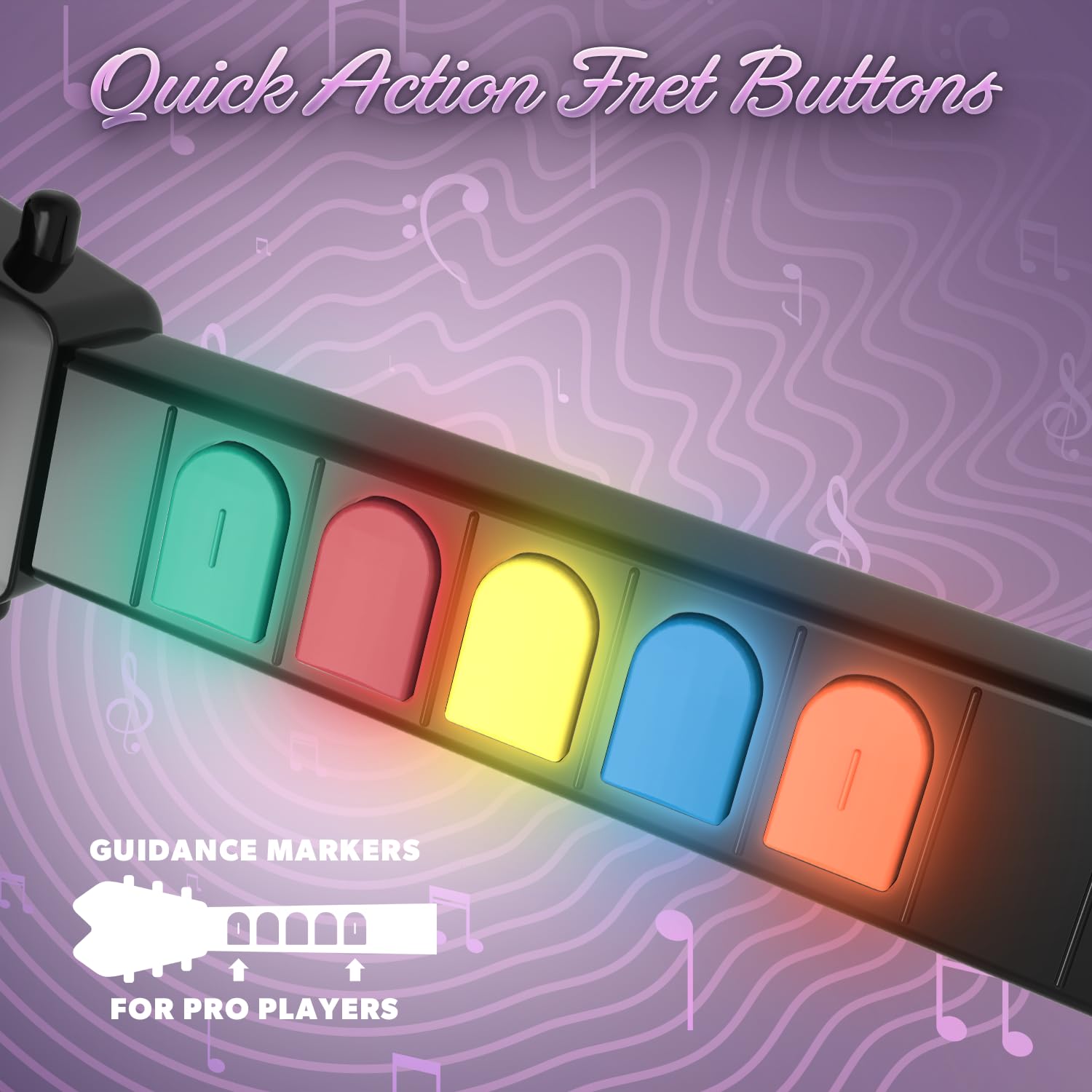
תיאור תמונה: תקריב view of the colored quick-action fret buttons on the neck of the Hyperkin Hyper Jammer guitar controller, designed for responsive gameplay.
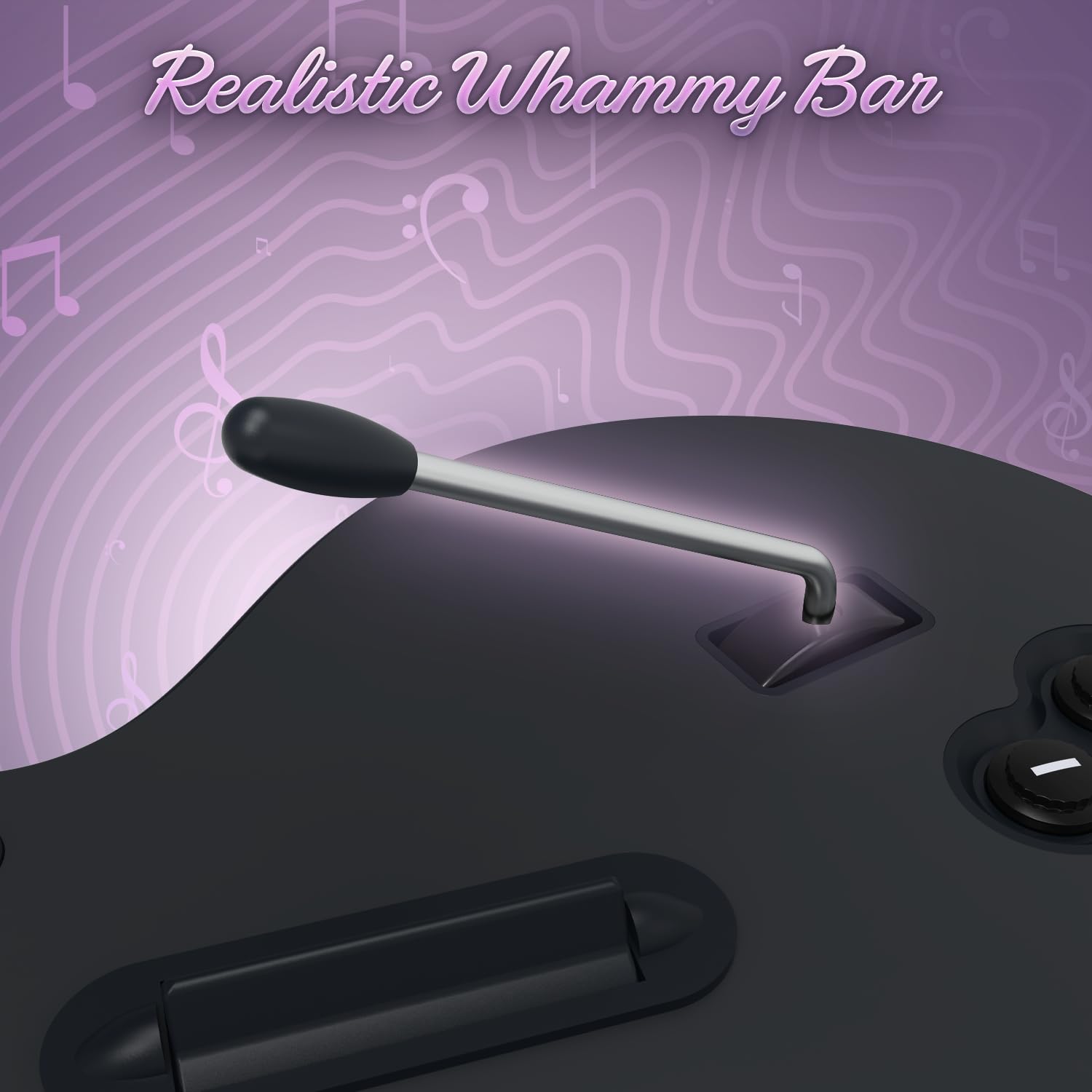
תיאור תמונה: תקריב view of the whammy bar on the Hyperkin Hyper Jammer guitar controller, designed to provide realistic pitch-bending effects during gameplay.
תַחזוּקָה
- ניקוי: השתמשו במטלית רכה ויבשה לניקוי הבקר. הימנעו מחומרי ניקוי שוחקים או ממסים.
- החלפת סוללה: Replace batteries when performance degrades or the controller fails to power on. Always use fresh AA batteries.
- אִחסוּן: יש לאחסן את הבקר במקום קריר ויבש, הרחק מאור שמש ישיר וטמפרטורות קיצוניות. יש להוציא את הסוללות אם מאחסנים אותו לתקופות ממושכות כדי למנוע דליפה.
פתרון בעיות
- הבקר לא מתחבר:
- Ensure the USB dongle is securely inserted into an active USB port.
- Verify that the controller has fresh batteries and is powered on.
- Try re-pairing the controller by turning it off and on, or by re-inserting the dongle.
- Test the dongle in a different USB port.
- Buttons Not Responding Correctly:
- Check for any physical obstructions or debris around the buttons or strum bar.
- Ensure the controller is properly paired and recognized by the system/game.
- For PC games like Clone Hero, you may need to manually map the keys within the game's settings. (Press Space in Clone Hero to access key mapping).
- ניתוקים לסירוגין:
- החלף סוללות בחדשות.
- Ensure there are no significant obstructions or sources of wireless interference between the controller and the USB dongle.
מפרטים
| מספר דגם | M07636 |
| מידות | 9.75 x 1.75 x 28.5 אינץ' |
| מִשׁקָל | 2.38 פאונד |
| קישוריות | Wireless (USB Dongle) |
| מקור כוח | 3x סוללות AA |
| תְאִימוּת | פלייסטיישן 3, מחשב |
| יַצרָן | היפרקין |
מידע על אחריות
For detailed warranty information regarding your Hyperkin Hyper Jammer Wireless Guitar Controller, please refer to the official Hyperkin webבאתר או צרו קשר ישירות עם שירות הלקוחות שלהם. תנאי האחריות עשויים להשתנות.
תְמִיכָה
Should you require further assistance or have questions not covered in this manual, please visit the official Hyperkin support website for FAQs, additional resources, and contact information.
Hyperkin Official Webאֲתַר: www.hyperkin.com