1. הקדמה
Thank you for choosing the ZEBRONICS EnergiPod 10R1 Power Bank. This device is designed to provide portable power for your electronic devices. Please read this manual carefully before use to ensure proper operation and to maximize the lifespan of your power bank.
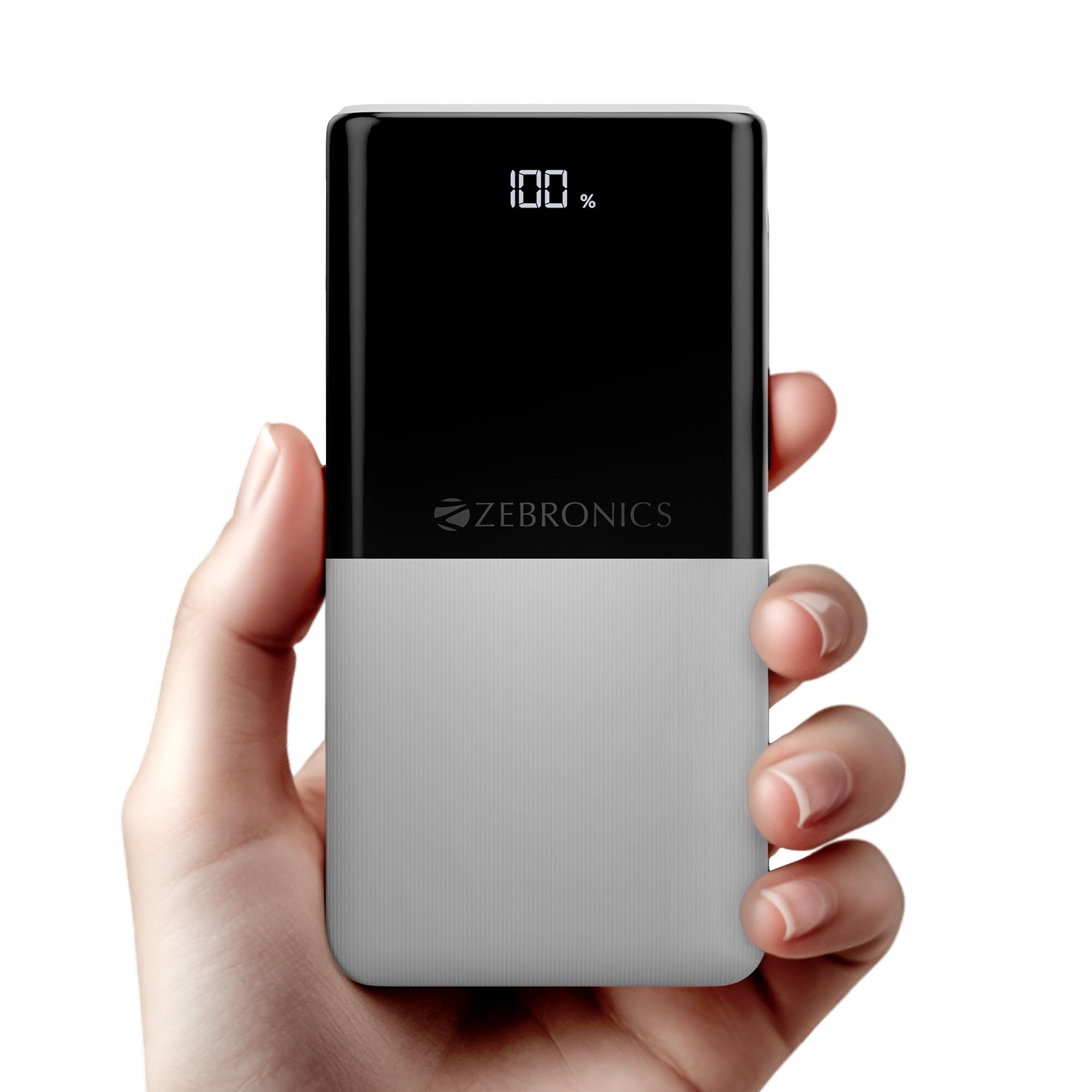
Image: The ZEBRONICS EnergiPod 10R1 Power Bank in white, highlighting its compact and modern design.
מה יש בקופסה:
- EnergiPod 10R1 Power Bank - 1 unit
- Charging Cable - 1 unit
- מדריך קוד QR - יחידה אחת
2. מידע בטיחות
To prevent damage to the power bank or injury to yourself and others, please observe the following safety precautions:
- אין לחשוף את סוללת הכוח לטמפרטורות קיצוניות (מעל 45 מעלות צלזיוס או מתחת ל-0 מעלות צלזיוס).
- הימנעו מהפלת המכשיר, פירוקו או ניסיון לתקן אותו בעצמכם.
- הרחק את סוללת הסוללה ממים, לחות וחומרים דליקים.
- השתמש רק בכבלים ובמתאמים טעינה מאושרים.
- אין להשתמש בסוללת הכוח אם היא פגומה או נפוחה.
- הרחק מהישג ידם של ילדים.
3. תכונות מוצר
-
קיבולת 10000mAh: מספק ample power for multiple charges of smartphones and other devices.

Image: The power bank showing its 10000mAh capacity and 22.5W fast charging output.
- 22.5W Super Fast Charging (PD 3.0 PPS): תומך בטעינה מהירה עבור מכשירים תואמים.
-
Dual Type-C & USB Port: Equipped with multiple output options for versatile charging.

תמונה: מפורט view of the power bank's ports, including Type-C PD 3.0 (Input/Output), USB Output, and Type-C Input.
-
LED אחוזtagמחוון e: Digital display shows the remaining battery percentage ומצב טעינה.

Image: The power bank's LED display showing 100% charge, along with its physical dimensions.
-
הגנת בטיחות: Built-in safeguards against overcharge, overload, and short-circuit.

Image: The power bank depicted with a protective shield, illustrating its short circuit, overcharge, and overload protection features.
- Metal Outlook: Sleek and compact design with a patterned finish for enhanced grip.
4. התקנה
טעינה ראשונית של סוללת הכוח:
- Connect the provided USB Type-C charging cable to the Type-C1 input port on the power bank.
- חבר את הקצה השני של הכבל למתאם קיר USB תואם (לא כלול) או ליציאת USB של מחשב.
- תצוגת ה-LED תציג את אחוז הטעינהtage. Allow the power bank to charge until it reaches 100% for optimal initial use.
מומלץ לטעון את סוללת הסוללה במלואה לפני השימוש הראשון בה.
5. הוראות הפעלה
טעינת מכשירים חיצוניים:
- Connect your device's charging cable to one of the power bank's output ports (Type-C1 or USB-A).
- חבר את הקצה השני של הכבל לסמארטפון, לטאבלט או למכשיר תואם אחר שלך.
- סוללת ה-Power Bank תתחיל לטעון את המכשיר שלך באופן אוטומטי. תצוגת ה-LED תציג את כמות הטעינה שנותרה בסוללת ה-Power Bank.
- נתק את המכשיר לאחר שהוא טעון במלואו או כאשר ברצונך להפסיק את הטעינה.
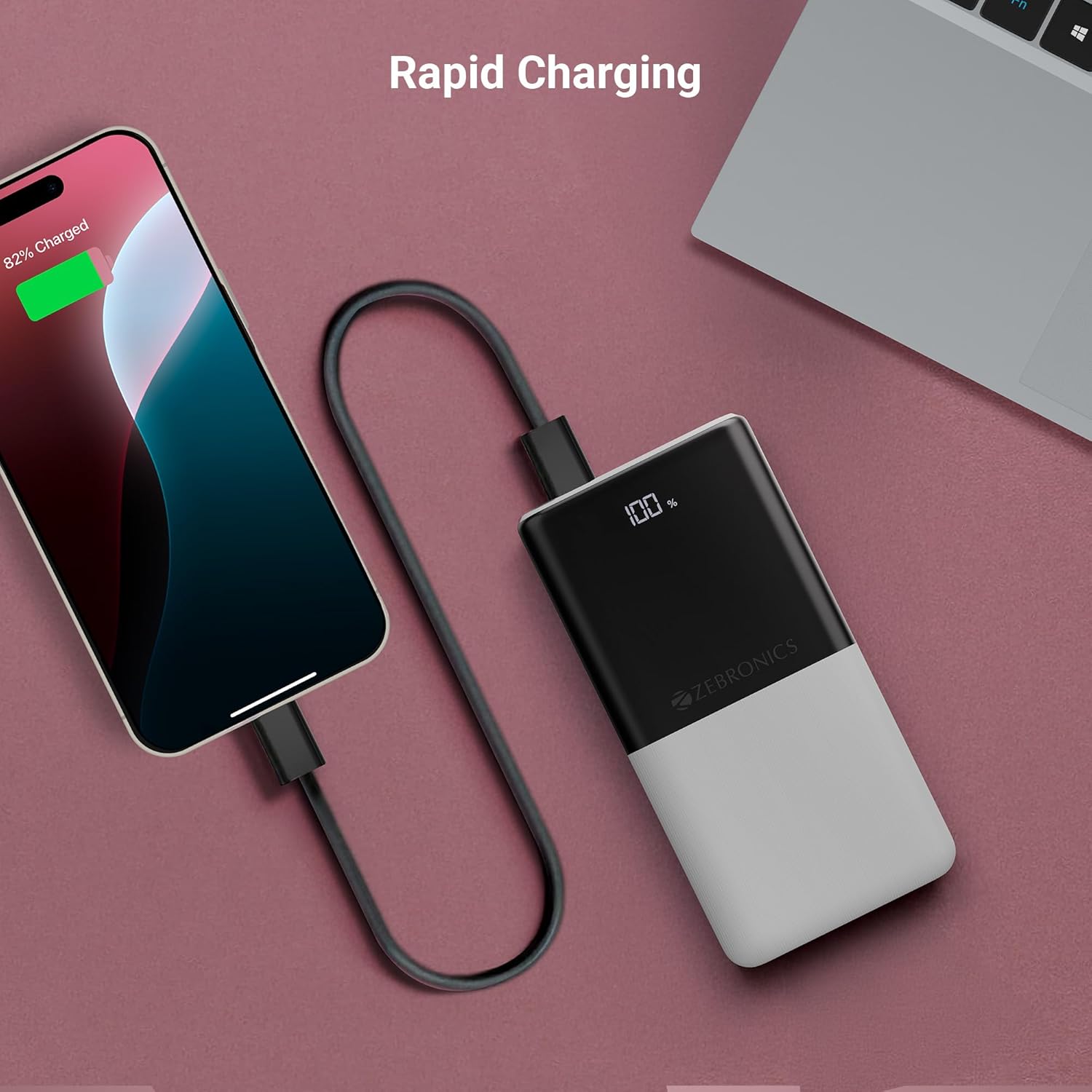
Image: The power bank actively charging a smartphone, demonstrating its rapid charging capability.
טעינת בנק הכוח:
Refer to the "Initial Charging of the Power Bank" section (Section 4) for instructions on how to recharge your power bank.
6. תחזוקה
- ניקוי: השתמשו במטלית רכה ויבשה לניקוי פני השטח של סוללת הכוח. אין להשתמש בחומרי ניקוי נוזליים או בחומרים שוחקים.
- אִחסוּן: יש לאחסן את סוללת הסוללה במקום קריר ויבש, הרחק מאור שמש ישיר וטמפרטורות קיצוניות.
- טיפול בסוללה: להשגת תקינות סוללה אופטימלית, יש לטעון ולפרוק את סוללת הכוח במלואה לפחות פעם בשלושה חודשים אם אינה בשימוש קבוע.
7. פתרון תקלות
בעיות ופתרונות נפוצים:
-
בנק כוח לא נטען:
- ודא שכבל הטעינה מחובר היטב הן לסוללת הכוח והן למקור הכוח.
- נסה כבל טעינה או מתאם קיר אחר.
- ודא שמקור הכוח פעיל.
-
המכשיר לא נטען מסוללת הכוח:
- בדוק אם יש מספיק טעינה בסוללת ה-POWER BANK (עיין בתצוגת ה-LED).
- Ensure your device's charging cable is properly connected to both the power bank and your device.
- נסה כבל טעינה אחר או יציאת פלט שונה בסוללת הכוח.
- ודא שהמכשיר שלך תואם למפרטי הפלט של סוללת הכוח.

Image: The power bank demonstrating its compatibility by charging both a tablet and a smartphone simultaneously.
-
LED Display Not Working or Inconsistent:
- ודא שסוללת הסוללה טעונה כראוי.
- אם הבעיה נמשכת לאחר הטעינה, צור קשר עם תמיכת הלקוחות.
8. מפרטים
| מותג | זברוניקה |
| שם הדגם | EnergiPod 10R1 |
| מספר דגם של פריט | ZEB-PB 12 |
| קיבולת סוללה | 10000 מיליאמפר/שעה |
| כוח פלט | 22.5W (מקסימום) |
| Type-C1 Port Output | DC 5V/3A, 9V/2.22A, 12V/1.67A, 3.3~11V/2A (PPS) |
| יציאת USB-A | DC 5V/3A, 9V/2A, 12V/1.85A |
| Type-C1 Input Port | DC 5V/3A, 9V/2A, 12V/1.5A |
| Type-C2 Input Port | DC 5V/2.4A |
| סוג מחבר | USB סוג C |
| שימושים מומלצים | Phone, Tablet |
| משקל פריט | 230 גרם |
| מידות חבילה | 16.8 x 9.9 x 2.4 ס"מ |
| ארץ מוצא | הוֹדוּ |
9. אחריות ותמיכה
מידע על אחריות:
The ZEBRONICS EnergiPod 10R1 Power Bank comes with a standard manufacturer's warranty. Please refer to the QR Code Guide included in the box or visit the official ZEBRONICS webבאתר לקבלת תנאי האחריות המפורטים.
תמיכת לקוחות:
If you encounter any issues or have questions regarding your power bank, please contact ZEBRONICS customer support. Contact details can typically be found on the official ZEBRONICS webבאתר או באריזת המוצר.
לתמיכה מקוונת, ניתן לבקר באתר ZEBRONICS Store on Amazon.


