מָבוֹא
This comprehensive user manual is designed to help you unlock the full potential of your Google Pixel 9, Pixel 9 Pro, or Pixel 9 Pro XL smartphone. Whether you are new to the Pixel ecosystem or upgrading to the latest series, this guide provides detailed, step-by-step instructions and comprehensive illustrations to navigate Android 14 and master your device's advanced features.
The manual covers everything from initial setup to advanced camera functions, battery optimization, security settings, powerful AI tools, gaming enhancements, and smart home integration. It is written in clear, user-friendly language, making complex functions easy to understand for all users, from beginners to seniors.
ידני מעלview

Front cover of the user manual, featuring the Google Pixel 9, 9 Pro, and 9 Pro XL smartphones.
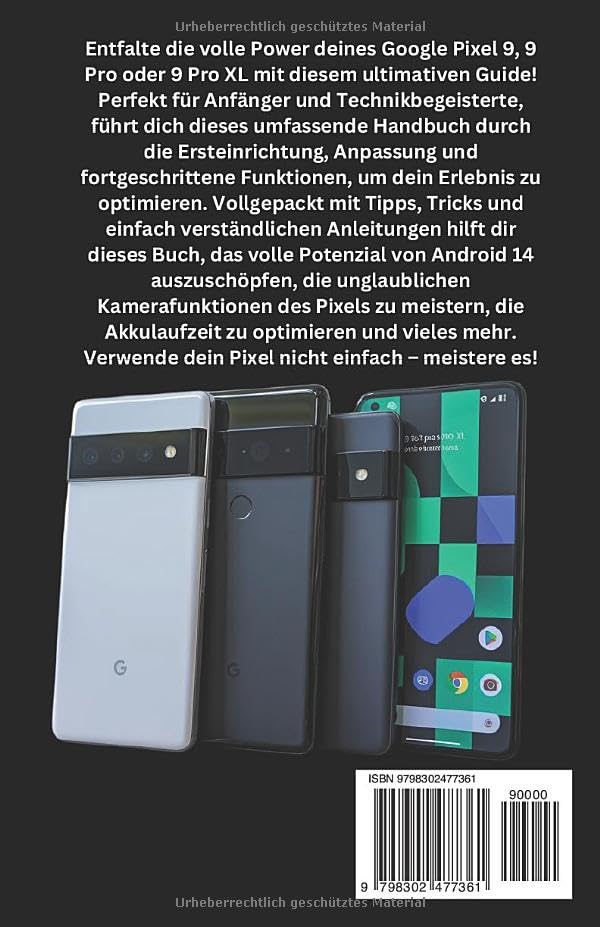
Back cover of the user manual, showing the ISBN-13: 979-8302477361.
1. הגדרה ותצורה ראשונית
This section guides you through the essential steps to set up your new Google Pixel 9 series device. From powering on for the first time to connecting to Wi-Fi and transferring data, these instructions ensure a smooth start.
1.1 First-Time Power On
- טען את המכשיר שלך: Before starting, ensure your Pixel device has sufficient charge. Connect the provided USB-C cable to the charging port and a compatible power adapter.
- הפעלה: Press and hold the power button (typically on the right side of the device) until the Google logo appears.
- בחר שפה: פעל לפי ההנחיות שעל המסך כדי לבחור את השפה המועדפת עליך.
1.2 התחברות ל-Wi-Fi
A stable internet connection is crucial for setup and updates.
- From the setup screen, tap on "הַתחָלָה" or "Let's go".
- Select your Wi-Fi network from the list. If prompted, enter the network password.
- בֶּרֶז "לְחַבֵּר".
1.3 הגדרת חשבון גוגל
Your Google account is essential for accessing apps, services, and backups.
- Sign in with an existing Google account or create a new one.
- Review וקבל את תנאי השירות ומדיניות הפרטיות של גוגל.
2. Operating Your Google Pixel 9 Series
This section details the core functionalities and advanced features of your Pixel device, helping you navigate Android 14 and utilize its capabilities effectively.
2.1 ניווט באנדרואיד 14
- מסך הבית: התאם אישית את מסך הבית שלך באמצעות ווידג'טים וקיצורי דרך לאפליקציות.
- התראות: החלק למטה מלמעלה כדי לגשת להתראות ולהגדרות מהירות.
- מגירת אפליקציות: החלק למעלה מתחתית מסך הבית כדי view כל האפליקציות המותקנות.
2.2 פונקציות המצלמה
The Pixel 9 series boasts advanced camera capabilities. Explore modes like:
- זום ברזולוציה גבוהה: Enhance digital zoom for clearer distant shots.
- מצב לילה: Capture vibrant photos in low-light conditions.
- מצב דיוקן: צור תמונות בעלות מראה מקצועי עם רקע מטושטש.
2.3 Google Assistant & Gemini AI
Utilize voice commands and intelligent AI features:
- Activate Google Assistant by saying "Hey Google" or long-pressing the power button.
- Leverage Gemini AI for smart routines, content summaries, and more.
2.4 אבטחה ופרטיות
Protect your data with built-in security features:
- זיהוי פנים: Set up facial unlock for quick and secure access.
- חיישן טביעות אצבע: רשום את טביעות האצבע שלך לצורך אימות ביומטרי.
- לוח מחוונים לפרטיות: Monitor app permissions and data access.
- Family Link & Parental Controls: Manage screen time and content for family members.
2.5 חוויית משחק
Optimize your gaming with Game Mode:
- Access Game Mode settings to enhance performance and minimize distractions during gameplay.
2.6 שילוב בית חכם
Connect your Pixel to your smart home ecosystem:
- Control Google Nest devices and other compatible smart home products directly from your Pixel.
3. תחזוקה ואופטימיזציה של סוללה
Proper maintenance ensures the longevity and optimal performance of your Google Pixel device. This section focuses on maximizing battery life.
3.1 Battery Saving Techniques
- סוללה אדפטיבית: Enable Adaptive Battery in settings to learn your usage patterns and optimize app power consumption.
- נושא אפל: Use Dark Theme to reduce power consumption on OLED screens.
- בהירות מסך: Adjust screen brightness to a comfortable level or enable Adaptive Brightness.
- רענון אפליקציית רקע: Limit background activity for apps that consume significant power.
- שירותי מיקום: Turn off location services when not in use or set them to "While using the app" for specific applications.
4. פתרון בעיות נפוצות
This section provides general guidance for resolving common issues you might encounter with your Google Pixel 9 series device. For more detailed troubleshooting, refer to the comprehensive manual or Google's official support resources.
4.1 המכשיר אינו מגיב
- כפה הפעלה מחדש: Press and hold the power button for about 30 seconds until the device restarts.
4.2 בעיות קישוריות (Wi-Fi/Bluetooth)
- הפעלה/כיבוי: Try turning Wi-Fi or Bluetooth off and then on again from Quick Settings.
- שכחו את הרשת: For Wi-Fi issues, forget the network and reconnect.
- הפעל מחדש את הנתב: If other devices are affected, restart your Wi-Fi router.
4.3 קריסת אפליקציה או קפיאה
- אפליקציית עצירה כפויה: Go to Settings > Apps > See all apps, select the problematic app, and tap "Force stop".
- נקה את המטמון: In the app's settings, go to Storage & cache and tap "Clear cache".
- עדכון אפליקציה: Ensure the app is updated to the latest version from the Google Play Store.
5. מפרט מוצר
The following table outlines key specifications for the Google Pixel 9, 9 Pro & 9 Pro XL User Manual (Paperback edition).
| תכונה | פְּרָט |
|---|---|
| ASIN | B0DPLCFBMJ |
| מוֹצִיא לָאוֹר | פורסם באופן עצמאי |
| תאריך פרסום | 4 בדצמבר 2024 |
| שָׂפָה | גֶרמָנִיָת |
| אורך ההדפסה | 335 עמודים |
| ISBN-13 | 979-8302477361 |
| משקל פריט | 13.8 אונקיות |
| מידות | 5.5 x 0.76 x 8.5 אינץ' |
6. אחריות ותמיכה
This user manual provides comprehensive instructions for operating your Google Pixel 9 series device. Please note that this manual itself does not include warranty information for the Google Pixel smartphones. For details regarding the warranty of your Google Pixel device, please refer to the official documentation provided with your smartphone or visit the official Google support webאֲתַר.
For further assistance or technical support related to your Google Pixel 9, 9 Pro, or 9 Pro XL, please visit the official Google Support page or contact Google customer service directly.
Disclaimer: This manual is a guide for the Google Pixel 9 series and is not an official Google publication. All product names, logos, and brands are property of their respective owners.


