מָבוֹא
Thank you for choosing the Haomuren K1 Mini Portable Bluetooth Karaoke Machine. This manual provides essential information for the safe and efficient operation of your new device. Please read it thoroughly before use and retain it for future reference.
מה יש בקופסה
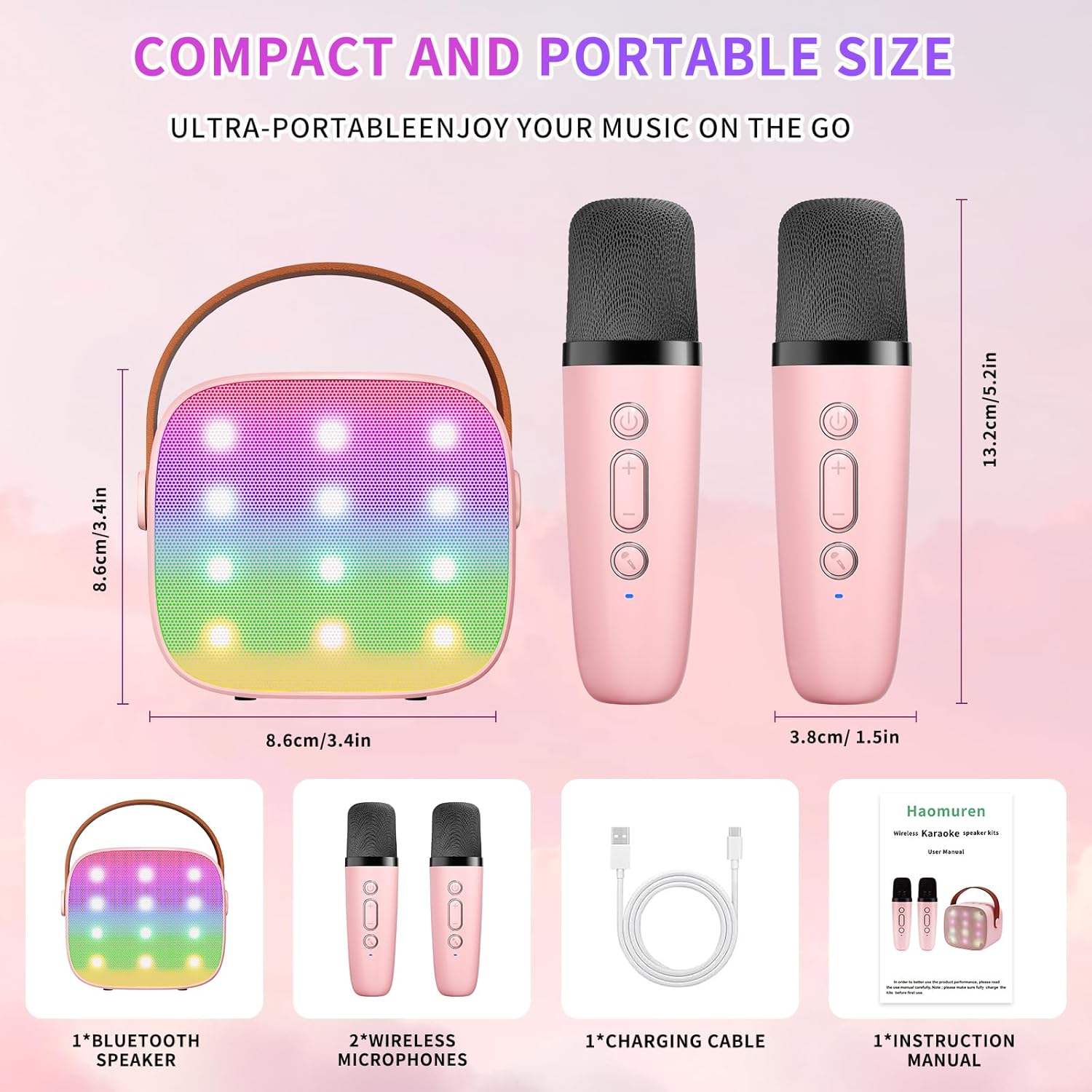
- Karaoke Machine (Speaker) x 1
- מיקרופון אלחוטי x 2
- כבל טעינה מסוג C x 1
- מדריך למשתמש x 1
הגדרה
1. טעינת ההתקן
Before initial use, fully charge the karaoke machine and both microphones. Use the provided Type-C charging cable.
- רַמקוֹל: Connect the Type-C cable to the speaker's charging port. The speaker has an 1800mAh battery and typically charges in 1-2 hours.
- מיקרופונים: Connect the Type-C cable to the charging port at the bottom of each microphone. Each microphone has a 600mAh battery.

2. הפעלה/כיבוי
- רַמקוֹל: Press and hold the power button on the top panel of the speaker until the LED lights illuminate.
- מיקרופונים: Press and hold the power button on each microphone until the blue indicator light turns on.
3. זיווג Bluetooth
The speaker and microphones are designed for instant pairing. Once both are powered on, they should automatically connect. To connect the speaker to an external device (smartphone, tablet, PC):
- Ensure the karaoke machine speaker is powered on and in Bluetooth mode (indicated by a voice prompt).
- במכשיר החיצוני שלך, הפעל את Bluetooth וחפש מכשירים זמינים.
- Select "K1" (or similar model name) from the list to pair. A confirmation sound will indicate successful pairing.

הוראות הפעלה
1. בקרות רמקול
The speaker features intuitive buttons on its top panel:
- להנמיך קול (-): Decreases the speaker volume.
- הפעלה/הפעל/השהה: Short press to play/pause music. Long press to power on/off the speaker.
- הגברת עוצמת הקול (+): Increases the speaker volume.
- מצב (M): Switches between different input modes (Bluetooth, TF Card).
- בקרת אור LED: Short press to cycle through 6 different LED lighting modes.
- Original Vocal/Accompaniment: Press this button to remove or restore original vocals from a song, allowing you to sing along to the instrumental track.

2. בקרות מיקרופון
Each wireless microphone has the following controls:
- לחצן הפעלה: Press and hold to power on/off the microphone.
- הגברת עוצמת הקול (+): Increases microphone volume.
- להנמיך קול (-): Decreases microphone volume.
- לחצן מחליף קול: Short press to cycle through 5 different voice effects.

3. Voice Changing Modes
The microphones offer 5 unique voice effects to enhance your karaoke experience:
- קול מקורי
- קול נשי
- קול זכר
- תינוק קול
- קול מפלצת
4. נורות לד
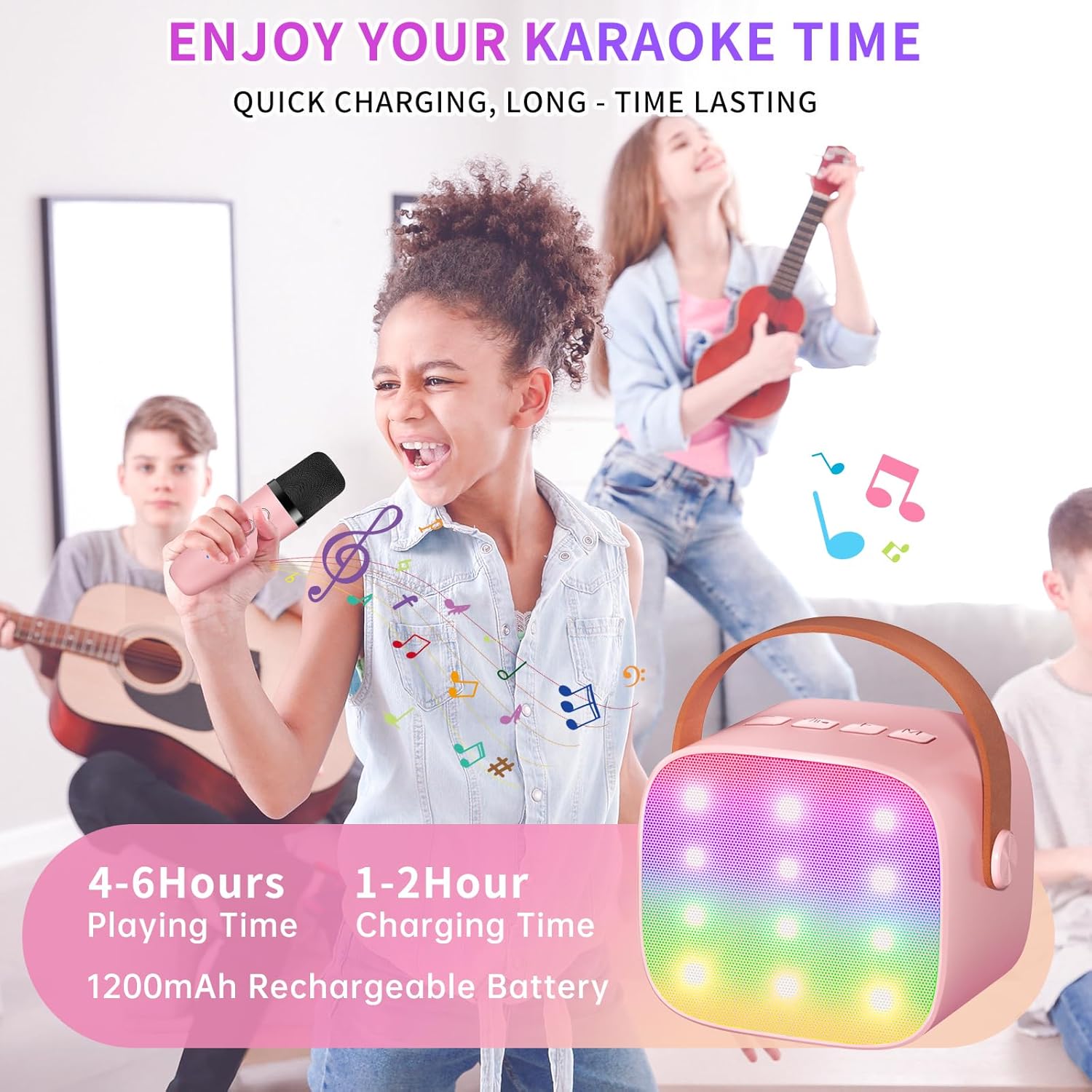
The speaker features built-in LED lights with 6 dynamic modes that synchronize with the music, creating an immersive atmosphere. Use the dedicated LED Light Control button on the speaker to cycle through these modes.

5. Music Playback Options
The Haomuren K1 supports various music playback methods:
- בלוטות': Connect wirelessly to your smartphone, tablet, or PC.
- כרטיס TF: Insert a TF (MicroSD) card into the designated slot on the back of the speaker to play stored music files.
- יציאת אוזניות: Use the 3.5mm headphone jack for private listening.
תַחזוּקָה
- ניקוי: Use a soft, dry cloth to clean the exterior of the speaker and microphones. Do not use liquid cleaners or abrasive materials.
- אִחסוּן: יש לאחסן את המכשיר במקום קריר ויבש, הרחק מאור שמש ישיר וטמפרטורות קיצוניות.
- טיפול בסוללה: כדי להאריך את חיי הסוללה, הימנעו מפריקה מלאה של המכשיר לעתים קרובות. טען את המכשיר באופן קבוע, גם אם אינו בשימוש למשך פרקי זמן ממושכים.
פתרון בעיות
- אין קול מהרמקול:
- ודא שהרמקול דולק וטעון.
- בדוק את עוצמת הקול של הרמקול.
- Verify that the speaker is correctly paired via Bluetooth to your device.
- If using a TF card, ensure it is inserted correctly and contains compatible audio files.
- המיקרופון לא עובד:
- ודא שהמיקרופון דולק וטעון.
- Check the microphone's volume level.
- Confirm the microphone is automatically paired with the speaker.
- ניתוק בלוטות':
- Ensure the speaker and your device are within the effective Bluetooth range (typically 10 meters).
- Turn off and restart both the speaker and your device, then attempt to re-pair.
- בדוק אם יש הפרעות ממכשירים אלחוטיים אחרים.
- סאונד מעוות:
- Lower the volume on both the speaker and your connected device.
- Ensure the microphones are not too close to the speaker to avoid feedback.
- בדוק את מקור האודיו לאיתור בעיות איכות.
מפרטים
| תכונה | מִפרָט |
|---|---|
| מותג | האומורן |
| מספר דגם | K1 |
| סוג הרכבה | משטח שולחן |
| מקור כוח | מופעל על סוללה |
| סוג מחבר | 3.5mm headphone, Type-C Charging |
| חוֹמֶר | אקרילוניטריל בוטאדיאן סטירן (ABS) |
| משקל פריט | 14.9 אונקיות |
| מספר ערוצים | 2 |
| קלט שמע | מיקרופונים אלחוטיים |
| תגובת תדר | 10 KHz |
| מידות המוצר | 3.7 x 4.1 x 4.3 אינץ' |
| סוללות | נדרשות 1 סוללות AAA (כלולות) |
| טכנולוגיית קישוריות | בלוטות', USB, אלחוטי |
אחריות ותמיכה
Haomuren is committed to providing high-quality audio products. Your K1 Mini Portable Bluetooth Karaoke Machine comes with the following:
- החלפה חינם: In case of product defects.
- אחריות 365 יום: כיסוי פגמי ייצור ותקלות.
- תמיכה טכנית: Dedicated support is available for any operational questions or issues.
For further assistance, please contact Haomuren customer service through your purchase platform or visit the official Haomuren webאֲתַר.


