1. הקדמה
תודה על הרכישהasing the ZEBRONICS Envy 2 Wireless Over-Ear Headphone. This manual provides essential information for the proper setup, operation, and maintenance of your device. Please read it carefully before use and retain it for future reference.
2. תכולת החבילה
- Headphone - 1 Unit
- Aux cable - 1 Unit
- External MIC - 1 Unit
- QR code guide - 1 Unit
- Charging cable (Type-C) - 1 Unit
3. המוצר נגמרview
The ZEBRONICS Envy 2 features a comfortable over-ear design with intuitive controls and versatile connectivity options.
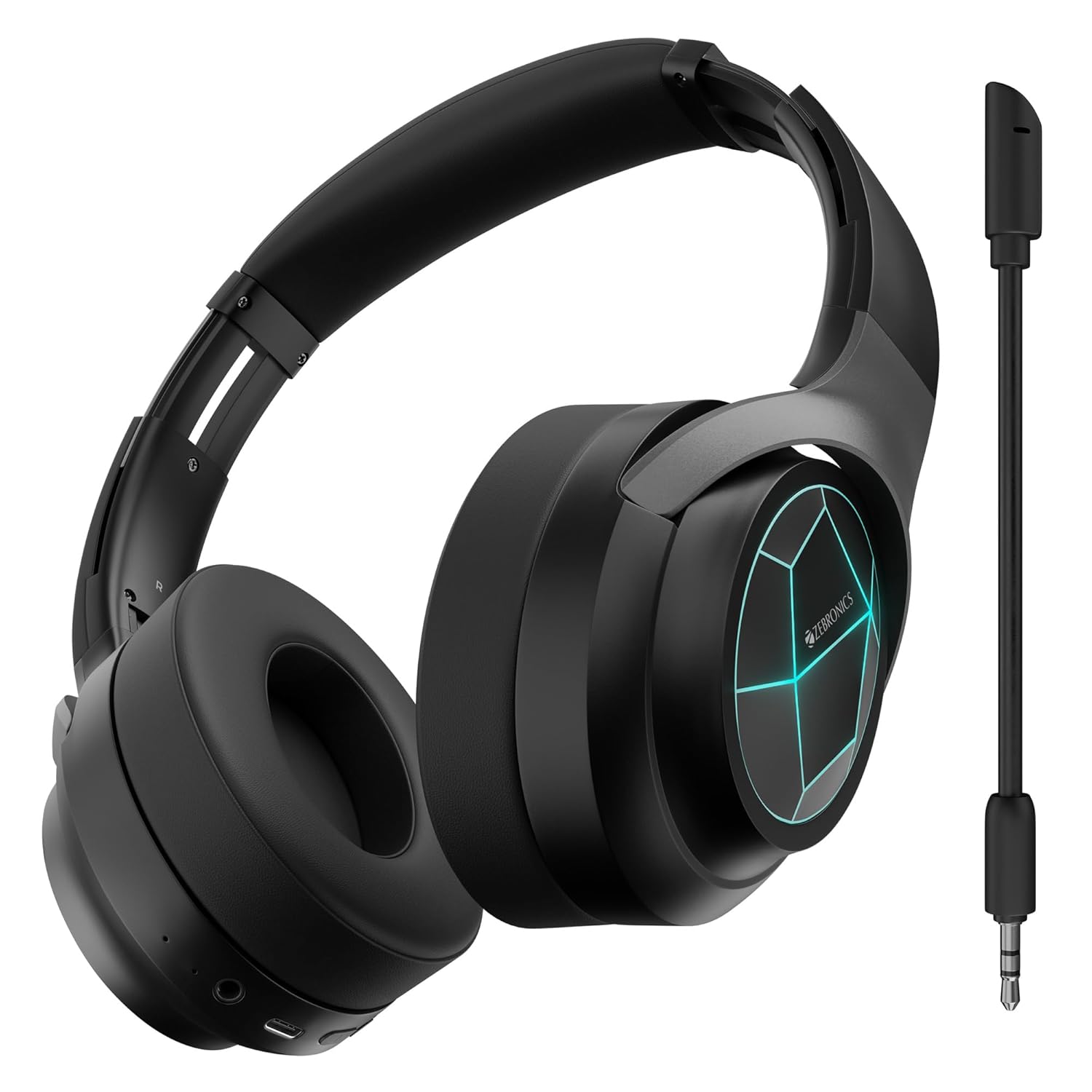
איור 1: חזית view of the ZEBRONICS Envy 2 Wireless Over-Ear Headphone, showcasing its sleek black design and illuminated earcups.
3.1 רכיבים ובקרות
- כוסות אוזניים: מרופד לנוחות, מכיל דרייברים בקוטר 40 מ"מ.
- סרט ראש: Adjustable and foldable for portability.
- כפתור הפעלה/רב-תכליתי: For power on/off, play/pause, call management.
- כפתור הגברת עוצמת הקול/הבאת הרצועה: Adjust volume or skip tracks.
- כפתור הנמכת עוצמת הקול/הרצועה הקודמת: Adjust volume or go to previous tracks.
- לחצן מצב: To switch between modes (e.g., Gaming Mode).
- יציאת טעינה מסוג C: לטעינת הסוללה הפנימית.
- כניסת AUX 3.5 מ"מ: לחיבור אודיו קווי.
- יציאת מיקרופון: לחיבור המיקרופון הניתן להסרה.
- מחווני LED: For power, pairing, and charging status.

Figure 2: Close-up showing the 40mm drivers for deep bass, media and volume controls, foldable design, and LED lights on the earcups.
4. תכונות עיקריות
- בס דינמי: Equipped with dual 40mm powerful drivers for enhanced audio experience.
- קישוריות אלחוטית: Utilizes Bluetooth v5.3 for stable and efficient wireless connection.
- קישוריות קווית: Supports 3.5mm AUX input for universal compatibility.
- מיקרופון ניתן להסרה: Includes a flexible, detachable microphone for clear communication, especially during gaming.
- ביטול רעש סביבתי (ENC): Reduces ambient noise for clearer calls.
- זמן השמעה ארוך: Offers up to 65 hours of playback on a single charge (at 50% volume with LED off).
- מצב משחק: Provides a low-latency audio experience optimized for gaming.
- זיווג כפול: Allows simultaneous connection to two devices, enabling seamless switching.
- תמיכת עוזר קולי: Compatible with voice assistants for hands-free control.
- עיצוב מתקפל: משפר את הניידות וקלות האחסון.
- כריות אוזניים רכות: Designed for extended comfort during long listening sessions.
- נורות LED: Integrated LED lights on the earcups for a distinctive visual appeal.
5. טעינת האוזניות
Before first use, fully charge the headphone. Use the provided Type-C charging cable.
- Connect the Type-C end of the charging cable to the headphone's charging port.
- חבר את קצה ה-USB-A של כבל הטעינה למתאם חשמל USB תואם (לא כלול) או ליציאת USB של מחשב.
- מחוון ה-LED יציג את מצב הטעינה (למשל, אדום בזמן טעינה, כבוי כאשר המכשיר טעון במלואה).
- A full charge typically takes approximately X hours (refer to product specifications for exact time).

Figure 3: Illustration highlighting the headphone's impressive battery life of up to 65 hours and its built-in rechargeable battery.
6. זיווג Bluetooth
Follow these steps to pair your ZEBRONICS Envy 2 headphone with a Bluetooth-enabled device.
- ודא שהאוזניות טעונות במלואן וכבויות.
- Press and hold the Power/Multi-function button until the LED indicator flashes blue and red alternately, indicating pairing mode.
- במכשיר שלך (סמארטפון, טאבלט, מחשב נייד), הפעל את Bluetooth וחפש מכשירים זמינים.
- Select "Zeb-Envy 2" from the list of found devices.
- לאחר הצימוד, נורית החיווי תהבהב בכחול באיטיות.
6.1 זיווג כפול
The headphone supports dual pairing, allowing connection to two Bluetooth devices simultaneously.
- Pair the headphone with the first device as described above.
- Disable Bluetooth on the first device. The headphone will re-enter pairing mode.
- Pair the headphone with the second device.
- Re-enable Bluetooth on the first device. The headphone should automatically connect to both devices.

Figure 4: The headphone connected to both a laptop and a smartphone, illustrating the dual pairing feature with Bluetooth v5.3.
7. חיבור קווי (AUX)
For a wired connection, use the provided 3.5mm AUX cable.
- Plug one end of the 3.5mm AUX cable into the headphone's AUX input port.
- Plug the other end into the 3.5mm audio output jack of your audio source (e.g., smartphone, computer, gaming console).
- The headphone will automatically switch to AUX mode.

Figure 5: The headphone showing the detachable and flexible microphone, along with the AUX input port for wired audio.
8. Using the Detachable Microphone
The ZEBRONICS Envy 2 comes with a detachable microphone for clear voice input.
- Locate the microphone port on the headphone.
- Insert the detachable microphone firmly into the port.
- Adjust the flexible microphone arm to position it optimally for your voice.
- To remove, gently pull the microphone out of the port.
9. Call Function and Voice Assistant
Manage calls and activate your device's voice assistant with ease.
9.1 Call Function (ENC)
- מענה / סיום שיחות: לחץ פעם אחת על כפתור ההפעלה/רב-תכליתי.
- דוחה שיחות: לחץ והחזק את לחצן ההפעלה/רב-תכליתי למשך 2 שניות.
- ביטול רעש סביבתי (ENC): The built-in ENC technology helps reduce background noise during calls for clearer conversations.

Figure 6: Visual representation of the Environmental Noise Cancellation (ENC) feature, showing the headphone surrounded by a noise-reducing field.
9.2 עוזר קולי
- הפעלת עוזר קולי: Press the Voice Assistant button (if available, or typically a double-press of the Multi-function button) to activate your device's voice assistant (e.g., Siri, Google Assistant).

Figure 7: The headphone highlighting soft ear cushions for comfort, the call function, and support for voice assistants like Siri and Google Assistant.
10. מצב משחק
The ZEBRONICS Envy 2 features a dedicated Gaming Mode for a low-latency audio experience, crucial for competitive gaming.
- הפעלת מצב משחקים: Press the Mode button (or refer to the QR code guide for specific button press).
- תוֹעֶלֶת: Reduces audio delay, ensuring synchronized sound with on-screen action.
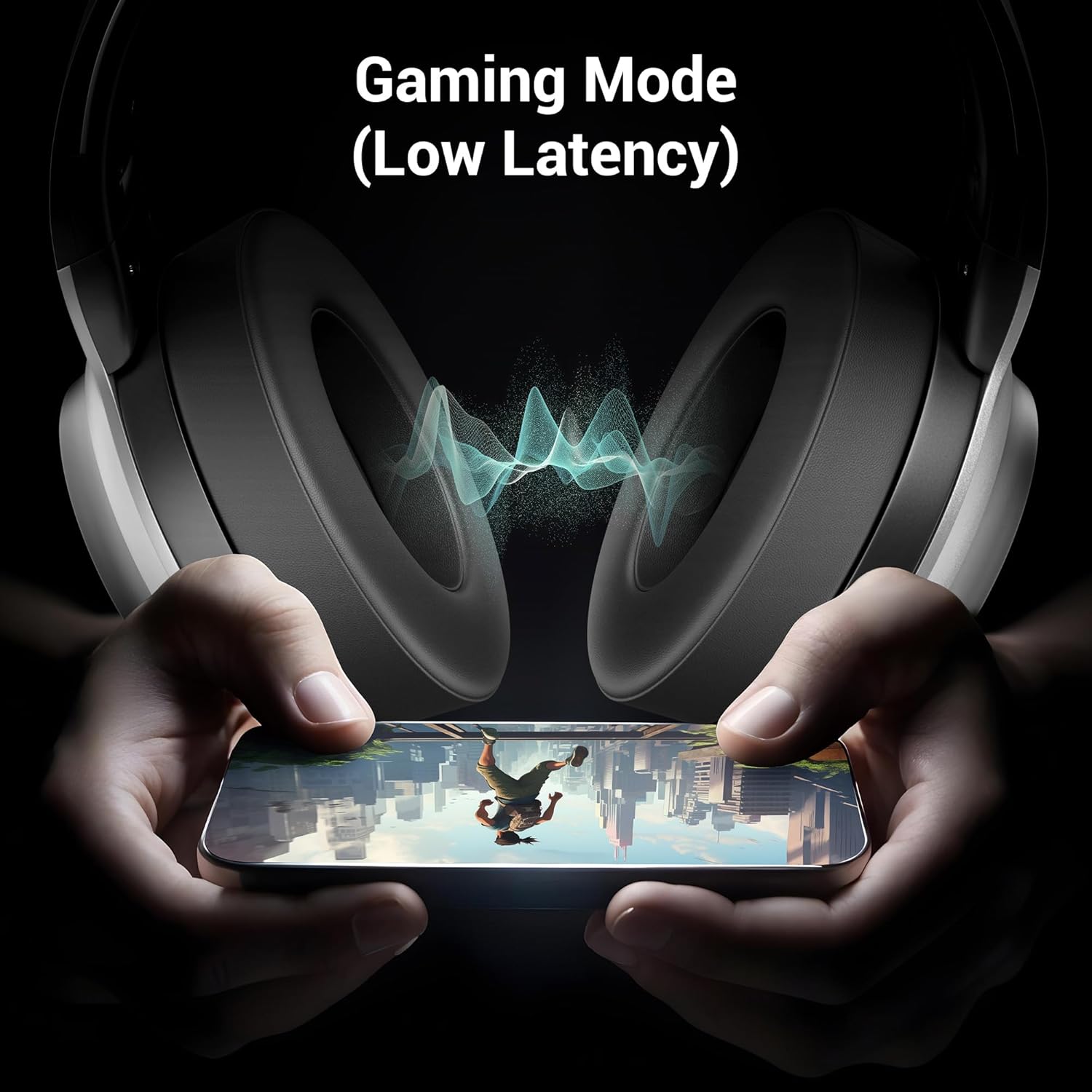
Figure 8: The headphone illustrating its Gaming Mode, emphasizing low latency for an immersive gaming experience.
11. תחזוקה וטיפול
- Clean the headphone with a soft, dry cloth. Do not use harsh chemicals or abrasive materials.
- Avoid exposing the headphone to extreme temperatures, humidity, or direct sunlight.
- Store the headphone in a cool, dry place when not in use. The foldable design aids in compact storage.
- אל תנסו לפרק או לשנות את האוזניות, שכן פעולה זו תגרום לביטול האחריות.
12. פתרון תקלות
| בְּעָיָה | סיבה אפשרית | פִּתָרוֹן |
|---|---|---|
| Headphone does not power on | סוללה חלשה | טען את האוזניות במלואן. |
| לא ניתן להתאים דרך בלוטות' | Headphone not in pairing mode; device Bluetooth off; too far apart | Ensure headphone is in pairing mode (flashing blue/red). Turn on device Bluetooth. Keep devices within 10 meters. |
| אין קול | Volume too low; incorrect source; headphone not connected | Increase volume on headphone and device. Check connection (Bluetooth or AUX). Ensure correct audio output is selected on your device. |
| המיקרופון לא עובד | Microphone not properly attached; muted; incorrect input selected | Ensure detachable mic is securely inserted. Check if mic is muted on the headphone or device. Select the correct microphone input on your device settings. |
13. מפרטים
| תכונה | פְּרָט |
|---|---|
| שם הדגם | Zeb Envy 2 |
| טכנולוגיית קישוריות | אלחוטי (בלוטות'), חוטי (AUX) |
| גרסת בלוטות' | 5.3 |
| סוג מנהל התקן שמע | מנהל התקן דינמי |
| גודל דרייבר | 40 מ"מ |
| חיי סוללה | Up to 65 Hours (at 50% Volume, LED OFF) |
| יציאת טעינה | סוג-C |
| מִיקרוֹפוֹן | Detachable & Flexible Mic with ENC |
| מיקום אוזניים | מעל אוזן |
| שיטת בקרה | כפתור לחיצה |
| מכשירים תואמים | Laptops, Tablets, Smartphones, Gaming Consoles |
| משקל פריט | 238 גרם |
| מידות המוצר (LxWxH) | 8.4 x 15.4 x 22.2 ס"מ |
| חוֹמֶר | פּלָסטִי |
14. מידע בטיחות
- Do not use the headphone at high volume for extended periods to prevent hearing damage.
- Do not use the headphone while driving or in situations where ambient sounds are necessary for safety.
- הרחק את המכשיר ממים, לחות וחומרים דליקים.
- השלך את המוצר באחריות בהתאם לתקנות המקומיות.
15. אחריות ותמיכה
Your ZEBRONICS Envy 2 headphone is covered by a manufacturer's warranty. For detailed warranty information, technical support, or service inquiries, please refer to the QR code guide included in your package or visit the official ZEBRONICS webאֲתַר.


