מָבוֹא
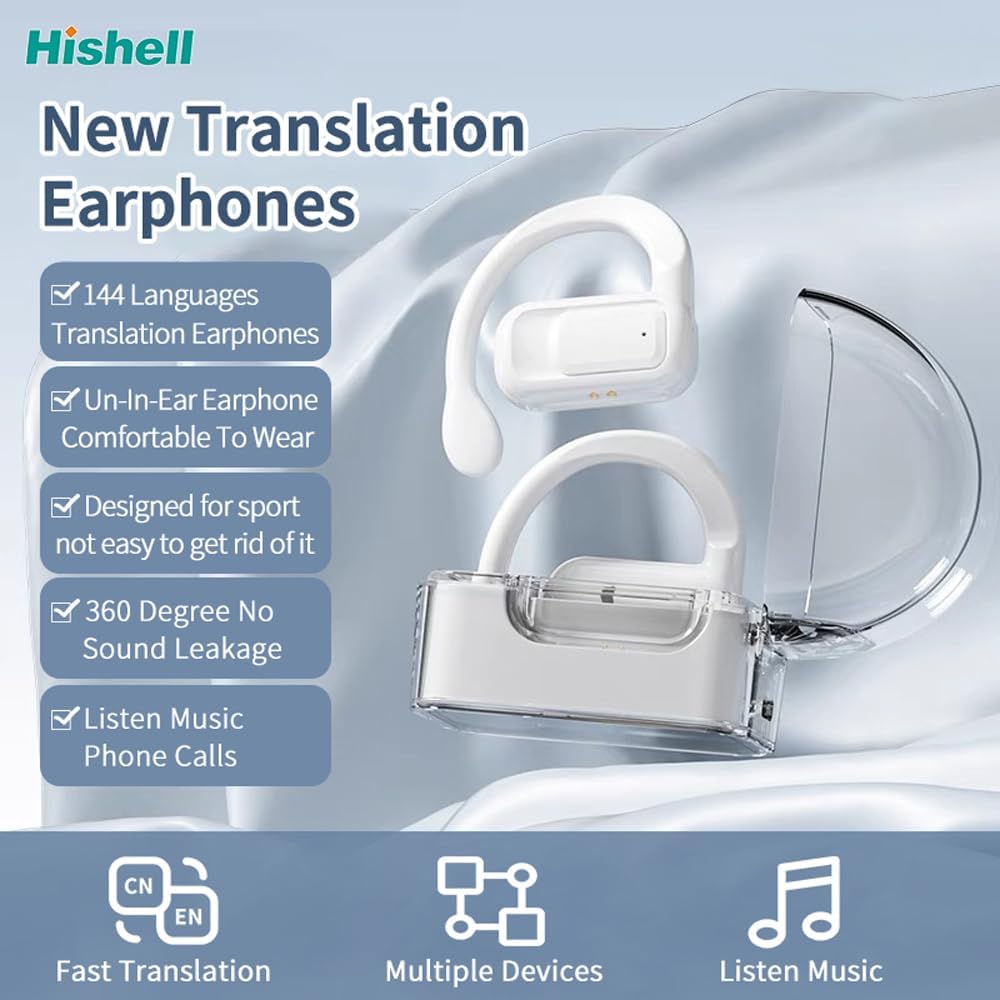
Thank you for choosing the HISHELL Language Translator Earbuds. These open-ear headphones are designed to provide seamless real-time language translation across 144 online languages, powered by 6 top translation engines. Beyond translation, they also function as versatile devices for music streaming and phone calls. This manual will guide you through the setup, operation, and maintenance of your new device to ensure an optimal user experience.

Image: The HISHELL Language Translator Earbuds, showing both earbuds and their transparent charging case.
מה יש בקופסה
- 2 x Language Translator Earphones
- 1 x תא טעינה
- 1 x כבל נתונים (USB-C)
- 1 x Headset User Manual
- 1 x APP Translation User Manual

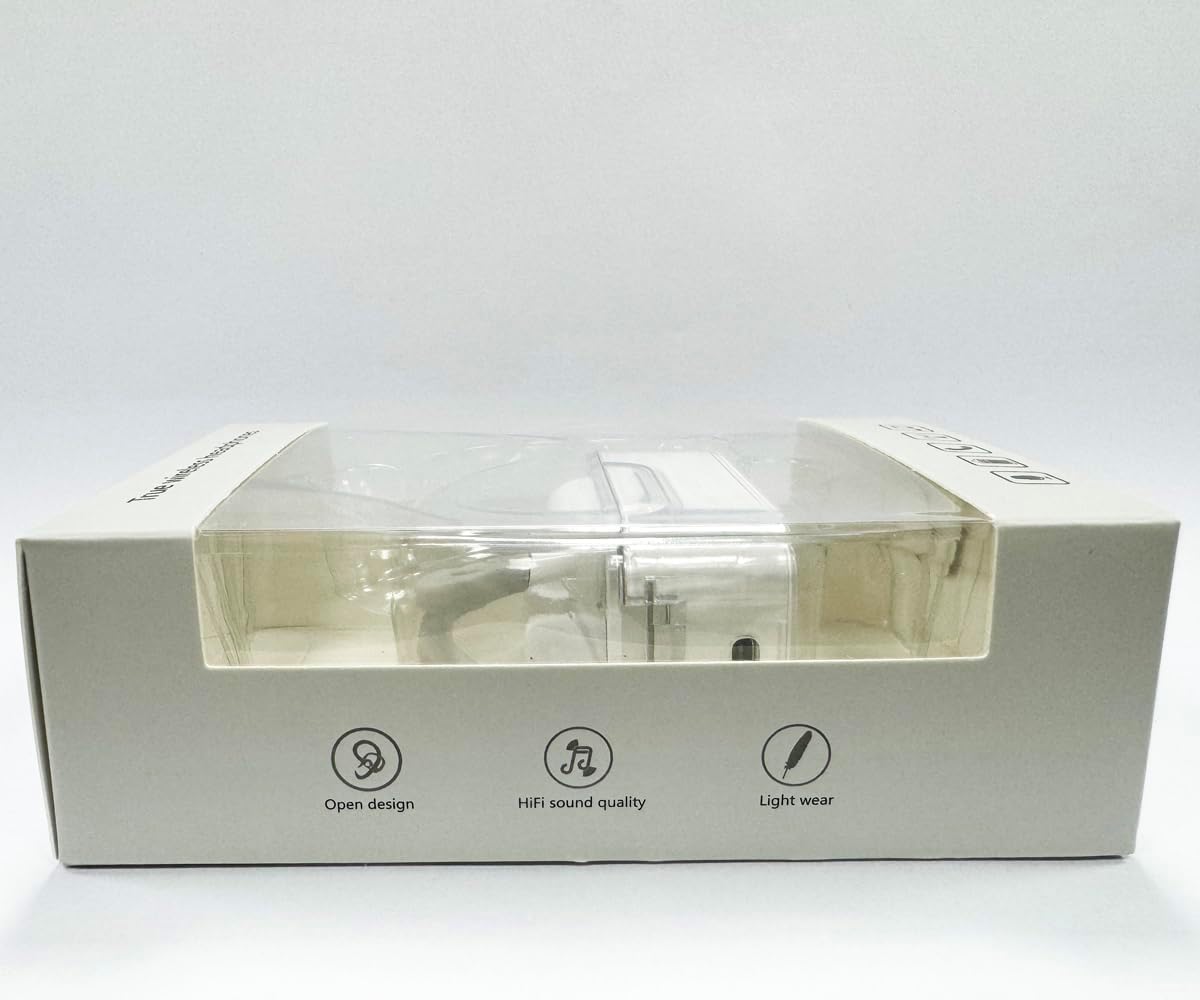
תמונה: חזית view of the product packaging, displaying the earbuds inside.
הגדרה
1. טעינת האוזניות והמארז
Before first use, fully charge the earbuds and the charging case. Connect the provided USB-C data cable to the charging port on the case and plug the other end into a USB power source (e.g., computer, wall adapter). The indicator lights on the case will show charging status.
תמונה: תחתית view of the charging case, highlighting the USB-C charging port.
2. התקנת אפליקציה
To utilize the translation features, you must download the dedicated HISHELL translation app on your smartphone (iOS or Android). Scan the QR code provided in the APP Translation User Manual or search for "HISHELL Translator" in your device's app store.
3. זיווג Bluetooth
- ודאו שהאוזניות טעונות והוצאו ממארז הטעינה. הן ייכנסו אוטומטית למצב צימוד.
- On your smartphone, go to Bluetooth settings and turn Bluetooth on.
- Select "HISHELL BL02" (or similar name) from the list of available devices.
- לאחר החיבור, יושמע צליל אישור, והאוזניות יהיו מוכנות לשימוש.
הוראות הפעלה
The HISHELL Language Translator Earbuds offer three primary translation modes, along with standard audio functions.
מצבי תרגום

Image: Visual representation of the three distinct translation modes available with the earbuds.
- מצב מגע:
Two people each wear one earphone. Click or double-click the earphone to translate in real-time. This mode is suitable for acquaintances who are willing to wear your earphone.

Image: Two individuals using the translator earbuds in a conversational setting.
- מצב רמקול:
One person wears the earphones, and the other person holds the mobile phone. The phone's speaker will output the translation. This mode is suitable for strangers or situations where it's inconvenient for the other person to wear an earphone.
- מצב שיחה חופשית:
Both users wear an earphone. The device translates in real-time, allowing for natural, continuous conversation without needing to press buttons. This mode facilitates smooth and uninterrupted communication.
פונקציות מוזיקה ושיחות
In addition to translation, the earbuds function as standard Bluetooth headphones:
- השמעת מוזיקה: Once connected via Bluetooth, you can stream audio from your device. Use your phone's media controls for play/pause, skip tracks, and volume adjustment.
- שיחות טלפון: The earbuds support hands-free calling. Answer/end calls directly through the earbuds (refer to the APP Translation User Manual for specific touch controls). The binaural HD microphone ensures clear communication.

תמונה: דוגמהamples of individuals comfortably wearing the open-ear translator earbuds.
תַחזוּקָה
ניקוי
- נגבו את האוזניות ואת נרתיק הטעינה בעזרת מטלית רכה, יבשה ונטולת סיבים.
- אין להשתמש בחומרי ניקוי שוחקים, אלכוהול או ממסים כימיים.
- הימנעו מלחות בכל פתח.
אִחסוּן
כאשר אינן בשימוש, יש לאחסן את האוזניות בנרתיק הטעינה שלהן כדי להגן עליהן ולשמור עליהן טעונות. יש לאחסן במקום קריר ויבש הרחק מאור שמש ישיר וטמפרטורות קיצוניות.
פתרון בעיות
| בְּעָיָה | סיבה אפשרית | פִּתָרוֹן |
|---|---|---|
| אוזניות לא מתאימות | Low battery; out of range; not in pairing mode; previous connection issue. | Ensure earbuds are charged. Place them closer to your device. Re-insert into case and remove to re-enter pairing mode. Forget device in Bluetooth settings and re-pair. |
| Translation not accurate or delayed | Poor internet connection; background noise; speaking too fast/unclearly; incorrect language selection. | Ensure stable internet connection. Speak clearly and at a moderate pace. Reduce background noise. Verify correct source and target languages in the app. |
| אין צליל מאוזניות | עוצמת קול נמוכה מדי; לא מחובר; מדיה מושהית. | הגבירו את עוצמת הקול במכשיר. בדקו את חיבור ה-Bluetooth. ודאו שהמדיה מתנגנת. |
| מארז טעינה לא נטען | כבל/מתאם פגום; שקע טעינה מלוכלך. | Try a different USB-C cable and power adapter. Clean the charging port gently with a dry cotton swab. |
For further assistance, please refer to the APP Translation User Manual or contact customer support.
מפרטים
| תכונה | פְּרָט |
|---|---|
| מספר דגם | BL02 |
| מידות חבילה | 5.16 x 3.15 x 1.69 אינץ' |
| משקל פריט | 2.12 אונקיות |
| סוללות | סוללת ליתיום פולימר אחת (כלול) |
| שפות תרגום | 144 שפות מקוונות |
| Translation Engines | Powered by 6 top translation engines |
| מִיקרוֹפוֹן | Binaural HD microphone |
| חיי סוללה (האזנה) | כ. 3 שעות |
| זמן המתנה | כ. 240 שעות |
| יציאת טעינה | USB-C |


תמונה: מגוון views of the HISHELL charging case, showing its dimensions and design.
אחריות ותמיכה
מידע על אחריות
HISHELL products typically come with a standard manufacturer's warranty. Please refer to the warranty card included in your product packaging or visit the official HISHELL webבאתר לקבלת תנאי אחריות מפורטים הספציפיים לאזור ולתאריך הרכישה שלך.
תמיכת לקוחות
If you encounter any issues or have questions not covered in this manual, please contact HISHELL customer support. You can usually find contact information (email, phone, or support portal) on the official HISHELL webבאתר או דרך הקמעונאי שממנו רכשת את המוצר.


