מָבוֹא
The Anderic RRTX015 is a replacement remote control designed for specific Harbor Breeze ceiling fan models that originally used the A25-TX015 or A25-TX015A remote. This manual provides detailed instructions for setting up, operating, and maintaining your new remote control.
⚠ Important Warning: This remote control is specifically designed to replace original A25-TX015 and A25-TX015A models. It is not compatible with "KUJCE..." models. Please verify the FCC ID on your original remote before use.
המוצר נגמרview
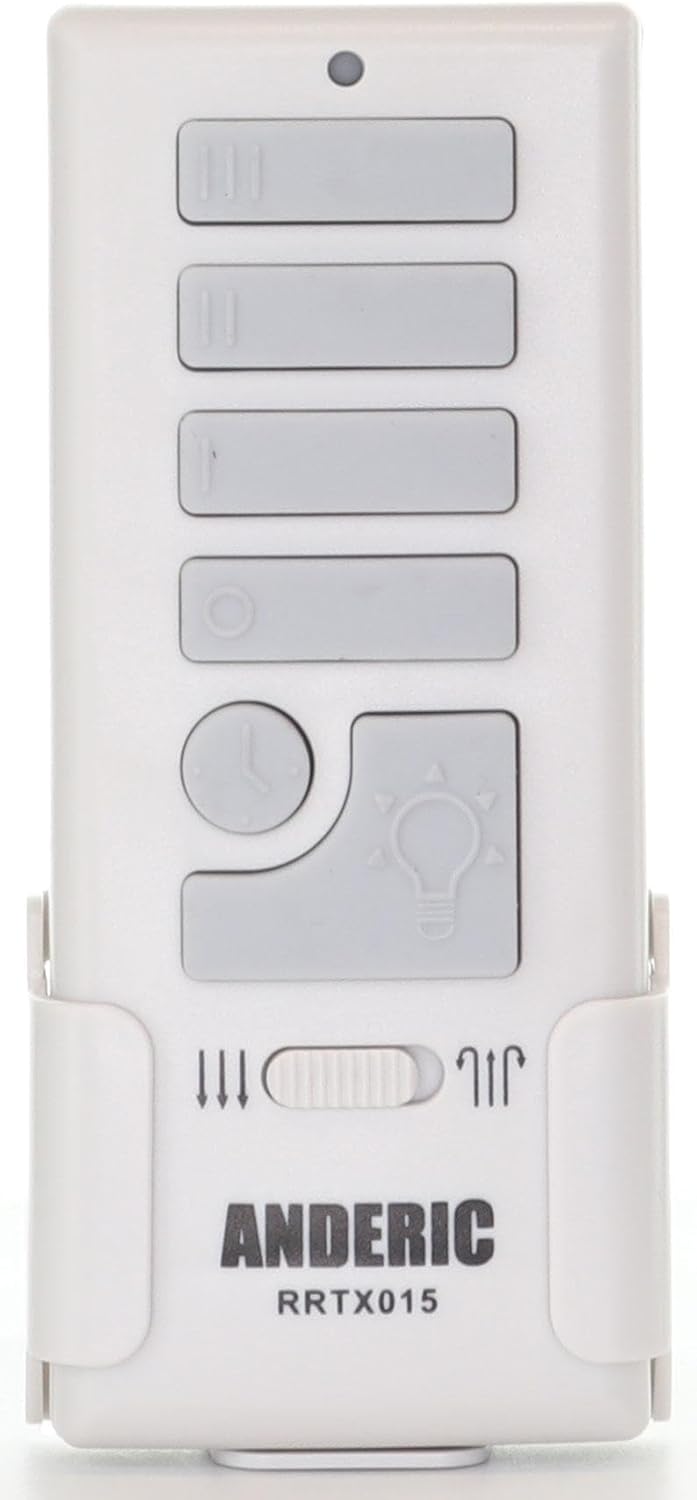
איור 1: חזית view of the Anderic RRTX015 remote control. This image displays the layout of the control buttons, including fan speed, light control, and the season switch.
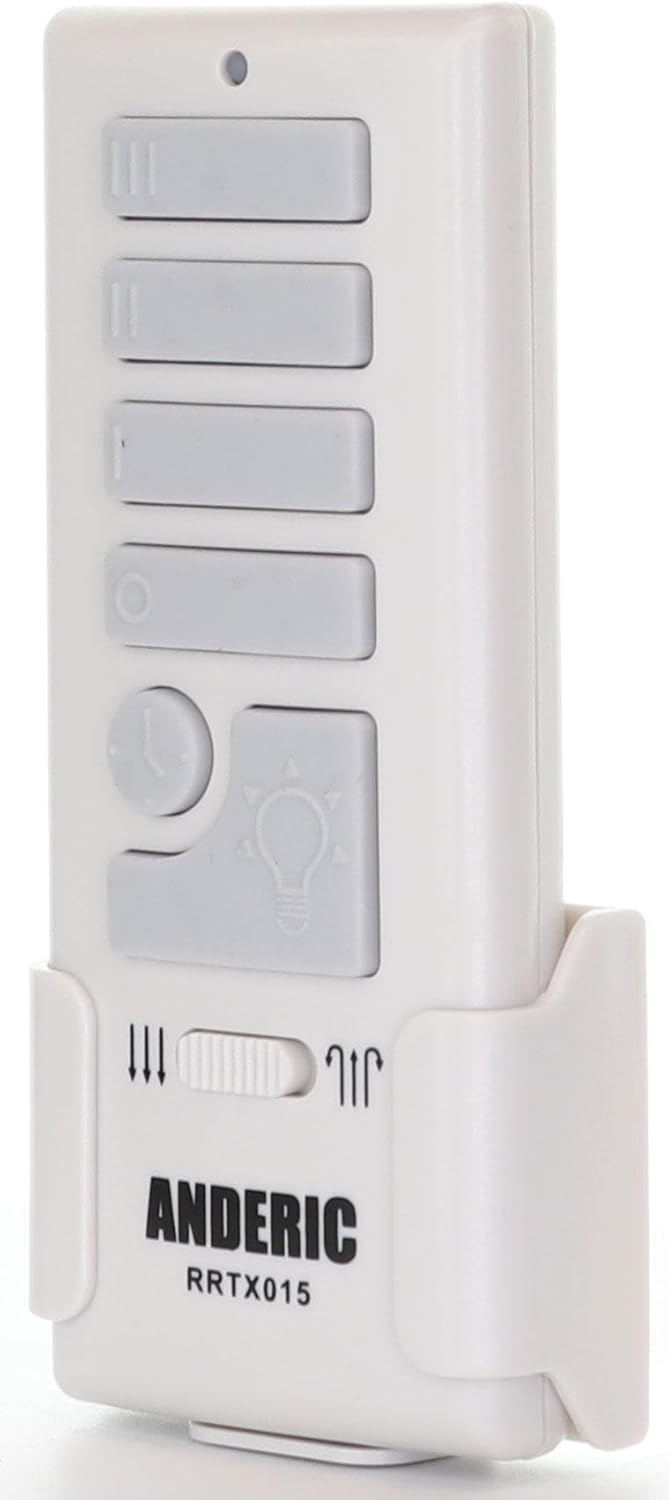
איור 2: צד view of the Anderic RRTX015 remote control. This view מדגיש את ה-slim profile and the integrated wall mount bracket.

איור 3: אחורה view of the Anderic RRTX015 remote control. This image shows the FCC ID (A25-TX015A), the battery compartment, and the internal dimming toggle switch.
הגדרה
1. התקנת סוללה
Open the battery compartment cover on the back of the remote control (refer to Figure 3). Insert the required batteries, ensuring correct polarity (+/-). Close the battery compartment cover securely.
2. Dimming Control Toggle
Inside the battery compartment, locate the dimming toggle switch. This switch allows you to enable or disable the dimming feature for the light control. Set it to your preferred option before closing the battery cover.
3. Receiver Learning (Pairing)
The remote control needs to be paired with your ceiling fan's receiver. The exact pairing procedure may vary slightly depending on your fan model, but generally involves these steps:
- Ensure power to the ceiling fan is OFF at the circuit breaker or wall switch.
- החזר את החשמל למאוורר התקרה.
- Within 30 seconds of restoring power, press and hold the "LEARN" button on the remote control (located inside the battery compartment, near the Q.C. sticker, as shown in Figure 3) for approximately 3-5 seconds.
- The fan light should blink or the fan should briefly turn on, indicating successful pairing.
- If pairing is unsuccessful, repeat the steps. Ensure the remote is within range of the receiver.
הוראות הפעלה
בקרת מאוורר
- מהירות גבוהה: Press the button with three vertical lines (III).
- מהירות בינונית: Press the button with two vertical lines (II).
- מהירות נמוכה: Press the button with one vertical line (I).
- מאוורר כבוי: Press the circular button (O).
בקרת אור
- אור הדלקה/כיבוי: Press the button with the light bulb icon.
- עמעום: If the dimming feature is enabled (via the internal toggle switch), press and hold the light bulb button to adjust brightness. Release the button when the desired brightness is reached. This works for CFL, Dimmable LED, and incandescent bulbs.
- Walk Away Feature (Light Delay Off): Press the button with the clock icon. This will turn off the light after a short delay, allowing you to exit the room.
Season Forward/Reverse Switch
Locate the small slider switch on the remote control, typically labeled with arrows indicating fan direction (refer to Figure 1). Slide this switch to change the fan's rotation direction. This is useful for optimizing air circulation for different seasons (e.g., downward airflow for cooling in summer, upward airflow for circulating warm air in winter).
תַחזוּקָה
- ניקוי: נגבו את השלט הרחוק בעזרת מטלית רכה ויבשה. אין להשתמש בחומרי ניקוי שוחקים או ממסים.
- החלפת סוללה: Replace batteries when the remote's range decreases or buttons become unresponsive. Always use the recommended battery type.
- אִחסוּן: יש לאחסן את השלט במקום יבש, הרחק מטמפרטורות קיצוניות ואור שמש ישיר.
פתרון בעיות
| בְּעָיָה | סיבה אפשרית | פִּתָרוֹן |
|---|---|---|
| השלט רחוק לא מגיב. | סוללות מתות או מותקנות בצורה שגויה. | בדוק את קוטביות הסוללה או החלף סוללות. |
| Remote not pairing with fan. | Incorrect pairing procedure; remote not compatible. | Review "Receiver Learning" steps. Ensure your original remote was A25-TX015 or A25-TX015A. |
| עמעום אור לא עובד. | Dimming toggle switch disabled; non-dimmable bulbs. | Check the dimming toggle switch inside the battery compartment. Ensure you are using dimmable light bulbs. |
| Fan speed not changing. | Interference; fan receiver issue. | Try re-pairing the remote. Ensure no obstructions between remote and fan. |
מפרטים
- מספר דגם: RRTX015
- דגמים תואמים: Harbor Breeze A25-TX015, A25-TX015A
- מידות: 4.75 x 1 x 2 אינץ'
- משקל פריט: 2.08 אונקיות
- צֶבַע: לָבָן
- תכונה מיוחדת: עיצוב ארגונומי
- מספר מרבי של מכשירים נתמכים: 1
- יַצרָן: דן'ס אלקטרוניקה וכו' בע"מ
- ארץ מוצא: סִין
אחריות ותמיכה
For warranty information or technical support, please refer to the documentation included with your purchase or visit the official Anderic website. You may also contact the seller, Anderic-com, directly through the Amazon platform for assistance.
מוֹכֵר: Anderic-com