1. הקדמה
This manual provides essential information for setting up, operating, and maintaining your DOOGEE N55PLUS Unlocked Cell Phone. Please read it carefully to ensure proper use and to maximize the device's capabilities. The DOOGEE N55PLUS is an Android 14 smartphone featuring a 6.56-inch HD+ 90Hz display, an Octa-Core processor, 20GB RAM (8GB physical + 12GB virtual), 128GB internal storage expandable up to 1TB, a 5150mAh battery, and a 13MP AI main camera.
2. מה בקופסה
- 1 x DOOGEE N55PLUS Cell Phone
- 1 x מטען
- 1 x כבל יציאה מסוג C
- 1 x TP Protective film (pre-applied)
- 1 x TPU Protective case
3. התקנה
3.1 התקנת כרטיס SIM וכרטיס TF
- אתר את מגש כרטיס ה-SIM בצד הטלפון שלך.
- הכנס את כלי חילוץ ה-SIM (אם קיים) לחור הקטן שליד המגש ודחף בעדינות עד שהמגש ייצא החוצה.
- Place your Nano-SIM card(s) and/or TF card into the designated slots on the tray. Ensure the gold contacts are facing down. The phone supports dual 4G SIM cards (nano SIM1 + nano SIM2) or one nano SIM and one TF card for storage expansion.
- הכנס בזהירות את המגש בחזרה לטלפון עד שייכנס למקומו בנקישה.

3.2 הפעלה/כיבוי
- כדי להפעיל: Press and hold the Power button (located on the right side) until the DOOGEE logo appears.
- כדי לכבות: לחץ והחזק את לחצן ההפעלה עד להופעת תפריט אפשרויות צריכת החשמל. הקש על 'כיבוי' ואשר.
- לאתחל: From the power options menu, tap 'Restart' and confirm.
3.3 הגדרה ראשונית
Upon first power-on, follow the on-screen prompts to complete the initial setup. This includes selecting your language, connecting to Wi-Fi, setting up your Google account, and configuring security features like Face Unlock.
4. הפעלת הטלפון
4.1 תצוגה וניווט
The DOOGEE N55PLUS features a 6.56-inch HD+ Waterdrop screen with a 90Hz refresh rate, providing a smooth visual experience. Navigate the interface using touch gestures: tap to select, swipe to scroll, pinch to zoom.

4.2 פונקציות המצלמה
The phone is equipped with a 13MP AI main camera and an 8MP front camera. Open the Camera app to capture photos and videos. Various modes such as Portrait, Pro Mode, Beauty, Night mode, and Panorama are available to enhance your photography.

4.3 ביצועים ואחסון
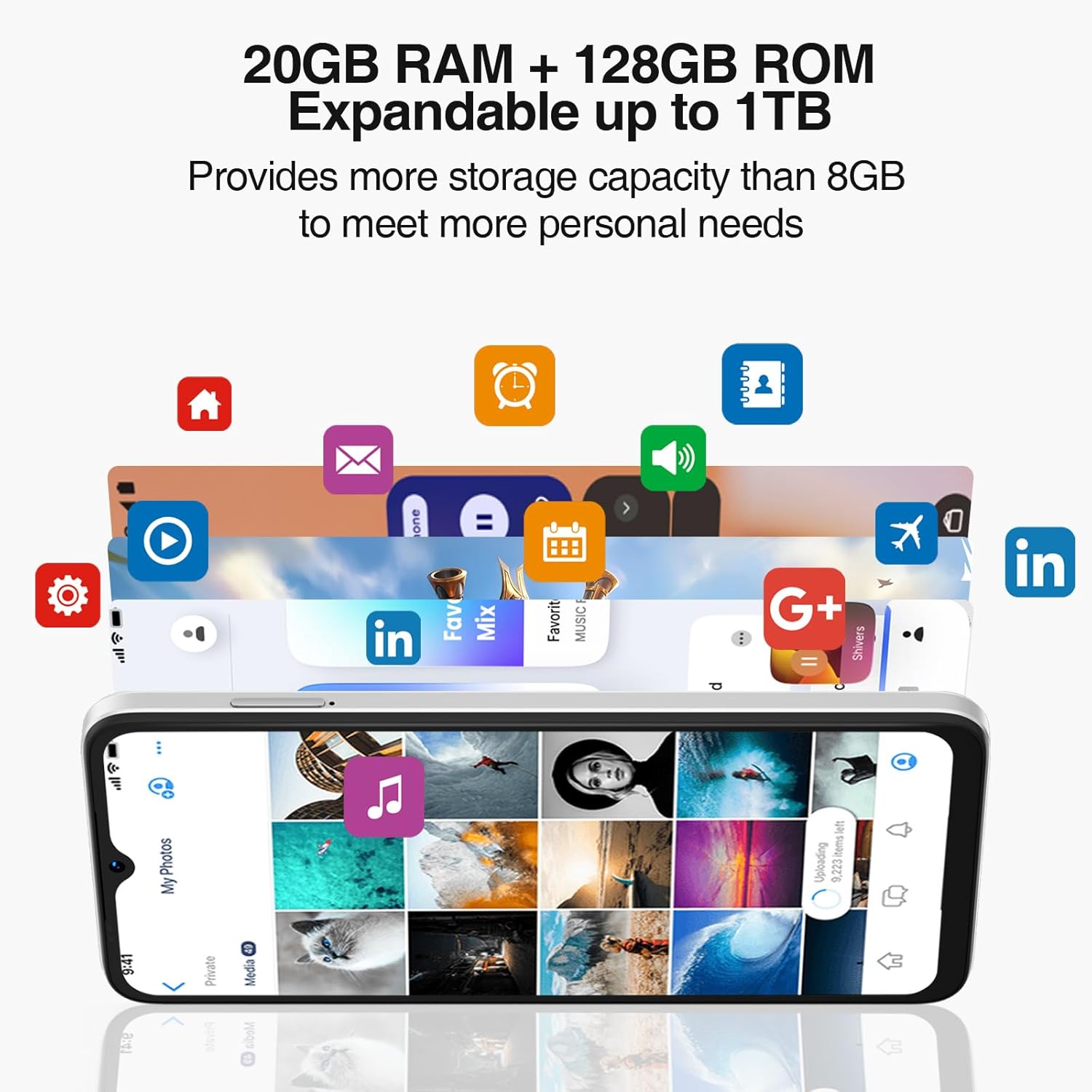
Powered by an Octa-Core processor and 20GB RAM (8GB physical + 12GB virtual), the N55PLUS ensures smooth multitasking and app performance. It comes with 128GB of internal storage, expandable up to 1TB using a TF card, providing ampיש מקום עבורך files, photos, and applications.
4.4 ניהול סוללה
The 5150mAh large battery provides extended usage time. To optimize battery life, manage background app usage, adjust screen brightness, and enable power-saving modes when needed. The phone supports OTG reverse charging, allowing it to charge other devices.

5. קישוריות
- רֶשֶׁת: Supports 4G global network bands (GSM, WCDMA, TDD, FDD). Ensure your SIM card is compatible with the phone's supported bands for optimal service.
- Wi-Fi: התחבר לרשתות Wi-Fi זמינות כדי לגשת לאינטרנט.
- בלוטות': Pair with Bluetooth devices such as headphones, speakers, or car systems.
- GPS: Integrated GPS, Glonass, Galileo, and Beidou for accurate navigation.
- USB Type-C: לטעינה והעברת נתונים.
6. תחזוקה
6.1 עדכוני תוכנה
בדוק באופן קבוע אם קיימים עדכוני תוכנה והתקן אותם כדי לוודא שהטלפון שלך כולל את התכונות, תיקוני האבטחה ושיפורי הביצועים העדכניים ביותר. עבור אל הגדרות > מערכת > עדכון מערכת.
6.2 ניקוי המכשיר שלך
השתמשו במטלית רכה ונטולת סיבים כדי לנקות את המסך וגוף הטלפון. הימנעו משימוש בכימיקלים חזקים או בחומרים שוחקים שעלולים לפגוע במכשיר.
6.3 ניהול אחסון
כדי לשמור על ביצועים אופטימליים, יש לנקות מעת לעת מיותרים files, להסיר את ההתקנה של אפליקציות שאינן בשימוש ולהעביר מדיה גדולה files to external storage or cloud services. Go to הגדרות > אחסון כדי לנהל את אחסון המכשיר שלך.
7. פתרון תקלות
- הטלפון לא נדלק: ודא שהסוללה טעונה. חבר את הטלפון למטען והמתן מספר דקות לפני שתנסה להפעיל אותו שוב.
- אפליקציות קורסות או קופאות: Close and restart the app. If the issue persists, clear the app's cache (Settings > Apps > [App Name] > Storage > Clear cache) or uninstall and reinstall the app.
- קליטת רשת חלשה: בדוק אם כרטיס ה-SIM שלך מוכנס כראוי. עבור לאזור עם כיסוי רשת טוב יותר. צור קשר עם ספק השירות שלך אם הבעיה נמשכת.
- הסוללה מתרוקנת במהירות: Reduce screen brightness, disable unused features like Wi-Fi or Bluetooth, and close background apps. Check battery usage in Settings to identify power-hungry apps.
- Face Unlock not working: Ensure your face is well-lit and clearly visible to the front camera. Re-register your face data in Settings > Security > Face Unlock.
8. מפרטים
| תכונה | מִפרָט |
|---|---|
| שם הדגם | N55 פלוס |
| מַעֲרֶכֶת הַפעָלָה | אנדרואיד 14 |
| מעבד | Octa-Core (Mediatek Dimensity 1100, 3.2 GHz) |
| אַיִל | 8 GB (expandable to 20 GB with virtual RAM) |
| אחסון פנימי | 128 ג'יגה-בייט |
| אחסון ניתן להרחבה | עד 1 טרה-בייט באמצעות כרטיס TF |
| גודל מסך | 6.56 אינץ' |
| סוג תצוגה | HD+ IPS Waterdrop Screen |
| הַחְלָטָה | 1612 x 720 |
| קצב רענון | 90 הרץ |
| מצלמה ראשית | מצלמת בינה מלאכותית 13 מגה פיקסל |
| מצלמה קדמית | 8 מגה פיקסל |
| קיבולת סוללה | ליתיום יון 5150 mAh |
| קישוריות | 4G LTE, Wi-Fi, בלוטות', USB Type-C |
| ניווט | GPS, גלונאס, גלילאו, ביידו |
| תכונות מיוחדות | Dual SIM, Expandable Memory, Face Unlock, Widevine L1, OTG |
| מידות | 6.45 x 2.98 x 0.34 אינץ' (עובי 8.6 מ"מ) |
| מִשׁקָל | 6.6 אונקיות (186 גרם) |
9. אחריות ותמיכה
All DOOGEE unlocked phones purchased from our official channels are covered by a 12-month warranty. If you encounter any issues during use, please contact our customer support for assistance. For further support, visit the official DOOGEE webאתר או עיינו בפרטי הקשר שסופקו עם הרכישה שלכם.


