מָבוֹא
תודה על הרכישהasing the ZEBRONICS Zeb-Escape 10 Wireless BT Earphone. This manual provides essential information for setting up, operating, and maintaining your device. Please read it carefully before use to ensure optimal performance and longevity of your earphones.
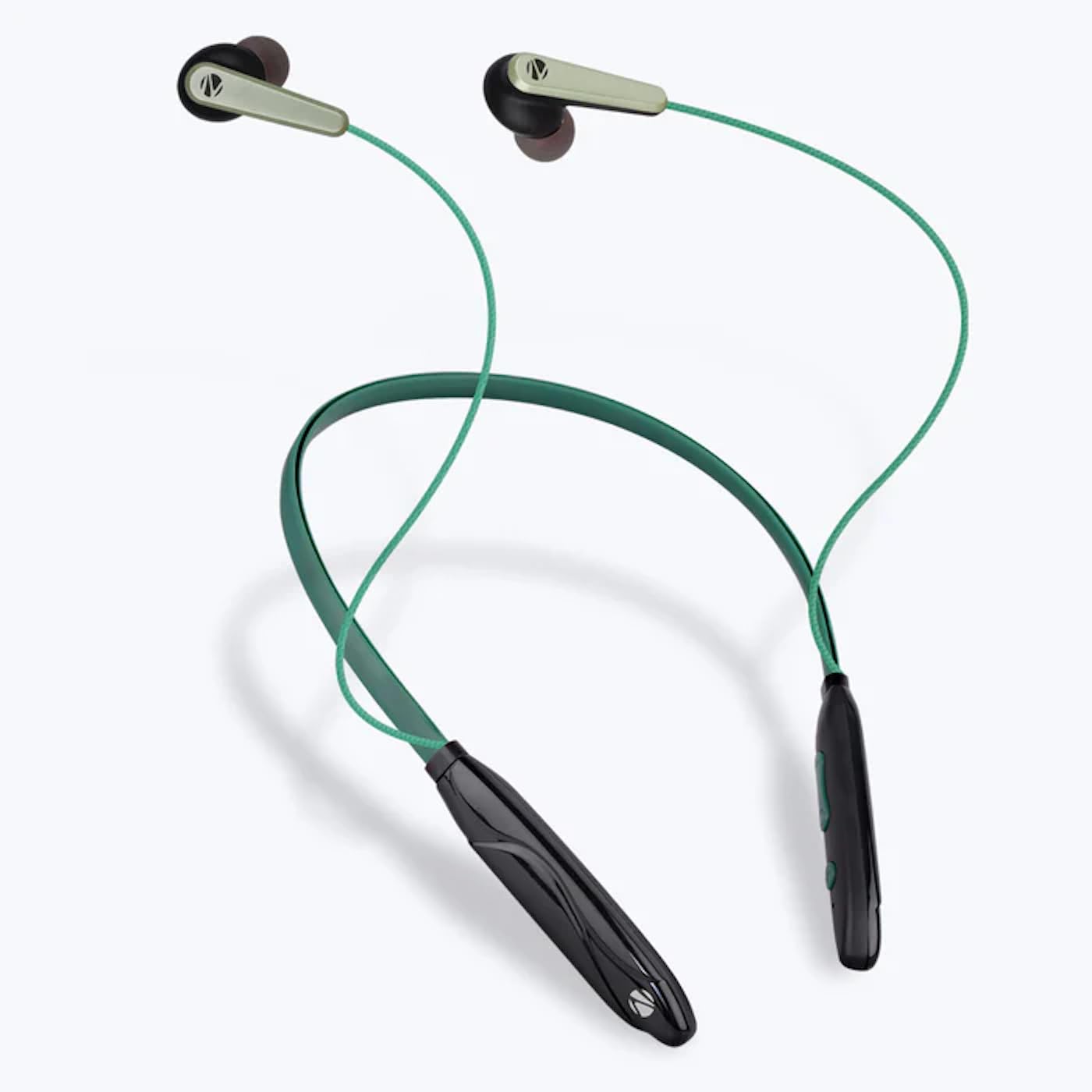
Image: The ZEBRONICS Zeb-Escape 10 Wireless BT Earphone, featuring a green and black neckband design with in-ear earbuds.
תוכן החבילה
הפריטים הבאים כלולים בחבילת המוצר שלך:
- 1 U Neckband Earphone
- 1 U Charging Cable (Type-C)
- 1 U QR Code Guide
הגדרה
1. טעינת האוזניות
Before first use, fully charge the earphone. Use the provided Type-C charging cable to connect the earphone to a USB power source (e.g., computer USB port, wall adapter). The LED indicator will show the charging status.
- זמן טעינה: בערך 1.5 שעות.

Image: The earphone's control module with a Type-C charging port, showing a charging cable connected.
2. זיווג Bluetooth
To connect your earphone to a Bluetooth-enabled device:
- ודא שהאוזניות טעונות וכבויות.
- Press and hold the multi-function button on the earphone until the LED indicator flashes red and blue, indicating it is in pairing mode.
- במכשיר שלך (סמארטפון, טאבלט וכו'), הפעל את Bluetooth וחפש מכשירים זמינים.
- Select "ZEB-ESCAPE 10" from the list of found devices.
- לאחר החיבור, נורית החיווי תהבהב בכחול באיטיות או תיכבה, בהתאם לדגם.

Image: A smartphone display illustrating the Bluetooth pairing process, showing the earphone model 'ZEB-ESCAPE 10' as connected.
הוראות הפעלה
הפעלה/כיבוי
- הפעלה: לחץ והחזק את לחצן הרב-תכליתי עד שנורית ה-LED תידלק.
- כיבוי: לחץ והחזק את לחצן הרב-תכליתי עד שנורית ה-LED יכבה.
Volume and Media Control
The earphone features integrated controls for managing audio playback and volume.
- הגבר קול: לחץ על כפתור '+'.
- להנמיך קול: לחץ על כפתור '-'.
- הפעל/השהה: לחץ פעם אחת על הלחצן הרב-פונקציונלי.
- הרצועה הבאה: לחץ והחזק את כפתור '+'.
- רצועה קודמת: לחץ והחזק את כפתור '-'.
פונקציית שיחה
Manage calls directly from your earphone.
- תשובה לשיחה: לחץ פעם אחת על הלחצן הרב-פונקציונלי.
- סיום שיחה: לחץ על כפתור הרב-תכליתי פעם אחת במהלך שיחה.
- דחה שיחה: לחץ והחזק את לחצן הרב-תכליתי.
- חיוג חוזר למספר האחרון: לחץ פעמיים על כפתור הרב-תכליתי.
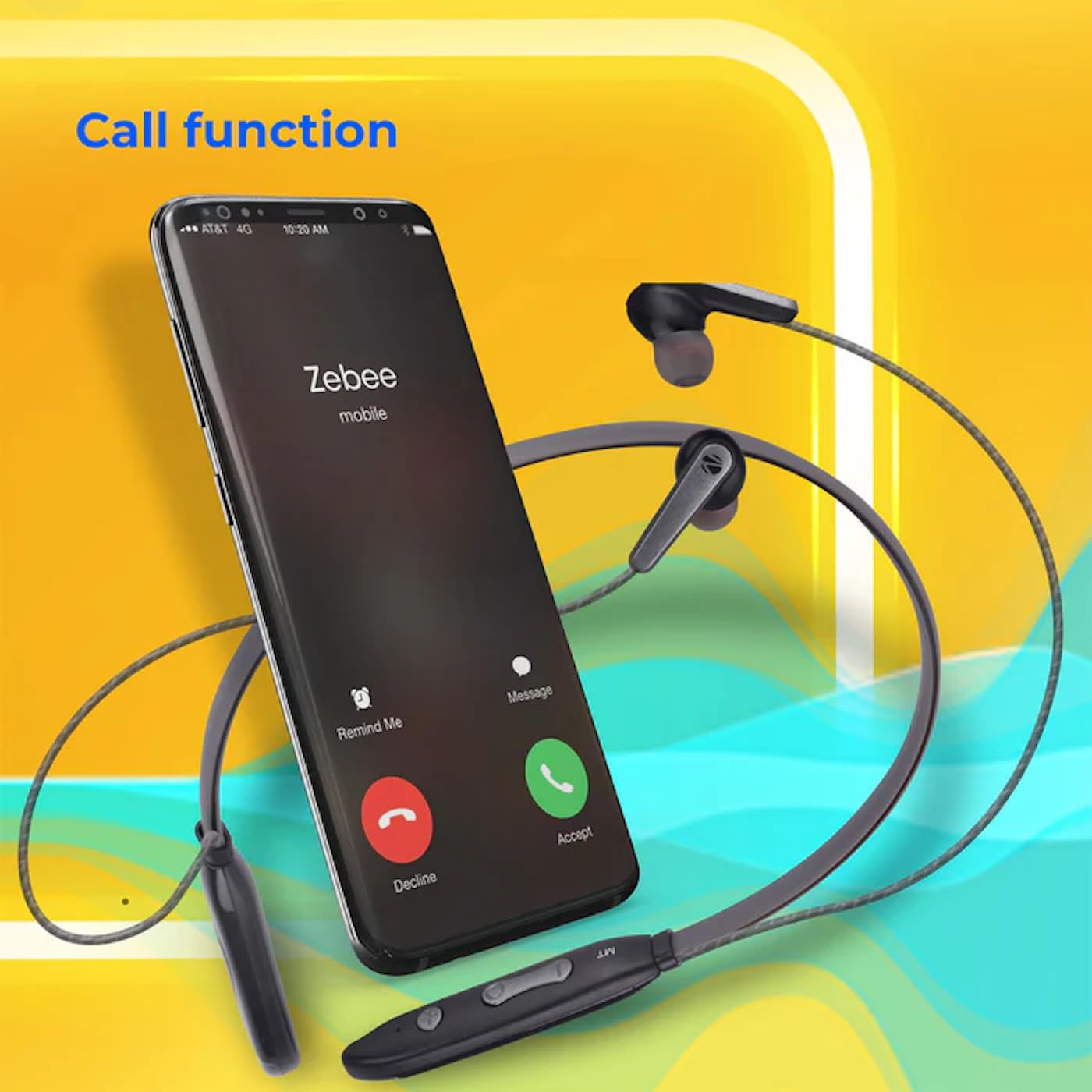
Image: A smartphone showing an incoming call interface, indicating the earphone's call handling capability.
תמיכת עוזר קולי
Activate your device's voice assistant (e.g., Google Assistant, Siri) by triple-pressing the multi-function button.
אוזניה מגנטית
The earpieces are magnetic, allowing them to securely attach to each other when not in use, preventing tangling and ensuring they stay in place around your neck.

תמונה: מפורט view of an earbud, illustrating its design for a stable and comfortable fit.
תַחזוּקָה
To ensure the longevity and optimal performance of your ZEBRONICS Zeb-Escape 10 earphones, follow these maintenance guidelines:
- ניקוי: השתמשו במטלית רכה ויבשה לניקוי האוזניות. אין להשתמש בכימיקלים חזקים או בחומרים שוחקים.
- אִחסוּן: יש לאחסן את האוזניות במקום קריר ויבש, הרחק מאור שמש ישיר וטמפרטורות קיצוניות.
- עמידות במים: The earphones are water resistant. Avoid submerging them in water or exposing them to heavy rain.
- טְעִינָה: Only use the provided charging cable or a certified Type-C cable. Avoid overcharging.
פתרון בעיות
If you encounter issues with your earphone, refer to the following common problems and solutions:
| בְּעָיָה | פתרון אפשרי |
|---|---|
| האוזניות לא נדלקות. | ודא שהאוזניות טעונות במלואה. |
| לא ניתן לבצע התאמה עם המכשיר. | Ensure the earphone is in pairing mode (flashing red/blue). Turn off and on Bluetooth on your device. Move closer to the earphone. |
| אין צליל או עוצמת קול נמוכה. | Check volume levels on both the earphone and your connected device. Ensure the earphone is properly paired. |
| בעיות באיכות השיחה. | Ensure you are within Bluetooth range. Check for obstructions between the earphone and your device. |
מפרטים
Technical specifications for the ZEBRONICS Zeb-Escape 10 Wireless BT Earphone:
| תכונה | פְּרָט |
|---|---|
| שם הדגם | ZEB-NBI 5 |
| גרסת בלוטות' | v5.3 |
| נתמך ב-BT Profiles | HSP / HFP / A2DP / AVRCP |
| גודל דרייבר | 10 מ"מ |
| עכבת רמקול | 16Ω |
| זמן השמעה | עד 20 שעות (בנפח 50%) |
| זמן דיבור | עד 20 שעות |
| זמן טעינה | 1.5 שעות |
| זמן המתנה | 200 שעות |
| משקל נטו | 26 גרם |
| סוג בקרה | בקרת מדיה, מגע |
| רמת עמידות במים | עמיד במים |
| תכונות מיוחדות | Fast Charging, Foldable, Microphone Included, Sweatproof |

Image: Visual representation of the earphone's 20-hour playback capability.
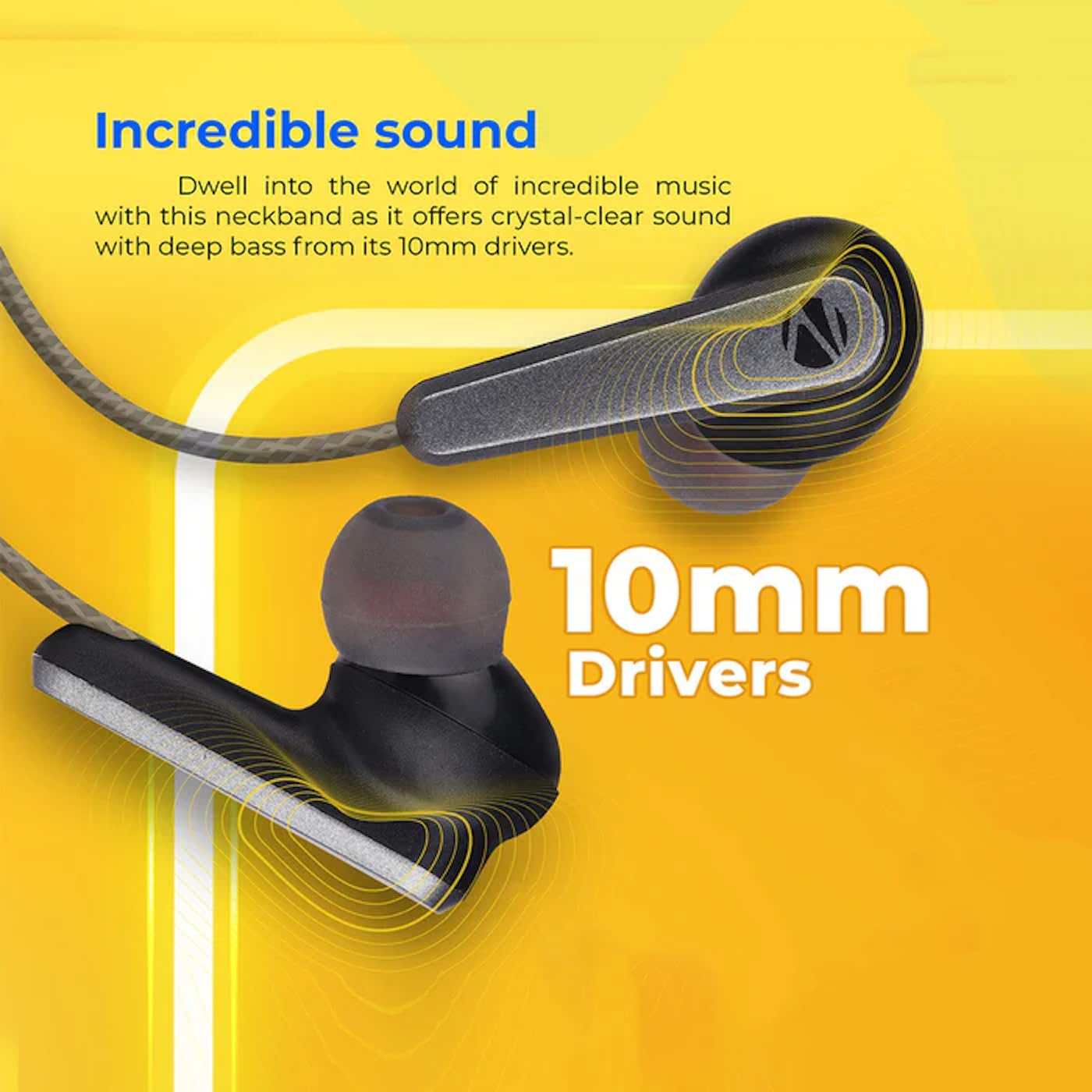
Image: A close-up of an earbud, highlighting the 10mm audio drivers responsible for sound output.
מידע על אחריות
The ZEBRONICS Zeb-Escape 10 Wireless BT Earphone comes with a אחריות ל-6 חודשים from the date of purchase. This warranty covers manufacturing defects. Please retain your purchase receipt as proof of purchase for warranty claims. The warranty does not cover damage caused by misuse, accidents, unauthorized modifications, or normal wear and tear.
תמיכת לקוחות
For further assistance, technical support, or warranty claims, please contact ZEBRONICS customer service. Refer to the QR code guide included in your package or visit the official ZEBRONICS webהאתר לפרטי יצירת קשר.


