1. הקדמה
מדריך זה מספק מידע חיוני להתקנה, הפעלה ותחזוקה של Viewedge CS27QK 27-inch WQHD 165Hz IPS Gaming Monitor. Please read this manual thoroughly before using the product to ensure optimal performance and safety.
ה Viewedge CS27QK monitor is designed to deliver a high-performance visual experience with its WQHD (2560 x 1440) resolution, a rapid 165Hz refresh rate, and a 1ms IPS panel. It features HDR10 support for enhanced contrast and a wide 120% sRGB color gamut for vibrant visuals. Integrated blue light filtering technology helps reduce eye strain during extended use.

איור 1: Viewedge CS27QK 27-inch WQHD 165Hz IPS Gaming Monitor
2. מה בקופסה
Please check the contents of your package. If any items are missing or damaged, contact Viewedge customer support.
- Viewedge CS27QK Monitor
- מתאם מתח
- DP (DisplayPort) Cable
- מדריך למשתמש (מסמך זה)
- מעמד למוניטור (בסיס וצוואר)
3. התקנה
3.1. הרכבת מעמד
- הוציאו בזהירות את הצג מאריזתו, והניחו אותו כשפניו כלפי מטה על משטח רך ונקי כדי למנוע שריטות.
- Attach the stand neck to the monitor's rear panel.
- Secure the stand base to the neck using the provided screw.
- Ensure all connections are firm before placing the monitor upright.

איור 2: איור של מכלול מעמד הצג.
3.2. התחברות למכשירים
The monitor provides multiple input options for connecting to your PC, gaming console, or other devices.
- יציאות HDMI (x2): Connect devices using an HDMI cable. Supports up to 144Hz refresh rate at 1440p resolution.
- DisplayPort (DP x1): Connect devices using a DisplayPort cable. Supports up to 165Hz refresh rate at 1440p resolution.
- שקע אוזניות: חבר אוזניות או רמקולים חיצוניים ליציאת שמע.
- DC In: Connect the provided power adapter to power the monitor.
איור 3: אחורי view of monitor showing input ports.
3.3. הרכבה על הקיר
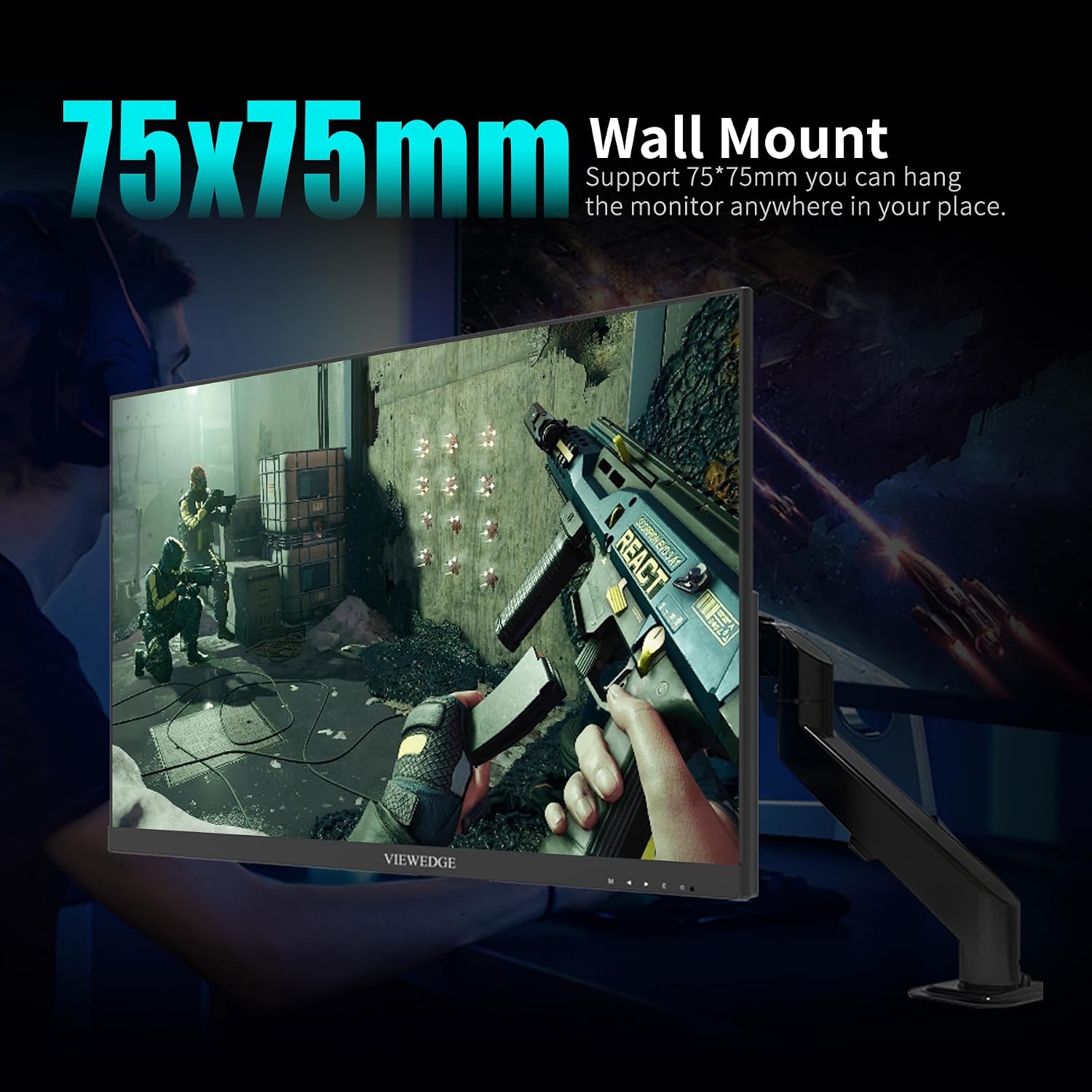
The monitor is compatible with VESA standard wall mounts (75x75mm). Ensure you use M4 (diameter 4mm) screws of appropriate length for secure mounting. Wall mount hardware is not included with the monitor.

Figure 4: Monitor demonstrating VESA wall mount compatibility.
4. הוראות הפעלה
4.1. הפעלה/כיבוי
Connect the power adapter to the monitor's DC In port and then to a power outlet. Press the power button located on the back of the monitor to turn it on or off.
4.2. תפריט תצוגה על המסך (OSD).
The OSD menu allows you to adjust various monitor settings. Use the control buttons located on the back of the monitor to navigate the menu and make selections.
4.3. תכונות תצוגה מרכזיות
- רזולוציית WQHD (2560 x 1440): Provides sharp and detailed images, ideal for a 27-inch screen size.
- קצב רענון של 165 הרץ: Delivers smooth motion and reduced input lag, crucial for fast-paced gaming.
- IPS Panel with 1ms Response Time: מציע רחב viewing angles, accurate color reproduction, and a rapid 1ms (OD accelerated) response time to minimize ghosting.
- תמיכה ב-HDR10: Enhances contrast and brightness in compatible content, revealing more detail in both dark and bright scenes.
- סולם צבעים של 120% sRGB: Ensures vibrant and accurate colors for an immersive visual experience.
- מסנן אור כחול: Reduces harmful blue light emissions to help prevent eye fatigue during prolonged use.

Figure 5: IPS In-Plane Switching technology for superior viewing.

Figure 6: HDR10 for breathtaking visuals with richer contrast.
4.4. ביצועי משחקים
The monitor supports Adaptive Sync technology, which helps eliminate screen tearing and stuttering for a fluid gaming experience. This feature is compatible with both FreeSync and G-Sync enabled graphics cards.
סרטון 1: רשמי Viewedge CS27QK Gaming Monitor overview.
5. תחזוקה
כדי להבטיח את אורך החיים והביצועים המיטביים של הצג, יש לפעול לפי הנחיות התחזוקה הבאות:
- ניקוי המסך: השתמש קלות במטלית רכה נטולת מוך דampשטפו במים או בחומר מיוחד לניקוי מסכים. הימנעו משימוש בכימיקלים חזקים או בחומרים שוחקים.
- ניקוי ה-Casing: נגב את הצג גasinנגבו בעזרת מטלית רכה ויבשה.
- אוורור: ודא שפתחי האוורור של הצג אינם חסומים כדי למנוע התחממות יתר.
- כיבוי: Always power off the monitor and unplug it from the power outlet before cleaning or if it will not be used for an extended period.
6. פתרון תקלות
אם נתקלת בבעיות כלשהן עם הצג שלך, אנא עיין בשלבי פתרון הבעיות הנפוצים הבאים:
- אין כוח: בדוק אם ספק הכוח מחובר היטב הן לצג והן לשקע החשמל. ודא ששקע החשמל תקין.
- אין קליטה: Verify that the video cable (HDMI or DisplayPort) is securely connected to both the monitor and your device. Ensure the correct input source is selected in the OSD menu.
- מסך מהבהב: Check the video cable for damage. Ensure your graphics card drivers are up to date. Try adjusting the refresh rate in your device's display settings.
- עיוות תמונה/איכות ירודה: Ensure the display resolution is set to the native WQHD (2560 x 1440) for optimal clarity. Check color settings in the OSD menu.
- כפתורים לא מגיבים: Power cycle the monitor by unplugging it for a few minutes and then plugging it back in.
אם הבעיה נמשכת לאחר ניסיון שלבים אלה, אנא צרו קשר Viewedge customer support.
7. מפרטים
| תכונה | מִפרָט |
|---|---|
| מספר דגם | CS27QK |
| גודל מסך | 27 אינץ' |
| הַחְלָטָה | WQHD (2560 x 1440) |
| סוג פאנל | IPS |
| קצב רענון | 165 הרץ |
| זמן תגובה | 1ms (OD) |
| יחס גובה-רוחב | 16:9 |
| תמיכה ב-HDR | HDR10 |
| סולם צבעים | 120% sRGB, 90% NTSC |
| קישוריות | 2x HDMI, 1x DisplayPort, 1x Earphone Jack, 1x DC In |
| מתקן קיר (VESA) | 75x75 מ"מ |
| מידות המוצר | 7.44 x 24.14 x 17.97 אינץ' |
| משקל פריט | 10.43 פאונד |
8. אחריות ותמיכה
ה Viewedge CS27QK monitor comes with a אחריות יצרן לשנה. Viewedge is committed to providing high-quality products and comprehensive after-sales support.
For technical assistance, warranty claims, or any other inquiries, please visit the official Viewקָצֶה website or contact their customer service department. Refer to the product packaging or the official webאתר לקבלת פרטי הקשר העדכניים ביותר.