מָבוֹא
The Logitech Signature M550 L Wireless Mouse is designed for enhanced comfort and productivity, especially for users with larger hands. It features an adaptive SmartWheel for precise or hyper-fast scrolling, SilentTouch technology for quiet clicks, and versatile connectivity options. This manual provides detailed instructions for setup, operation, and maintenance of your device.
תוכן החבילה
- Logitech Signature M550 L Wireless Mouse
- סוללת AA אחת (מותקנת מראש או כלולה)
- Logi Bolt USB Receiver (may be stored inside the mouse battery compartment)
- תיעוד למשתמש (מדריך זה)
המוצר נגמרview
Familiarize yourself with the key components of your Logitech Signature M550 L mouse.

תמונה: למעלה ולמטה view of the Logitech Signature M550 L mouse, highlighting its features including the SmartWheel, silent clicking buttons, Bluetooth connectivity, ergonomic shape, and 24-month battery life.
- כפתורי לחיצה שמאלה/ימינה: Feature SilentTouch technology for reduced clicking noise.
- SmartWheel: Adaptive scroll wheel for line-by-line precision or super-fast free-spin scrolling.
- מחוון LED: Shows battery status and connection mode.
- מתג הפעלה/כיבוי: ממוקם בתחתית העכבר.
- תא סוללות: Houses the AA battery and Logi Bolt USB receiver.
- עיצוב ארגונומי: Contoured shape with soft thumb area and rubber side grips for comfort.
הגדרה
1. התקן את הסוללה
- פתח את מכסה תא הסוללה בחלק התחתון של העכבר.
- הכניסו את סוללת ה-AA המצורפת, תוך הקפדה על קוטביות נכונה (+/-).
- Close the battery compartment cover. The LED indicator on the mouse may flash briefly.
2. התחבר למכשיר שלך
ה-Signature M550 L מציע שתי שיטות חיבור: מקלט USB Logi Bolt או Bluetooth Low Energy.
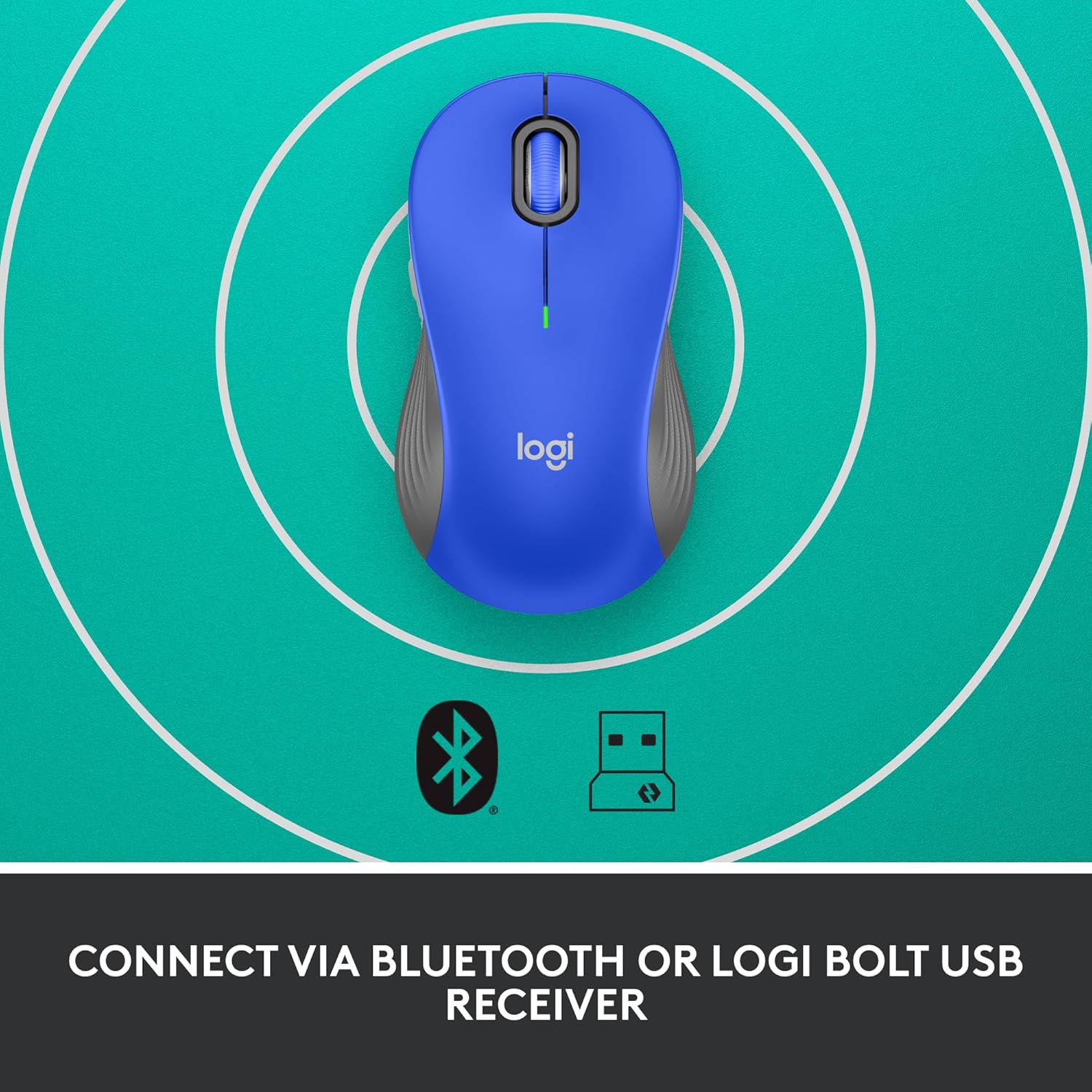
Image: The Logitech Signature M550 L mouse shown with icons representing Bluetooth and Logi Bolt USB receiver connectivity options.
Option A: Logi Bolt USB Receiver
- Locate the Logi Bolt USB receiver, typically stored inside the mouse's battery compartment.
- חברו את מקלט ה-USB של Logi Bolt ליציאת USB זמינה במחשב שלכם.
- Turn on the mouse using the On/Off switch on the bottom. Your computer should automatically detect the mouse.
Option B: Bluetooth Low Energy
- Turn on the mouse using the On/Off switch on the bottom.
- Press and hold the Easy-Switch button (usually on the bottom or side, refer to product diagram if available) for 3 seconds until the LED indicator starts blinking rapidly. This indicates pairing mode.
- במחשב או במכשיר שלך, פתח את הגדרות ה-Bluetooth.
- Select "Logitech M550 L" from the list of available devices and follow any on-screen prompts to complete pairing.
The mouse is compatible with Windows, macOS, Linux, Chrome OS, iPadOS, and Android operating systems.
הוראות הפעלה
גלילה עם SmartWheel
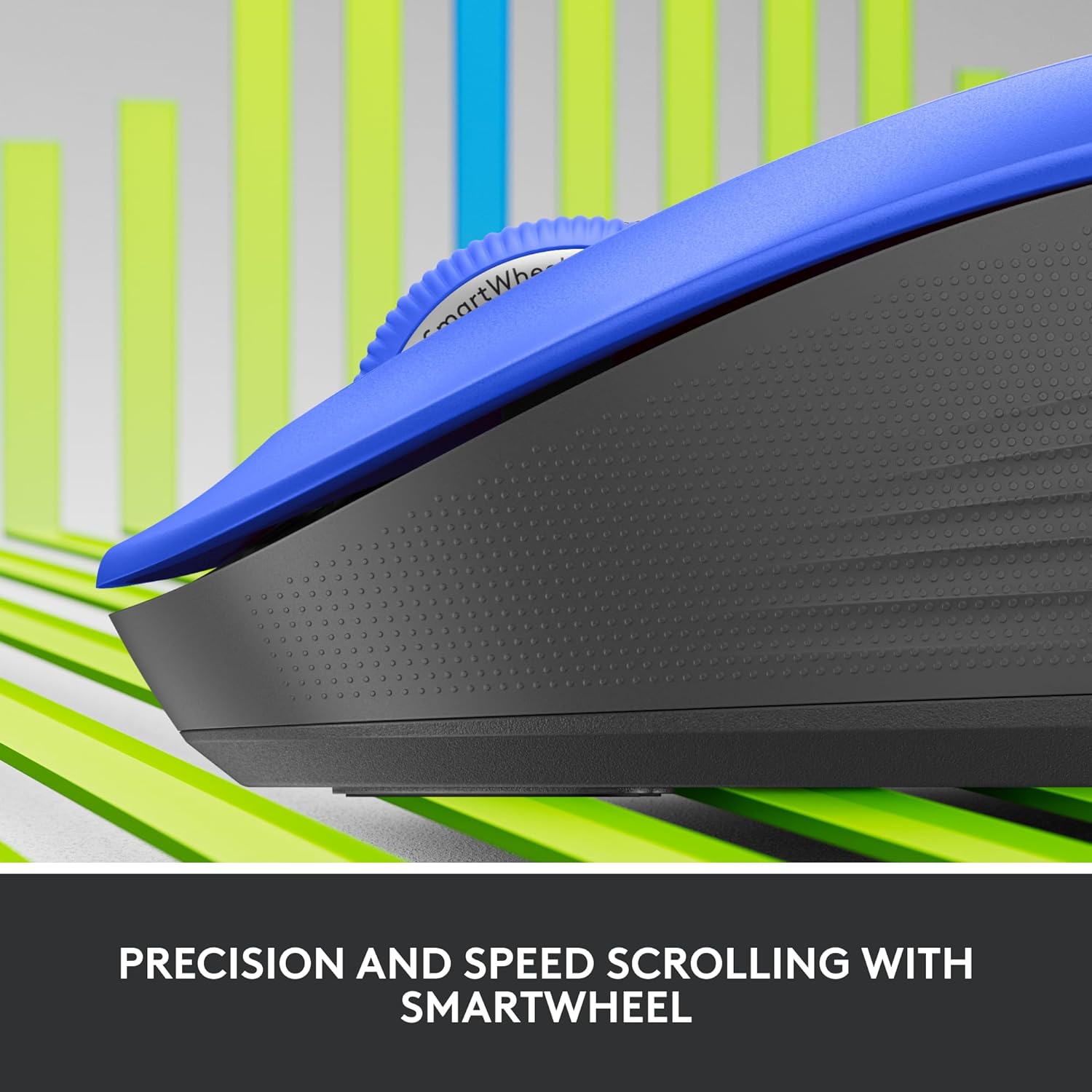
תמונה: תקריב view of the Logitech SmartWheel, demonstrating its precision and speed scrolling capabilities.
ה-SmartWheel עובר אוטומטית בין שני מצבים:
- דיוק שורה אחר שורה: Ideal for detailed work and navigating documents. Scroll slowly for precise control.
- Super-Fast Free-Spin: For quickly navigating long web pages or documents. Flick the wheel to activate.
קליקים שקטים

Image: A person using the Logitech Signature M550 L mouse at a desk, illustrating the benefit of 90% less clicking noise for a focused work environment.
The mouse features Logitech's SilentTouch technology, reducing click noise by over 90% compared to traditional mice. This allows for a quieter work environment without compromising click feel.
תאימות לריבוי מכשירים
The Signature M550 L can be paired with multiple devices and switched between them using the Easy-Switch button. This feature is ideal for users who work across several computers or tablets.
תַחזוּקָה
החלפת סוללה
The mouse operates on a single AA battery, offering up to 24 months of battery life depending on usage. When the battery is low, the LED indicator will turn red. To replace:
- כבה את העכבר.
- פתח את מכסה תא הסוללה בצד התחתון.
- Remove the old AA battery and insert a new one, observing correct polarity.
- Close the cover and turn the mouse back on.
ניקוי
To clean your mouse, use a soft, lint-free cloth lightly dampened with water or a mild cleaning solution. Avoid harsh chemicals or abrasive materials. Ensure no liquid enters the mouse's openings.
פתרון בעיות
- עכבר לא מגיב:
- ודא שהעכבר מופעל.
- בדוק את מפלס הסוללה והחלף במידת הצורך.
- אם אתם משתמשים במקלט Logi Bolt, נסו לחבר אותו ליציאת USB אחרת או למחשב אחר כדי לשלול בעיות ביציאה.
- If using Bluetooth, ensure Bluetooth is enabled on your device and the mouse is properly paired. Try re-pairing the mouse.
- Move the mouse closer to the receiver or Bluetooth-enabled device to ensure it's within range.
- תנועת סמן לא יציבה:
- נקו את החיישן האופטי בתחתית העכבר.
- ודא שאתה משתמש בעכבר על משטח מתאים. הימנע ממשטחים מחזירי אור או שקופים.
- Connectivity issues after system update:
- הפעל מחדש את המחשב.
- Check for updated drivers for your mouse or Bluetooth adapter.
מפרטים
| מותג | Logitech |
| מספר דגם | 910-006794 |
| טכנולוגיית קישוריות | מקלט USB של Logi Bolt עם Bluetooth Low Energy |
| איתור תנועה | אוֹפּטִי |
| תכונות מיוחדות | Lightweight, Portable, Silent Clicks (SilentTouch), SmartWheel, Wireless |
| סוג סוללה | 1 סוללת AA |
| חיי סוללה | עד 24 חודשים (עשוי להשתנות בהתאם לשימוש) |
| תאימות מערכת הפעלה | Windows, macOS, Linux, Chrome OS, iPadOS, Android |
| משקל פריט | 3.92 אונקיות |
| צֶבַע | Blue (for this variant) |
מידע על אחריות
Logitech products are manufactured to high quality standards and are covered by a limited hardware warranty. For specific warranty terms and conditions applicable to your region and product, please refer to the official Logitech webהאתר או כרטיס האחריות המצורף לרכישה שלך.
תְמִיכָה
For further assistance, technical support, or to download the latest software and drivers for your Logitech Signature M550 L Wireless Mouse, please visit the official Logitech support webאֲתַר:
You can also find FAQs and community forums on the support site.


