מָבוֹא
This manual provides essential information for setting up, operating, maintaining, and troubleshooting your HP 15 Laptop Computer. Please read this guide thoroughly to ensure optimal performance and longevity of your device. This laptop is equipped with an AMD Ryzen 3 processor, 16GB RAM, and a 512GB SSD, running on Windows 11 Home.

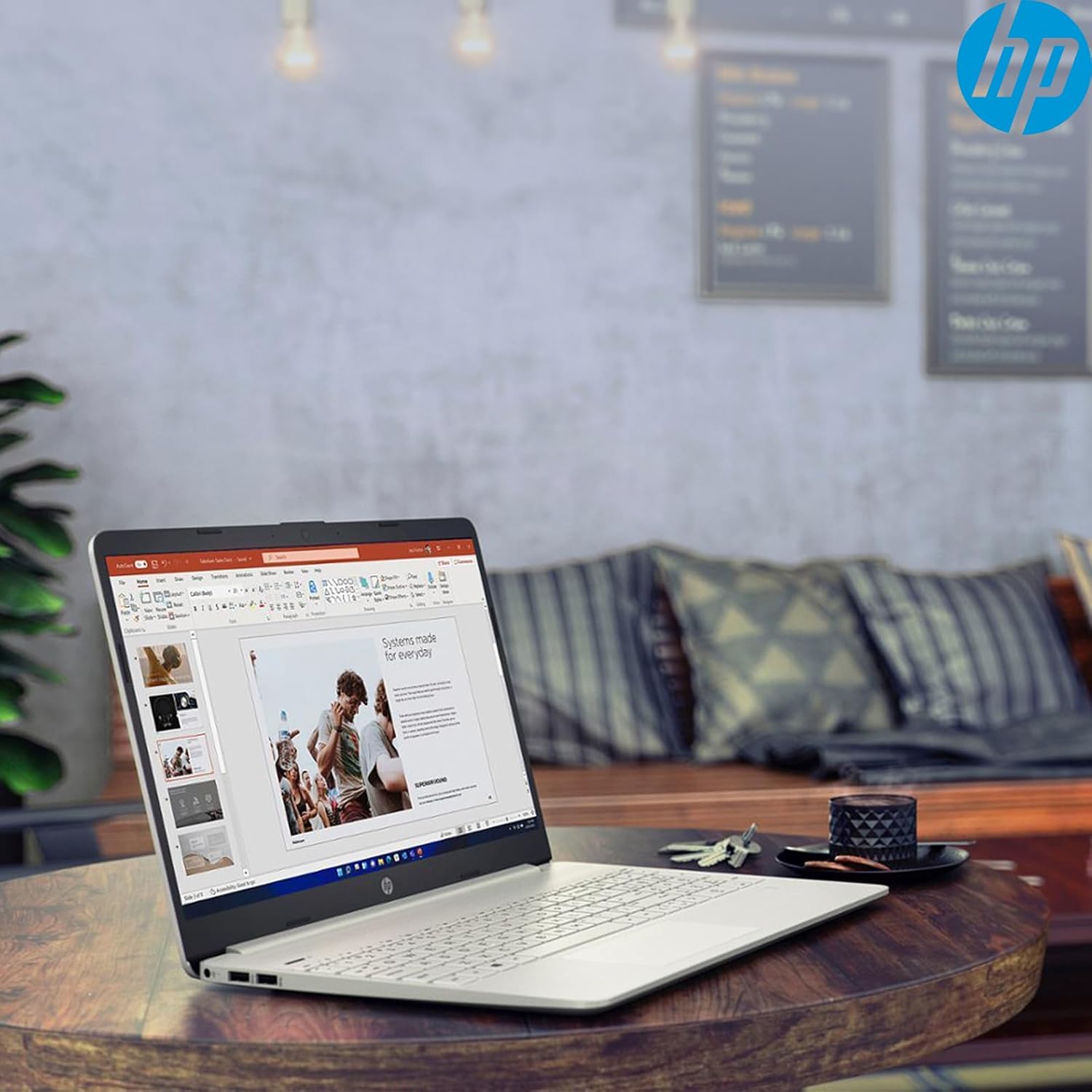
Image: The HP 15 Laptop Computer open, displaying the Windows 11 Home operating system, AMD Ryzen 3 processor, and AMD Radeon Graphics on its screen. An HP earphone case is visible on the palm rest, and the Microsoft Office logo is present on the bottom right.
1. התקנה
1.1 פתיחת הקופסה ובדיקה ראשונית
Carefully remove all components from the packaging. Verify that all items listed in the 'What's in the Box' section are present. Inspect the laptop for any visible damage.
- HP 15 Laptop
- מתאם מתח
- HP Earphone
- עכבר אלחוטי
1.2 חיבור ספק הכוח
Connect the power adapter to the laptop's power jack and then plug it into a wall outlet. It is recommended to fully charge the battery before initial use.
1.3 הפעלה ראשונית והתקנה של Windows 11
לחץ על לחצן ההפעלה כדי להפעיל את המחשב הנייד. פעל לפי ההוראות שעל המסך כדי להשלים את תהליך ההגדרה של Windows 11 Home. זה כולל בחירת האזור שלך, חיבור לרשת Wi-Fi ויצירת חשבון משתמש.
2. Operating Your HP 15 Laptop
2.1 פונקציות בסיסיות
- לחצן הפעלה: Located on the top right of the keyboard deck. Press to turn on/off, or put the laptop to sleep.
- מִקלֶדֶת: Features a full-size keyboard with a 10-key numeric keypad for efficient data entry.
- לוח מגע: Supports multi-touch gestures for navigation.
תמונה: תקריב view of the HP 15 laptop's keyboard, clearly showing the integrated 10-key numeric keypad on the right side and the central touchpad below the spacebar.
2.2 יציאות וחיבורים
Your HP 15 laptop is equipped with various ports for connectivity:
- USB-C (5Gbps signaling rate): להעברת נתונים.
- USB-A (x2): יציאות USB סטנדרטיות עבור ציוד היקפי.
- HDMI 1.4b: לחיבור לצגים חיצוניים.
- קורא כרטיסי SD: לקריאת כרטיסי זיכרון.
- ג'ק אוזניות: לחיבור אוזניות או דיבורית.

Image: This image provides a detailed side view of the HP 15 laptop, illustrating the locations of its various connectivity ports including the power jack, two USB-A ports, an HDMI 1.4b port, an SD card reader, a headset jack, and a SuperSpeed USB Type-C port.
2.3 Webמצלמת וידאו ואודיו
The laptop features an HP True Vision 720p HD camera with dual array digital microphones for video calls. Audio is delivered through B&O-tuned stereo speakers.
2.4 ניהול סוללה
The laptop offers up to 9.75 hours of battery life. HP Fast Charge technology allows for a 50% charge in approximately 45 minutes when the laptop is powered off or in sleep mode.
3. תחזוקה
3.1 ניקוי המחשב הנייד
השתמש במטלית רכה נטולת מוך מעט דampened with water or a specialized screen cleaner to clean the display. For the keyboard and chassis, use a soft, dry cloth. Avoid harsh chemicals.
3.2 עדכוני תוכנה
Regularly check for and install Windows updates and HP driver updates to ensure optimal performance and security. Access Windows updates via Settings > Windows Update.
3.3 ניהול אחסון
מעת לעת מחדשview ולמחוק מיותר files to maintain sufficient free space on your 512GB SSD. Utilize cloud storage or external drives for large files.
4. פתרון תקלות
4.1 בעיות חשמל
- המחשב הנייד לא נדלק: ודא שמתאם החשמל מחובר היטב ושהשקע פועל כראוי. נסה שקע אחר.
- סוללה אינה נטענת: Verify the power adapter connection. Check for any damage to the adapter or charging port.
4.2 בעיות תצוגה
- מסך ריק: Connect an external monitor to check if the laptop is outputting video. If it displays, the laptop screen may be faulty.
- תצוגה עמומה: Adjust brightness settings using the function keys (Fn + F2/F3 typically).
4.3 בעיות ביצועים
- פעולה איטית: Close unnecessary applications. Check Task Manager for high resource usage. Ensure sufficient free storage space.
- התחממות יתר: ודא שפתחי האוורור נקיים. השתמש במחשב הנייד על משטח קשה ושטוח.
4.4 בעיות קישוריות
- Wi-Fi לא מתחבר: Restart your router and laptop. Check Wi-Fi settings in Windows.
- מכשיר בלוטות' לא מתחבר: Ensure the device is in pairing mode and within range. Check Bluetooth settings.
5. מפרטים
| תכונה | פְּרָט |
|---|---|
| דֶגֶם | HP 15 |
| מַעֲרֶכֶת הַפעָלָה | Windows 11 Home |
| מעבד | AMD Ryzen 3 (up to 3.8GHz, 4 cores, 8 threads) |
| גרָפִיקָה | כרטיס מסך AMD Radeon (משולב) |
| אַיִל | 16 GB DDR4 |
| אִחסוּן | כונן SSD PCIe NVMe M.2 בנפח 512 ג'יגה-בייט |
| לְהַצִיג | 15.6" HD (1366 x 768), micro-edge, anti-glare, 250 nits, 45% NTSC |
| קישוריות אלחוטית | Realtek Wi-Fi 5, Bluetooth 5 |
| נמלים | 1x USB-C (5Gbps), 2x USB-A, 1x HDMI 1.4b, 1x SD Card Reader, 1x Headset Jack |
| Webפִּקָה | HP True Vision 720p HD camera |
| שֶׁמַע | Dual B&O-tuned stereo speakers |
| חיי סוללה | Up to 9.75 hours (HP Fast Charge: 50% in 45 mins) |
| מידות (LxWxH) | 14.11 x 9.53 x 0.78 אינץ' |
| מִשׁקָל | 3.75 פאונד |
6. אחריות ותמיכה
6.1 אחריות למוצר
Your HP 15 Laptop Computer comes with a standard manufacturer's warranty. Please refer to the warranty card included with your product or visit the official HP support webאתר לתנאים והגבלות מפורטים.
6.2 תמיכה טכנית
For technical assistance, driver downloads, or further information, please visit the official HP Support website or contact HP customer service. Have your product model and serial number ready when contacting support.
תמיכה של HP Webאֲתַר: support.hp.com