1. הקדמה
This manual provides essential information for the safe and efficient operation of your Sharp Roku TV 4K Ultra HD with HDR10 (55"). Please read this manual thoroughly before using the television and retain it for future reference. Your new Sharp Roku TV offers a stunning 4K Ultra HD resolution, integrated Roku streaming experience, and immersive Dolby Audio.

איור 1.1: חזית view of the Sharp Roku TV 4K Ultra HD (55 inch). This image shows the television from the front, highlighting its slim bezels and the display with a colorful image.
2. מידע בטיחות
יש להקפיד תמיד על אמצעי הזהירות הבאים כדי למנוע שריפה, התחשמלות או פציעה.
- אל תחשוף את הטלוויזיה לגשם או לחות.
- אין לחסום פתחי אוורור. יש לוודא מרווח מספיק סביב הטלוויזיה לזרימת אוויר תקינה.
- השתמש רק בתוספות/אביזרים שצוינו על ידי היצרן.
- נתק את הטלוויזיה מהחשמל במהלך סופות ברקים או כאשר אינה בשימוש למשך תקופות ארוכות.
- הפנה כל טיפול לצוות שירות מוסמך.
- הרחק סוללות מהישג ידם של ילדים.
3. מה בקופסה
ודא שכל הרכיבים קיימים לפני שתמשיך בהתקנה.
- Sharp Roku TV (55")
- מעמד טלוויזיה (2 יחידות)
- שלט רחוק (דורש 2 סוללות AAA, לא כלולות)
- כבל חשמל
- מדריך התחלה מהירה (עיין במדריך זה לקבלת הוראות מפורטות)
4. התקנה
4.1 חיבור מעמד הטלוויזיה
To ensure stability, attach the included stand to the television. Place the TV face down on a soft, clean surface to prevent screen damage.
- זהה את חלקי המעמד השמאליים והימניים.
- יישר כל חלק מעמד עם חורי הברגים המתאימים בתחתית הטלוויזיה.
- אבטחו את המעמדים באמצעות הברגים המצורפים. אין להדק יתר על המידה.

איור 4.1: צד view of the Sharp Roku TV with the stand attached. This image illustrates the profile of the television with its support base.

איור 4.2: זוויתי view of the Sharp Roku TV with the stand attached. This image provides a perspective view of the television, showing the stand's design and how it supports the unit.
4.2 חיבור חשמל והתקנה ראשונית
Once the stand is securely attached, place the TV in its desired location and proceed with power connection and initial setup.
- חבר את כבל החשמל לשקע החשמל של הטלוויזיה ולאחר מכן לשקע בקיר.
- Insert 2 AAA batteries into the remote control, observing polarity.
- לחץ על כפתור ההפעלה בשלט הרחוק כדי להפעיל את הטלוויזיה.
- Follow the on-screen instructions to complete the Roku TV guided setup, including network connection (Wi-Fi), channel scanning (if using an antenna), and Roku account activation.

איור 4.3: אחורי view of the Sharp Roku TV. This image displays the back panel of the television, showing the arrangement of various input and output ports for connectivity.
5. הפעלת הטלוויזיה
5.1 פונקציות בסיסיות
- הפעלה/כיבוי: הקש על כּוֹחַ כפתור בשלט.
- בקרת עוצמת הקול: השתמש ב- עוצמת הקול מעלה/הנמכת כפתורים.
- בחירת קלט: הקש על קֶלֶט button to cycle through connected devices (HDMI, AV, etc.) or select from the Roku Home screen.
- ניווט: Use the directional pad (למעלה, למטה, שמאלה, ימינה) ו OK כפתור כדי לנווט בתפריטים ולבחור אפשרויות.
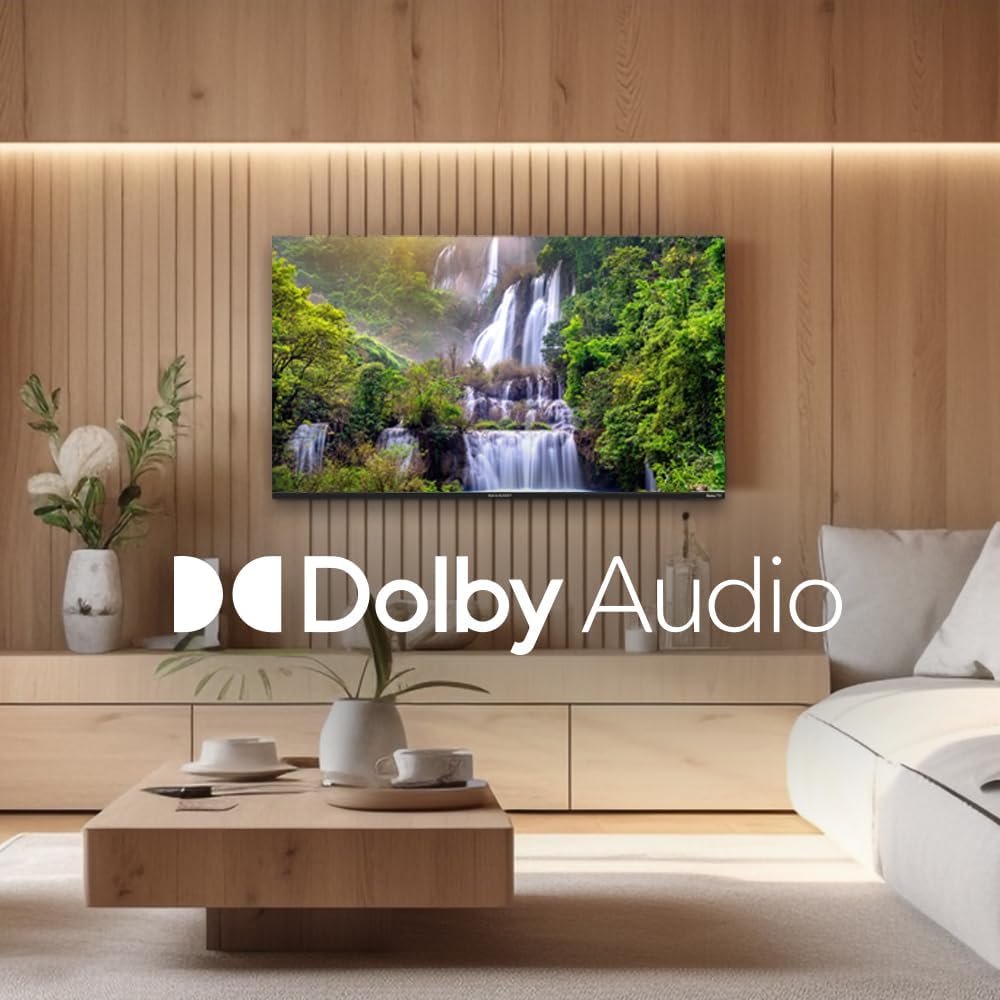
Figure 5.1: Sharp Roku TV showcasing Dolby Audio. This image highlights the television's audio capabilities, with the Dolby Audio logo prominently displayed over a vibrant nature scene.
5.2 ניווט מערכת הפעלה Roku
The Roku Home screen provides access to all your streaming channels, inputs, and settings.
- מסך הבית: הקש על בַּיִת button on the remote to return to the main menu.
- ערוצי סטרימינג: Select a channel icon to launch the app.
- טלוויזיה בשידור חי: Access live broadcast channels (if an antenna is connected) or The Roku Channel's live TV guide.
- הגדרות: נווט אל הגדרות menu for network configuration, display options, audio settings, and system updates.
6. תחזוקה
6.1 ניקוי הטלוויזיה
כדי לשמור על המראה והביצועים של הטלוויזיה שלכם, יש לפעול לפי הנחיות הניקוי הבאות:
- תמיד נתקו את הטלוויזיה מהחשמל לפני ניקוי.
- השתמשו במטלית רכה ונטולת סיבים כדי לנגב בעדינות את המסך. במקרה של סימנים עקשניים, נקו קלותampשטפו את המטלית במים או בחומר ניקוי מיוחד למסכים. לעולם אל תרססו חומר ניקוי ישירות על המסך.
- נגבו את הארון והעמדו בעזרת מטלית רכה ויבשה.
- הימנע משימוש בחומרי ניקוי שוחקים, שעווה או ממיסים.
7. פתרון תקלות
עיין בסעיף זה לקבלת פתרונות לבעיות נפוצות שאתה עשוי להיתקל בהן.
| בְּעָיָה | סיבה אפשרית | פִּתָרוֹן |
|---|---|---|
| אין כוח | כבל החשמל אינו מחובר היטב; השקע אינו פועל. | בדוק את חיבור כבל החשמל. בדוק את השקע עם מכשיר אחר. |
| אין תמונה, אבל יש קול | Incorrect input selected; external device issues. | הקש על קֶלֶט button to select the correct source. Check connections to external devices. |
| אין קול, אבל יש תמונה | Volume muted or too low; audio settings incorrect. | Unmute volume or increase level. Check audio output settings in the TV menu. |
| בעיות חיבור Wi-Fi | סיסמה שגויה; בעיות בנתב; הטלוויזיה רחוקה מדי מהנתב. | Re-enter Wi-Fi password. Restart router and TV. Move TV closer to router or use a Wi-Fi extender. |
| השלט רחוק לא עובד | סוללות ריקות; חסימה בין השלט לטלוויזיה. | החלף סוללות. הסר כל מכשול. ודא שהשלט רחוק מכוון אל הטלוויזיה. |
8. מפרטים
Key technical specifications for the Sharp Roku TV 4K Ultra HD (55").
| תכונה | פְּרָט |
|---|---|
| מספר דגם | 4TC55EL8UR |
| גודל מסך | 55 אינץ' (140 ס"מ באלכסון) |
| טכנולוגיית תצוגה | LED |
| הַחְלָטָה | 4K Ultra HD (3840 x 2160p) |
| קצב רענון | 60 הרץ |
| יחס גובה-רוחב | 16:9, 4:3 |
| פלט אודיו | 16 Watts (8W+8W) Speaker System, Dolby Audio |
| קישוריות | Wi-Fi, HDMI, USB (specific port count not detailed in input, general) |
| מידות מוצר (עם מעמד) | Approx. 11.22 x 48.35 x 29.41 inches (D x W x H) |
| משקל פריט | Approx. 29 pounds (13.2 Kilograms) |
| צריכת חשמל | 130 וואט (בזמן פעולה) |
| סוללות נדרשות (שלט רחוק) | 2 סוללות AAA |

Figure 8.1: Dimensional diagram of the Sharp Roku TV (55 inch). This diagram provides precise measurements of the television, including width and height with and without the stand.
9. אחריות ותמיכה
For warranty information and technical support, please refer to the official Sharp webאתר או צרו קשר ישירות עם שירות הלקוחות שלהם. תנאי האחריות עשויים להשתנות בהתאם לאזור ולתאריך הרכישה.
ניתן למצוא מידע נוסף ומשאבי תמיכה על ידי ביקור באתר הרשמי חנות שארפ באמזון.


