מָבוֹא
This manual provides detailed instructions for the installation, operation, maintenance, and troubleshooting of your Aiwit 1080p Wired Video Doorbell Camera, Model K50. Please read this manual thoroughly before using the product to ensure proper setup and functionality.
מה יש בקופסה
ודא שכל הרכיבים קיימים:
- מצלמת פעמון
- צִלצוּל
- (Additional mounting hardware, screws, and user guide may be included but are not explicitly listed in the provided components.)

מפרטים
| תכונה | פְּרָט |
|---|---|
| שימוש בפנים/חוץ | פנימי, חיצוני |
| מכשירים תואמים | סמארטפון |
| מקור כוח | מופעל על סוללה |
| פרוטוקול קישוריות | Wi-Fi |
| סוג בקר | Aiwit App |
| סוג הרכבה | מתקן קיר |
| רזולוציית לכידת וידאו | 1080p |
| צֶבַע | שָׁחוֹר |
| מספר פריטים | 1 |
| רכיבים כלולים | Doorbell Camera, Chime |
| מספר ערוצים | 4 |
| טכנולוגיית תקשורת אלחוטית | Wi-Fi |
| גורם צורה | קוּפסָה |
| סוג התקנה | תלוי על הקיר |
| חוֹמֶר | אקרילוניטריל בוטאדיאן סטירן (ABS) |
| מידות פריט L x B x H | 1.77 x 1.34 x 5.3 אינץ' |
| סוללות נדרשות? | לֹא |
| טכנולוגיית תאורה נמוכה | כֵּן |
| סוג התראה | תנועה בלבד |
| סוג חדר | Hallway, Living Room, Study Room possibility room |
| פורמט לכידת וידאו | MP4 |
| ספירת יחידות | 1.0 ספירה |
| רזולוציית סטילס אפקטיבית | 4 מגה פיקסל |
| שיטת בקרה | אפליקציה |
| מספר נוריות ה- IR | 4 |
| תאימות לבית חכם | Smart Home Compatible |
| שימושים מומלצים למוצר | פנים/חוץ |
| שם הדגם | פעמון וידאו קווית |
| טכנולוגיית קישוריות | אַלחוּט |
| תכונה מיוחדת | אודיו דו-כיווני |

התקנה והתקנה
בצע את השלבים הבאים להתקנה מוצלחת:
- שלב 1: ניתוק החשמל. Before beginning any electrical work, always disable the doorbell's electrical circuit at your home's circuit breaker to prevent electrical shock.
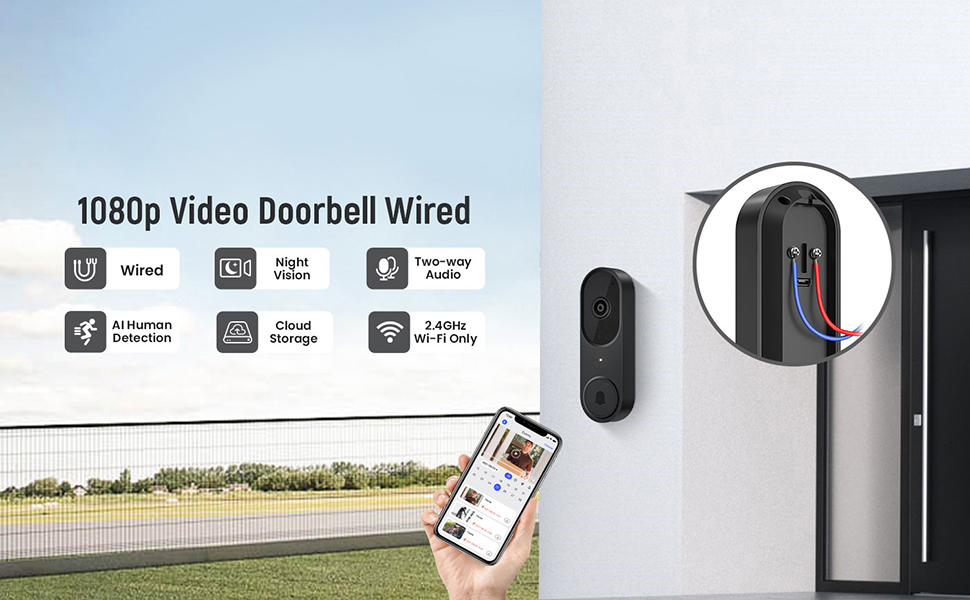
- שלב 2: חיבור חוטים. Remove your existing doorbell button. Connect the wires from your home's doorbell system to the terminals on the back of the new Aiwit Video Doorbell. Ensure a secure connection.
- Step 3: Mount and Secure. Secure the doorbell camera to the wall using the provided mounting hardware. Ensure it is firmly attached.
- שלב 4: חידוש אספקת החשמל. Re-enable the electrical circuit at your home's circuit breaker.
- Step 5: App Setup. Download the Aiwit app from your smartphone's app store. Follow the in-app instructions to connect your doorbell to your 2.4GHz Wi-Fi network and complete the setup process. Note: This device supports 2.4GHz Wi-Fi only; 5GHz networks are not supported.

The included chime will automatically pair with your doorbell once both are powered on and connected to the app.
הוראות הפעלה
Aiwit App Control
All primary functions and settings of your video doorbell are managed through the Aiwit mobile application. Ensure your app is updated to the latest version for optimal performance.
Live Two-Way Audio
When a visitor presses the doorbell or motion is detected, you will receive a notification on your smartphone. Open the Aiwit app to view the live feed and use the microphone icon to speak with the visitor. The built-in speaker on the doorbell will transmit your voice, allowing for real-time communication.

AI זיהוי אנושי
The doorbell utilizes advanced AI to distinguish human shapes from other moving objects such as animals or foliage. This reduces false alerts, ensuring you are only notified of relevant activity. You can adjust detection sensitivity and zones within the Aiwit app.

חזון לילה משופרת
Equipped with four IR LEDs and a smart infrared sensor, the doorbell provides clear video footage even in low-light or complete darkness. The night vision automatically activates when ambient light levels are insufficient.

Cloud Storage and Pre-roll Recording
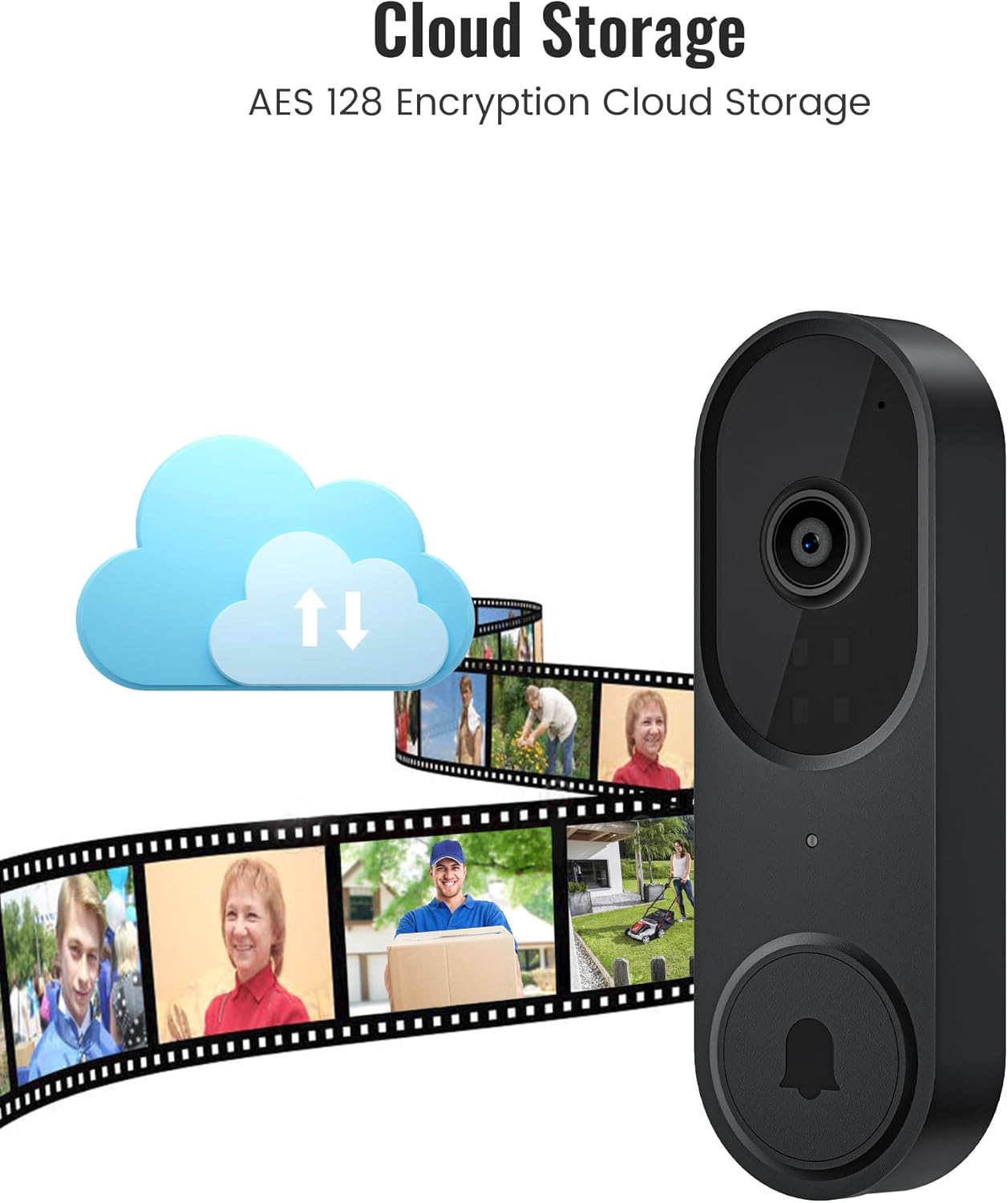
For continuous recording and access to event history, an optional cloud storage subscription is available. This service includes AES-128 encrypted storage and a pre-roll recording feature, which captures video footage a few seconds before a detected motion event or doorbell press, providing complete context.
תַחזוּקָה
- ניקוי: נגבו בעדינות את עדשת המצלמה ואת משטח פעמון הדלת בעזרת מטלית רכהamp מטלית. הימנעו מחומרי ניקוי שוחקים או ממסים.
- עדכוני קושחה: Regularly check the Aiwit app for available firmware updates. Updates often include performance improvements and security enhancements.
- בדיקת קישוריות: Periodically verify your Wi-Fi connection strength in the app to ensure stable operation.
פתרון בעיות
- No Power to Doorbell:
- Ensure the circuit breaker is on. Verify that the wires are correctly connected to the doorbell terminals and that there are no loose connections.
- לא ניתן להתחבר ל-Wi-Fi:
- Confirm your Wi-Fi network is 2.4GHz. Ensure the doorbell is within range of your Wi-Fi router. Restart your router and try the setup process again. Check if your Wi-Fi password is entered correctly.
- Poor Video Quality or Night Vision:
- Clean the camera lens. Ensure there are no obstructions blocking the camera's view. Check your Wi-Fi signal strength; a weak signal can affect video streaming quality.
- Motion Detection Not Working or Too Many False Alerts:
- Adjust the motion detection sensitivity and set specific detection zones within the Aiwit app. Ensure AI Human Detection is enabled if you wish to filter out non-human movements.
- בעיות שמע דו-כיווניות:
- Ensure your smartphone's microphone is enabled for the Aiwit app. Check the volume settings on both your phone and within the app. Verify a stable internet connection.
מידע על אחריות
Aiwit products are covered by a manufacturer's warranty. For specific details regarding your product's warranty period and terms, please refer to the warranty card included with your purchase or visit the official Aiwit support webאֲתַר.
תמיכת לקוחות
If you encounter any issues or have questions not covered in this manual, please contact Aiwit customer support through one of the following methods:
- Aiwit App: Access the 'Help' or 'Support' section within the application.
- רִשְׁמִי Webאֲתַר: בקר ב Aiwit Store on Amazon לקבלת מידע על המוצר וקישורי תמיכה.
- דוא"ל/טלפון: עיין באריזת המוצר שלך או במסמך הרשמי webאתר לקבלת פרטי קשר ישירים.


