מָבוֹא
The Amazon Kindle Paperwhite (12th Generation) is an advanced e-reader designed for an immersive reading experience. It features a 7-inch glare-free display, adjustable warm light, and extended battery life, making it suitable for reading in various environments. This manual provides essential information for setting up, operating, maintaining, and troubleshooting your device.

Image: The Kindle Paperwhite device, showcasing its display and compact design.
הגדרה
1. פתיחת האריזה וטעינה ראשונית
Upon unboxing your Kindle Paperwhite, ensure all included items are present: the Kindle Paperwhite device, a USB-C charging cable, and the Quick Start Guide. Before first use, fully charge your device. Connect the USB-C cable to the Kindle's charging port and the other end to a compatible USB power adapter (9W recommended, sold separately) or a computer's USB port. A full charge takes approximately 2.5 hours with a 9W adapter.
2. הפעלה / כיבוי
To power on your Kindle, press and hold the power button located on the bottom edge of the device for a few seconds until the screen illuminates. To turn off the screen (sleep mode), briefly press the power button. To fully power off the device, press and hold the power button for approximately 7 seconds until a power dialog appears, then select 'Power Off'.
3. התחברות ל-Wi-Fi
After powering on, follow the on-screen prompts to connect to a Wi-Fi network. Your Kindle supports 2.4 GHz and 5.0 GHz networks with WEP, WPA, WPA2, WPA3, and OWE security. Select your network from the list and enter the password if required. A stable Wi-Fi connection is necessary for downloading content and receiving software updates.
4. רישום המכשיר שלך
Once connected to Wi-Fi, you will be prompted to register your Kindle to an Amazon account. You can either sign in with an existing Amazon account or create a new one. Registration links your device to your Kindle library and enables access to the Kindle Store.
הפעלת הקינדל פייפרוויט שלך
1. ניווט בסיסי
- דפי עמוד: Tap the right side of the screen to go to the next page, or the left side to go to the previous page. You can also swipe left or right.
- מסך הבית: Tap the top of the screen to bring up the toolbar, then tap the 'Home' icon to return to your library.
- לְחַפֵּשׂ: Use the search bar on the home screen to find books, authors, or content within your device or the Kindle Store.
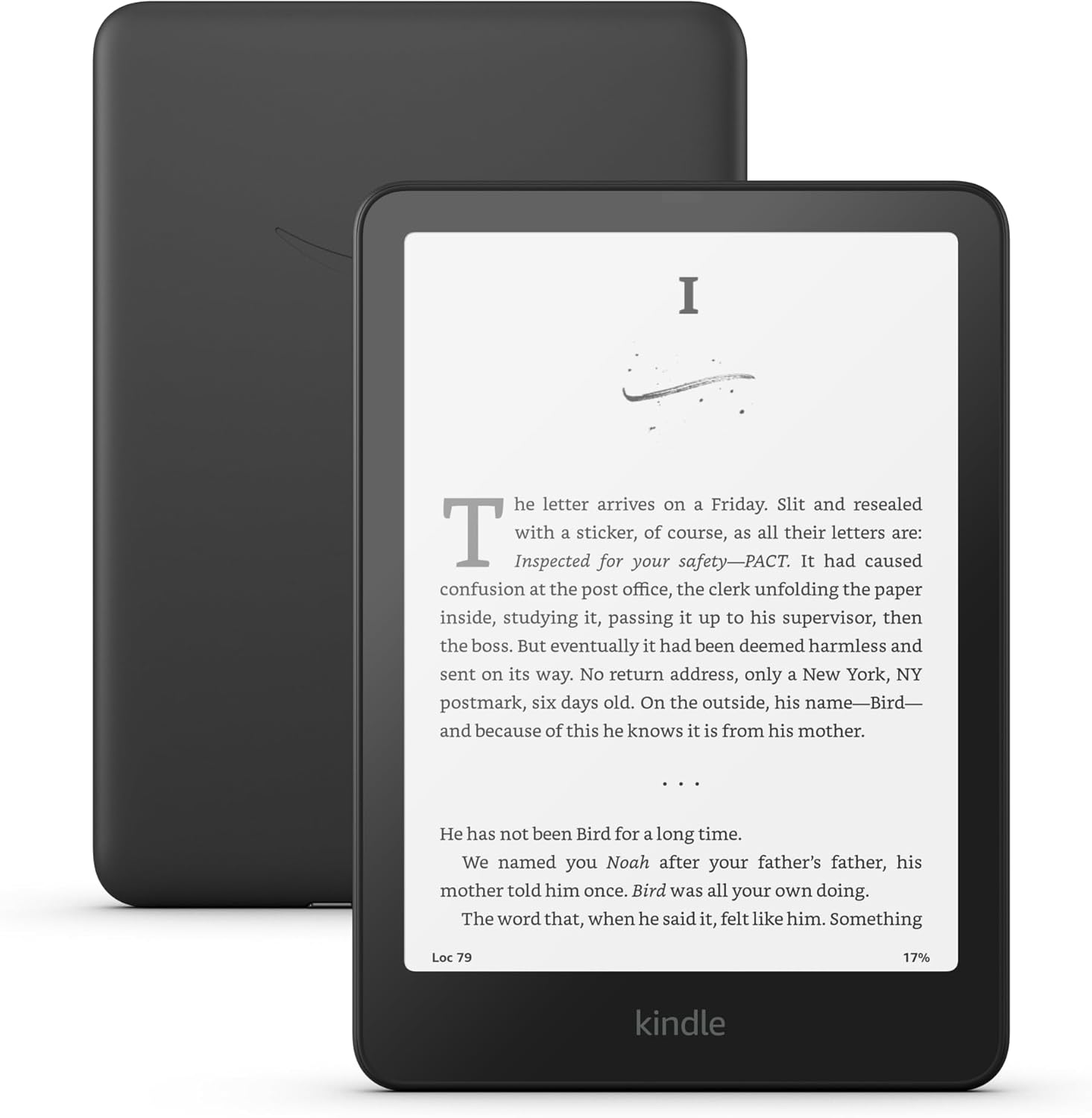
Image: A user interacting with the Kindle Paperwhite, demonstrating its ergonomic design for reading.
2. Reading Experience Customization
- הגדרות גופן: While reading, tap the top of the screen, then select the 'Aa' icon to adjust font size, font face, line spacing, and margins.
- אור חם מתכוונן: The Kindle Paperwhite features an adjustable warm light. Tap the top of the screen, then use the brightness and warmth sliders to customize the display's illumination from white to amber. This feature is beneficial for comfortable reading in various lighting conditions, including low light.
- מצב כהה: For reading in very dark environments, Dark Mode inverts the screen colors (white text on a black background). Access this setting from the quick actions menu by tapping the top of the screen.
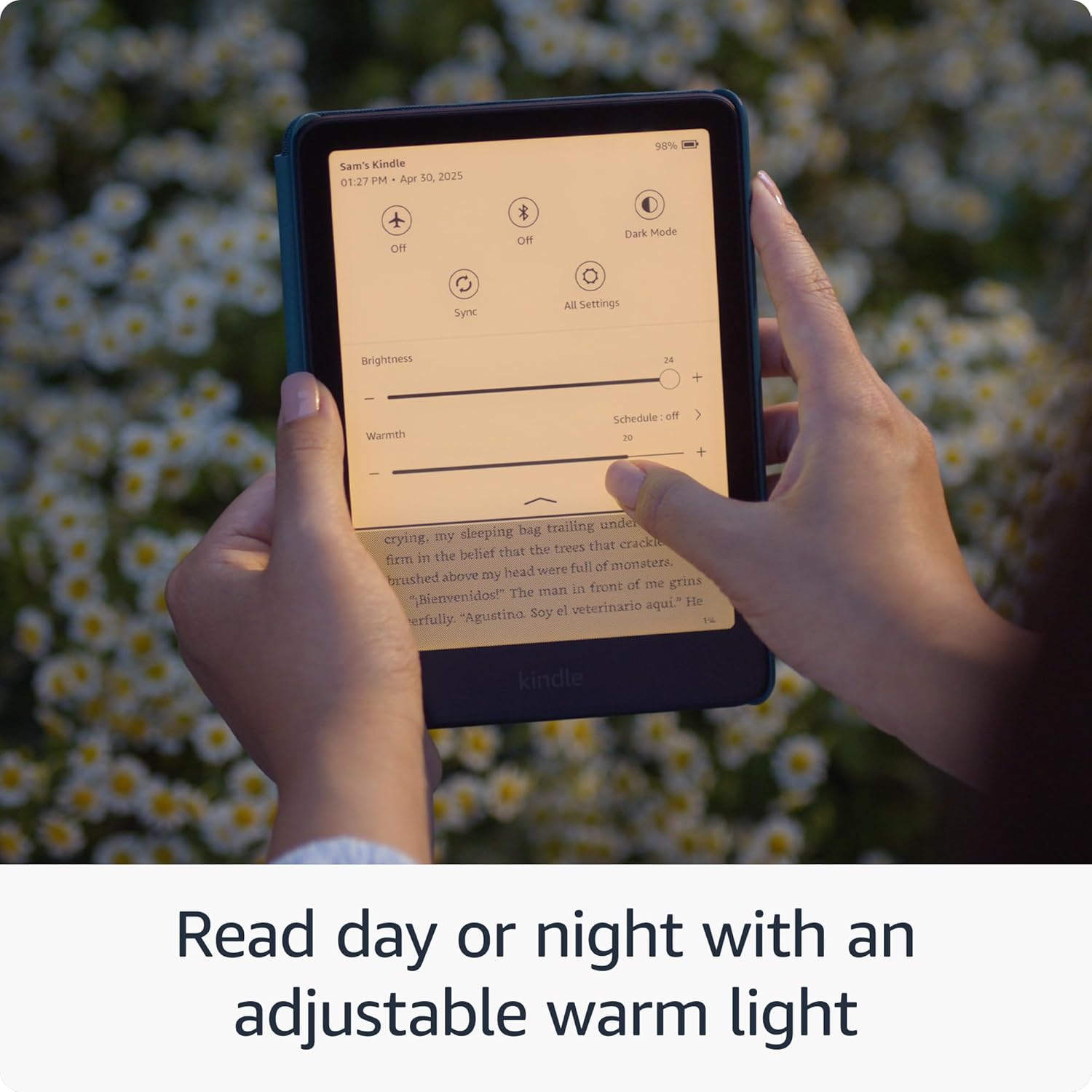
Image: The Kindle Paperwhite display demonstrating the adjustable warm light feature for comfortable reading day or night.
3. ניהול תוכן
- חנות קינדל: Access millions of titles directly from your device via the Kindle Store. Browse by genre, author, or bestseller lists.
- Kindle Unlimited: If subscribed, Kindle Unlimited provides access to a vast catalog of e-books, audiobooks, and magazines.
- Personal Documents: You can send personal documents (PDF, DOCX, HTML, EPUB, etc.) to your Kindle via email or the Send to Kindle application. These documents will appear in your library.
- Audible Audiobooks: The Kindle Paperwhite supports Audible audiobooks. Connect Bluetooth headphones or speakers to listen.

Image: A visual representation of the extensive library of books accessible through the Kindle Store.
4. תכונות נגישות
The Kindle Paperwhite includes several accessibility features:
- קוֹלView קורא מסך: זמין דרך אודיו Bluetooth, קולView provides spoken feedback to help navigate the device and read books using text-to-speech (English only). To enable, connect Bluetooth headphones/speaker, then go to Settings > Accessibility > VoiceView Screen Reader.
- Font Adjustments: Customize font size, font face, line spacing, and margins for improved readability.
תַחזוּקָה
1. טעינה וחיי סוללה
To maintain optimal battery performance, charge your Kindle Paperwhite regularly. A single charge can last up to twelve weeks, based on 30 minutes of reading per day with wireless off and the light setting at 13. Battery life will vary with usage, especially with Wi-Fi on or Audible audiobook streaming.
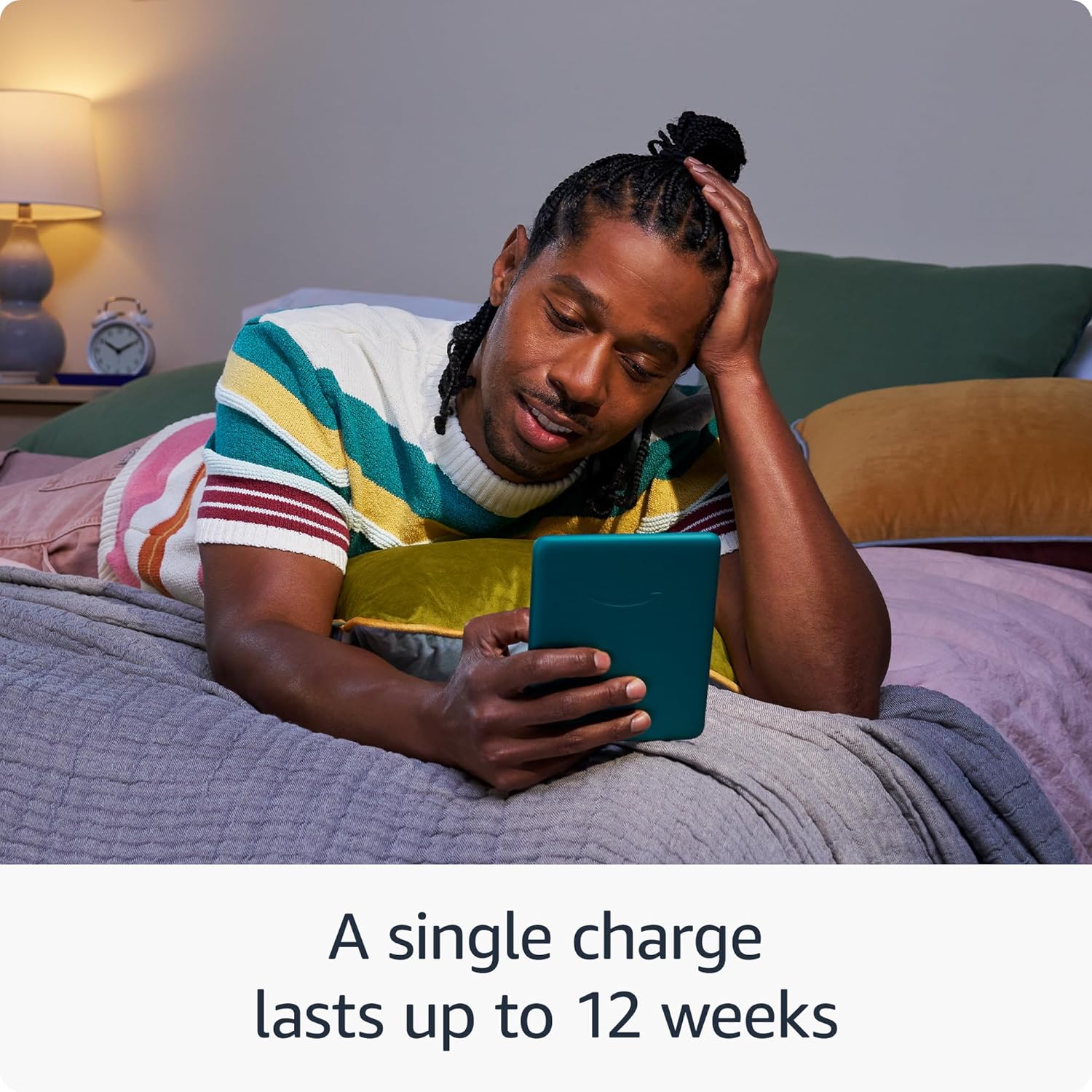
Image: The Kindle Paperwhite in use, highlighting its extended battery life for prolonged reading sessions.
2. ניקוי המכשיר
Gently wipe the screen and body of your Kindle with a soft, lint-free cloth. Avoid using abrasive cleaners, solvents, or aerosol sprays directly on the device.
3. איטום (IPX8)
The Kindle Paperwhite is waterproof with an IPX8 rating, meaning it is tested to withstand immersion in 2 meters of fresh water for 60 minutes. While designed for durability, avoid prolonged submersion in water, especially saltwater or other liquids. If the device gets wet, dry it thoroughly before charging.
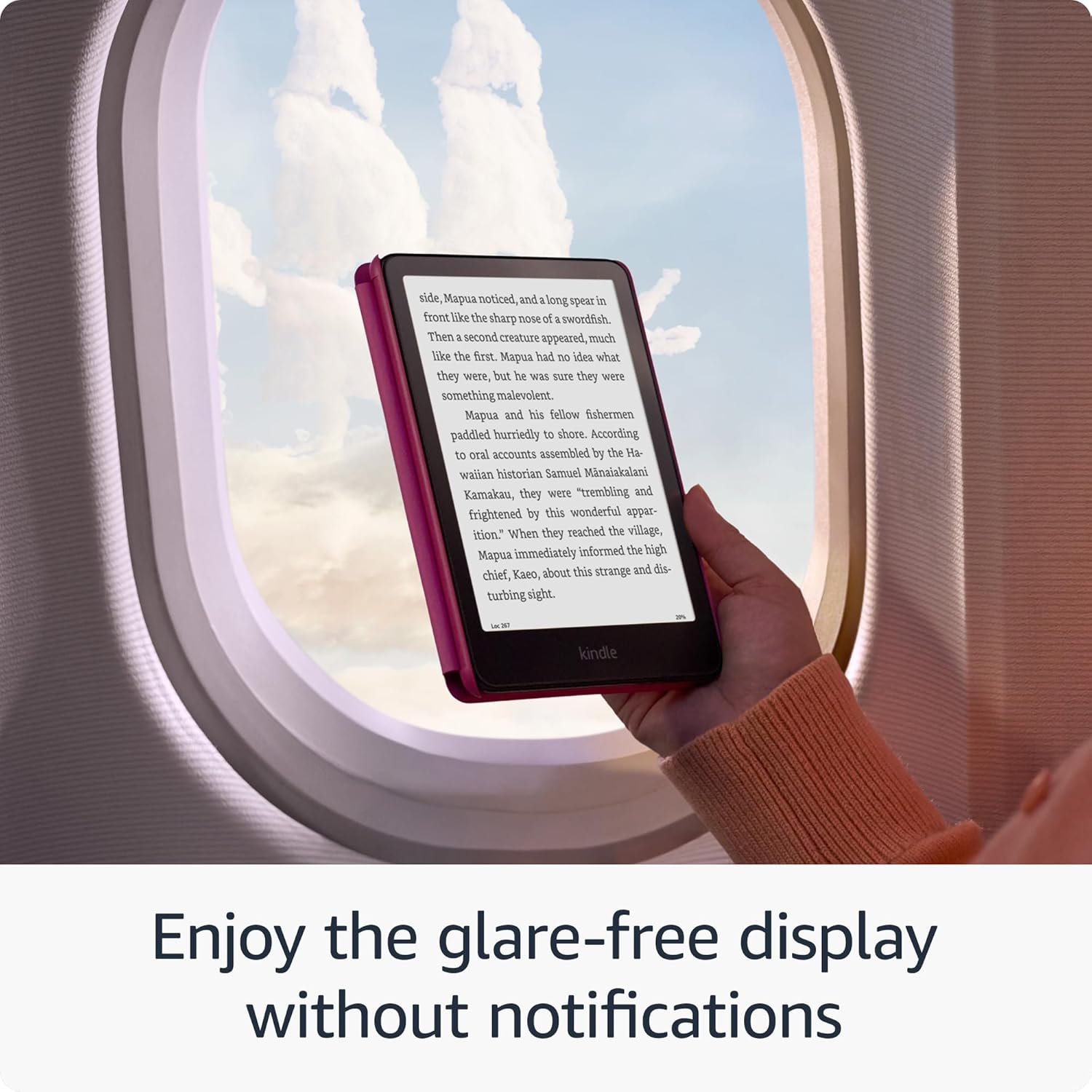
Image: The Kindle Paperwhite's glare-free display, suitable for reading in various environments without distractions.
4. עדכוני אבטחת תוכנה
Your Kindle Paperwhite receives guaranteed software security updates for at least four years from its last availability as a new unit. These updates are typically delivered automatically when connected to Wi-Fi. Ensure your device is connected to a network periodically to receive these updates, which improve performance and security.
פתרון בעיות
- המכשיר לא מגיב: If your Kindle is unresponsive, press and hold the power button for 40 seconds until the device restarts.
- לא ניתן להתחבר ל-Wi-Fi: Ensure your Wi-Fi password is correct. Try restarting your Wi-Fi router and then your Kindle. If issues persist, try connecting to a different network to rule out network-specific problems.
- הסוללה מתרוקנת במהירות: Reduce screen brightness, turn off Wi-Fi when not needed, and ensure no large downloads are pending. If the issue persists, a full restart may help.
- Books Not Appearing: Ensure your device is connected to Wi-Fi and registered to the correct Amazon account. Sync your Kindle from the quick actions menu (three dots icon) to refresh your library.
מפרטים
| לְהַצִיג | טכנולוגיית תצוגה Paperwhite בגודל 7 אינץ' של אמזון עם תאורה מובנית, 300 ppi, טכנולוגיית גופנים אופטימלית, וגוני אפור של 16 רמות. |
| גוֹדֶל | 5 אינץ' x 7 אינץ' x 0.3 אינץ' (127.6 x 176.7 x 7.8 מ"מ) |
| מִשׁקָל | 7.4 גרם (211 אונקיות). הגודל והמשקל בפועל עשויים להשתנות בהתאם לתצורה ותהליך הייצור. |
| דרישות מערכת | אין; אלחוטי לחלוטין ואינו דורש מחשב כדי להוריד תוכן. |
| אחסון במכשיר | 16 ג'יגה-בייט; מכיל אלפי ספרים. |
| אחסון בענן | אחסון ענן חינמי לכל תוכן אמזון. |
| חיי סוללה | טעינה אחת מספיקה לעד שנים עשר (12) שבועות, בהתבסס על חצי שעה של קריאה ביום כאשר האלחוט כבוי והגדרת התאורה על 13. חיי הסוללה עשויים להשתנות בהתאם לשימוש. הזרמת ספרי שמע באמצעות Bluetooth תקצר את חיי הסוללה. |
| זמן טעינה | נטען במלואו בפחות מ-2.5 שעות עם מתאם מתח USB של 9W. |
| קישוריות Wi-Fi | תומך ברשתות 2.4 GHz ו-5.0 GHz עם תמיכה באבטחת WEP, WPA, WPA2, WPA3 ו-OWE באמצעות אימות סיסמה או הגדרה מוגנת של Wi-Fi (WPS). אינו תומך בחיבור לרשתות WiFi אד-הוק (או עמית לעמית). |
| תכונות נגישות | קוֹלView screen reader, available over Bluetooth audio, provides spoken feedback allowing you to navigate your device and read books with text-to-speech (available in English only). Kindle Paperwhite also includes Dark Mode and the ability to adjust font size, font face, line spacing and margins. |
| פורמטי תוכן נתמכים | פורמט קינדל 8 (AZW3), קינדל (AZW), TXT, PDF, MOBI לא מוגן, PRC באופן מקורי; PDF, DOCX, DOC, HTML, EPUB, TXT, RTF, JPEG, GIF, PNG, BMP באמצעות המרה; פורמט שמע Audible (AAX). |
| כלול בקופסה | קינדל פייפרוויט, כבל טעינה USB-C ומדריך התחלה מהירה. |
| איטום מים | עמידות למים (IPX8), נבדק לעמוד בטבילה בעומק של 2 מטרים של מים מתוקים למשך 60 דקות. |
| צבעים זמינים | שחור, פטל וירקן |
| דוֹר | קינדל פייפרוויט (דור 12) - יציאה משנת 2024. |
אחריות ותמיכה
Your Kindle Paperwhite comes with a 1-year limited warranty and service. Optional extended warranties (1-year, 2-year, or 3-year) may be available for purchase separately for U.S. customers. Use of the Kindle is subject to the terms found on the Amazon webאֲתַר.
For additional support, detailed documentation, and frequently asked questions, please visit the official Amazon Kindle support pages or refer to the Kindle User Guide available on your device or online.
You can also manage your content and devices by visiting נהל את התוכן והמכשירים שלך.


