1. נגמרview
This manual provides instructions for the Canon PowerShot ELPH 360 HS Digital Camera. It covers initial setup, basic operation, maintenance, and troubleshooting to help you get the most out of your camera.
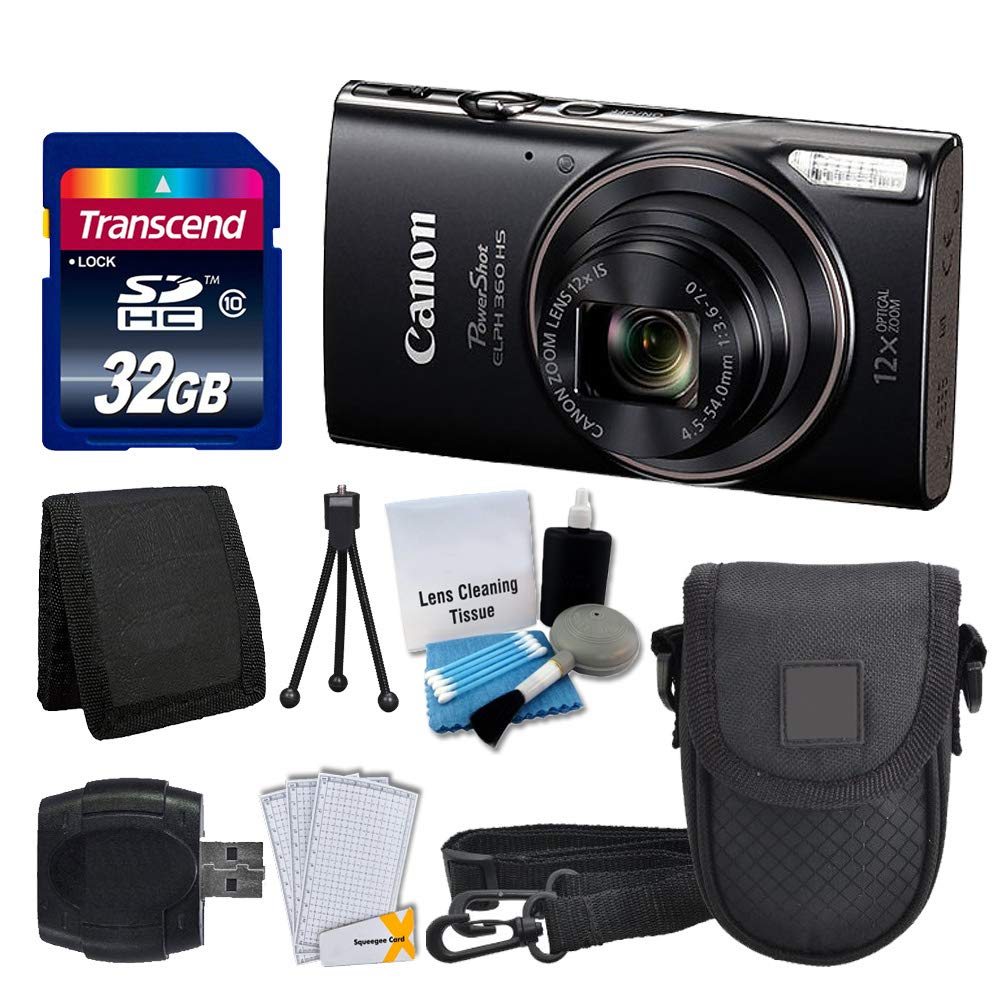
תמונה 1.1: חזית view of the Canon PowerShot ELPH 360 HS Digital Camera.
2. מה בקופסה
אנא ודאו שכל הפריטים הבאים כלולים בחבילה שלכם:
- Canon PowerShot ELPH 360 HS Digital Camera (Black)
- Transcend 32GB Memory Card
- כיסוי למצלמה
- קורא כרטיסי USB
- מגני מסך LCD
- ארנק כרטיסי זיכרון
- מארז ומטען
- רצועת יד
- Cleaning Kit (Lens Cleaning Tissue, Blower, Brush, Cotton Swabs)

Image 2.1: The Canon PowerShot ELPH 360 HS camera with its battery, charger, and wrist strap.
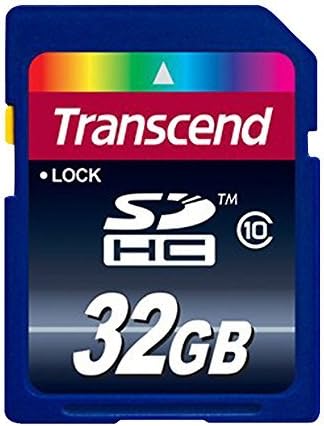
Image 2.2: A Transcend 32GB SDHC Memory Card, included for storage.
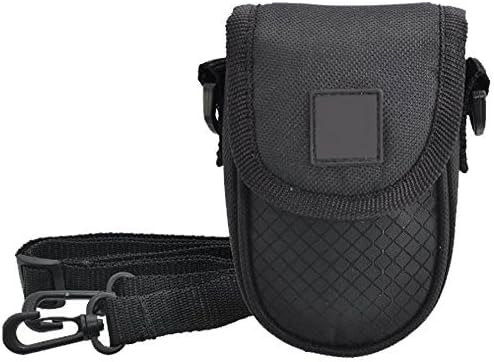
Image 2.3: A black camera case for protection and portability.

Image 2.4: The included cleaning kit for maintaining the camera's lens and body.
3. התקנה
3.1. טעינת הסוללה
- Insert the battery pack into the battery charger. Ensure the battery is correctly oriented.
- חבר את המטען לשקע חשמל. נורית חיווי הטעינה תידלק.
- Charging is complete when the indicator light changes color or turns off (refer to charger specific indicators).
3.2. הכנסת הסוללה וכרטיס הזיכרון
- פתח את מכסה תא הסוללה/כרטיס במצלמה.
- Insert the charged battery pack into the compartment, ensuring the contacts align. Push until it clicks into place.
- Insert the Transcend 32GB SDHC memory card into the card slot with the label facing the correct direction. Push until it clicks.
- סגור היטב את מכסה התא.
3.3. הצמדת רצועת היד
Thread the wrist strap through the strap mount on the camera body to prevent accidental drops.
4. הפעלת המצלמה
4.1. הפעלה/כיבוי
הקש על [כּוֹחַ] לחצן כדי להפעיל או לכבות את המצלמה.
4.2. צילום תמונות
- הפעל את המצלמה.
- Select your desired shooting mode (e.g., Automatic) using the mode dial or menu.
- מסגר את התמונה שלך באמצעות מסך ה-LCD.
- לחץ על לחצן הצילום עד חצי הדרך כדי להתמקד. מסגרת המיקוד תופיע.
- לחץ על כפתור הצילום עד הסוף כדי לצלם את התמונה.
4.3. שימוש בזום
Use the zoom lever around the shutter button to adjust the optical zoom (12x) for closer or wider shots.
4.4. הקלטת סרטונים
- In a shooting mode, press the dedicated [סרט] לחצן כדי להתחיל בהקלטה.
- הקש על [סרט] לחץ שוב על עצירת ההקלטה.
4.5. מחדשviewתמונות וסרטונים
הקש על [השמעה] button to enter playback mode. Use the directional buttons to navigate through your photos and videos.
4.6. חיבור למחשב (USB)
Connect the camera to a computer using a USB cable to transfer photos and videos. The camera will appear as a removable drive.
4.7. קישוריות Wi-Fi ו-NFC
The camera supports Wi-Fi and NFC for wireless transfer of images to compatible devices or for remote control. Refer to the camera's on-screen menu for detailed setup instructions for these features.
5. תחזוקה
5.1. ניקוי המצלמה
- עֲדָשָׁה: Use a lens brush or a soft, clean microfiber cloth with lens cleaning solution (from the included kit) to gently wipe the lens. Avoid touching the lens with your fingers.
- מסך LCD: Use a soft, dry cloth to clean the LCD screen. For stubborn smudges, use a screen protector cleaning solution.
- גוף המצלמה: Wipe the camera body with a soft, dry cloth. Do not use organic solvents or strong cleaning agents.
5.2. טיפול בסוללה
- אחסן סוללות במקום קריר ויבש כאשר אינן בשימוש.
- הימנעו מפריקה מלאה של הסוללה לעתים קרובות כדי להאריך את חייה.
- אין לחשוף סוללות לטמפרטורות קיצוניות.
5.3. אחסון
When storing the camera for extended periods, remove the battery and memory card. Store the camera in a dry, dust-free environment, preferably in its camera case.
6. פתרון תקלות
| בְּעָיָה | סיבה אפשרית | פִּתָרוֹן |
|---|---|---|
| המצלמה לא נדלקת. | הסוללה התרוקנה או הוכנסה בצורה שגויה. | טען את הסוללה במלואה וודא שהיא מוכנסת כהלכה. |
| לא ניתן לצלם תמונות. | כרטיס הזיכרון מלא, נעול או לא מוכנס. | Insert a memory card, unlock it, or delete unnecessary files. |
| התמונות מטושטשות. | רעידת מצלמה, מיקוד שגוי או עדשה מלוכלכת. | Hold the camera steady, ensure proper focus, and clean the lens. |
| Wi-Fi/NFC connection fails. | Incorrect settings or device incompatibility. | Check camera and device settings. Ensure devices are compatible and within range. |
7. מפרטים
- שם הדגם: PowerShot ELPH 360 HS
- מותג: קָנוֹן
- רזולוציית חיישן תמונה: 20.2 מגה פיקסל
- זום אופטי: 12x
- ייצוב תמונה: אוֹפּטִי
- סוג עדשה: Zoom (25-300 mm equivalent)
- גודל מסך: LCD בגודל 3 אינץ'
- קישוריות: Wi-Fi, NFC, USB
- נתמך File פוּרמָט: JPEG, RAW
- רזולוציית וידאו: 1080p
- סוג כרטיס זיכרון: SD, SDHC (32GB included)
- סוג סוללה: ליתיום יון
- צֶבַע: שָׁחוֹר
8. אחריות ותמיכה
8.1. מידע על אחריות
This Canon PowerShot ELPH 360 HS Digital Camera comes with a 90 יום אחריות מוגבלתאנא שמור את הוכחת הרכישה שלך לצורך תביעות אחריות.
8.2. תמיכת לקוחות
For further assistance, technical support, or service inquiries, please refer to the official Canon support webבאתר או צרו קשר עם שירות הלקוחות שלהם. פרטי קשר בדרך כלל ניתן למצוא באתר היצרן webבאתר או באריזת המוצר המקורית.


