מָבוֹא
This manual provides essential information for setting up, operating, and maintaining your Apple iPad (10th Generation). The iPad features an all-screen design, a 10.9-inch Liquid Retina display, the powerful A14 Bionic chip, Wi-Fi 6 connectivity, and advanced cameras. It is designed for everyday tasks, creativity, and staying connected.
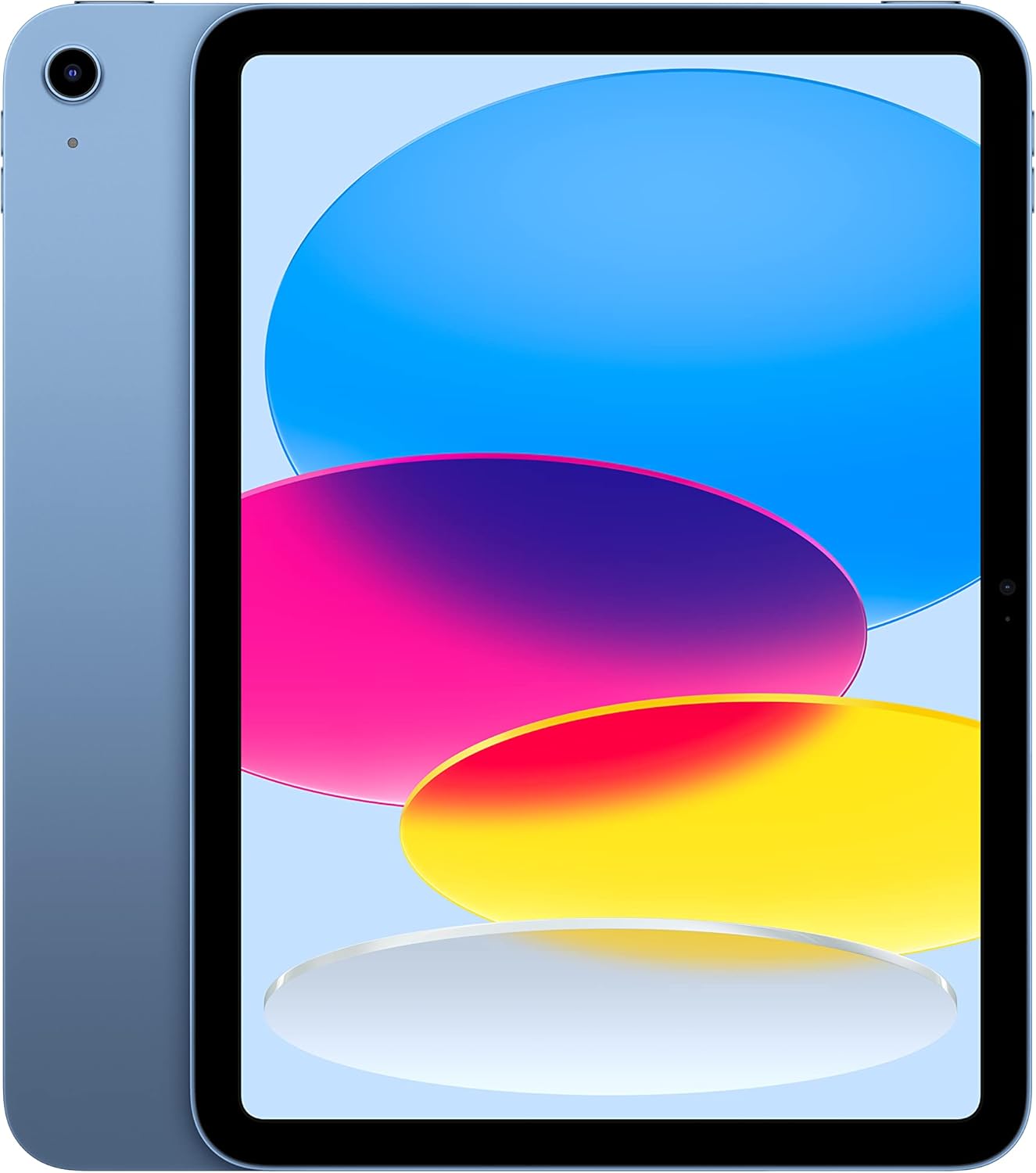
Image: The Apple iPad (10th Generation) in blue, showcasing its full-screen display and sleek design.
מה יש בקופסה
Verify that all items are present in your iPad packaging:
- אייפד (דור 10)
- כבל טעינה USB-C (מטר אחד)
- מתאם מתח USB-C 20W

Image: A visual representation of the items included in the iPad packaging: the iPad device, a USB-C charging cable, and a 20W USB-C power adapter.
הגדרה
- הפעלה: לחץ והחזק את הלחצן העליון עד להופעת הלוגו של אפל.
- תצורה ראשונית: פעל לפי ההוראות שעל המסך כדי לבחור את השפה והאזור שלך ולהתחבר לרשת Wi-Fi.
- העברת נתונים (אופציונלי): If you have a previous iPad or iPhone, you can transfer your data during setup.
- מזהה אפל: היכנס באמצעות Apple ID שלך או צור אחד חדש. זה חיוני להורדת אפליקציות, שימוש ב-iCloud ושירותי Apple אחרים.
- Touch ID Setup: Configure Touch ID for secure unlocking and purchases.
- טְעִינָה: Connect the USB-C Charge Cable to the iPad's USB-C port and the 20W USB-C Power Adapter, then plug it into a power outlet.
Operating Your iPad
לְהַצִיג
The iPad features a 10.9-inch Liquid Retina display with True Tone technology. True Tone automatically adjusts the display's color and intensity to match the ambient light, providing a more natural viewניסיון.

Image: An illustration of the iPad's key features, including the 10.9-inch Liquid Retina display, Landscape Ultra Wide front camera, and the A14 Bionic chip.
Touch ID
Touch ID is integrated into the top button of your iPad. It allows you to securely unlock your device, sign in to apps, and authorize purchases with Apple Pay using your fingerprint.
- לִפְתוֹחַ: Place your registered finger on the top button.
- Apple Pay: Double-press the top button and then place your finger on it to authenticate a payment.
מצלמות
The iPad is equipped with advanced cameras:
- מצלמה קדמית: Landscape 12MP Ultra Wide camera with Center Stage and Smart HDR 3. Center Stage automatically keeps you in the frame during video calls.
- מצלמה אחורית: 12MP Wide camera with Smart HDR 3, capable of recording 4K video at 24, 25, 30, or 60 frames per second.
קישוריות
The iPad supports Wi-Fi 6, providing fast and reliable wireless internet access for streaming, downloading, and browsing.
ביצועים ואחסון
Powered by the A14 Bionic chip with a 6-core CPU, 4-core graphics, and a 16-core Neural Engine, the iPad delivers robust performance for various applications, from immersive games to photo and video editing. It is available with 64GB or 256GB storage options.
חיי סוללה
The iPad offers up to 10 hours of web surfing on Wi-Fi or video playback. When using cellular data (on Wi-Fi + Cellular models), battery life is up to 9 hours.
אביזרים
Enhance your iPad experience with compatible accessories (sold separately):
- עיפרון אפל (דור ראשון): Transforms your iPad into a digital canvas and note-taking device. Requires a USB-C to Apple Pencil Adapter.
- Magic Keyboard Folio: Features a two-piece design with a detachable keyboard and protective back panel that attach magnetically.

Image: The Apple iPad (10th Generation) shown with the Magic Keyboard Folio and Apple Pencil, demonstrating its versatility for productivity and creativity.
תַחזוּקָה
To ensure the longevity and optimal performance of your iPad, follow these maintenance guidelines:
- ניקוי: השתמשו במטלית רכה ונטולת סיבים לניקוי המסך והחלק החיצוני. הימנעו מחומרים שוחקים או כימיקלים חזקים.
- טֶמפֶּרָטוּרָה: Operate and store your iPad within recommended temperature ranges (0° to 35° C / 32° to 95° F). Avoid extreme heat or cold.
- עדכוני תוכנה: עדכנו את iPadOS באופן קבוע לגרסה העדכנית ביותר כדי ליהנות מתכונות חדשות, שיפורי אבטחה ותיקוני באגים. עברו אל הגדרות > כללי > עדכון תוכנה.
- ניהול אחסון: מעת לעת מחדשview and manage your storage to free up space. Go to Settings > General > iPad Storage.
פתרון בעיות
If you encounter issues with your iPad, consider the following common troubleshooting steps:
- המכשיר לא מגיב: If your iPad is unresponsive, force restart it. Press and quickly release the volume up button, press and quickly release the volume down button, then press and hold the top button until the Apple logo appears.
- בעיות חיבור Wi-Fi:
- ודא ש-Wi-Fi מופעל בהגדרות.
- הפעל מחדש את נתב ה-Wi-Fi שלך.
- שכחו את הרשת והתחברו מחדש
- ריקון סוללה: Check battery usage in Settings > Battery to identify apps consuming significant power. Adjust settings or background app refresh as needed.
- בעיות באפליקציה: If an app is not working correctly, try closing and reopening it. If the problem persists, delete and reinstall the app.
לפתרון בעיות מפורט יותר או לבעיות מתמשכות, בקרו באתר התמיכה הרשמית של אפל webאתר או צרו קשר עם שירות הלקוחות של אפל.
מפרטים
| תכונה | פְּרָט |
|---|---|
| שם הדגם | אייפד (דור 10) |
| מספר דגם של פריט | MPQ93LL/A |
| לְהַצִיג | 10.9-inch Liquid Retina display with True Tone |
| רזולוציית תצוגה | 2360 x 1640 פיקסלים |
| שְׁבָב | A14 Bionic chip (6-core CPU, 4-core graphics, 16-core Neural Engine) |
| קיבולת אחסון זיכרון | 256 GB (also available in 64GB) |
| מצלמה אחורית | 12MP Wide camera with Smart HDR 3, 4K video recording |
| מצלמה קדמית | Landscape 12MP Ultra Wide with Center Stage and Smart HDR 3 |
| חיי סוללה | Up to 10 hours (Wi-Fi), Up to 9 hours (Cellular) |
| מַחבֵּר | USB-C |
| מידות (H x W x D) | 9.79 x 7.07 x 0.28 אינץ' (248.6 x 179.5 x 7 מ"מ) |
| מִשׁקָל | דגם Wi-Fi במשקל 1.05 פאונד (477 גרם). |
| Compatible Apple Pencil | Apple Pencil (1st generation) - requires USB-C to Apple Pencil Adapter |
| יַצרָן | תַפּוּחַ |
| תאריך ראשון זמין | 18 באוקטובר 2022 |
אחריות ותמיכה
Your Apple iPad (10th Generation) is covered by Apple's standard limited warranty. For detailed information regarding warranty terms, coverage, and service options, please refer to the warranty documentation included with your product or visit the official Apple Support webאֲתַר.
For technical assistance, troubleshooting guides, and additional resources, please visit the תמיכה של אפל website for iPad.
הערות חשובות
This manual provides general instructions. For the most up-to-date information and advanced features, always refer to the official Apple iPad User Guide available digitally on your device or Apple's webאֲתַר.


