מָבוֹא
This manual provides detailed instructions for the setup, operation, maintenance, and troubleshooting of your 3PLUS Vibe Pro Smart Watch. Please read this manual thoroughly to ensure proper use and to maximize the features of your device.

Image: The 3PLUS Vibe Pro Smart Watch, featuring a black watch body with a black silicone band, accompanied by an additional pink silicone band. The watch display shows time, date, activity metrics, and weather.
הגדרה
1. טעינת ההתקן
Before initial use, fully charge your 3PLUS Vibe Pro Smart Watch. Connect the magnetic charging cable to the charging contacts on the back of the watch and plug the USB end into a power adapter (not included) or a computer USB port. The watch display will indicate charging status.
2. התקנת אפליקציה
To unlock the full potential of your smart watch, download the official 3Plus app on your smartphone. The app is compatible with both iPhone and Android devices.
- חפש "3Plus" in the Apple App Store (for iOS) or Google Play Store (for Android).
- הורד והתקן את האפליקציה.
- פעל לפי ההנחיות שעל המסך כדי ליצור חשבון או להתחבר.
3. צימוד השעון החכם שלך
ודא שה-Bluetooth של הטלפון החכם שלך מופעל.
- Open the 3Plus app on your smartphone.
- Navigate to the device pairing section (usually found under 'Devices' or 'Profile').
- Select 'Add New Device' or similar option.
- The app will search for nearby 3PLUS Vibe Pro Smart Watches. Select your watch from the list.
- אשר את בקשת הצימוד גם בשעון וגם בטלפון החכם.
הוראות הפעלה
ניווט בסיסי
- מסך מגע: החלק שמאלה/ימינה, למעלה/למטה כדי לנווט בין תפריטים ומסכים. הקש כדי לבחור אפשרות.
- כפתור צד: לחץ כדי לחזור למסך הבית או להעיר את המכשיר. לחץ לחיצה ארוכה כדי להפעיל אפשרויות צריכת חשמל.
תכונות מפתח
מעקב GPS
The integrated GPS allows for accurate tracking of outdoor activities without needing your phone. Ensure GPS is enabled in the watch settings for outdoor workouts.
ניטור דופק
השעון עוקב באופן רציף אחר קצב הלב שלך. View real-time data on the watch or detailed trends in the 3Plus app.
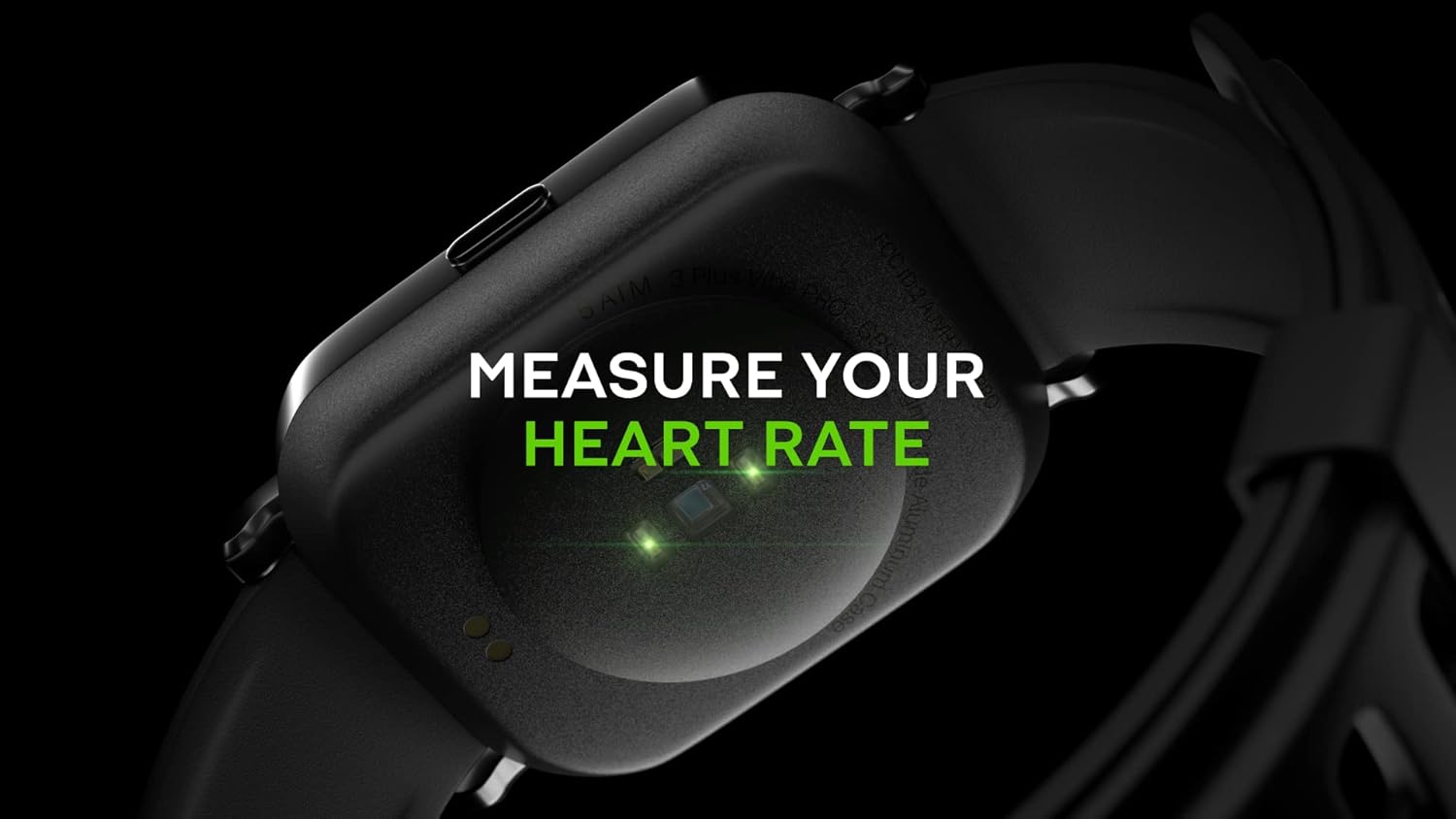
Image: Close-up of the back of the 3PLUS Vibe Pro Smart Watch, showing green LED lights indicating heart rate measurement in progress. Text overlay reads "MEASURE YOUR HEART RATE".
ניטור חמצן בדם (SpO2).
Measure your blood oxygen saturation levels directly from your wrist. For accurate readings, remain still during measurement.

Image: The 3PLUS Vibe Pro Smart Watch display showing a blood oxygen measurement in progress, with a circular animation and text instructing the user to stay still. Text overlay reads "MEASURE YOUR BLOOD OXYGEN".
ניטור שינה
השעון עוקב אוטומטית אחר דפוסי השינה שלך, כולל שינה עמוקה, שינה קלה וזמני ערות.view your sleep data in the 3Plus app to understand your sleep quality.

Image: A person sleeping with the 3PLUS Vibe Pro Smart Watch on their wrist, showing the watch display with sleep data (deep sleep, light sleep, awake time). Text overlay indicates "6 HOURS 52 MINUTES SLEPT".
מצבי ספורט מרובים
Select from various sports modes to track specific activities like running, cycling, basketball, and more. Each mode provides relevant metrics for your workout.

Image: The 3PLUS Vibe Pro Smart Watch display showing a list of workout modes, including Basketball and Soccer, with a basketball player in the background. Text overlay reads "MULTIPLE SPORTS MODES".
התראות חכמות
Receive notifications for calls, messages, and app alerts directly on your wrist when connected to your smartphone.

Image: The 3PLUS Vibe Pro Smart Watch display showing various notifications from messaging apps like Messenger, Instagram, and Facebook. Speech bubbles representing these apps are floating around the watch.
5ATM התנגדות המים
The watch is rated 5ATM water resistant, meaning it can withstand pressures equivalent to a depth of 50 meters. It is suitable for swimming and showering but not for diving or high-pressure water activities.

Image: The 3PLUS Vibe Pro Smart Watch covered in water droplets, emphasizing its water resistance. Text overlay reads "5 ATM RATED WATER RESISTANT".
תַחזוּקָה
ניקוי השעון החכם שלך
- Regularly clean the watch body and bands with a soft, damp בַּד.
- For the charging contacts and sensors on the back, use a dry cotton swab to gently remove any dirt or debris.
- הימנעו משימוש בכימיקלים חזקים או בחומרים שוחקים, מכיוון שהם עלולים לפגוע במכשיר.
טיפול להקה
If your watch comes with silicone bands, clean them regularly with mild soap and water to prevent skin irritation, especially after workouts or prolonged wear. Ensure the band is completely dry before reattaching it to the watch.
פתרון בעיות
שעון לא נדלק
- ודא שהשעון טעון במלואו. חבר אותו למטען למשך 30 דקות לפחות.
- Try performing a soft reset by pressing and holding the side button for 10-15 seconds.
לא ניתן להתאים לסמארטפון
- ודא ש-Bluetooth מופעל בטלפון החכם שלך.
- Ensure the watch is within Bluetooth range (typically 10 meters or 33 feet).
- הפעילו מחדש את השעון ואת הסמארטפון.
- Check if the 3Plus app is updated to the latest version.
- אם בוצעה התאמה בעבר, נסה לנתק את המכשיר מהגדרות ה-Bluetooth של הטלפון שלך ולאחר מכן לבצע את ההתאמה מחדש דרך האפליקציה.
Inaccurate Readings (Heart Rate, SpO2, Sleep)
- ודאו שהשעון צמוד לפרק כף היד, בערך ברוחב אצבע אחת מעל עצם פרק כף היד.
- Keep the sensor clean and free from dirt or sweat.
- For SpO2, remain still during the measurement.
התראות לא מופיעות
- ודא שהשעון מחובר לסמארטפון שלך באמצעות Bluetooth.
- Check notification settings within the 3Plus app to ensure app notifications are enabled.
- Ensure your phone's notification settings allow the 3Plus app to send notifications.
מפרטים
| תכונה | מִפרָט |
|---|---|
| שם הדגם | שעון חכם Vibe Pro |
| גודל תצוגה | 1.78 Inches AMOLED Color Touchscreen |
| עמידות במים | 5ATM (עד 50 מטר) |
| קישוריות | בלוטות' |
| GPS | GPS מובנה |
| חיישנים | צג קצב לב, צג חמצן בדם |
| תְאִימוּת | אייפון ואנדרואיד |
| משקל פריט | 7.8 אונקיות |
| מידות חבילה | 6.69 x 4.09 x 2.28 אינץ' |
| זמין ראשון | 14 בינואר 2022 |
אחריות ותמיכה
For warranty information and customer support, please refer to the official 3Plus website or contact their customer service directly. Details can typically be found on the product packaging or within the 3Plus mobile application.
Official 3Plus Store: Visit the 3Plus Store on Amazon
סרטוני מוצר רשמיים
לא נמצאו סרטוני מוכרים רשמיים עבור מוצר זה בנתונים שסופקו.


