1. הקדמה
Thank you for choosing the ORSKEY S950 Dash Cam. This manual provides detailed instructions for the proper installation, operation, and maintenance of your new dash camera system. Please read this manual thoroughly before use to ensure optimal performance and longevity of the device.

Image: The ORSKEY S950 Dash Cam, showing the main front unit with a 3-inch IPS screen and the separate rear camera.
2. המוצר נגמרview
2.1 תכולת החבילה
The ORSKEY S950 Dash Cam package includes the following items:
- ORSKEY S950 Front Dash Camera
- מצלמה אחורית
- מטען לרכב
- Mounting Bracket (Dashboard Mount)
- כבל מצלמה אחורית
- מדריך למשתמש
- Memory Card (Included components: Memory Card)
2.2 תכונות עיקריות
The ORSKEY S950 Dash Cam is equipped with advanced features for comprehensive vehicle surveillance:
- 4K Ultra HD Front Recording: לוכד תמונות ברורות ומפורטותtage.
- 1080P Rear Recording: מספק מגוון רחב view של החלק האחורי של הרכב.
- Sony Starvis Sensor: Enhances low-light performance for superior night vision.
- מסך IPS בגודל 3 אינץ': Offers a clear and wide viewing angle for playback and settings.
- 170-Degree Wide Field of View: Both front and rear cameras cover multiple lanes.
- הקלטת לולאה: דורס אוטומטית את הקובץ הישן ביותרtagה כאשר כרטיס הזיכרון מלא.
- G-Sensor (Emergency Accident Lock): Detects sudden impacts and locks the current video to prevent overwriting.
- ניטור חניה: Provides surveillance when the vehicle is parked (requires continuous power supply).
- Support for up to 128GB MicroSD Card: Allows for extended recording times.

Image: Visual representation of the ORSKEY S950's powerful functions, including 4K+1080P recording, Sony Sensor, 3" IPS screen, dual 170° FOV, G-Sensor, Loop Recording, Parking Monitoring, Emergency Recording, and Max 128GB support.
3. התקנה והתקנה
3.1 הכנסת כרטיס ה-MicroSD
- ודא שמצלמת הרכב כבויה.
- Locate the MicroSD card slot on the side of the main unit.
- Insert the MicroSD card (Class 10 or higher, up to 128GB) into the slot until it clicks into place.
- חָשׁוּב: Format the MicroSD card within the dash cam's settings menu before first use and periodically thereafter to ensure stable recording.
3.2 הרכבת המצלמה הקדמית
- נקו את אזור השמשה הקדמית שבו אתם מתכוונים להרכיב את המצלמה.
- Attach the suction cup mount or adhesive mount to the windshield, ensuring it does not obstruct your view.
- Slide the main dash cam unit onto the mounting bracket until it locks securely.
- כוונן את זווית עדשת המצלמה כדי להבטיח שהיא תצלם את הדרך שלפניך בבירור.
3.3 התקנת המצלמה האחורית
- Determine the optimal mounting location for the rear camera, typically on the rear windshield or near the license plate.
- נקה את משטח ההרכבה ביסודיות.
- Secure the rear camera using the provided adhesive or screws.
- Route the rear camera cable from the rear of the vehicle to the front dash cam unit. Ensure the cable is tucked away neatly to avoid interference with driving.
- חבר את כבל המצלמה האחורית ליציאה הייעודית ביחידת מצלמת הרכב הראשית.

Image: Illustration of the dual lens dash camera's wide 170° viewing angles for both front and rear, providing comprehensive coverage.
3.4 חיבור מתח
- חבר את מטען הרכב לשקע החשמל של מצלמת הרכב.
- חבר את הקצה השני של מטען הרכב לשקע המצית של הרכב שלך.
- מצלמת הרכב תידלק אוטומטית ותתחיל להקליט כאשר מתג ההצתה של הרכב יופעל.
4. הוראות הפעלה
4.1 פעולה בסיסית
- הפעלה/כיבוי: The camera powers on/off automatically with the vehicle's ignition. You can also manually power on/off by pressing and holding the power button.
- הַקלָטָה: Once powered on and with a formatted MicroSD card, the camera will automatically start loop recording. A flashing indicator light usually signifies active recording.
- מסך הפעלה/כיבוי: The screen can be set to turn off automatically after a set period to avoid distraction while driving. Recording continues in the background.
4.2 הקלטת לולאה
Loop recording ensures continuous recording by overwriting the oldest unlocked video files when the MicroSD card reaches its capacity. This feature prevents the card from filling up and stopping recording.
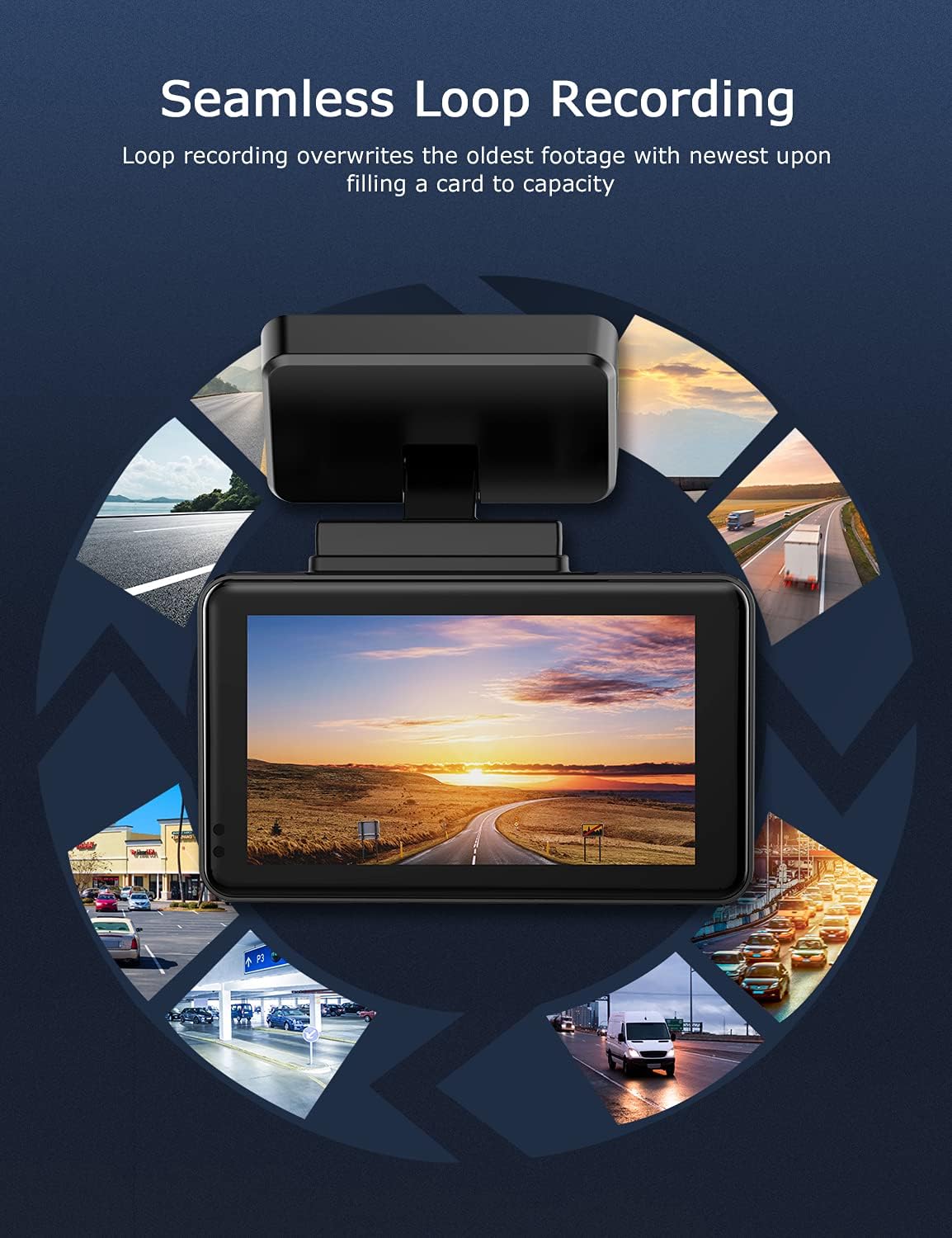
Image: Visual explanation of seamless loop recording, where the dash cam continuously records and overwrites the oldest footage once the memory card is full.
4.3 G-Sensor and Emergency Lock
The built-in G-sensor detects sudden acceleration, braking, or collisions. When triggered, it automatically locks the current video segment, protecting it from being overwritten by loop recording. These locked files מאוחסנים בתיקייה נפרדת בכרטיס ה-MicroSD.

Image: Depiction of the Emergency Accident Lock feature, where the G-sensor detects an impact and automatically locks the video footage as important evidence.
4.4 ניטור חניה
When enabled, parking monitoring allows the dash cam to automatically record if it detects a collision or vibration while the vehicle is parked. This feature typically requires a hardwire kit (sold separately) for continuous power supply.
4.5 ראיית לילה
Equipped with a Sony Starvis Sensor, the ORSKEY S950 provides enhanced night vision capabilities, capturing clear video footagאפילו בתנאי תאורה חלשים.
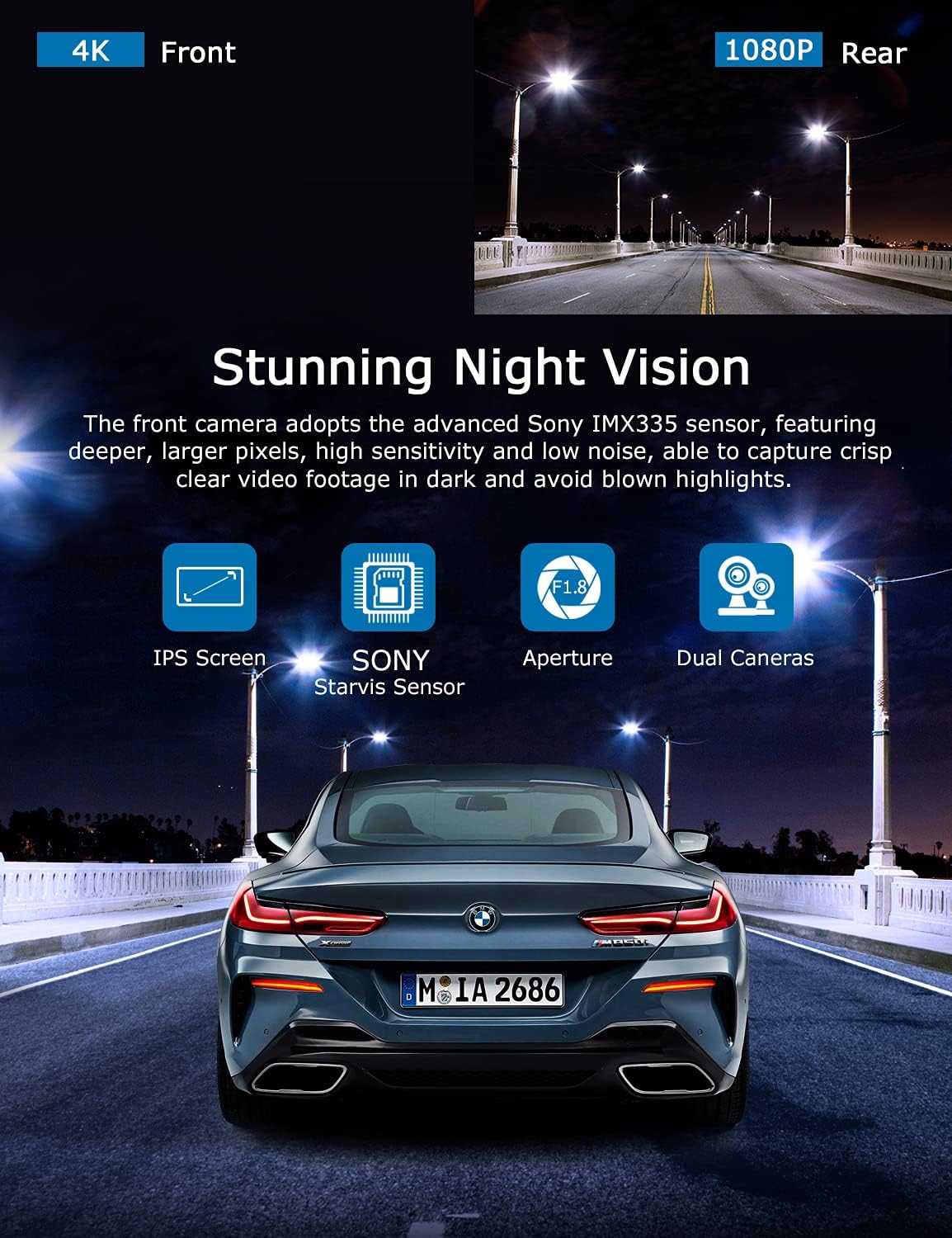
Image: Illustration highlighting the stunning night vision capability of the ORSKEY S950, showing clear footagה. בסביבות חשוכות.
4.6 השמעה
כדי לחזורview foo מוקלטtage:
- Stop recording by pressing the OK button (if currently recording).
- Enter playback mode via the menu options.
- Navigate through video files using the up/down buttons.
- בחר א file ולחץ על OK כדי לשחק.
- You can also remove the MicroSD card and view files on a computer using a compatible media player.
5. תחזוקה
- עיצוב כרטיס MicroSD: Regularly format the MicroSD card (at least once a month) to prevent data corruption and ensure optimal performance. Back up important files לפני העיצוב.
- ניקוי: השתמשו במטלית רכה ויבשה לניקוי עדשת המצלמה והמסך. הימנעו משימוש בחומרי ניקוי שוחקים או ממסים.
- טֶמפֶּרָטוּרָה: הימנעו מחשיפת מצלמת הרכב לטמפרטורות קיצוניות למשך תקופות ממושכות, מכיוון שהדבר עלול לפגוע בחיי הסוללה ובשלמות הרכיבים.
6. פתרון תקלות
| בְּעָיָה | סיבה אפשרית | פִּתָרוֹן |
|---|---|---|
| המצלמה לא נדלקת. | No power supply; faulty charger; dead battery. | Check car charger connection and vehicle's cigarette lighter. Ensure the camera's internal battery is charged. |
| "שגיאת כרטיס" או שההקלטה נעצרת. | MicroSD card not formatted, incompatible, or corrupted. | Format the MicroSD card in the camera. Use a high-quality Class 10 (U3 recommended) MicroSD card from a reputable brand. Try a different card. |
| Video playback is laggy or corrupted. | Slow MicroSD card; file system issues; incompatible player. | Ensure you are using a high-speed MicroSD card (V30/U3). Format the card. Try playing videos with a different media player on your computer. |
| Rear camera image is reversed. | Default setting for mirror view. | Check camera settings for a 'Mirror Image' or 'Flip' option for the rear camera. If not available, this may be intended for reverse assistance rather than recording. |
| חיישן G רגיש מדי/לא רגיש מספיק. | הגדרת רגישות חיישן G. | Adjust the G-Sensor sensitivity level in the camera's settings menu. |
7. מפרטים
| תכונה | מִפרָט |
|---|---|
| מספר דגם | S950 |
| רזולוציית לכידת וידאו | 4K (קדמי), 1080P (אחורי) |
| גודל מסך | מסך IPS בגודל 3 אינץ' |
| שדה של View | 170 Degrees (Front & Rear) |
| תכונות מיוחדות | Loop Recording, Night Vision, G-Sensor, Parking Monitoring |
| תמיכה באחסון | Up to 128GB MicroSD Card (Class 10/U3 recommended) |
| שיטת בקרה | לָגַעַת |
| מקור כוח | Car Charger (1 Lithium Polymer battery included) |
| מידות המוצר | 21 x 15.5 x 4.5 ס"מ; 505 גרם |
8. אחריות ותמיכה
ORSKEY products are designed for reliability and performance. For warranty information, technical support, or any inquiries regarding your ORSKEY S950 Dash Cam, please refer to the contact details provided on the official ORSKEY webהאתר או אריזת המוצר. שמור את קבלת הרכישה כהוכחת קנייה לצורך תביעות אחריות.
For further assistance, you may visit the ORSKEY Store on Amazon: ORSKEY Store


