מָבוֹא
The Benro Bat Series Tripod is designed for photographers requiring flexibility and portability. This tripod features a unique design with 5 preset leg angles, allowing for versatile positioning in various environments. It also includes a VX Dual Panoramic Ball Head for precise camera control. The tripod can be converted into a monopod for increased versatility.
תוכן החבילה
- Benro Bat Aluminum One Series Tripod (FBAT15AVX20)
- VX20 Ballhead
- לוח שחרור מהיר
- תיק נשיאה
הגדרה
1. פתיחת החצובה
To unfold the tripod, release the leg locks and extend the legs outwards. The Bat Series features reverse folding legs for compact storage. Gently pull each leg downwards and outwards until it locks into position.
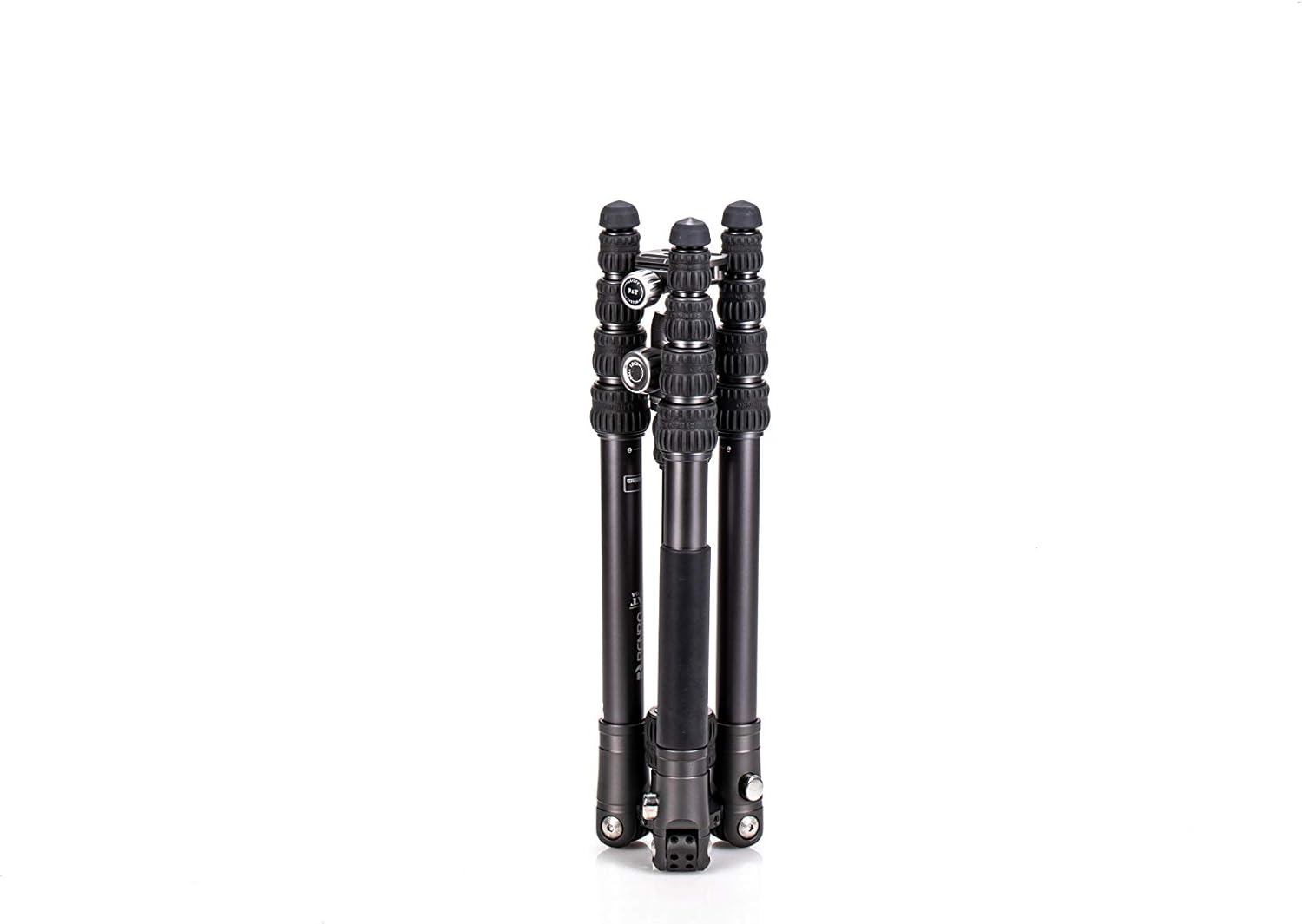
Image: The Benro Bat Tripod shown in its compact, folded configuration, ready for transport.

Image: The Benro Bat Tripod with legs partially extended, illustrating the initial unfolding process.
2. כוונון זוויות הרגליים
The Bat Series offers 5 preset leg angles for versatile positioning. Press the leg angle lock button at the top of each leg and adjust the leg to the desired angle. Ensure all three legs are set to the same angle for stability, or different angles for uneven terrain.

Image: The Benro Bat Tripod with a camera mounted, demonstrating a typical setup with legs at a standard angle.
3. Extending Leg Sections
Each leg has 5 sections. To extend, twist the leg locks counter-clockwise to loosen, pull out the desired section, and twist clockwise to tighten. Always extend the thickest sections first for maximum stability.

Image: The Benro Bat Tripod with all leg sections fully extended, showing its maximum height capability.
4. Central Column Adjustment
To adjust the central column height, loosen the central column locking knob, raise or lower the column, and then tighten the knob securely. For low-level photography, the central column can be inverted without removal. Loosen the central column locking knob, pull the column up, flip it, and reinsert it from below, then tighten.

Image: The Benro Bat Tripod with its central column extended, increasing the overall height.
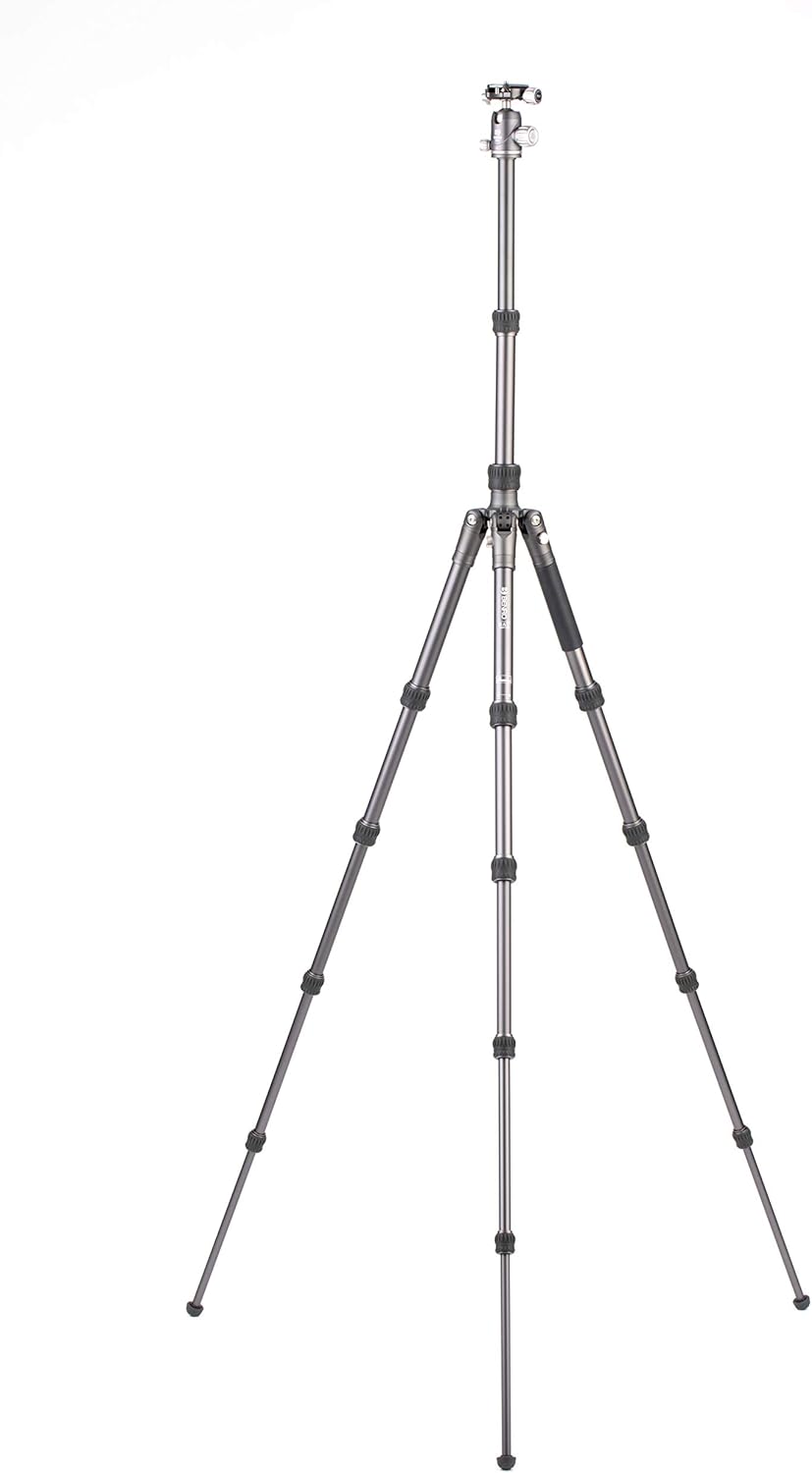
Image: The Benro Bat Tripod configured for maximum height, with both legs and central column fully extended.

Image: The Benro Bat Tripod with a camera mounted, demonstrating a low-angle setup, potentially using the inverted central column feature.
5. Attaching the VX20 Ballhead and Camera
The VX20 Ballhead is pre-attached to the tripod. To attach your camera, ensure the quick release plate is securely fastened to the bottom of your camera. Then, slide the quick release plate into the ballhead's clamp until it clicks into place. Use the safety lock if available.
Operating the VX20 Ballhead
1. Ball Friction and Lock Adjustment
The main lock knob on the VX20 Ballhead controls both the ball's movement and its friction. Turn the knob counter-clockwise to loosen the ball for movement and clockwise to tighten and lock it. Adjust the friction to suit the weight of your camera and lens combination.
2. Independent Pan Lock
The VX20 Ballhead features an independent pan lock, allowing you to rotate the camera horizontally without affecting the ball's tilt. Loosen the smaller pan lock knob to pan, and tighten it to secure the horizontal position.
3. Dual Panoramic Mode
This ballhead offers dual panoramic mode, enabling panning from both the quick-release platform and the base of the head. This provides greater control for panoramic photography.
המרת מונופוד
The Benro Bat Tripod can be converted into a monopod. To do this, unscrew one of the tripod legs (typically the one with the foam grip) from the tripod's main chassis. Then, detach the central column with the ballhead from the tripod and screw it onto the detached leg. Ensure all connections are secure before use.
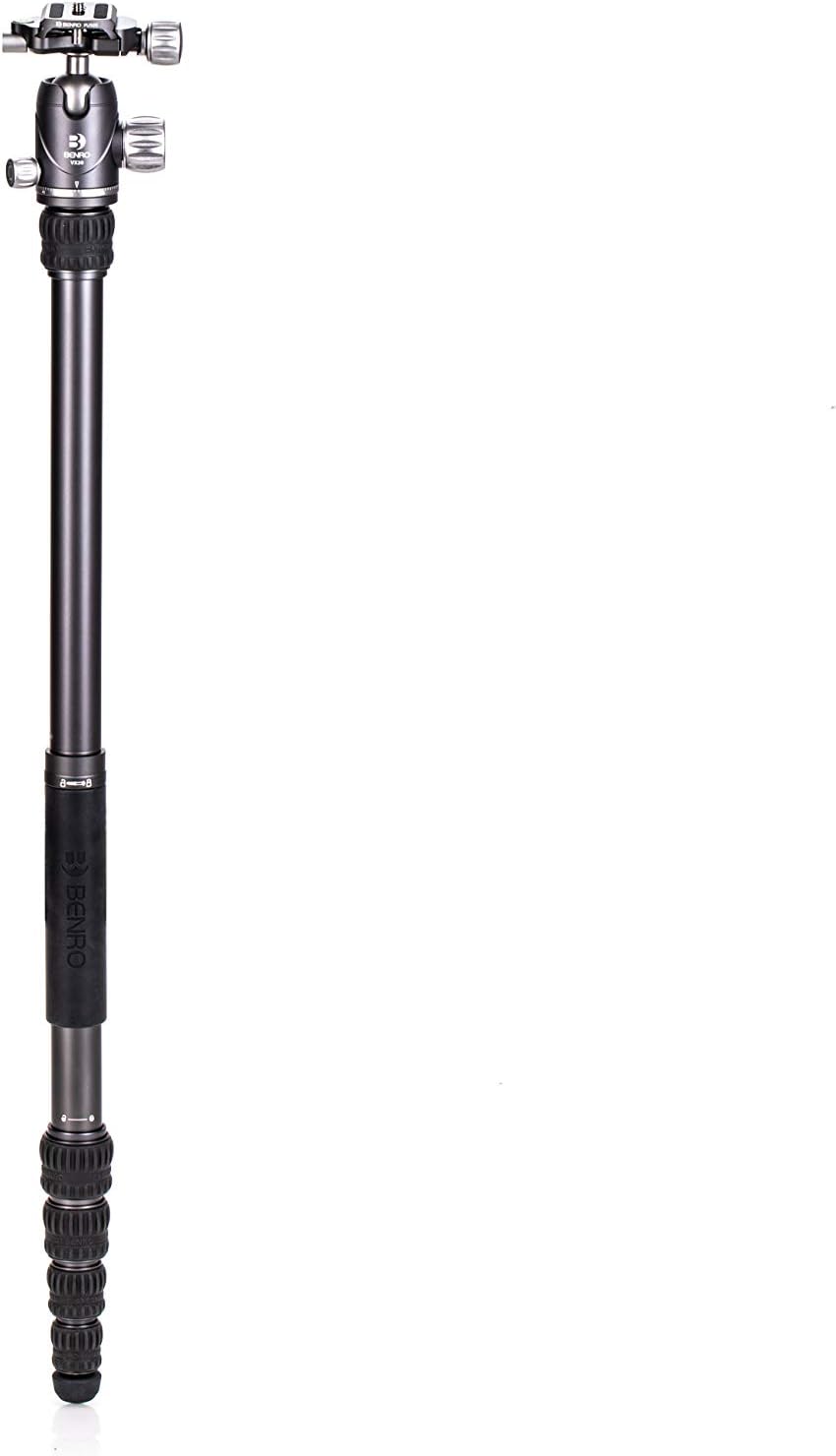
Image: The Benro Bat Tripod converted into a monopod, showing the single leg with the ballhead attached.

Image: The Benro Bat Monopod fully extended, demonstrating its use as a portable camera support.
תַחזוּקָה
- ניקוי: Wipe down the tripod and ballhead with a soft, dry cloth after each use. If exposed to sand, dust, or saltwater, clean thoroughly with a damp cloth and mild soap, then dry completely.
- סִיכָה: Avoid applying lubricants to leg locks or ballhead mechanisms unless specifically instructed by Benro. This can attract dirt and impair function.
- אִחסוּן: Store the tripod in its carrying case in a dry, cool environment, away from extreme temperatures and humidity.
- בְּדִיקָה: בדקו מעת לעת את כל הברגים, הכפתורים ומנעולי הרגליים להידוק. ודאו שמנגנון לוחית השחרור המהיר פועל בצורה חלקה.
פתרון בעיות
- חוסר יציבות בחצובה: Ensure all leg locks are fully tightened and legs are set to a stable angle. Extend the thickest leg sections first. Avoid overloading the tripod beyond its maximum weight capacity.
- Ballhead not holding position: Tighten the main lock knob securely. If the issue persists, check for dirt or debris within the ball mechanism.
- חלקי רגליים נדבקים: Clean the leg sections thoroughly to remove any dirt or grit. Do not force sticky sections; contact support if cleaning does not resolve the issue.
For further assistance, please refer to the Benro official support channels.
מפרטים
| שם הדגם | FBAT15AVX20 |
| חוֹמֶר | אֲלוּמִינְיוּם |
| מידות המוצר | 17.7 x 4.9 x 4.9 אינץ' (מקופל) |
| משקל פריט | 4.79 פאונד |
| גובה מקסימלי | 63.58 אינץ' |
| מספר חלקי רגליים | 5 |
| קוטר הרגל | 0.99 אינץ' |
| סוג ראש חצובה | ראשי כדוריים (VX20) |
| מכשירים תואמים | מַצלֵמָה |
אחריות ותמיכה
Benro products are manufactured to high-quality standards and come with a manufacturer's warranty. For specific warranty details, product registration, or technical support, please visit the official Benro webלאתר או לפנות לשירות הלקוחות שלהם.
Benro Official Store: בקרו בחנות Benro באמזון