1. המוצר נגמרview
The Vimtag CP1 is a wireless IP video monitoring surveillance security camera designed for remote home or business monitoring. It features high-definition video, pan/tilt functionality, two-way audio, and night vision capabilities.
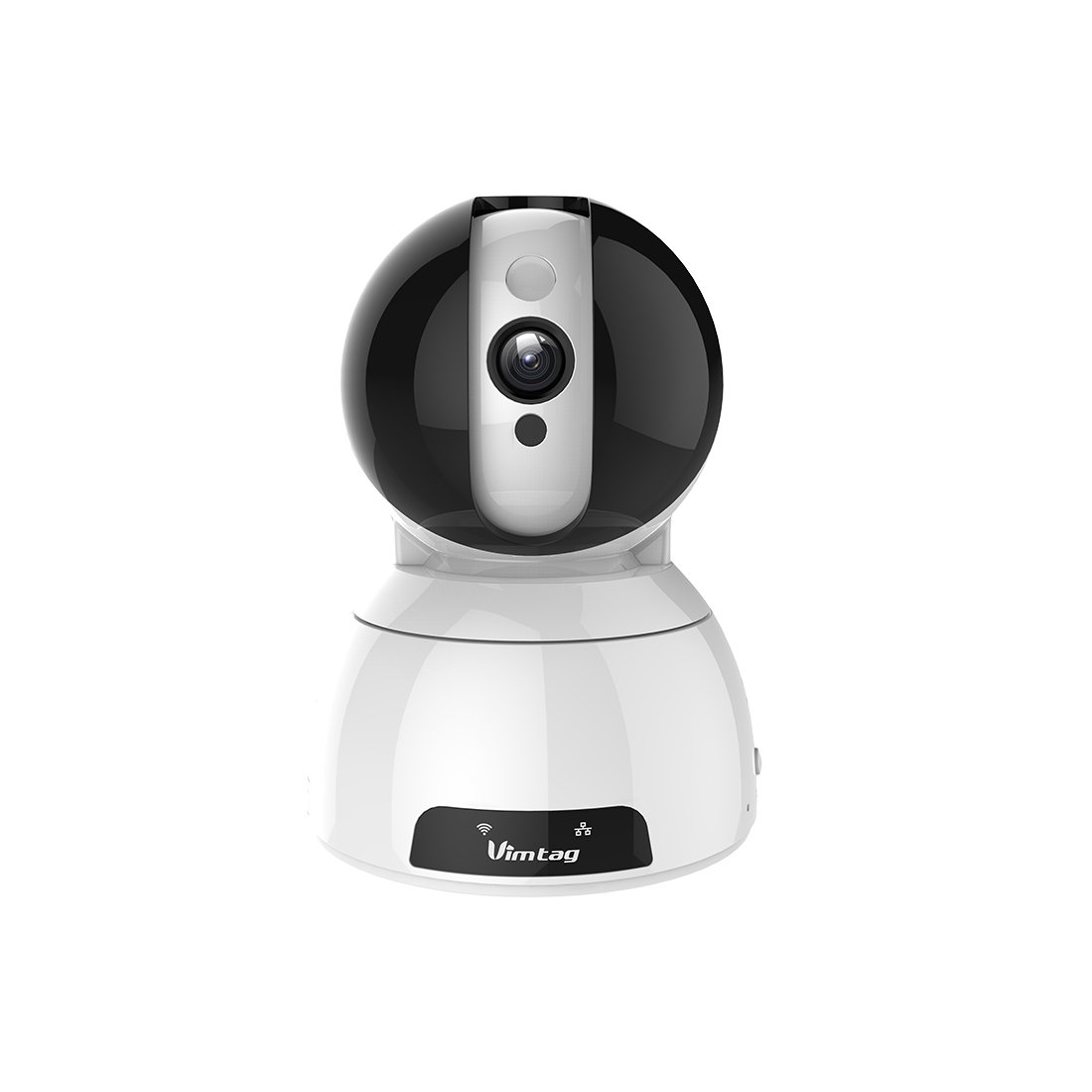
Figure 1: Vimtag CP1 Camera Front View
תכונות עיקריות:
- איכות וידאו HD: 1280 x 720p at 25 frames per second for clear monitoring.
- פונקציונליות סיבוב והטיה: 350-degree horizontal rotation and 100-degree vertical tilt to cover a wide area.
- שמע דו כיווני: מיקרופון ורמקול מובנים לתקשורת.
- ראיית לילה: נוריות אינפרא אדום מספקות ראות ברורה עד 10 מטרים בתנאי תאורה חלשים.
- זיהוי תנועה: Alerts with snapshots and video clips upon detecting movement.
- אחסון מקומי ואחסון בענן: Supports Micro SD cards up to 64GB and optional cloud storage.
- הגדרה קלה: Quick Wi-Fi setup via the Vimtag אפליקציה לנייד.

Figure 2: Vimtag תכונות עיקריות של CP1
2. מדריך התקנה
2.1 תכולת החבילה
לפני שמתחילים, ודאו שכל הפריטים נמצאים באריזה:
- 1 x Vimtag מצלמת CP1
- 1 x Camera Rack
- 1 x כבל חשמל
- 1 x כבל Ethernet
- מדריך למשתמש אחד (מסמך זה)
2.2 שלבי ההתקנה הראשוניים
- הפעלה: חבר את כבל החשמל למצלמה וחבר אותו לשקע חשמל. המצלמה תתחיל את רצף האתחול שלה.
- הורד את האפליקציה: Download the free Vimtag הורידו את האפליקציה מחנות האפליקציות של הסמארטפון שלכם (App Store של iOS או Google Play Store).
- רישום חשבון: Open the Vimtag app and register for a new account or log in if you already have one.
- הוסף מצלמה: Follow the in-app instructions to add your new CP1 camera. This typically involves scanning a QR code on the camera or entering its device ID.
- תצורת Wi-Fi: Configure the camera to connect to your Wi-Fi network using the app. Ensure your Wi-Fi network is 2.4GHz, as 5GHz networks may not be supported.
- הרכבה (אופציונלי): Use the included camera rack to mount the camera on a wall or ceiling if desired.
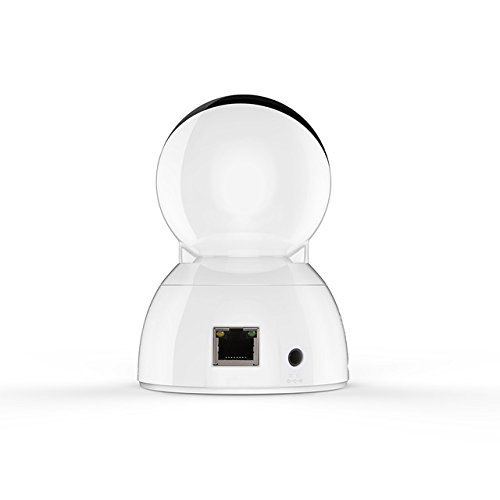
Figure 3: Vimtag CP1 Back View עם יציאות
For detailed visual guidance, refer to the video tutorials available on the official Vimtag תְמִיכָה webאֲתַר.
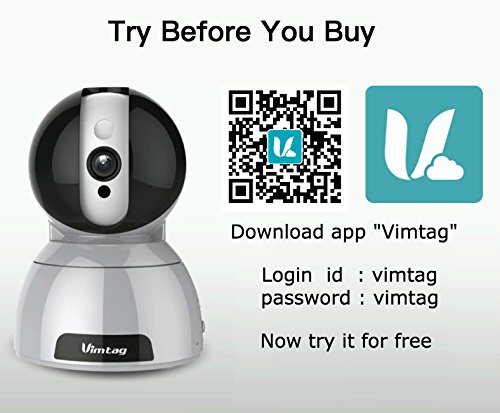
Figure 4: Vimtag App Download and Demo Information
הורד את ה-Vimtag אפליקציה מ מֶרֶץtag.com/download/.
3. הוראות הפעלה
3.1 בשידור חי View ובקרת סיבוב/הטיה
Once the camera is connected, open the Vimtag app to access the live video feed. Use the on-screen controls to pan the camera horizontally (350 degrees) and tilt it vertically (100 degrees) to adjust the viewזווית ing.

Figure 5: Pan and Tilt Control via App
3.2 שמע דו-כיווני
The camera supports two-way audio. Tap the microphone icon in the app to speak through the camera's speaker, and listen to audio from the camera's built-in microphone.
3.3 ראיית לילה
The CP1 camera automatically switches to night vision mode in low-light conditions, providing clear black and white video up to 10 meters using its infrared LEDs.
3.4 זיהוי תנועה והתראות
Configure motion detection settings within the Vimtag app. You can set sensitivity levels and define specific areas for detection. When motion is detected, the camera can send instant notifications to your smartphone, including snapshots or short video clips.
3.5 הקלטת ואחסון וידאו
המצלמה תומכת בשתי שיטות אחסון עיקריות:
- כרטיס מיקרו אס די: Insert a Micro SD card (up to 64GB, not included) into the camera's designated slot for local recording. Recordings can be accessed and managed through the app.
- אחסון בענן: Optional cloud storage services are available through Vimtag for remote backup and access to recorded footage.
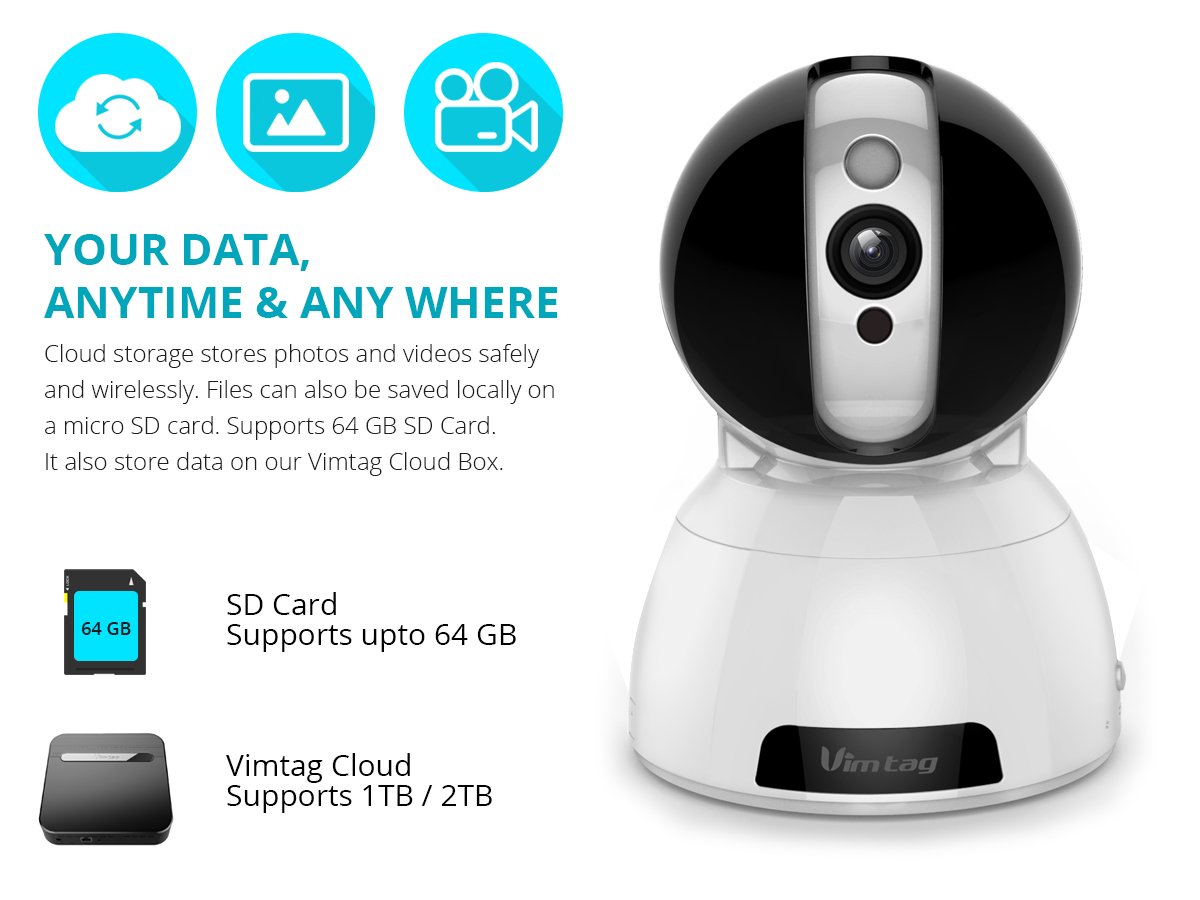
Figure 6: Storage Options for Vimtag CP1
4. תחזוקה
4.1 ניקוי
To maintain optimal performance, periodically clean the camera's lens and exterior. Use a soft, dry cloth. Avoid abrasive cleaners or solvents that could damage the camera's finish or lens coating.
4.2 עדכוני קושחה
מֶרֶץtag may release firmware updates to improve camera performance, add features, or enhance security. Check the Vimtag app regularly for available updates and follow the in-app instructions to install them. Ensure the camera remains powered during the update process.
4.3 שיקולים סביבתיים
The Vimtag CP1 camera is designed for indoor use. Avoid exposing it to extreme temperatures, direct sunlight, high humidity, or water, as it is not water-resistant.
5. פתרון תקלות
This section addresses common issues you might encounter with your Vimtag CP1 camera.
5.1 המצלמה לא מתחברת ל-Wi-Fi
- בדיקת תדר ה-Wi-Fi: ודא שרשת ה-Wi-Fi שלך היא 2.4GHz. ייתכן שהמצלמה אינה תומכת ברשתות 5GHz.
- חוזק אות: מקם את המצלמה קרוב יותר לנתב ה-Wi-Fi שלך כדי להבטיח אות חזק.
- סיסמה נכונה: Double-check that you are entering the correct Wi-Fi password in the app.
- איפוס מצלמה: Locate the reset button on the camera (often a small pinhole) and press it for 5-10 seconds until the camera resets. Then, attempt the setup process again.
- הגדרות נתב: Verify that your router's firewall or security settings are not blocking the camera's connection.
5.2 איכות וידאו ירודה
- רוחב פס רשת: Ensure your internet connection has sufficient upload speed for streaming HD video.
- הגדרות אפליקציה: Check the video quality settings within the Vimtag app; you might be able to adjust it.
- ניקיון העדשה: נקה את עדשת המצלמה עם מטלית רכה ויבשה.
5.3 בעיות שמע דו-כיווני
- רמות עוצמת הקול: Check the volume settings on your smartphone and within the Vimtag אפליקציה.
- חסימה במיקרופון/רמקול: ודא שהמיקרופון והרמקול של המצלמה אינם חסומים.
- אחזור רשת: High network latency can affect audio quality and introduce delays.
5.4 זיהוי תנועה לא עובד
- הפעל תכונה: Verify that motion detection is enabled in the Vimtag הגדרות האפליקציה.
- רְגִישׁוּת: Adjust the motion detection sensitivity. If it's too low, it might miss events.
- אזורי זיהוי: Ensure the areas you want to monitor are correctly configured as detection zones.
6. מפרט טכני
| שם הדגם | מֶרֶץtag CP1 |
| מספר דגם של פריט | 6970167642228 |
| רזולוציית לכידת וידאו | 720p (1280 x 720 פיקסלים) |
| קצב פריימים | 25 פריימים לשנייה |
| טווח פאן/הטיה | 350 degrees (Pan) x 100 degrees (Tilt) |
| זום דיגיטלי | 4x |
| מרחק ראיית לילה | עד 10 מטרים (אינפרא אדום) |
| אפשרויות אחסון | מיקרו SD (עד 64 ג'יגה-בייט), אחסון בענן |
| קישוריות | Wireless (Wi-Fi IEEE802.12b/g/n) |
| מקור כוח | AC Power Adapter (7 Watts) |
| מידות (L x W x H) | 40 x 30 x 40 מילימטרים |
| משקל פריט | 450 גרם |
| שימוש בפנים/חוץ | מקורה |
| רמת עמידות במים | לא עמיד במים |
| שיטת בקרה | App (Android, iOS), Voice |
7. אחריות ותמיכה
7.1 אחריות למוצר
The Vimtag CP1 camera comes with a אחריות החלפה ל-6 חודשיםאחריות זו מכסה פגמי ייצור ותקלות בשימוש רגיל. אנא שמור את הוכחת הרכישה שלך לצורך תביעות אחריות.
7.2 תמיכת לקוחות
For any queries, technical assistance, or warranty claims, please contact Vimtag customer support. Support is available via telephone, chat, Skype, and email. Refer to the official Vimtag webאתר לקבלת פרטי הקשר העדכניים ביותר.
Step-by-step setup instructions and video tutorials are also available on the Vimtag support portal to assist you with installation and operation.


