מָבוֹא
The NOCO Boost GB40 is a compact, yet powerful, 1000-amp lithium jump starter designed to safely jump start a dead car battery in seconds. This portable device is suitable for a wide range of vehicles, including cars, trucks, motorcycles, ATVs, boats, SUVs, and vans. It incorporates advanced safety features and offers additional functionalities such as a portable power bank and an integrated LED flashlight.
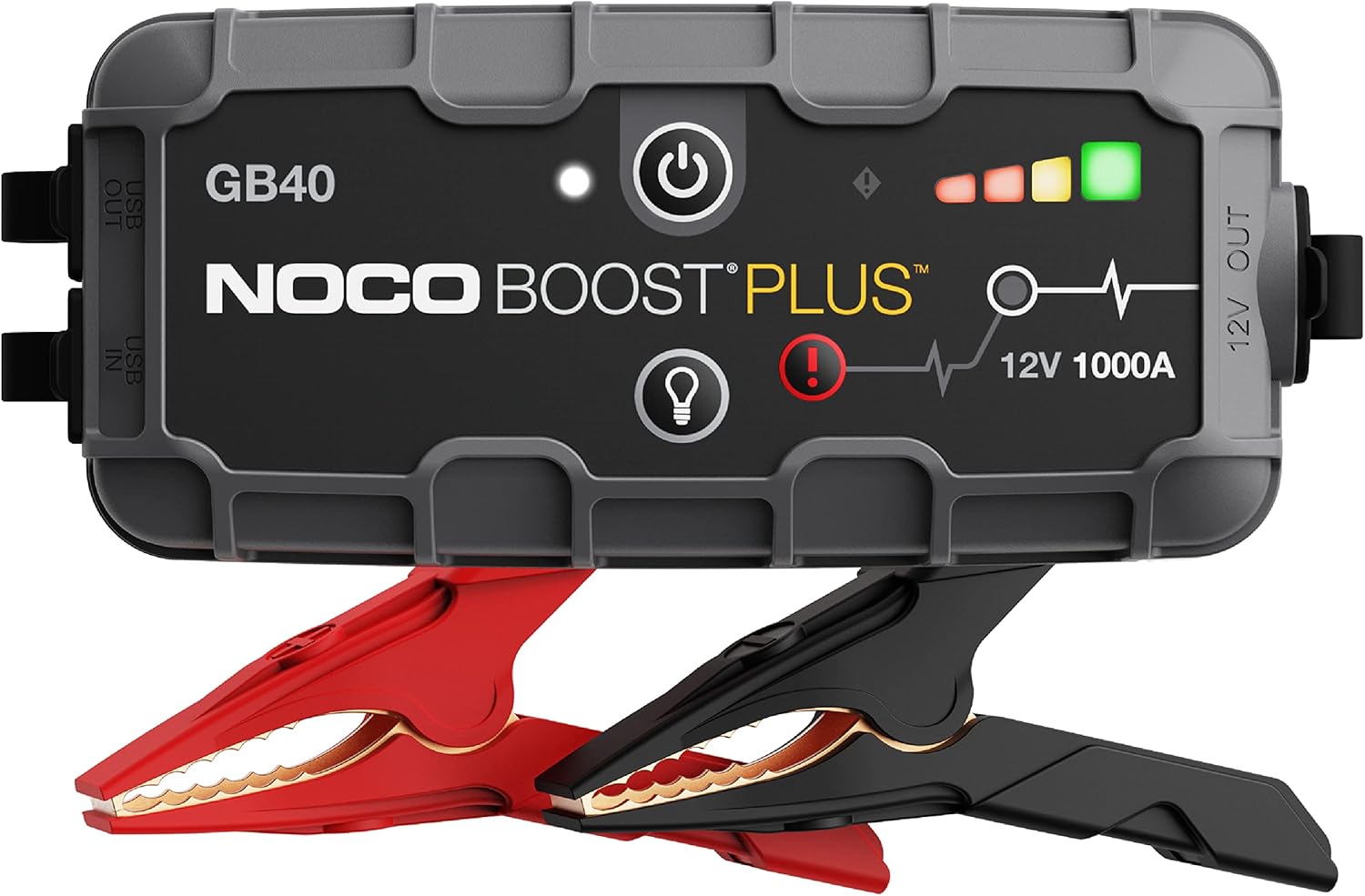
The NOCO Boost GB40 unit with its included heavy-duty clamps.
מידע בטיחות
WARNING: Read and understand all safety information before using this product. Failure to follow these safety instructions may result in electrical shock, explosion, fire, which may result in serious injury, death, or property damage.
- בטיחות סוללה: Do not attempt to jump start a frozen battery. If the battery fluid is frozen, do not use the device.
- אוורור: Ensure adequate ventilation when operating in an enclosed area.
- חיבורים חסיני ניצוצות: The GB40 features spark-proof technology and reverse polarity protection. However, always ensure correct connection to battery terminals.
- יְלָדִים: לשמור מחוץ להישג ידם של הילדים. זה לא צעצוע.
- טְעִינָה: Only charge the device using the provided USB-C cable. Do not use damaged cables or chargers.
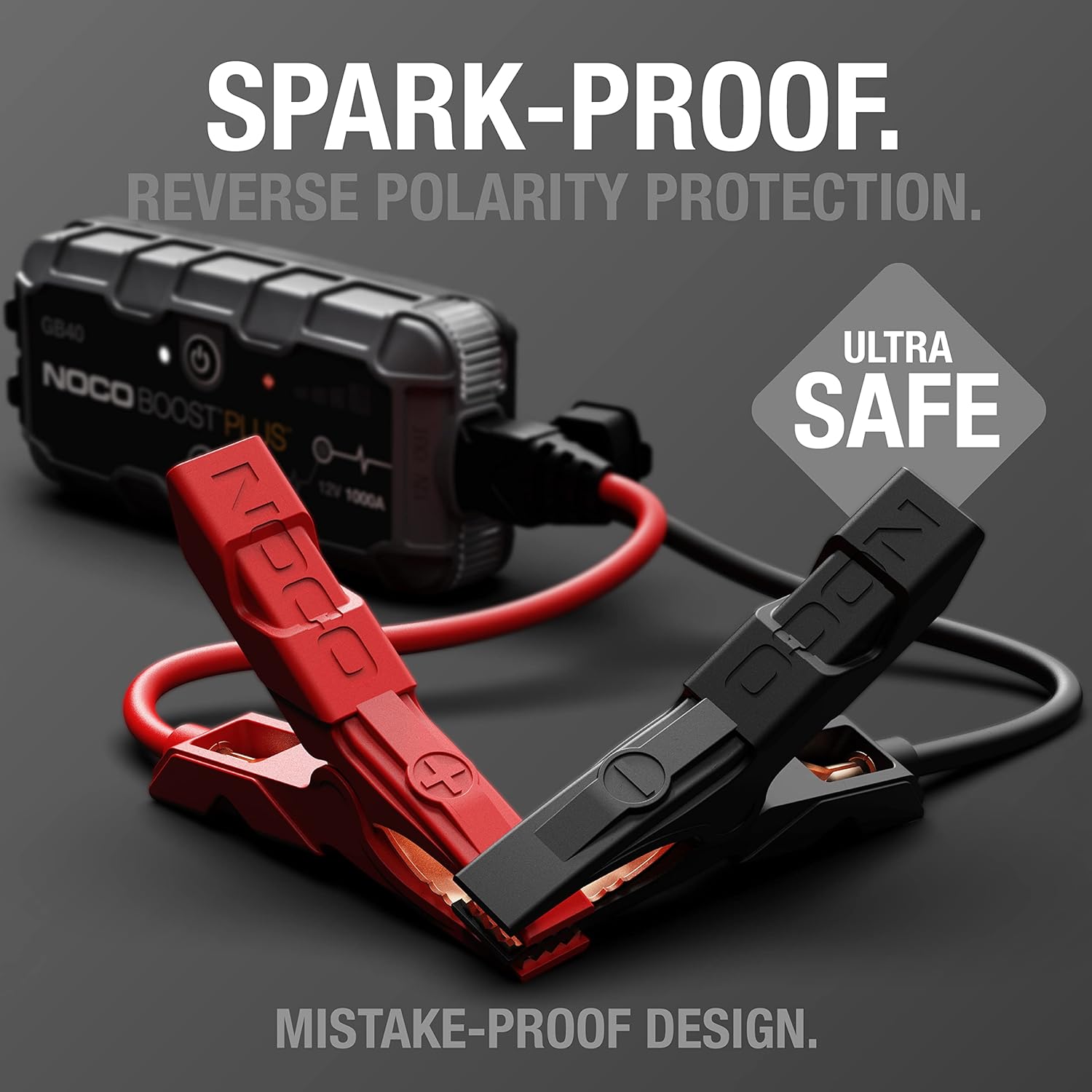
The UltraSafe technology ensures spark-proof connections and reverse polarity protection for safe operation.
מה יש בקופסה
ודא שכל הרכיבים קיימים ובמצב תקין:
- ערכת התנעה ניידת לרכב GB40
- מגבר כבדamps
- כבל טעינה USB-C
- שקית אחסון מיקרופייבר
- מדריך למשתמש עבור מתנע קפיצות
- מידע על אחריות מוגבלת ל-1 שנים

All items included in the NOCO Boost GB40 package.
הגדרה
טעינה ראשונית
Before first use, fully charge the GB40. The unit comes partially charged from the factory. It is recommended to fully charge the unit before use to ensure optimal performance.
- Connect the included USB-C charging cable to the USB-C IN port on the GB40.
- Connect the other end of the USB-C cable to a USB wall charger (not included) or a powered USB port.
- The Charge LEDs will illuminate, indicating the charging status. All four LEDs will be solid white when fully charged.
- טעינה מלאה אורכת בדרך כלל כשעתיים.

Understanding the LED indicators on the GB40 for charge status and operation.
הוראות הפעלה
קפיצה התנעת רכב
- חבר Clamps: Attach the heavy-duty booster clamps to the GB40. Ensure a secure connection.
- התחבר לסוללה: חבר את ה-cl האדום (החיובי).amp לקוטב החיובי (+) של הסוללה ולקוטב השחור (השלילי) של הסוללהamp למסוף הסוללה השלילי (-).
- הפעלה: Press the Power Button on the GB40. The Power LED will illuminate white. The Charge LEDs will indicate the GB40's battery level.
- התנעת רכב: Attempt to start your vehicle. If the vehicle does not start after 1-3 seconds, wait 15-30 seconds and try again.
- לְנַתֵק: Once the vehicle starts, disconnect the battery clamps from the vehicle battery first, then disconnect the clamps from the GB40.
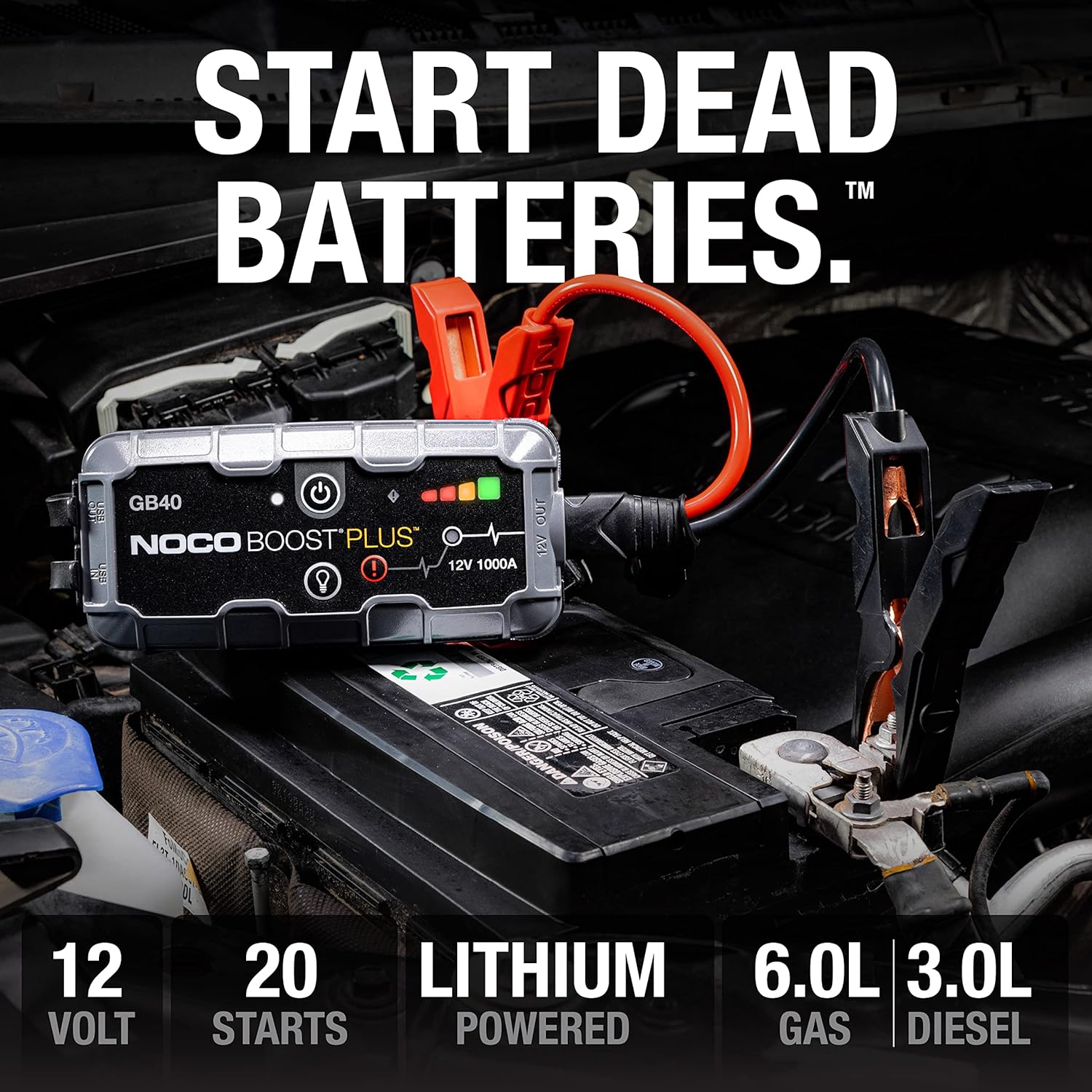
The GB40 is designed to instantly start dead batteries, providing up to 20 jump starts on a single charge for engines up to 6.0L gas and 3.0L diesel.

Simple four-step process for jump starting your vehicle with the GB40.
שימוש בתור Power Bank נייד
The GB40 can be used to charge USB devices such as smartphones, tablets, and other portable electronics.
- Connect your device's USB charging cable to the USB OUT port on the GB40.
- The GB40 will automatically begin charging your device.

The GB40 functions as a portable power bank with 2.1A USB-A output and 10W USB-C input for recharging.
Using the Integrated LED Flashlight
The GB40 features a powerful 100-lumen LED flashlight with multiple modes for various situations.
- Press the Light Mode Button to cycle through the seven light modes: 100% > 50% > 10% > SOS > Blink > Strobe > Off.
- Hold the Light Mode Button for 3 seconds to activate the SOS or Strobe modes directly.

The integrated 100-lumen LED flashlight offers multiple modes for illumination during repairs, emergencies, or in low-light environments.
תַחזוּקָה
- ניקוי: Clean the exterior of the GB40 with a soft, damp בַּד. אין להשתמש בכימיקלים קשים או בחומרים שוחקים.
- אִחסוּן: Store the GB40 in a cool, dry place when not in use. Avoid extreme temperatures.
- טעינה: For optimal battery life, recharge the GB40 every 2-3 months, even if not used.
- טיפול בכבלים: בדוק את clamps and cables for any damage before each use. Replace if damaged.
פתרון בעיות
| בְּעָיָה | סיבה אפשרית | פִּתָרוֹן |
|---|---|---|
| GB40 does not turn on. | הסוללה ריקה לחלוטין. | Charge the GB40 using the USB-C cable. |
| הרכב לא מתניע עם התנעה מהירה. | חיבור גרוע להדקים של הסוללה. | ודא clamps are securely connected to clean battery terminals. |
| הרכב לא מתניע עם התנעה מהירה. | Battery is severely discharged or damaged. | Try using the Manual Override feature (refer to full user guide for details). If still unsuccessful, the battery may need replacement. |
| Error LED is blinking. | חיבור קוטביות הפוכה. | נתק clamps and reconnect correctly (red to positive, black to negative). |
| Error LED is blinking. | זוהה קצר חשמלי. | ודא clamps are not touching each other or other metal surfaces. |
מפרטים
| תכונה | פְּרָט |
|---|---|
| דֶגֶם | GB40 |
| שִׂיא Ampלמחוק | 1000 Amps |
| סוג סוללה | ליתיום-יון |
| כרך ידtage | 12V |
| תאימות למנוע | עד 6.0 ליטר בנזין, 3.0 ליטר דיזל |
| יציאת USB | 2.1A (USB-A) |
| USB Input (Recharge) | 10W (USB-C) |
| פנס לד | 100 Lumens, 7 Modes |
| מידות (D x B x H) | 4.61 אינץ' x 8.19 אינץ' x 4.21 אינץ' |
| משקל פריט | 7.94 אונקיות |
| עמידות במים | IP65 (Rugged, water-resistant enclosure) |
| תכונות בטיחות | Spark-Proof, Reverse Polarity Protection |
אחריות ותמיכה
מידע על אחריות
The NOCO Boost GB40 comes with a 1-Year Limited Warranty. This warranty covers defects in material and workmanship under normal use. For specific terms and conditions, please refer to the warranty card included in your product packaging or visit the official NOCO webאֲתַר.
תמיכת לקוחות
For technical assistance, troubleshooting, or warranty claims, please contact NOCO Customer Support. You can find contact information on the official NOCO webבאתר או דרך הקמעונאי שממנו רכשת את המוצר.
משאבים מקוונים:
- NOCO הרשמי Webאֲתַר: no.co
- דף תמיכת מוצר (אם זמין): עיין בדף הרשמי website for dedicated product support pages, FAQs, and additional resources.


