מָבוֹא
This manual provides detailed instructions for the MATRIX MR600 Tuner Metronome. This device combines a metronome for rhythm practice and a tuner for instrument pitch accuracy, designed to assist musicians in their practice and performance.
המוצר נגמרview
The MATRIX MR600 features a pendulum-style LED display for visual beat indication, chromatic pitch output for tuning, and an adjustable downbeat function for various time signatures.
רכיבים
- Tempo Dial: Large rotary dial for precise tempo adjustment.
- מתג הפעלה/מצב: Selects between Off, Metronome, and Sound (Tuner) modes.
- Beat/Pitch Settings: Controls for metronome beat patterns and tuner reference pitch.
- בקרת עוצמת הקול: מכוונן את עוצמת היציאה.
- LED Beat Indicators: Visual representation of the metronome beat.
- רמקול מובנה: For audible metronome clicks and tuner tones.
- שקע אוזניות: להאזנה פרטית.
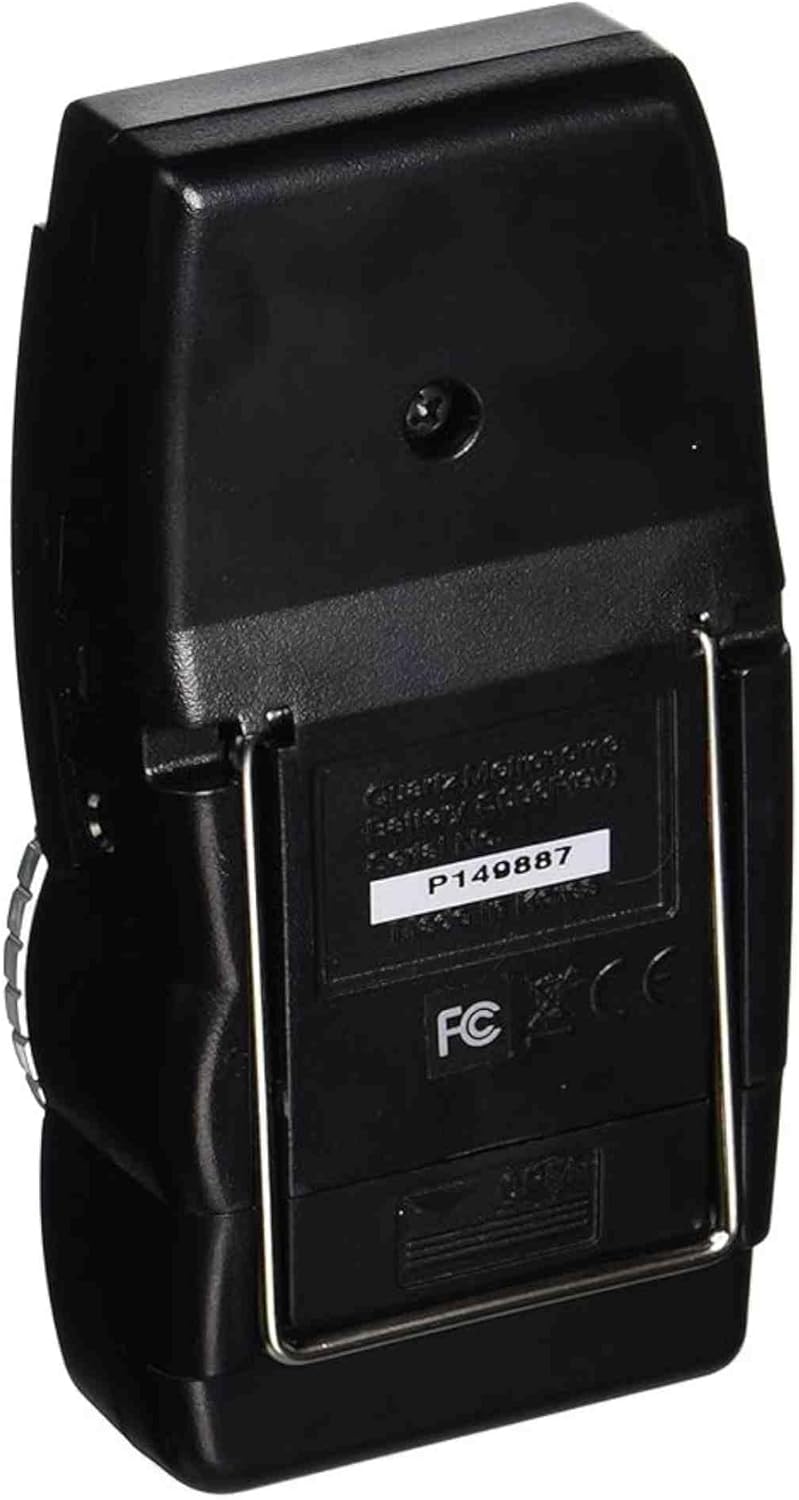
- דוכן: For upright positioning.

הגדרה
התקנת סוללה
- אתר את תא הסוללות בגב היחידה.
- פתח את מכסה תא הסוללות.
- הכנס סוללה אחת של 9V, תוך הקפדה על קוטביות נכונה (+/-).
- סגור היטב את מכסה תא הסוללות.
הוראות הפעלה
פונקציית מטרונום
- Set the Power/Mode switch to "METRO".
- Adjust the tempo using the large rotary dial. The tempo range is typically from 40 to 208 beats per minute (BPM).
- Use the "BEAT" selector to choose the desired beat pattern (e.g., 0, 2, 3, 4, 5, 6 for different time signatures). The first beat of the selected pattern will have a distinct tone.
- כוונן את עוצמת הקול באמצעות כפתור בקרת עוצמת הקול.
- Observe the LED indicators for a visual representation of the beat.
Tuner Function (Chromatic Pitch Output)
- Set the Power/Mode switch to "SOUND".
- Use the "PITCH" selector to choose the desired reference pitch (e.g., A440, A441, A442, A443, A444, A445 Hz).
- The unit will emit a continuous tone at the selected pitch. Use this tone to tune your instrument by ear.
- כוונן את עוצמת הקול לפי הצורך.

תַחזוּקָה
- ניקוי: נגבו את היחידה במטלית רכה ויבשה. הימנעו משימוש בחומרי ניקוי שוחקים או ממסים.
- החלפת סוללה: Replace the 9V battery when the unit's performance degrades or it fails to power on. Remove the battery if the unit will not be used for an extended period to prevent leakage.
- אִחסוּן: Store the metronome in a dry place, away from extreme temperatures and direct sunlight.
פתרון בעיות
- אין כוח: Ensure the 9V battery is correctly installed and not depleted. Replace the battery if necessary.
- אין צליל: Check the volume control. Ensure the Power/Mode switch is set to "METRO" or "SOUND" and not "OFF".
- Inaccurate Tempo/Pitch: Verify that the correct beat pattern or reference pitch is selected.
- פעולה לסירוגין: Check battery connections. If issues persist, contact customer support.
מפרטים
| תכונה | פְּרָט |
|---|---|
| מספר דגם | MR600 |
| משקל פריט | 5.6 אונקיות |
| מידות המוצר | 8 x 5.5 x 1.4 אינץ' |
| מקור כוח | סוללה 9V (לא כלולה) |
| טווח הטמפו | 40-208 BPM (Beats Per Minute) |
| Pitch Pitch | A440-A445 Hz (adjustable) |
| לְהַצִיג | Pendulum style LED |
אחריות ותמיכה
Specific warranty information for the MATRIX MR600 Tuner Metronome is not provided in this manual. Please refer to the product packaging or the retailer where the product was purchased for warranty details.
For further assistance or support, please visit the official MATRIX Brand Store.


