
1. הקדמה
This manual provides essential information for setting up, operating, maintaining, and troubleshooting your FUNYET NY-14 Laptop. Please read this manual thoroughly before using your device to ensure proper function and longevity.
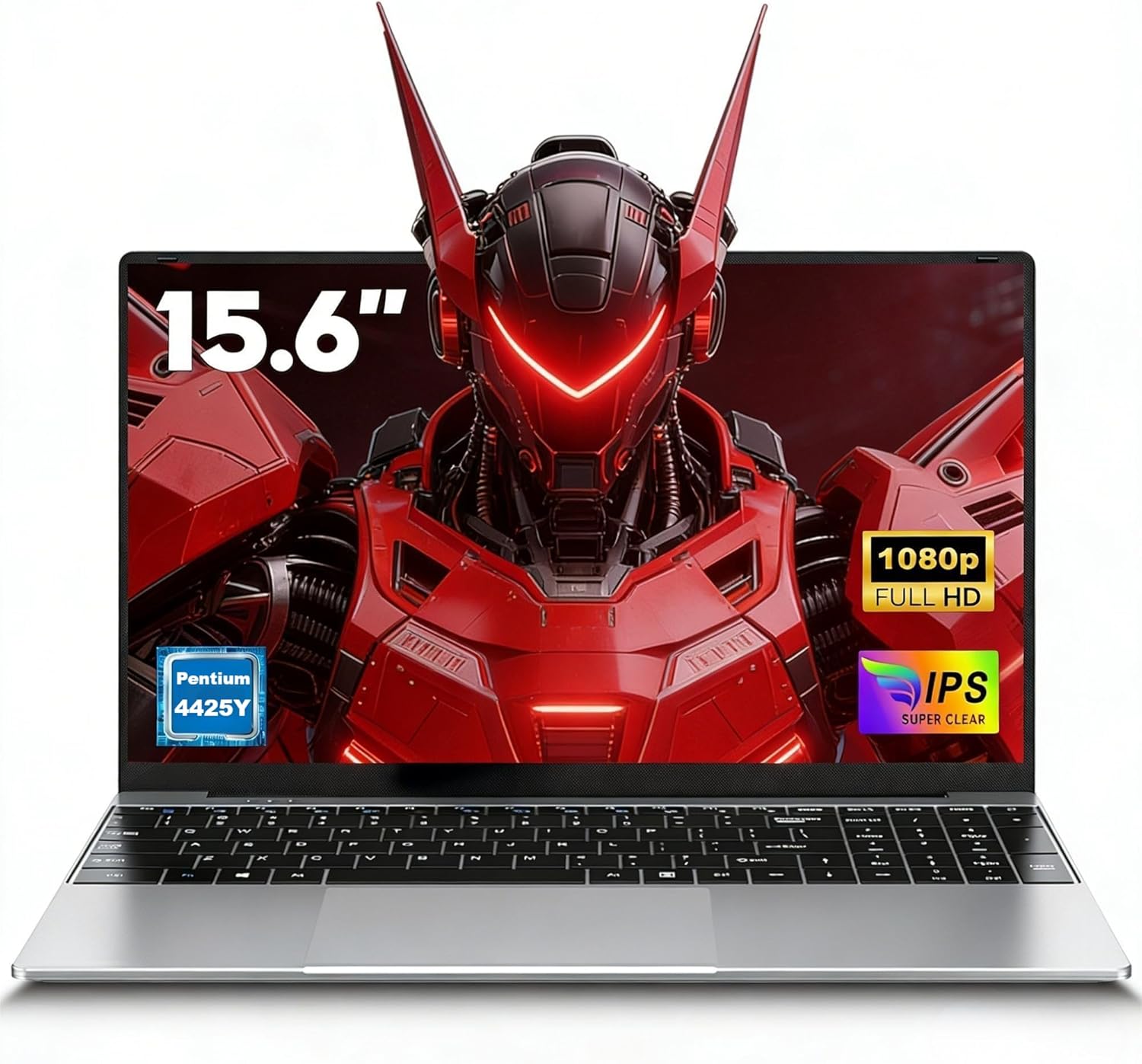
Image 1.1: The FUNYET NY-14 Laptop in a closed position, showcasinהעיצוב החלקלק שלו.
2. תכולת החבילה
ודא שכל הפריטים נמצאים בחבילה:
- 1 × FUNYET NY-14 Laptop (Intel 4425Y)
- 1 × 12V2A DC Adapter
- 1 × מדריך הוראות (מסמך זה)
- 1 × תעודת אחריות
3. התקנה
3.1 טעינה ראשונית והפעלה
- Connect the provided 12V2A DC adapter to the laptop's DC power port and a power outlet.
- אפשרו למחשב הנייד להיטען במשך 30 דקות לפחות לפני השימוש הראשון.
- Press and hold the power button for a few seconds until the screen illuminates to power on the device.
3.2 הגדרת מערכת הפעלה (Windows 11 Pro)
Upon first boot, you will be guided through the Windows 11 Pro setup process. Follow the on-screen instructions to configure:
- שפה ואזור
- חיבור רשת (Wi-Fi)
- Microsoft account login or local account creation
- הגדרות פרטיות
3.3 Keyboard Configuration
The laptop may come with a non-Italian keyboard layout. To adjust this:
- Go to Windows Settings > Time & Language > Language & Region.
- Add your preferred keyboard layout (e.g., Italian).
- Physical keyboard stickers may be provided to visually match the desired layout. Apply these carefully if needed.
4. הוראות הפעלה
4.1 ניהול חשמל
- הפעלה: לחץ והחזק את לחצן ההפעלה.
- מצב שינה: לחץ לחיצה קצרה על כפתור ההפעלה או סגור את המכסה.
- כיבוי: Click Start > Power > Shut down in Windows.
- הפעל מחדש: Click Start > Power > Restart in Windows.
4.2 תצוגה ויזואליה
The FUNYET NY-14 features a 15.6-inch Full HD (1920x1080) IPS display, offering clear visuals and wide viewing angles. The 180° hinge allows for flexible screen positioning, useful for sharing content.

Image 4.1: Visual representation of the 15.6-inch Full HD IPS display with features like 1920P resolution, True HD View, IPS technology, and Eyes Protection.
4.3 קישוריות
- Wi-Fi: Supports Wi-Fi 5 (802.11ac) for stable and fast internet connection. Connect via Windows network settings.
- בלוטות': Features Bluetooth 4.2 for connecting wireless peripherals like mice, keyboards, headphones, or speakers. Enable Bluetooth in Windows settings to pair devices.
4.4 יציאות והתקנים חיצוניים
המחשב הנייד מציע מגוון יציאות לחיבור התקנים חיצוניים:
- יציאות USB 3.0 (x2): For high-speed data transfer with USB drives, external hard drives, and other USB peripherals.
- יציאת מיני HDMI (x1): Connect to external monitors or projectors for extended display. An adapter may be required.
- חריץ לכרטיס TF (MicroSD): Insert a TF (MicroSD) card for additional storage or data transfer.
- שקע אוזניות 3.5 מ"מ: לחיבור אוזניות או רמקולים חיצוניים.
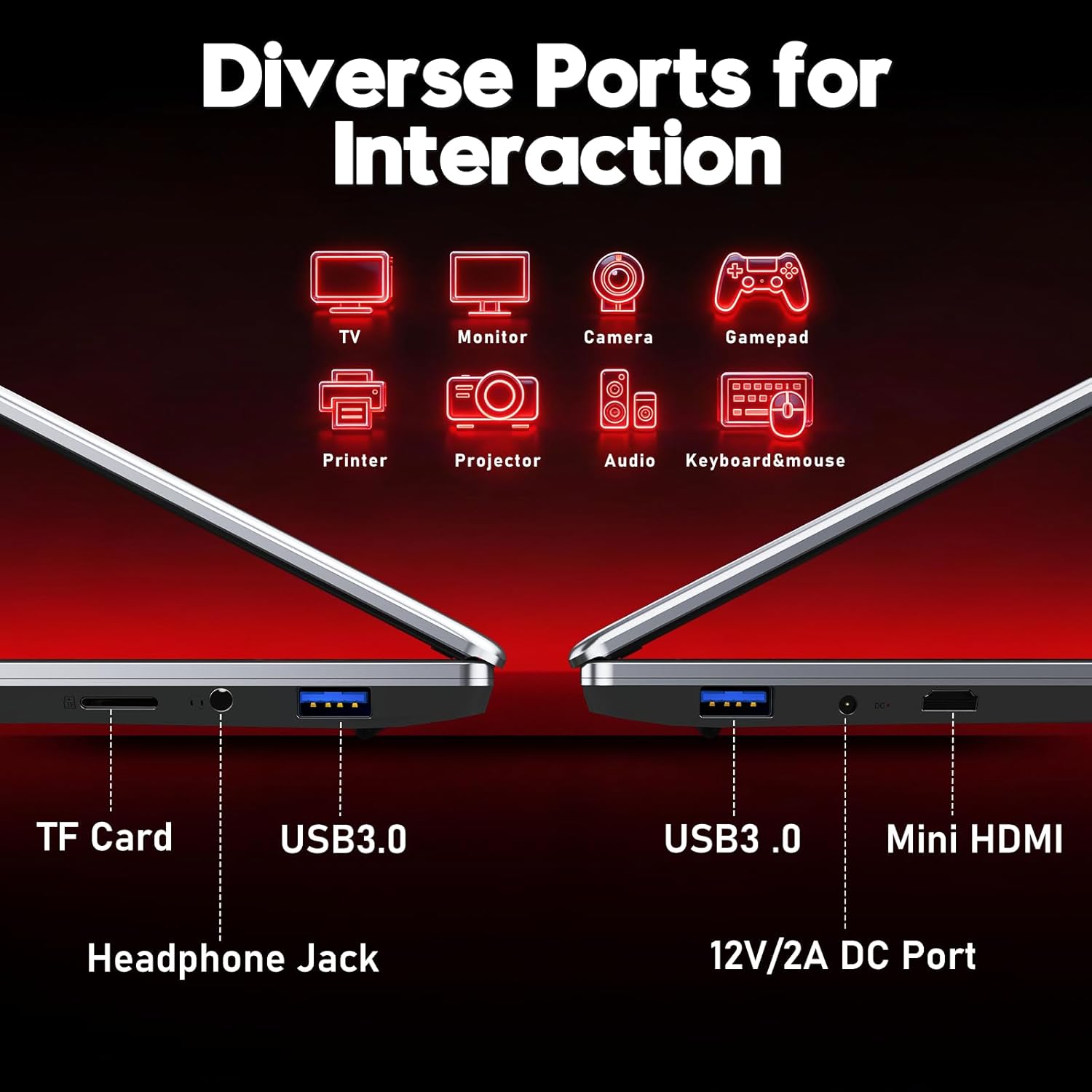
תמונה 4.2: נגמרview of the laptop's diverse ports, including TF Card slot, Headphone Jack, USB 3.0, Mini HDMI, and DC Power port.
4.5 Webמצלמת ומיקרופון
The integrated 1MP front camera and microphone are suitable for video calls and online meetings.
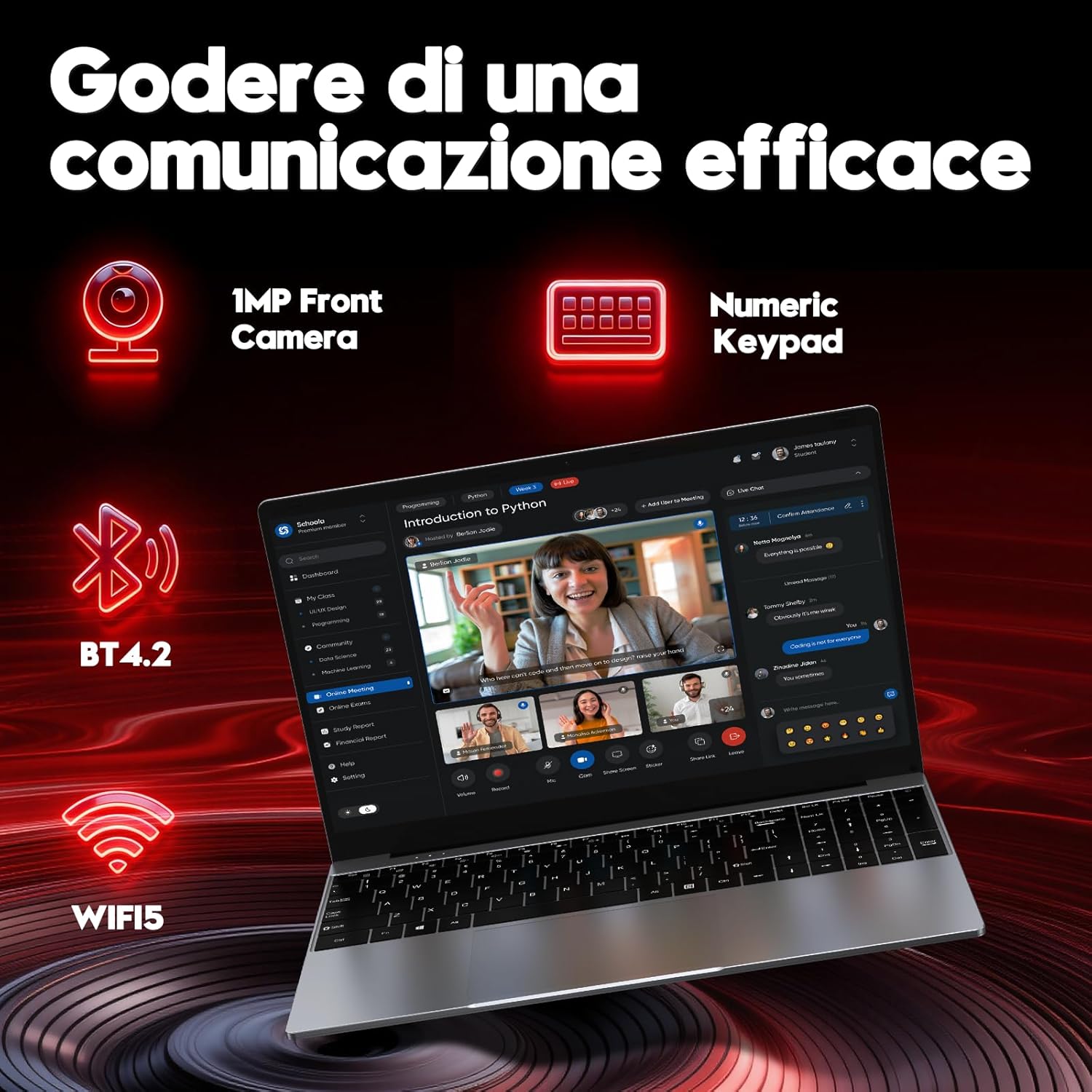
Image 4.3: Features for effective communication, highlighting the 1MP front camera, numeric keypad, Bluetooth 4.2, and Wi-Fi 5 connectivity.
4.6 שימוש בסוללה
The laptop is equipped with a 5000mAh battery. For optimal battery life:
- הימנעו מפריקת הסוללה באופן מלא לעתים קרובות.
- אחסנו את המחשב הנייד במקום קריר ויבש כאשר אינו בשימוש.
- Adjust power settings in Windows to optimize battery consumption.

Image 4.4: Illustration emphasizing the 5000mAh battery capacity designed for extended use.
4.7 מקלדת ומשטח מגע
The laptop features a full-size keyboard with a numeric keypad for efficient data entry. The touchpad supports multi-touch gestures for navigation.
5. תחזוקה
5.1 ניקוי
- השתמש במטלית רכה ונטולת סיבים כדי לנקות את המסך והמשטחים החיצוניים.
- עבור סימנים עקשניים, דampשטפו את המטלית מעט במים או בחומר ניקוי עמיד למסכים.
- הימנעו מכימיקלים קשים, חומרים שוחקים או לחות מוגזמת.
5.2 עדכוני תוכנה
Regularly check for and install Windows updates to ensure system stability, security, and performance. Go to Settings > Windows Update.
5.3 ניהול אחסון
The 256GB SSD provides fast performance. To maintain optimal speed:
- Avoid filling the SSD to full capacity. Leave some free space for system operations.
- מחקו באופן קבוע דברים מיותרים files and uninstall unused applications.
6. פתרון תקלות
סעיף זה עוסק בבעיות נפוצות שאתה עשוי להיתקל בהן.
6.1 בעיות חשמל
- המחשב הנייד לא נדלק: ודא שמתאם החשמל מחובר היטב ושהסוללה טעונה מספיק. נסה להחזיק את לחצן ההפעלה למשך 10-15 שניות לאתחול קשיח.
- הסוללה מתרוקנת מהר: Check power settings in Windows. Reduce screen brightness, close unnecessary applications, and disconnect unused peripherals.
6.2 בעיות תצוגה
- אין תצוגה: Connect an external monitor via Mini HDMI to check if the issue is with the laptop's screen or the system.
- מסך מהבהב: Update graphics drivers or adjust display refresh rate in Windows settings.
6.3 בעיות קישוריות
- Wi-Fi לא מתחבר: ודא ש-Wi-Fi מופעל בהגדרות Windows. הפעל מחדש את הנתב ואת המחשב הנייד.
- מכשיר בלוטות' לא מתחבר: Ensure Bluetooth is enabled on both devices and they are in pairing mode. Remove and re-add the device in Windows settings.
6.4 שגיאות מערכת
- Frequent crashes or blue screens: This can indicate software conflicts or hardware issues. Try reinstalling Windows if the problem persists after driver updates. If the issue continues, contact support.
7. מפרטים
Detailed technical specifications for the FUNYET NY-14 Laptop (Intel 4425Y).

תמונה 7.1: נגמרview of key specifications including processor, ports, display, battery, and graphics.
| תכונה | מִפרָט |
|---|---|
| מותג | FUNYET |
| שם הדגם | NY-14 |
| מעבד | Intel Core 4425Y (1.7 GHz) |
| ליבות/הליכי מעבד | 2 ליבות / 4 נימים |
| אַיִל | 8 GB DDR3 SDRAM |
| אִחסוּן | 256 GB SSD (eSATA Interface) |
| גודל תצוגה | 15.6 אינץ' |
| רזולוציית תצוגה | 1920 x 1080 פיקסלים (Full HD IPS) |
| גרָפִיקָה | Intel UHD Graphics 615 משולב |
| מַעֲרֶכֶת הַפעָלָה | Windows 11 Pro |
| קישוריות אלחוטית | Wi-Fi 5 (802.11ac), בלוטות' 4.2 |
| נמלים | 2x USB 3.0, 1x Mini HDMI, 1x DC Power, 1x 3.5mm Headphone Jack, 1x TF Card Slot |
| קיבולת סוללה | 5000 מיליאמפר/שעה |
| מִשׁקָל | 1.6 קילוגרם |
| צֶבַע | כֶּסֶף |
| תכונות מיוחדות | HD Audio, Lightweight, Memory card slot, Numeric keypad, 180° hinge |
8. אחריות ותמיכה
8.1 מידע אחריות
Your FUNYET NY-14 Laptop comes with a warranty. Please refer to the included Warranty Card for details on coverage, terms, and conditions. Keep your proof of purchase for warranty claims.
8.2 תמיכה טכנית
For technical assistance or if you encounter issues not covered in this manual, please contact the seller, Caiyue Electronics, through the Amazon platform. They can provide support and guidance for your device.