
מָבוֹא
Thank you for choosing the AstroAI Digital Tire Pressure Gauge. This manual provides detailed instructions for the safe and efficient use of your device. Please read it thoroughly before operation and retain it for future reference.

Image: The AstroAI Digital Tire Pressure Gauge in orange, showing its ergonomic design.
הגדרה
1. פירוק והתקנת סוללה
Your AstroAI Digital Tire Pressure Gauge comes with pre-installed AAA batteries. If replacement is needed, follow these steps:
- אתר את תא הסוללות בגב המכשיר.
- פתח בעדינות את מכסה הסוללה.
- הכניסו שתי סוללות AAA, תוך הקפדה על קוטביות נכונה (+/-).
- סגור היטב את מכסה הסוללה.

תמונה: פנימי view of the AstroAI Digital Tire Pressure Gauge showing the battery compartment with two AAA batteries.
2. מתאם שסתום Presta
A Presta-to-Schrader adapter is included for compatibility with Presta valves, commonly found on road bikes. This adapter is stored within the battery compartment for convenience.

Image: Close-up of the battery compartment showing the small brass Presta valve adapter stored inside.
הוראות הפעלה
1. Power On and Unit Selection
Press the "ON/UNIT/OFF" button to turn on the device. The display will illuminate. To cycle through measurement units (PSI, bar, kPa, kg/cm²), press the "ON/UNIT/OFF" button repeatedly until your desired unit is displayed.
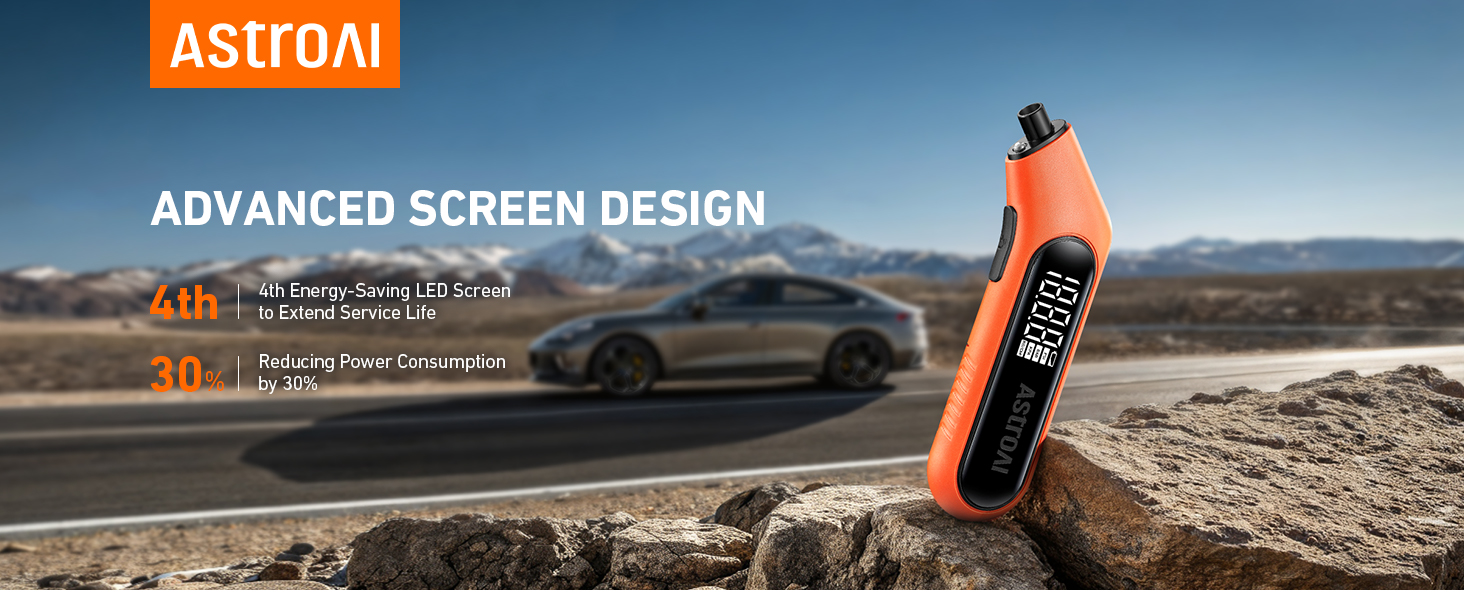
Image: The digital screen of the gauge displaying a tire pressure reading in PSI.
2. Measuring Tire Pressure
For accurate readings, ensure tires are cool (at least 3 hours after parking). Remove the valve cap from the tire.
- Press the gauge nozzle firmly and vertically onto the tire valve stem.
- Hold it in place until the digital display shows a stable reading. The built-in flashlight assists in low-light conditions.
- Remove the gauge. The reading will remain on the display for a few seconds.
- החלף את מכסה השסתום.

Image: A hand holding the AstroAI Digital Tire Pressure Gauge against a car tire valve stem, showing the measurement process.
3. כיבוי
The device will automatically shut off after 30-40 seconds of inactivity to conserve battery life. To manually turn it off, press and hold the "ON/UNIT/OFF" button for 3 seconds.
4. הדגמת וידאו
Video: A demonstration of the AstroAI G300 digital tire pressure gauge in use, showcasing its features and ease of measurement.
תַחזוּקָה
- Keep the gauge clean and free from dirt or debris.
- אחסן במקום יבש הרחק מטמפרטורות קיצוניות.
- החלף סוללות מיד כאשר מופיע מחוון סוללה חלשה כדי להבטיח קריאות מדויקות.
- The Presta valve adapter should be kept in its designated storage slot within the battery compartment to prevent loss.
פתרון בעיות
| בְּעָיָה | סיבה אפשרית | פִּתָרוֹן |
|---|---|---|
| אין תצוגה/המכשיר לא נדלק | סוללות מתות או מותקנות בצורה שגויה. | בדקו את קוטביות הסוללה או החליפו אותה בסוללות AAA חדשות. |
| קריאות לא מדויקות | Gauge not firmly sealed on valve stem; tires are hot; low battery. | Ensure a tight seal; measure tire pressure when tires are cool; replace batteries. |
| Display difficult to read in bright sunlight | סנוור של אור שמש ישיר. | Shield the display from direct sunlight or move to a shaded area. |
מפרטים
- מותג: אסטרו AI
- דֶגֶם: B0CN3325KB
- חוֹמֶר: אקרילוניטריל בוטאדיאן סטירן (ABS)
- מידות (L x W x H): 6.3 x 1 x 2.2 אינץ'
- מִשׁקָל: 0.17 פאונד
- טווח מדידה: 3-300 PSI
- דִיוּק: ANSI B40.7 Grade 2A (±0.5%)
- יחידות מדידה: PSI, bar, kPa, kg/cm²
- מקור כוח: 2 x AAA סוללות
- רכיבים כלולים: 1 x AstroAI Digital Tire Pressure Gauge, 1 x Presta Valve Adapter
אחריות ותמיכה
AstroAI is committed to providing high-quality products. This digital tire pressure gauge is manufactured from superior materials. If any damages from transportation or malfunctions occur, this product can be returned. For further assistance or warranty claims, please contact AstroAI customer support.
מידע ליצירת קשר: Please refer to the product packaging or the official AstroAI webאתר לקבלת פרטי תמיכת הלקוחות העדכניים ביותר.