
1. הקדמה
Thank you for choosing the Goshyda USB Noise Cancelling Microphone. This device is designed for high-fidelity audio capture with intelligent noise reduction, suitable for various computer and laptop applications. This manual provides essential information for setup, operation, and maintenance to ensure optimal performance.
1.1 מה בקופסה
- 1 x Goshyda USB Noise Cancelling Microphone
- 1 x כבל USB
- 1 x מדריך למשתמש

Image 1.1: The Goshyda USB Noise Cancelling Microphone and its included USB cable.
2. תכונות מוצר
The Goshyda USB Noise Cancelling Microphone offers advanced features for superior audio performance:
- 360° Omnidirectional Sound Pickup: Captures sound from all directions with a pickup distance of up to 3 meters (9.8 ft).
- Intelligent AI Noise Reduction: Built-in DSP chip isolates environmental noise for clear voice capture.
- 192kHz Sampשיעור ling: Dual-channel design provides high-fidelity sound reproduction, four times denser than regular microphones.
- עיצוב קומפקטי ונייד: Features magnetic absorption for easy storage and transport.
- קישוריות "חבר והפעל": Simple USB connection for immediate use with compatible devices.
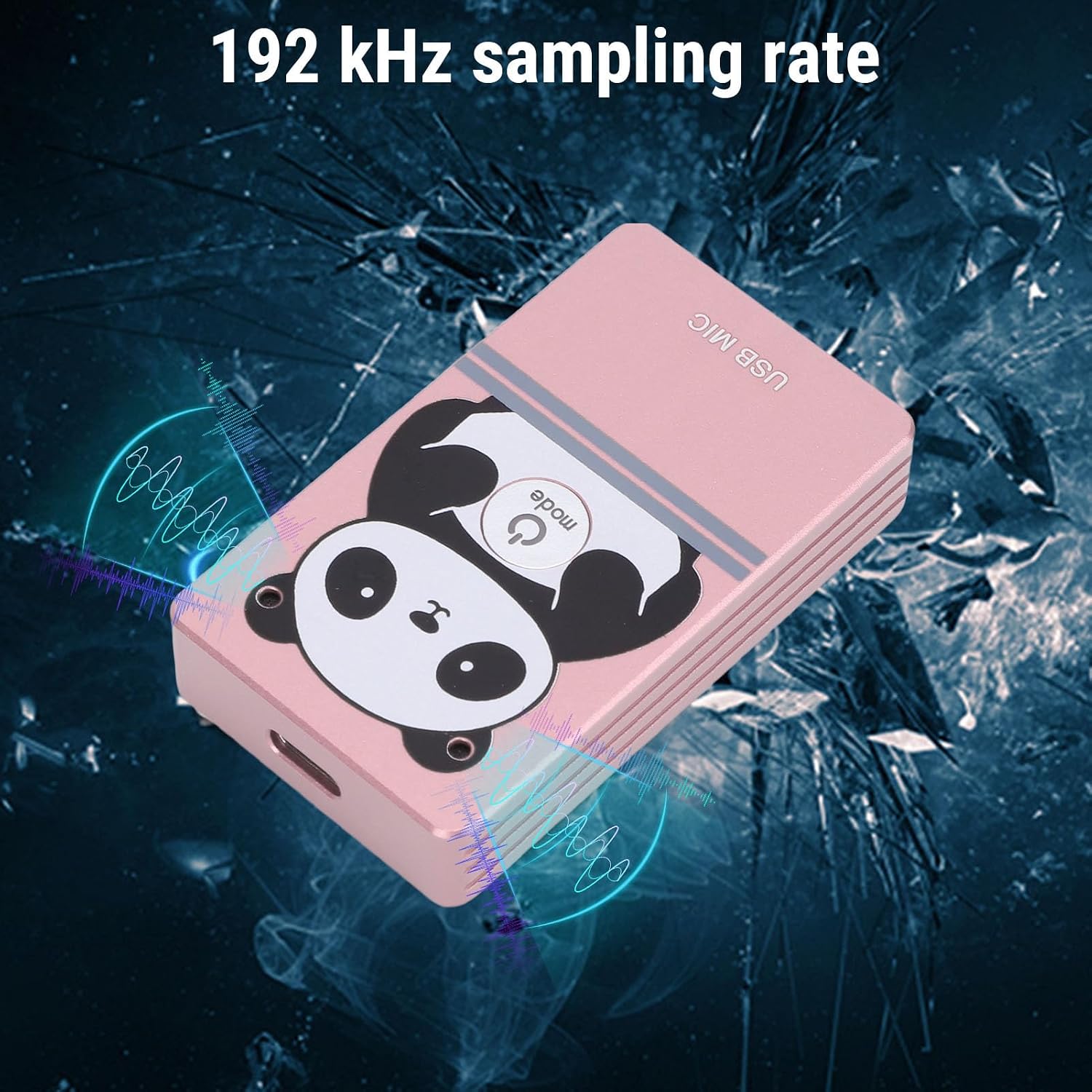
Image 2.1: The microphone's compact design with magnetic absorption for easy portability and storage.

Image 2.2: The microphone's compact and flexible design makes it suitable for travel, business trips, and live streaming.

Image 2.3: The microphone features 360-degree omnidirectional sound pickup for comprehensive audio capture.

Image 2.4: The microphone supports a 192 kHz sampling rate for high-fidelity audio recording.
3. התקנה
3.1 דרישות מערכת
The microphone is compatible with the following operating systems:
- חלונות
- macOS (OS X)
- לינוקס
- דְמוּי אָדָם
3.2 חיבור
- Locate an available USB port on your computer, laptop, or compatible Android device.
- Connect the provided USB cable to the microphone and then to the USB port on your device.
- The device should automatically recognize the microphone as a USB audio input device. No driver installation is typically required.
- Verify the microphone is detected in your device's sound settings.
4. הוראות הפעלה
4.1 פעולה בסיסית
Once connected, the microphone is ready for use. It functions as a standard USB audio input device. You can select it as your primary microphone in communication applications (e.g., video conferencing software, voice chat) or recording software.
4.2 ביטול רעשים
The microphone features an intelligent AI noise reduction mode. This function is automatically active to filter out ambient noise, ensuring your voice is clear and distinct during calls or recordings.
4.3 Sound Pickup
Position the microphone centrally within your desired pickup area. Its 360° omnidirectional design allows it to capture sound effectively from all directions within a 3-meter radius. For optimal voice clarity, ensure the microphone is not obstructed.

Image 4.1: The microphone's effective sound pickup in a typical desktop environment.

Image 4.2: Application scenarios include collaborative work, consultations, online teaching, live streaming, karaoke, and game voiceovers.
5. תחזוקה
- שמרו על ניקיון המיקרופון על ידי ניגובו במטלית רכה ויבשה.
- הימנעו מחשיפת המיקרופון לטמפרטורות קיצוניות, לחות או אור שמש ישיר.
- Do not attempt to disassemble the microphone, as this may void any potential warranty and cause damage.
- Store the microphone in a safe place when not in use, utilizing its magnetic absorption feature for secure placement on metal surfaces.
6. פתרון תקלות
| בְּעָיָה | סיבה אפשרית | פִּתָרוֹן |
|---|---|---|
| המיקרופון לא זוהה | Loose USB connection, faulty USB port, incorrect system settings. | Ensure USB cable is securely connected. Try a different USB port. Check your device's sound settings to ensure the microphone is selected as the input device. |
| Low or no sound output | Microphone volume too low, application settings, distance from microphone. | Adjust microphone volume in your device's sound settings. Check microphone input levels in your application. Ensure you are within the 3-meter pickup range. |
| איכות הצליל ירודה או מעוותת | High background noise, incorrect placement, software issues. | Ensure the AI noise reduction is functioning. Avoid placing the microphone near noisy sources. Update audio drivers if necessary. |
7. מפרטים
| תכונה | פְּרָט |
|---|---|
| מספר דגם | Goshydagn0bfcogim-13 |
| חוֹמֶר | סגסוגת אלומיניום |
| מצב הפחתת רעש | AI (בינה מלאכותית) |
| טווח תדרים | 20Hz-40kHz |
| מרחק איסוף | כ-3 מטרים (9.8 רגל) |
| איסוף סאונד | 360° רב-כיווני |
| Sampשיעור ling | 192kHz (Dual Channel) |
| טכנולוגיית קישוריות | USB 2.0 |
| מערכות תואמות | Windows, macOS, Linux, Android |
| תכונה מיוחדת | Adjustable, Magnetic Absorption |
| משקל פריט | 5.1 אונקיות |
| מידות חבילה | 6.3 x 3.54 x 1.97 אינץ' |
8. אחריות ותמיכה
For warranty information and technical support, please refer to the documentation provided with your purchase or contact the seller directly. Keep your purchase receipt for warranty claims.