
מָבוֹא
This manual provides instructions for the installation, operation, and maintenance of your Luqeeg Smart Sprinkler Timer Automatic. This device allows for automated and remote control of your garden irrigation system via a mobile application and voice commands, enhancing watering efficiency and convenience.
תוכן החבילה
- 1 x טיימר מים WiFi
- 1 x מתאם
- 1 x בורג
- 1 x מדריך באנגלית
הגדרה
1. התקנת סוללה
The Luqeeg Smart Sprinkler Timer requires 4 x AA batteries (not included) for operation. Open the battery compartment, insert the batteries according to the polarity markings, and securely close the compartment.
2. התקנה פיזית
Attach the sprinkler timer to your outdoor faucet. Ensure the connection is secure to prevent leaks. The timer features a 3/4 inch NPT thread specification for standard hose connections. Connect your garden hose to the outlet of the sprinkler timer.
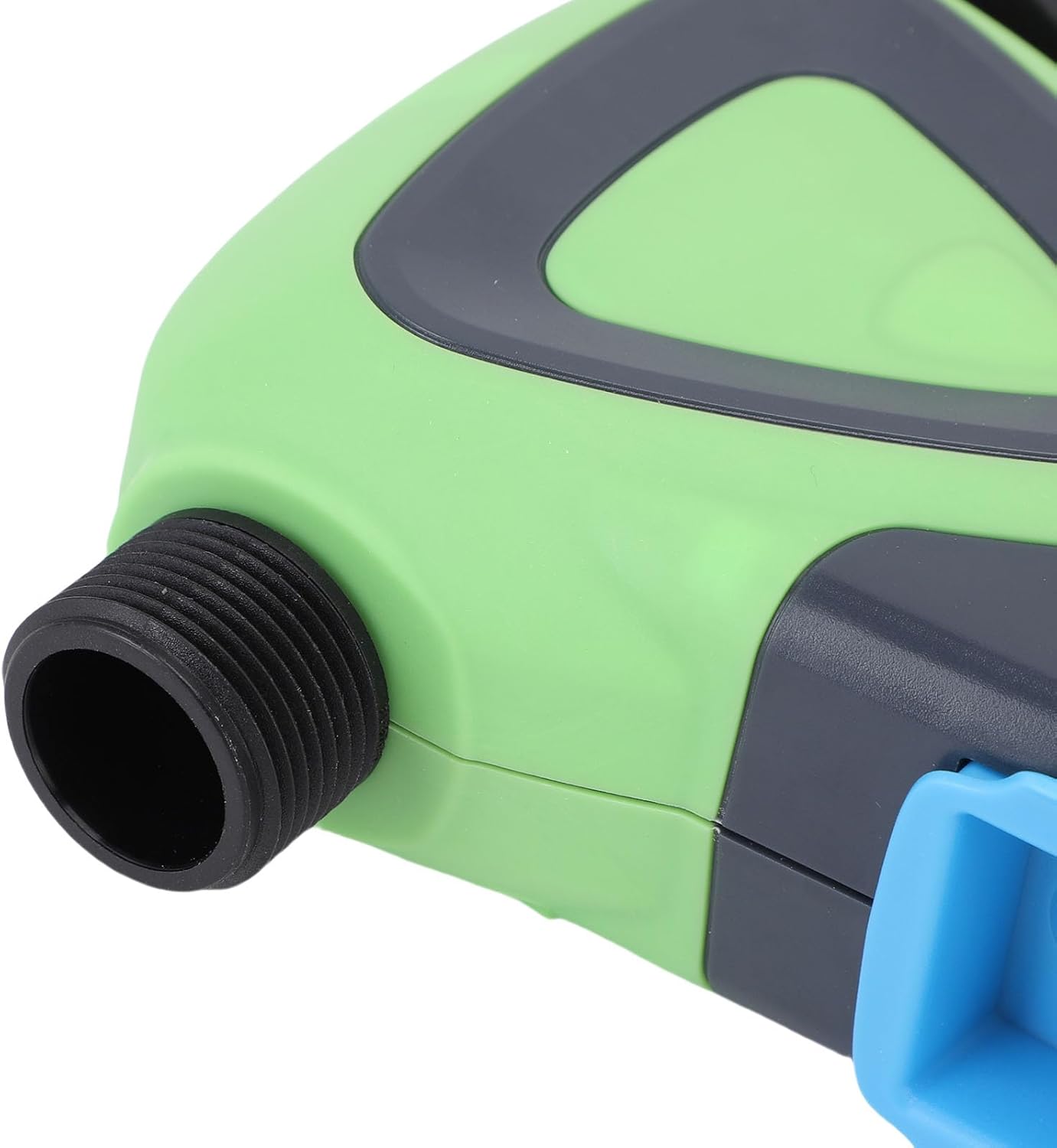
תמונה: תקריב view of the Luqeeg Smart Sprinkler Timer's threaded inlet and outlet for hose connection.
3. הורדת אפליקציה וזיווג מכשירים
Download the compatible mobile application (refer to the included English Manual for specific app details). Follow the in-app instructions to add your Luqeeg Smart Sprinkler Timer. The device connects via a Zigbee hub to your 2.4GHz WiFi network. Ensure your WiFi network is 2.4GHz for successful pairing.
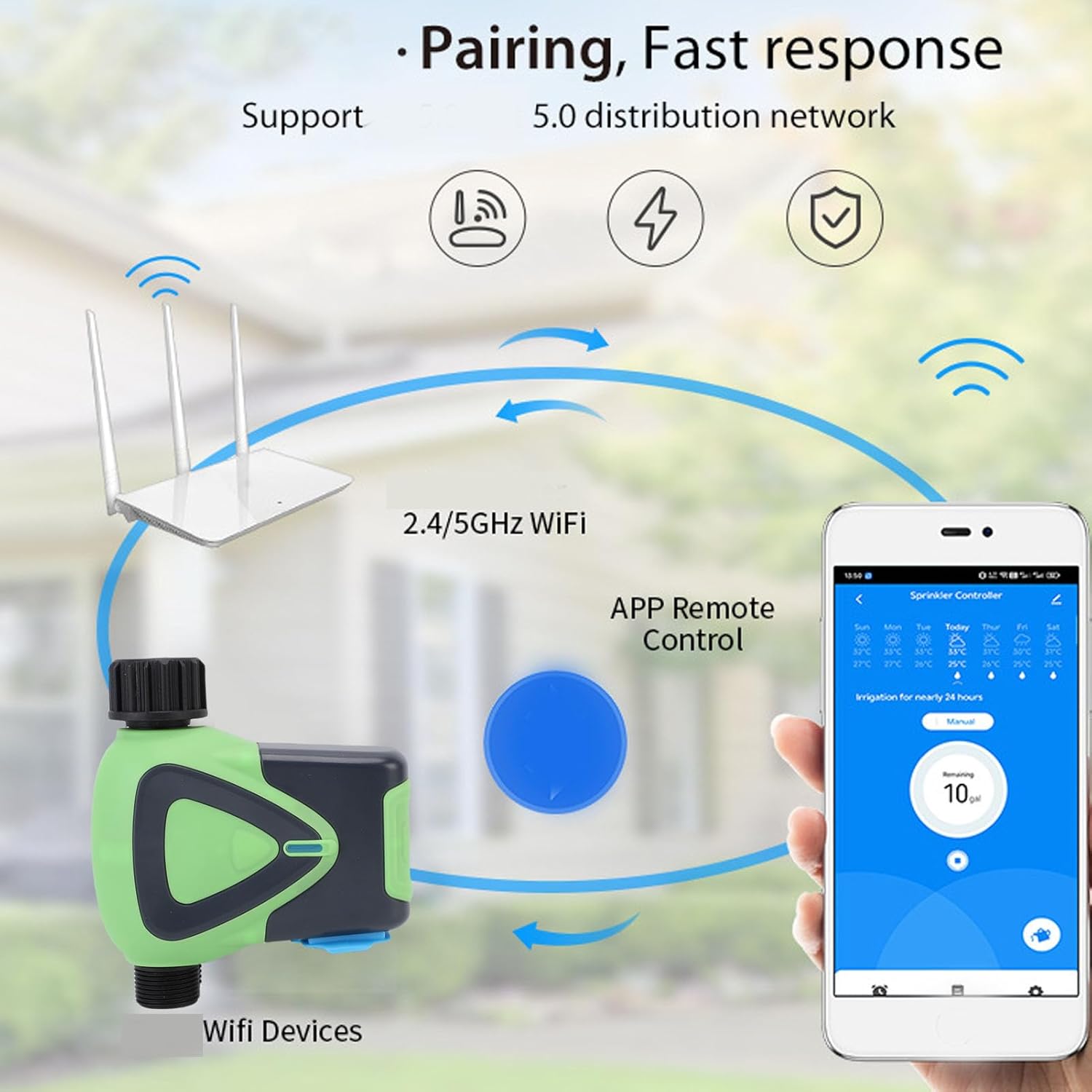
Image: Diagram illustrating the pairing process, showing the smart sprinkler timer, a WiFi router, and a smartphone displaying the control app.
הוראות הפעלה
1. שליטה מרחוק באמצעות אפליקציה
Once paired, you can manage your irrigation schedules and settings remotely using the mobile application. This includes setting watering times, durations, and activating manual watering modes.

Image: A smartphone displaying the app interface for remote watering control, with an icon representing a watering can.
2. שליטה קולית
The sprinkler timer supports voice activation through compatible smart assistants. Link your device to your preferred voice assistant (e.g., Google Assistant) to control watering with voice commands.
3. Scheduling and Rain Delay
Set up customized watering schedules within the app. The system also supports a rain delay function, allowing you to pause watering during rainy periods to conserve water and prevent overwatering.
4. Family Collaboration
The app allows you to add family members for shared management of the sprinkler timer. This enables multiple users to monitor and adjust watering settings.
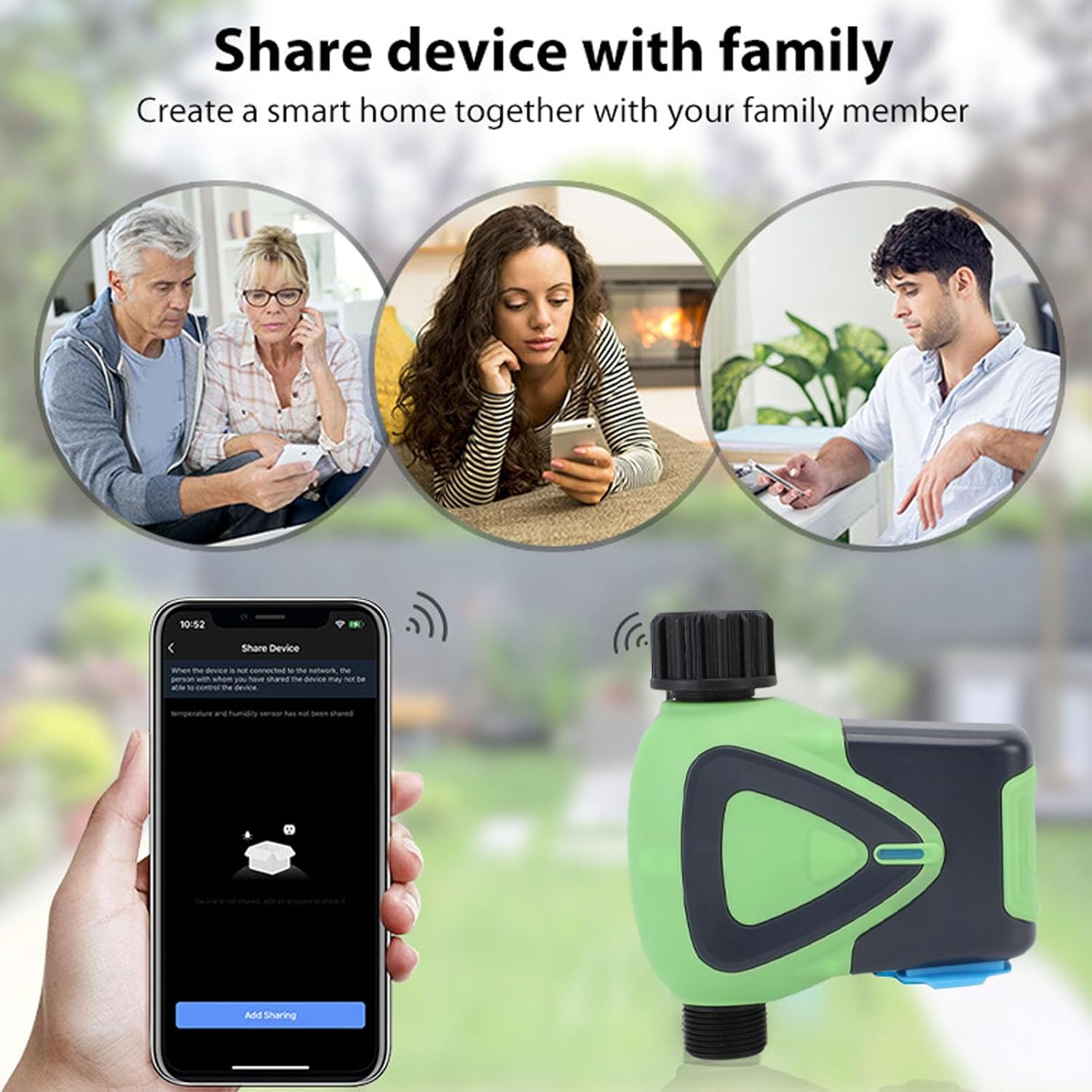
Image: Illustration depicting family members sharing control of the smart device via their smartphones.
5. Watering Records
The application maintains a record of past watering activities, including irrigation amounts and times. This feature helps in monitoring water usage and optimizing schedules.

Image: A smartphone screen showing the "Watering Records" section of the app, listing irrigation amounts and dates.
תַחזוּקָה
To ensure optimal performance and longevity of your Luqeeg Smart Sprinkler Timer, follow these maintenance guidelines:
- החלפת סוללה: Replace the 4 x AA batteries when the low battery indicator appears in the app or on the device.
- ניקוי: יש לנקות מעת לעת את החלק החיצוני של המכשיר בעזרת מטלית רכהamp בַּד. אין להשתמש בכימיקלים קשים או בחומרי ניקוי שוחקים.
- חורף: באזורים עם טמפרטורות מקפיאות, יש לנתק את טיימר הממטרה מהברז ולאחסן אותו בתוך הבית כדי למנוע נזק ממים קפואים.
- דירוג עמיד למים: The device has an IP65 waterproof rating, meaning it is protected against low-pressure water jets from any direction. However, avoid submerging the device in water.
פתרון בעיות
- המכשיר לא מתחבר:
- ודא שרשת ה-WiFi שלך היא 2.4GHz.
- Verify the Zigbee hub is properly connected and functioning.
- Check if the device is within the 45m wireless distance range of the hub/router.
- Restart the device and attempt pairing again.
- אין זרימת מים:
- בדוק אם הברז פתוח לחלוטין.
- Ensure batteries are charged and correctly installed.
- Verify the watering schedule in the app is active and correctly configured.
- Check for any blockages in the hose or timer.
- בעיות קישוריות לאפליקציה:
- ודא שלסמארטפון שלך יש חיבור אינטרנט פעיל.
- עדכן את האפליקציה לגרסה העדכנית ביותר.
- Restart your smartphone and the sprinkler timer.
- Inaccurate Watering:
- Review your watering schedule and settings in the app.
- Check for any rain delay settings that might be active.
מפרטים
| מִפרָט | עֵרֶך |
|---|---|
| סוג פריט | טיימר מים WiFi |
| חוֹמֶר | ABS |
| ספק כוח | 4 x סוללות AA (לא כלול) |
| גודל צינור | 3/4 אינץ' |
| מפרט חוט | NPT |
| צריכת חשמל במצב המתנה | 200uA |
| תקן אלחוטי | IEEE802.11b, g, n |
| תדר אלחוטי | 2.4GHz |
| מרחק אלחוטי | 45 מ' |
| מפלס עמיד למים | IP65 |
| לחץ מים עבודה | 0.03MPa עד 1MPa |
| טמפרטורת עבודה | -10°C עד 60°C (14°F עד 140°F) |
| לחות עבודה | 1% to 95%RH (non condensing) |
| גודל מוצר | Approx. 137x126x54mm (5.4x5.0x2.1in) |
| מספר דגם | Luqeegfzgw1dqgay |
| מותג | לוקיג |

Image: The Luqeeg Smart Sprinkler Timer with its approximate dimensions indicated.