
מָבוֹא
Thank you for choosing the 1MORE Piston P20 Type-C Wired Earphones. This manual provides detailed instructions for setting up, operating, maintaining, and troubleshooting your earphones to ensure optimal performance and longevity. Please read this manual thoroughly before using the product.
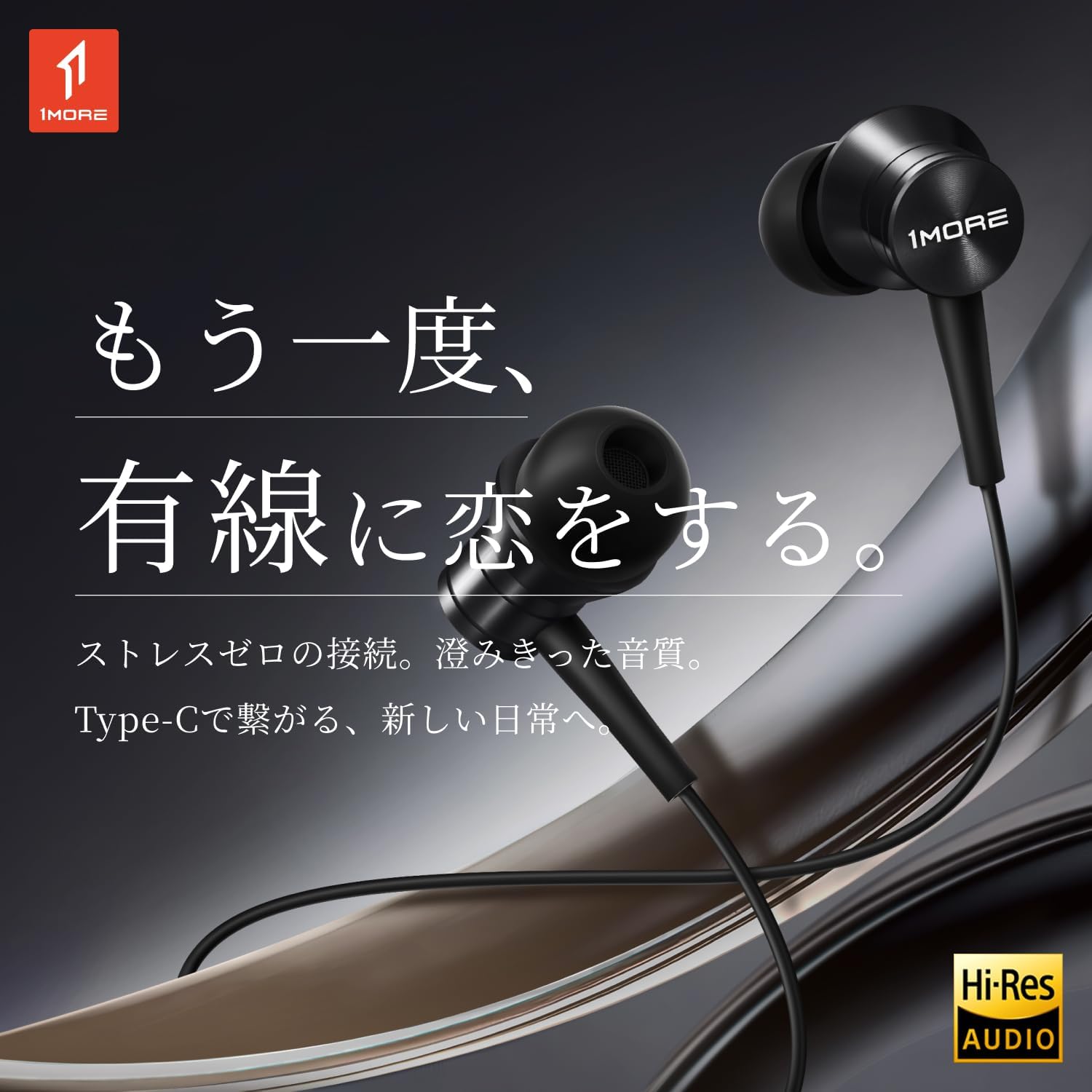
Image: The 1MORE Piston P20 Type-C Wired Earphones, showcasing their sleek black design and the Hi-Res Audio certification logo.
תוכן החבילה
ודא שכל הפריטים נמצאים בחבילה שלך:
- 1MORE Piston P20 Type-C Wired Earphones
- קצות אוזניים (גדלים שונים)
הגדרה
מתחבר למכשיר שלך
The 1MORE Piston P20 earphones feature a Type-C connector for direct digital audio transmission. No additional setup or pairing is required.
- Locate the Type-C port on your smartphone, tablet, or other compatible device.
- Insert the Type-C connector of the earphones firmly into the device's port.
- The earphones are ready for use once connected.

Image: A hand connecting the Type-C earphones to a smartphone, illustrating the simple plug-and-play setup.
לובש את האוזניות
The earphones are designed for a comfortable and secure fit:
- Identify the left (L) and right (R) earpieces. These markings are located on the inner side of each earbud.
- Gently insert each earbud into the corresponding ear canal. The 45° angled nozzle and two-stage angle design are engineered for an ergonomic fit.
- Adjust the earpieces until they feel secure and comfortable. Proper fit helps optimize sound quality and noise isolation.
תמונה: תקריב view of an earphone, highlighting the clear 'L' marking for proper left ear placement.

Image: Two individuals wearing the 1MORE Piston P20 earphones, demonstrating the ergonomic and comfortable fit.
הוראות הפעלה
פונקציות שלט רחוק מובנה
The earphones are equipped with an intuitive inline remote control for easy management of audio playback and calls.
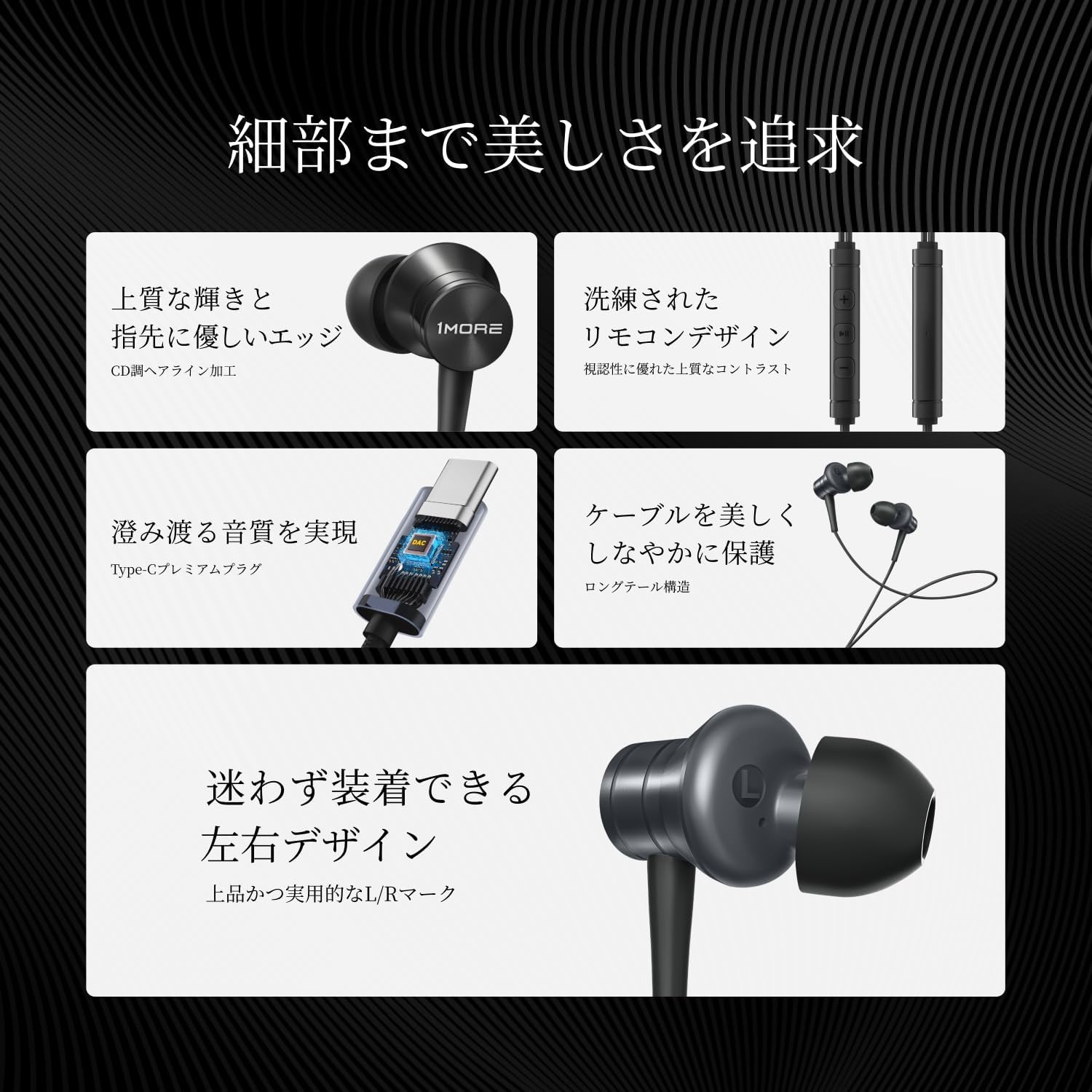
תמונה: מפורט view of the inline remote control, showing the volume and multi-function buttons.
| פוּנקצִיָה | פְּעוּלָה |
|---|---|
| הפעל/השהה מוזיקה | לחץ פעם אחת על הכפתור המרכזי. |
| הגברת עוצמת הקול | לחץ על כפתור '+'. |
| הורדת עוצמת הקול | לחץ על כפתור '-'. |
| המסלול הבא | לחץ פעמיים על הכפתור המרכזי. |
| המסלול הקודם | Press the center button three times. |
| מענה/סיום שיחה | לחץ על הכפתור האמצעי פעם אחת במהלך שיחה. |
| דחה שיחה | לחץ והחזק את הכפתור המרכזי. |
| הפעל את עוזר הקולי | Press and hold the center button (functionality may vary by device). |
| השתק מיקרופון | לחץ והחזק את כפתור '-'. |
שימוש במיקרופון
The integrated AI ENC (Environmental Noise Cancellation) MEMS microphone ensures clear voice capture during calls and recordings, minimizing ambient noise.

Image: A person engaged in a phone call using the earphones, demonstrating the microphone's position for clear communication.

Image: A diagram illustrating the AI ENC technology, showing how environmental noise is suppressed for clearer voice transmission.
תַחזוּקָה
Cleaning the Earphones
ניקוי קבוע מסייע בשמירה על היגיינה ואיכות צליל.
- Gently remove the ear tips from the earbuds.
- Clean the ear tips with a mild soap solution and water, then rinse thoroughly and allow them to dry completely before reattaching.
- Use a soft, dry cloth to wipe the earbud surfaces and cable. Avoid using harsh chemicals or abrasive materials.
- Ensure no moisture enters the earbud nozzles or the Type-C connector.
טיפול בכבלים
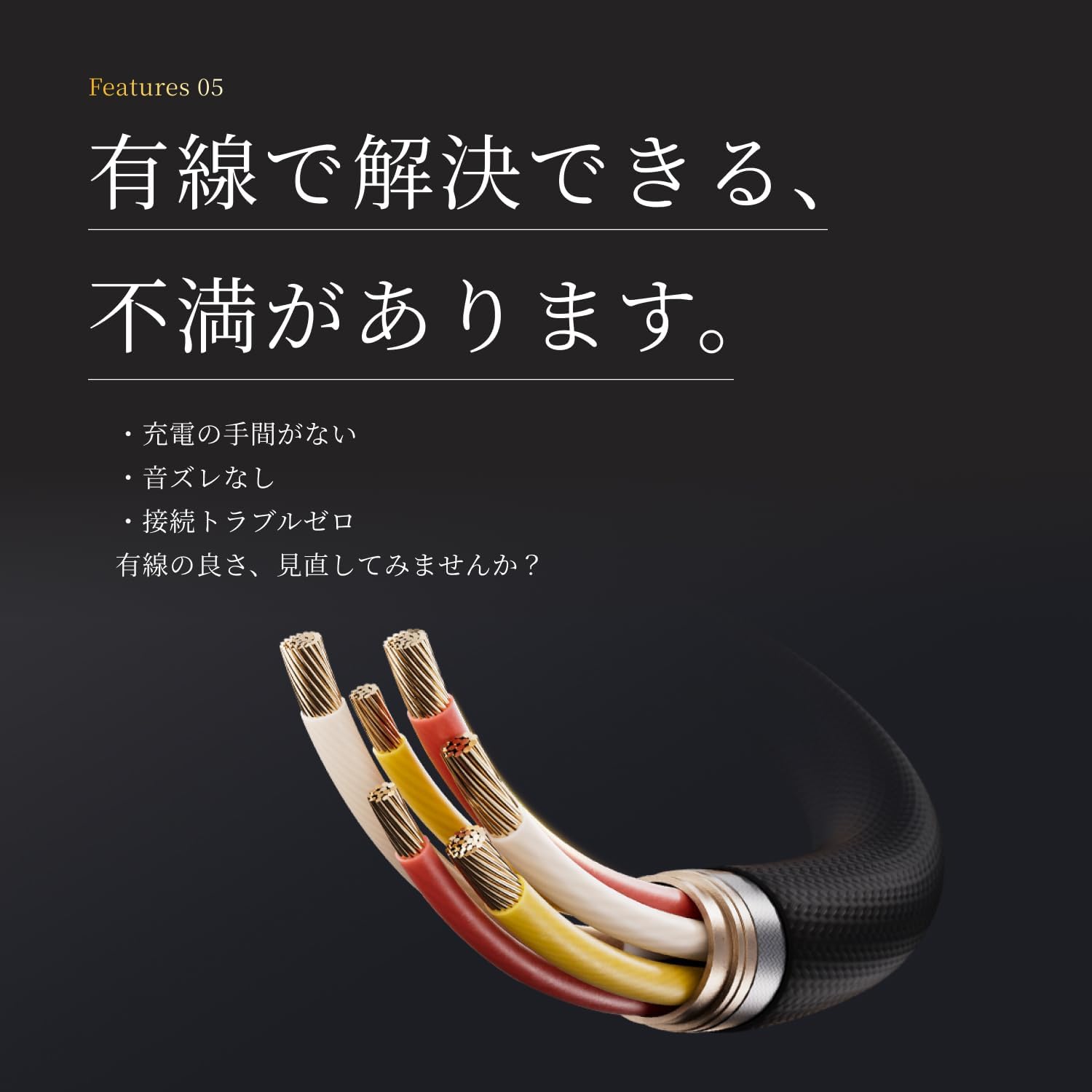
The earphones feature a tension-reinforced fiber and braided cable cover for durability. To prolong the cable's life:
- הימנעו מכיפופים חדים או משיכה מוגזמת של הכבל.
- Store the earphones neatly to prevent tangling.
- Do not expose the cable to extreme temperatures or direct sunlight for extended periods.

Image: A close-up of the earphone cable, highlighting its durable braided construction designed to resist wear and tear.
פתרון בעיות
If you encounter any issues with your earphones, refer to the following common problems and solutions:
| בְּעָיָה | פתרון אפשרי |
|---|---|
| אין צליל מהאוזניות. |
|
| איכות צליל או עיוות ירודים. |
|
| המיקרופון לא עובד או לא ברור. |
|
| Inline remote not responding. |
|
מפרטים
Detailed technical specifications for the 1MORE Piston P20 Type-C Wired Earphones:
| תכונה | פְּרָט |
|---|---|
| דֶגֶם | P20 |
| סוג חיבור | Type-C (Wired) |
| סגנון לבישה | בתוך האוזן |
| נֶהָג | 10mm DLC (Diamond-Like Carbon) Diaphragm Dynamic Driver |
| תגובת תדר | 20 הרץ - 40,000 הרץ |
| עַכָּבָּה | 32Ω |
| רְגִישׁוּת | 100dB |
| כוח מדורג | 5mW |
| אורך כבל | 1.25 מ' |
| מִשׁקָל | 19 גרם |
| מִיקרוֹפוֹן | AI ENC MEMS Microphone |
| שבב DAC | מְשׁוּלָב |
| אודיו ברזולוציה גבוהה | מוּסמָך |
| ארץ מוצא | סִין |
אחריות ותמיכה
אחריות יצרן
The 1MORE Piston P20 Type-C Wired Earphones come with a אחריות יצרן לשנה ממועד הרכישה. אחריות זו מכסה פגמים בחומרים ובביצוע בשימוש רגיל. היא אינה מכסה נזק שנגרם כתוצאה משימוש לרעה, תאונות, שינויים לא מורשים או בלאי רגיל.
תמיכת לקוחות
For technical assistance, warranty claims, or general inquiries, please contact 1MORE customer support through their official website or the retailer from whom you purchased the product. Please have your proof of purchase and product model number (P20) ready when contacting support.
For more information, visit the official 1MORE webאֲתַר: www.1more.com