
1. הקדמה
This manual provides essential information for the safe and efficient operation of your Crossbeats Lumex Solis Projector. Please read this manual thoroughly before using the device and retain it for future reference. The Crossbeats Lumex Solis is a smart mini projector featuring Google TV, 4K Ultra HD support, native 1080p resolution, Wi-Fi 6, and Bluetooth 5.4 connectivity, designed for versatile home entertainment.
2. מידע בטיחות
- אין לחסום פתחי אוורור. יש לוודא זרימת אוויר מספקת סביב המקרן כדי למנוע התחממות יתר.
- הימנע מחשיפה ישירה של העיניים לעדשת המקרן כאשר ה-lamp פועל.
- השתמשו רק בכבל החשמל המצורף למקרן.
- אל תנסה לפרק או לשנות את המקרן. יש לפנות לכל תיקון ותיקון לטכנאים מוסמכים.
- הרחק את המקרן ממים או נוזלים אחרים.
- Operate the projector within the specified temperature and humidity ranges.
3. תכולת החבילה
ודא שכל הפריטים נמצאים בחבילה שלך:
- Crossbeats Lumex Solis Projector
- שְׁלַט רָחוֹק
- כבל חשמל
- מדריך למשתמש
- תעודת אחריות
- ערכת ניקוי
4. המוצר נגמרview
The Crossbeats Lumex Solis Projector integrates advanced features for a comprehensive viewניסיון.

Image: The Crossbeats Lumex Solis Projector displaying the Google TV interface, accompanied by its remote control.
תכונות עיקריות:
- Google TV Built-in: Access 10,000+ apps and 800+ channels, including popular streaming services.
- 4K Ultra HD Support & Native 1080p: Delivers crisp visuals with HDR10+ dynamic optimization.
- 1000 לומן ANSI: מספק תמונות בהירות המתאימות לתנאי תאורה שונים.
- בקרת קול חכמה: Integrated Google Assistant for hands-free operation.
- Auto Keystone & Electric Focus: Automatic image correction and easy focus adjustment.
- Dual-Stereo Hi-Fi Speakers: 2x15W audio-visual separation speakers for immersive sound.
- Wi-Fi 6 ו-Bluetooth 5.4: High-speed wireless connectivity for streaming and peripherals.
- 360-Degree Flexible Stand: Allows projection at various angles, including ceiling projection.
- 100% Dust-Proof Design: Sealed optical engine to prevent dust accumulation and extend lifespan.
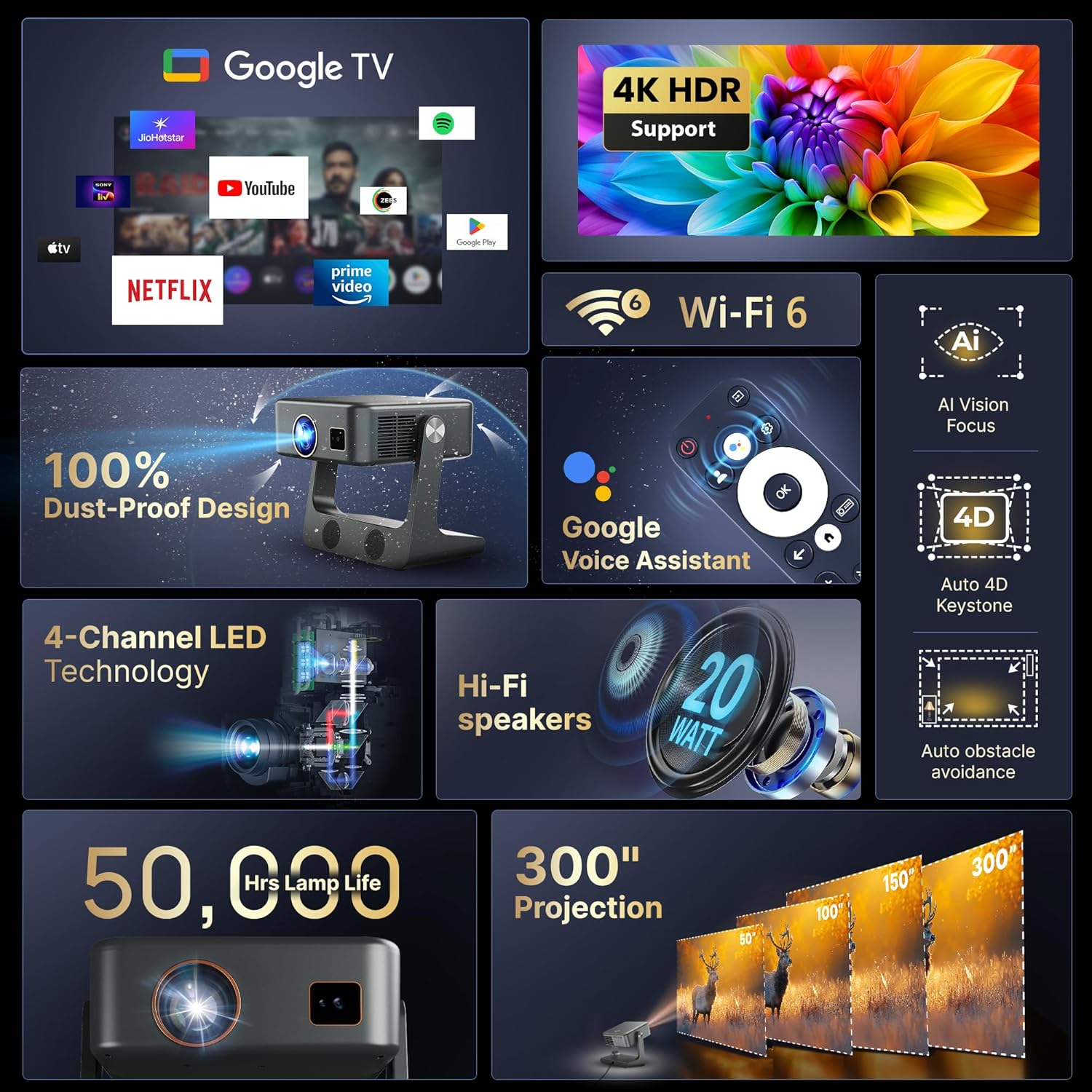
Image: An infographic highlighting the key features and technologies of the Lumex Solis Projector.
5. התקנה
5.1 מיקום פיזי
Position the projector on a stable, flat surface. The Lumex Solis features a 360-degree flexible stand, allowing you to adjust the projection angle for various setups, including wall or ceiling projection. Its short-throw ratio enables a large screen size from a short distance.
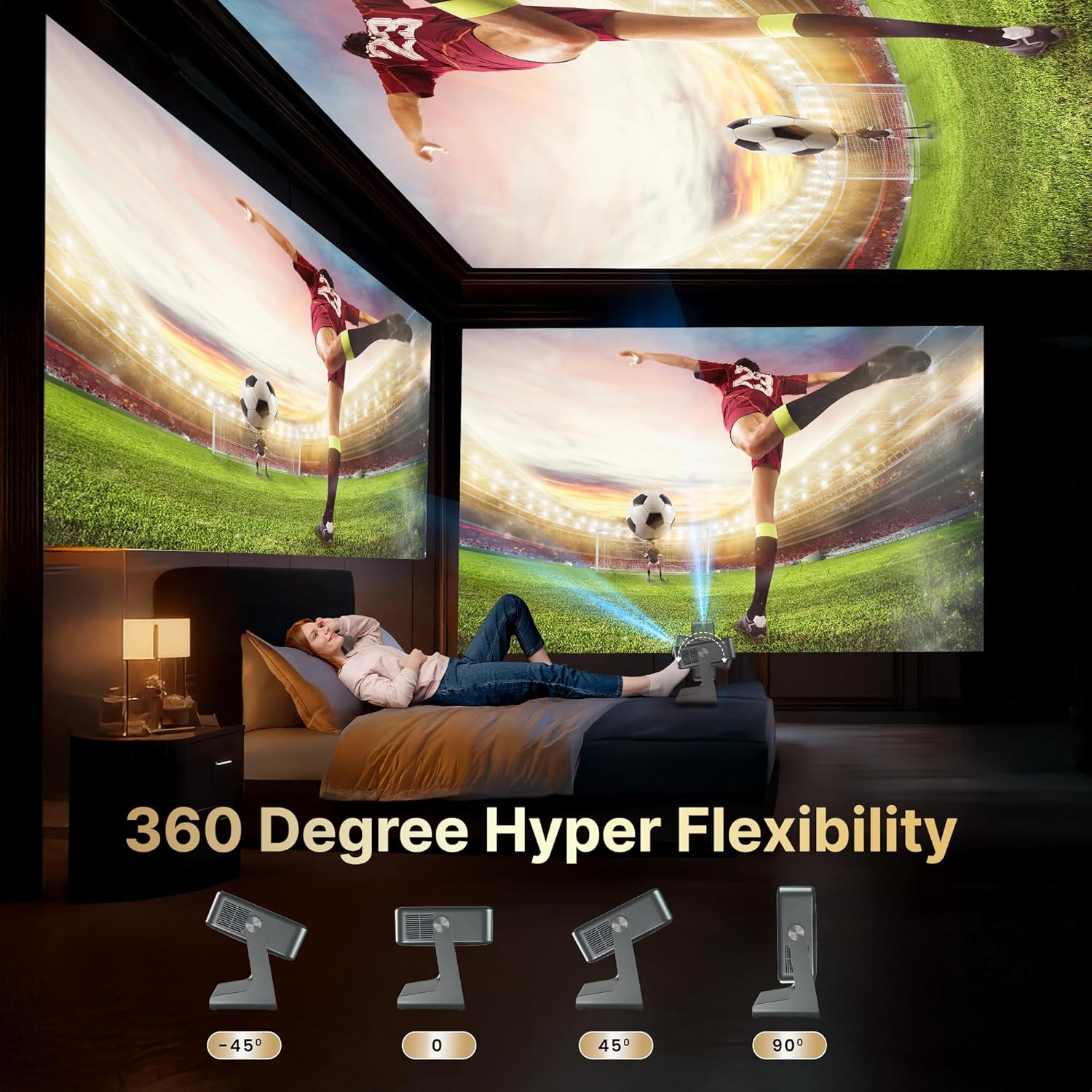
Image: The projector demonstrating its 360-degree rotation capability for flexible placement.
5.2 חיבור מתח
חבר את כבל החשמל המצורף לכניסת החשמל של המקרן ולאחר מכן לשקע חשמל.
5.3 הפעלה ראשונית
לחץ על לחצן ההפעלה במקרן או בשלט רחוק כדי להפעיל את המכשיר. פעל לפי ההוראות שעל המסך להגדרה ראשונית, כולל בחירת שפה וחיבור רשת.
5.4 תיקון מיקוד ותיקון טרפז
The projector features automatic keystone correction and electric focus. The device will automatically adjust the image shape and clarity. Manual adjustments can be made via the settings menu if needed. The AI Vision Focus and Auto 4D Keystone features ensure a clear and properly aligned image.
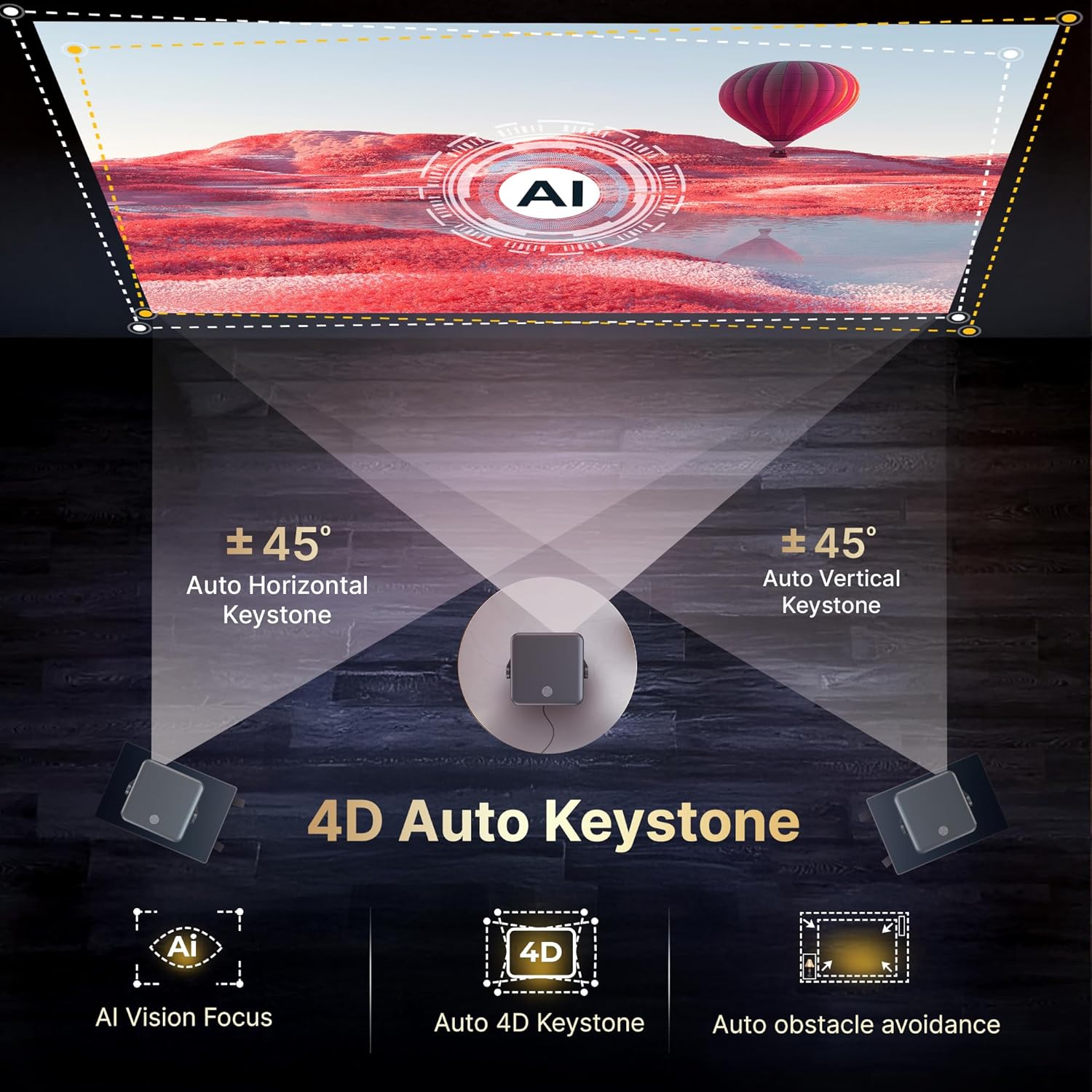
Image: Visual representation of the projector's 4D Auto Keystone and AI Vision Focus capabilities.
6. הוראות הפעלה
6.1 ממשק גוגל טי וי
Navigate the Google TV interface using the remote control. The home screen provides access to installed apps, content recommendations, and settings. You can personalize user accounts and viewרשימות ing.
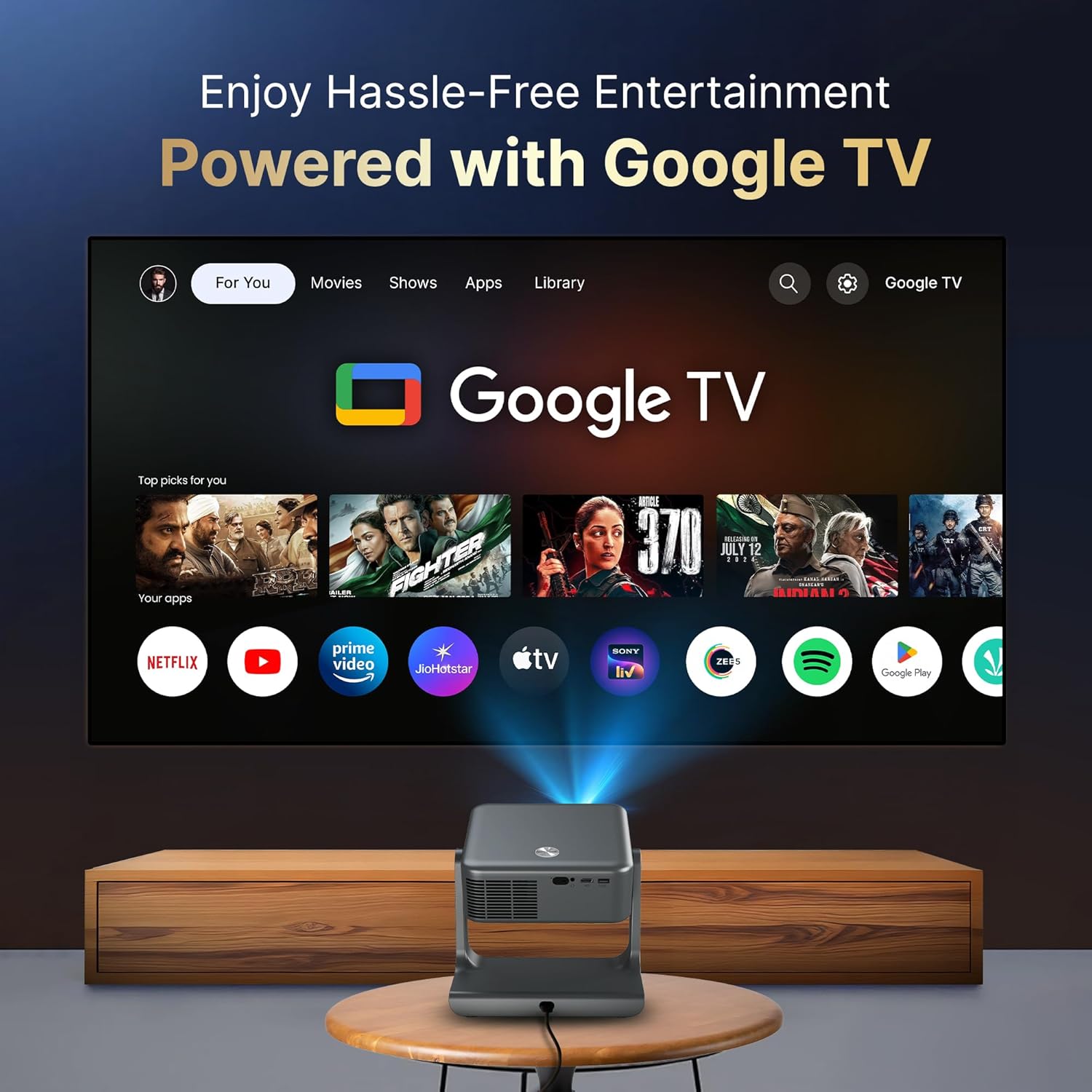
Image: The projector displaying the Google TV interface with access to numerous applications.
6.2 שליטה קולית
Press the Google Assistant button on your remote control and speak your commands. You can search for content, open apps, adjust volume, and more.
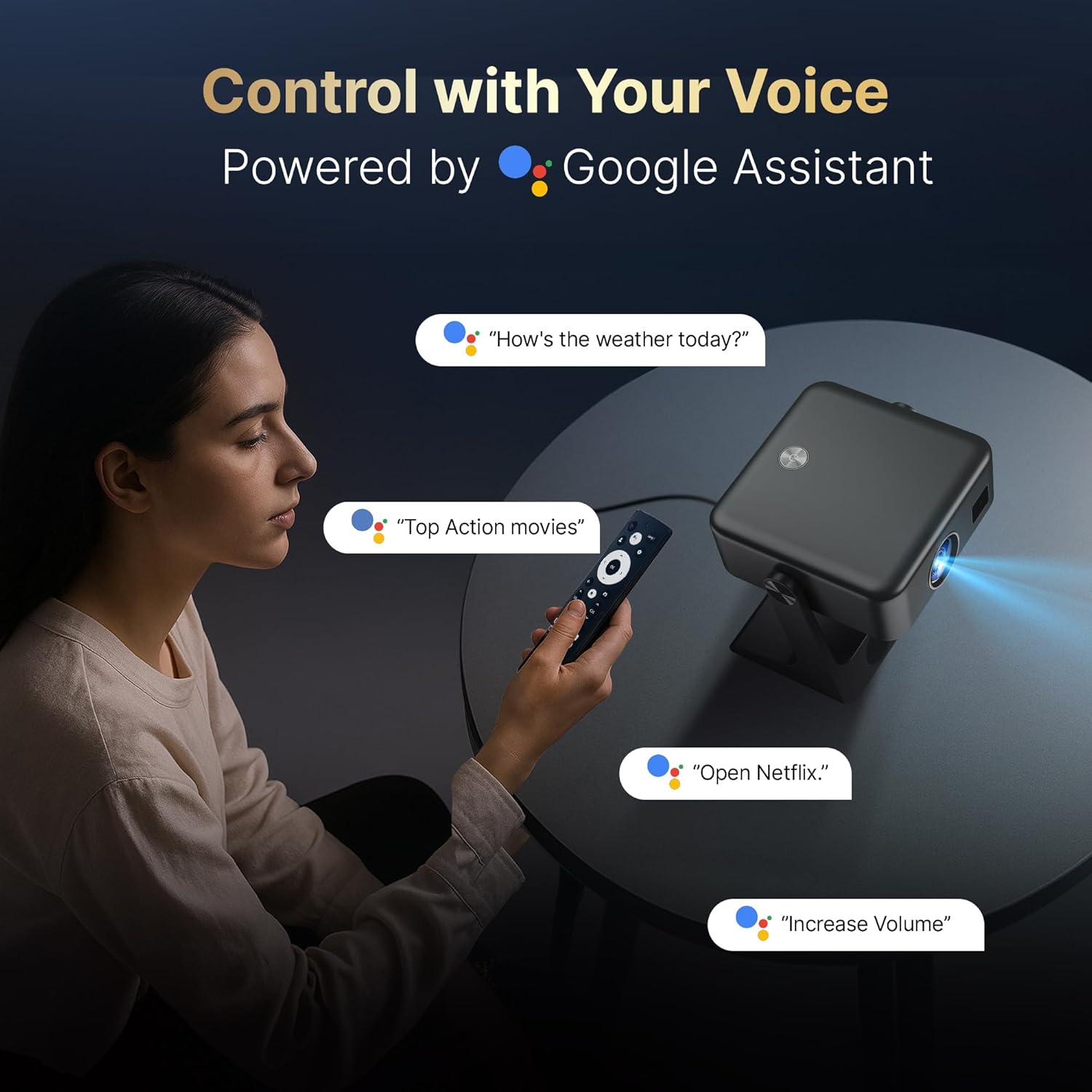
Image: Demonstrating voice control functionality with the Google Assistant.
6.3 חיבור התקנים חיצוניים
המקרן תומך באפשרויות קישוריות שונות:
- HDMI: Connect gaming consoles, laptops, or other media players.
- USB: הפעל מדיה files ישירות מהתקני אחסון USB.
- בלוטות': Pair with external speakers, headphones, or other Bluetooth-enabled devices.
- Wi-Fi 6: התחבר לרשת הביתית שלך להזרמה ותוכן מקוון.
- Screen Casting (Google Cast): Wirelessly cast content from Android and iOS devices.

Image: The projector's multi-source connectivity options, including HDMI, USB, Wi-Fi 6, and Bluetooth.
6.4 פלט שמע
The projector features built-in dual-stereo Hi-Fi speakers. For enhanced audio, connect external speakers via Bluetooth or the 3.5mm audio port.

תמונה: מפורט view of the projector's integrated dual-stereo Hi-Fi speakers.
6.5 Parental Controls (Kids Space)
Utilize the Kids Space feature within Google TV to filter content and manage screen time for children. This allows for a safe and controlled viewסביבה.
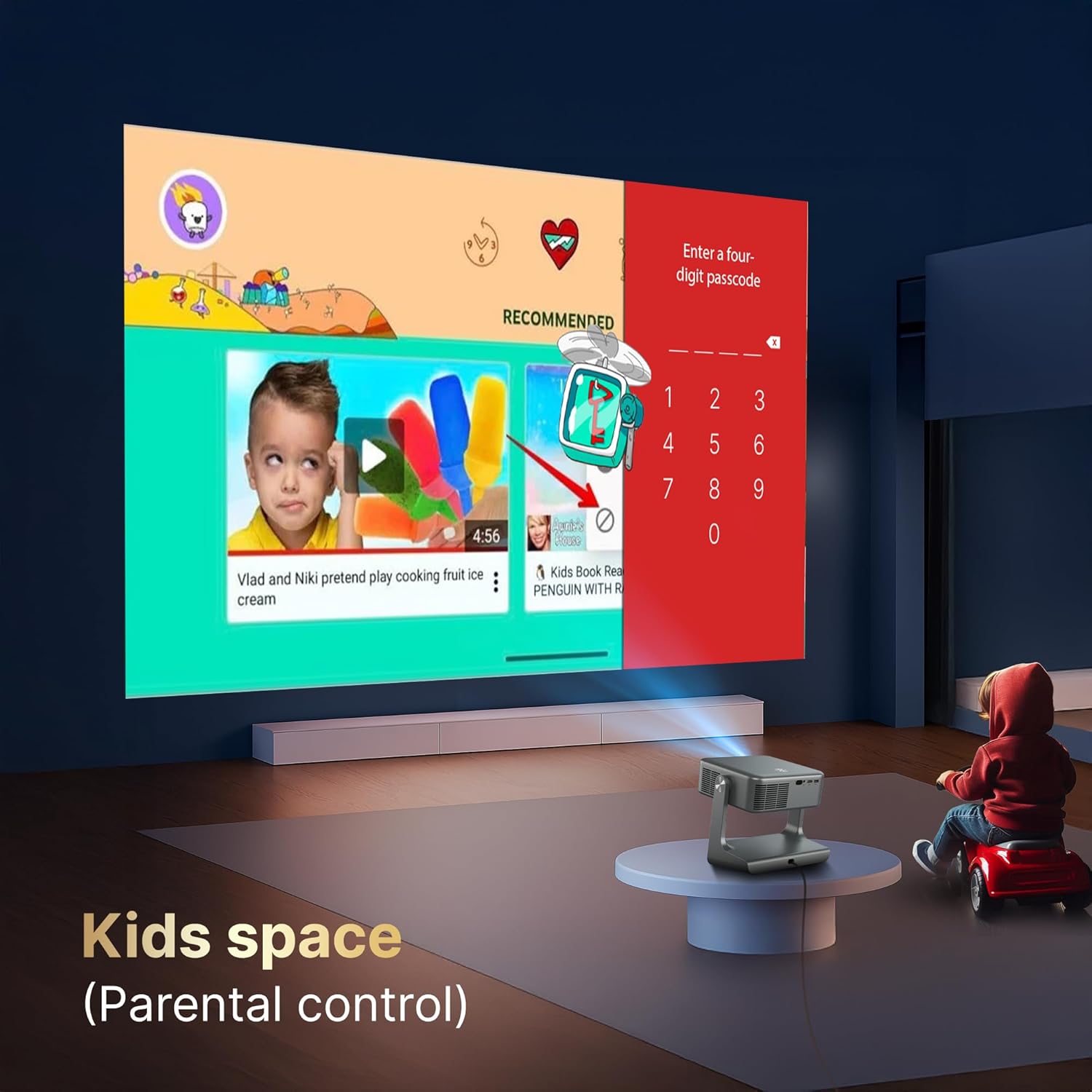
Image: The Kids Space interface, demonstrating parental control features.
7. תחזוקה
7.1 ניקוי
Use the provided cleaning kit to gently wipe the projector lens and exterior. Avoid abrasive cleaners or solvents. The projector features a 100% dust-proof sealed optical engine, minimizing internal dust accumulation.
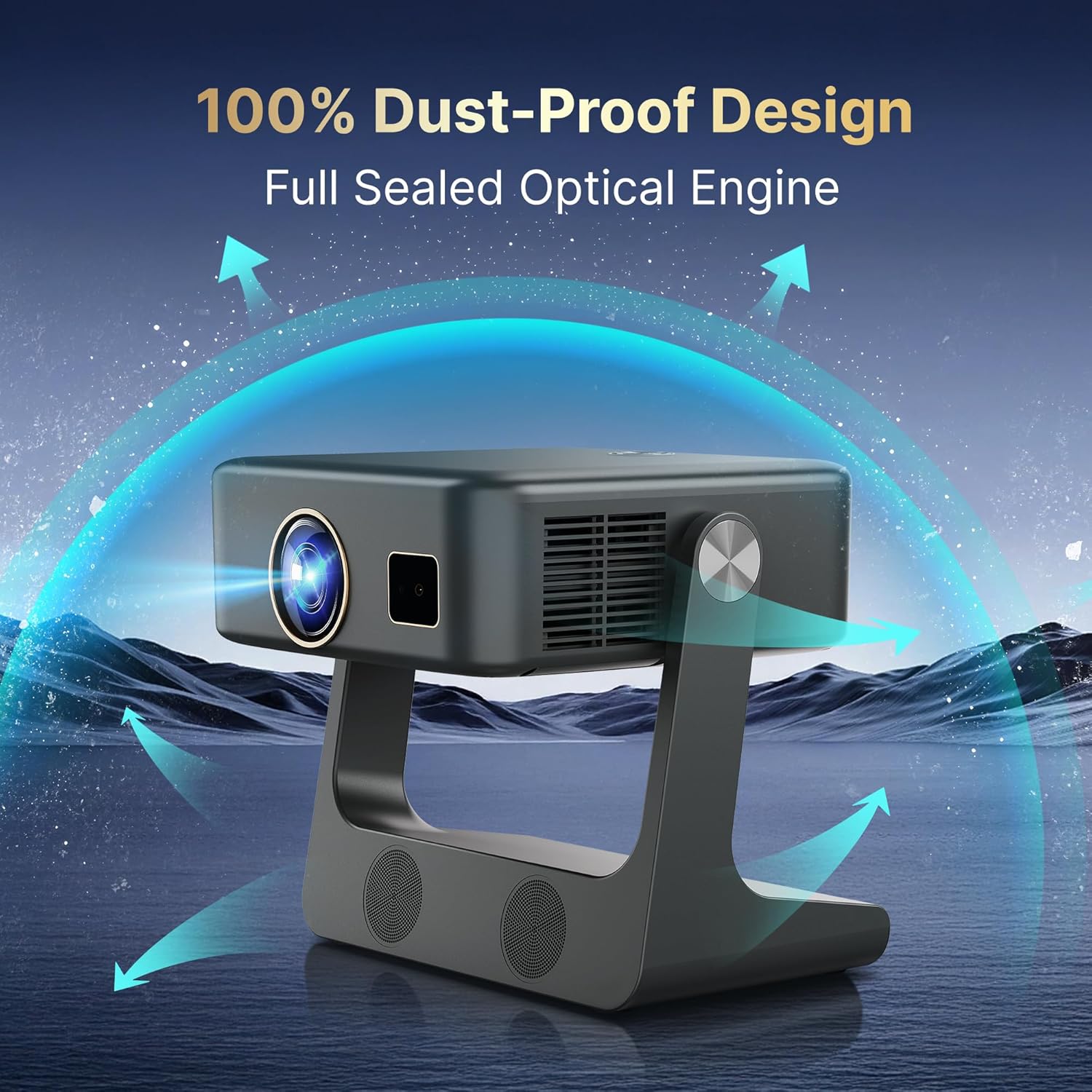
Image: The dust-proof design of the projector's sealed optical engine.
7.2 ל'amp חַיִים
LED של המקרן lamp has an estimated lifespan of 50,000 hours, providing long-term usage without frequent lamp תַחֲלִיף.
7.3 מערכת קירור
The integrated dual-fan turbo cooling system helps maintain optimal operating temperatures, ensuring stable performance and extending the device's lifespan.
8. פתרון תקלות
- אין כוח: Ensure the power cord is securely connected and the power outlet is functional.
- אין תמונה: Check input source selection. Verify HDMI or USB connections.
- תמונה מטושטשת: Allow auto-focus to complete. If needed, manually adjust focus via settings. Ensure the projection surface is flat.
- תמונה מעוותת: The auto keystone correction should resolve this. If not, check for physical obstructions or extreme projection angles.
- אין צליל: Check volume levels on the projector and connected devices. Ensure external speakers are properly paired via Bluetooth or connected via audio cable.
- שלט לא מגיב: Check battery levels in the remote. Ensure no obstructions between the remote and the projector.
- בעיות קישוריות Wi-Fi/Bluetooth: הפעל מחדש את המקרן ואת הנתב/מכשיר ה-Bluetooth שלך. ודא שהמקרן נמצא בטווח קליטה.
9. מפרטים
| תכונה | מִפרָט |
|---|---|
| מותג | CrossBeats |
| דֶגֶם | סוליס |
| טכנולוגיית תצוגה | LCD, DLP (4K Support) |
| רזולוציה מקורית | 1920 x 1080 (1080p) |
| רזולוציה נתמכת | עד 3840 x 2160 (4K) |
| בהירות תמונה | 1000 ANSI Lumens (16000 Lumens marketing value) |
| יחס ניגודיות תמונה | 20000:1 |
| יחס גובה-רוחב | 16:9 |
| מַעֲרֶכֶת הַפעָלָה | גוגל טי וי (מערכת הפעלה אנדרואיד) |
| קישוריות | Bluetooth 5.4, HDMI, USB, Wi-Fi 6 (2.4G/5G) |
| פלט אודיו | Dual 15W Stereo Speakers, 3.5mm Audio Jack |
| תכונות מיוחדות | Auto Focus, Auto Keystone, Built-In Cooling System, Built-In Speaker, Digital Keystone Correction, Lightweight, Rotatable Design, Ultra Short Throw, Google Assistant, Google Cast, Kids Mode |
| Lamp חַיִים | 50,000 שעות |
| מידות המוצר | 27 x 16.9 x 30 ס"מ |
| משקל פריט | 1.8 ק"ג |
| קצב רענון | 120 הרץ |
10. אחריות ותמיכה
Your Crossbeats Lumex Solis Projector comes with a warranty. Please refer to the included Warranty Card for detailed terms and conditions. For technical support, product inquiries, or service requests, please contact Crossbeats customer support through their official webאתר או פרטי הקשר המופיעים במסמכי האחריות שלך.