
1. הקדמה
This manual provides essential information for setting up, operating, and maintaining your ASUS NUC 15 Pro AI Mini PC. This compact and powerful mini PC is designed for a wide range of applications, from everyday computing to demanding AI development and creative workflows. It features an Intel Series 2 Core Ultra 5 225H processor, Intel Arc 130T GPU, and runs on Windows 11 Pro.
תכונות מפתח כוללות:
- ביצועי בינה מלאכותית רבי עוצמה: Intel Series 2 Core Ultra 5 225H processor (14 Cores/14 Threads, up to 4.9GHz) with Intel Arc 130T GPU for AI acceleration.
- AI-Ready: Integrated NPU for efficient on-device AI model inference, reducing power usage.
- Expandable Storage & RAM: Tool-free access for upgrades, supporting up to 96GB DDR5 RAM and up to 2TB PCIe Gen4 x4 SSDs, plus 2.5" SATA slots.
- קירור מתקדם: Dual copper heat pipes, large mesh air inlets, and a turbo rear fan for optimal thermal management.
- קישוריות רב-תכליתית: Thunderbolt 4, HDMI 2.1, USB-C, WiFi 7, and Bluetooth 5.4.
- תמיכה בריבוי תצוגה: Supports up to 8K or four 4K HDR displays.
- תואם VESA Mount: For flexible placement options.

תמונה: מעלview of the Intel Core Ultra 5 Processor 225H (Series 2) highlighting 14 cores, 14 threads, 18MB cache, 83 TOPS, and 4.9 GHz max turbo frequency, along with Intel Arc 130T GPU and Intel AI Boost.

תמונה: דוגמהamples of the ASUS NUC 15 Pro AI Mini PC in various applications, including graphic design/video processing, gaming, NAS, and home theater setups.
2. מה בקופסה
Carefully unpack your ASUS NUC 15 Pro AI Mini PC and ensure all items are present:
- ASUS NUC 15 Pro Ultra 5 AI Mini PC
- מתאם AC וכבל חשמל
- הרכבה VESA
- מקלדת אלחוטית
- עכבר אלחוטי
- מדריך למשתמש (מסמך זה)
3. התקנה
3.1 חיבור ציוד היקפי
- חיבור תצוגה: Connect your monitor(s) to the Mini PC using the HDMI 2.1 or Thunderbolt 4 ports. This Mini PC supports up to 8K or four 4K HDR displays.
- חיבור מקלדת ועכבר: Connect the wireless keyboard and mouse. Ensure their respective receivers are plugged into available USB ports.
- חיבור רשת (אופציונלי): For a wired connection, connect an Ethernet cable to the 2.5G Gigabit Ethernet port. For wireless, ensure your WiFi network is available.
- חבר חשמל: Plug the AC adapter into the DC-In port on the Mini PC, then connect the power cord to an electrical outlet.
3.2 התקנת מתקן VESA
The included VESA mount allows you to attach the Mini PC to the back of a compatible monitor or to a wall mount, saving desk space.
- Attach the VESA mount bracket to the back of your monitor or desired surface using appropriate screws.
- Slide the Mini PC onto the VESA mount bracket until it clicks securely into place.

תמונה: אחורי וקדמי views of the ASUS NUC 15 Pro AI Mini PC, detailing its multiple ports including USB 3.2 Gen2 Type-C, USB 3.2 Gen2 Type-A, USB 2.0 Type-A, HDMI 2.1, Thunderbolt 4, and 2.5G Ethernet.
4. הוראות הפעלה
4.1 הפעלה/כיבוי
- הפעלה: לחץ על לחצן ההפעלה הממוקם בחזית המיני PC. המערכת תאתחל לתוך Windows 11 Pro.
- כיבוי: From Windows, click the Start button, then Power > Shut down. Alternatively, press and hold the power button for 4 seconds to force a shutdown (use only when necessary).
4.2 קישוריות רשת
- Wi-Fi 7: Windows 11 Pro will automatically detect available Wi-Fi networks. Select your network and enter the password to connect.
- 2.5G Ethernet: If an Ethernet cable is connected, the system will automatically establish a wired network connection.
- Bluetooth 5.4: Use Bluetooth settings in Windows to pair with compatible devices such as headphones, speakers, or other peripherals.

Image: The ASUS NUC 15 Pro AI Mini PC highlighting its advanced connectivity features: Wi-Fi 7, Bluetooth 5.4, and 2.5G LAN, ensuring faster speeds and lower latency.
4.3 תצורת תצוגה
The Mini PC supports multiple high-resolution displays. You can configure display settings through Windows 11 Pro:
- לחצו לחיצה ימנית על שולחן העבודה ובחרו "הגדרות תצוגה".
- Here you can arrange your displays, change resolution, and set display modes (e.g., extend, duplicate).

Image: The ASUS NUC 15 Pro AI Mini PC connected to multiple monitors, demonstrating support for 8K or Quad 4K HDR displays via HDMI and Thunderbolt ports.
4.4 תכונות בינה מלאכותית
Leverage the integrated NPU for AI acceleration in compatible applications. This allows for faster and more efficient on-device AI processing, reducing reliance on cloud services and improving privacy.
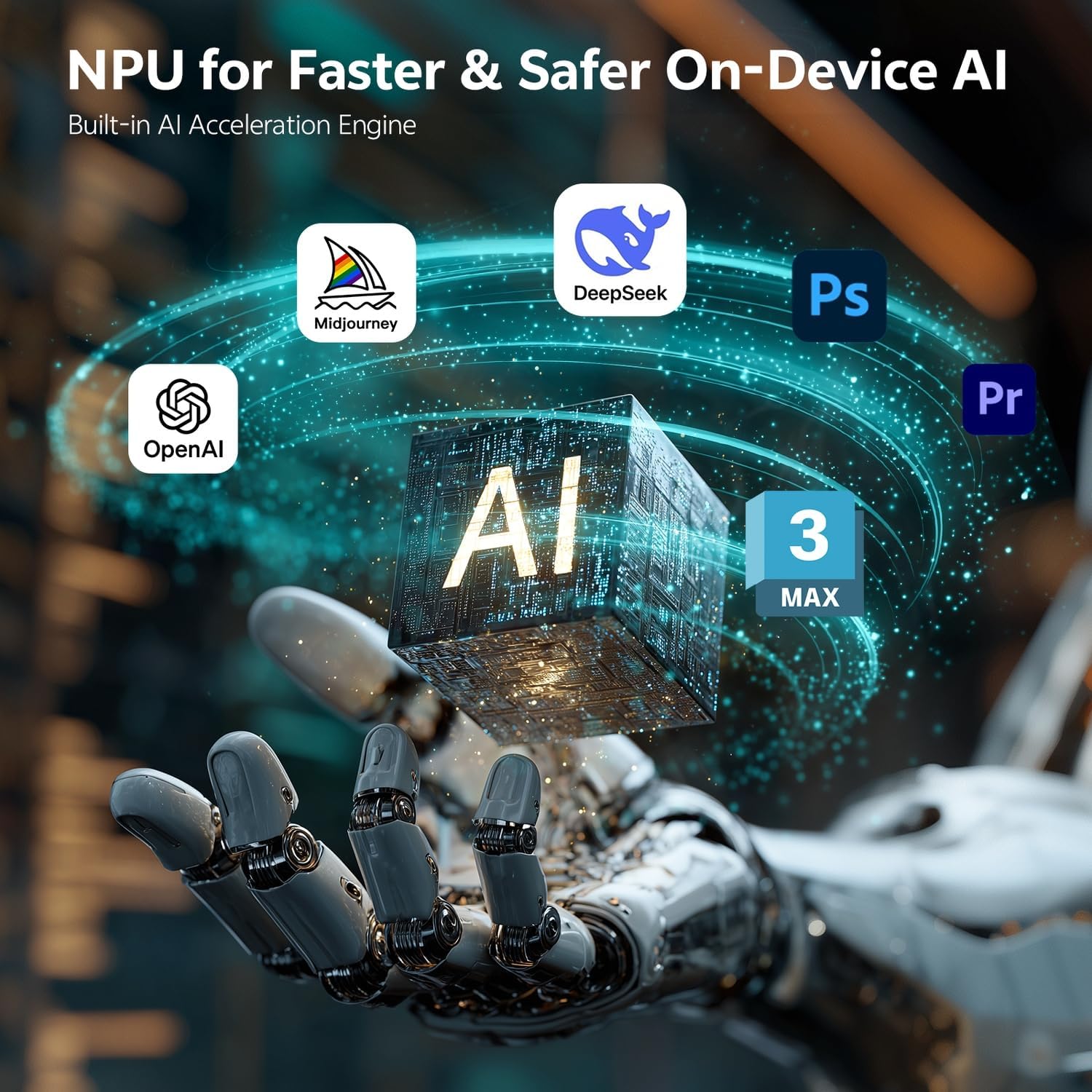
Image: Visual representation of the NPU (Neural Processing Unit) in the ASUS NUC 15 Pro AI Mini PC, illustrating its role in faster and safer on-device AI for applications like Midjourney, DeepSeek, Photoshop, Premiere, and OpenAI.
5. תחזוקה
5.1 שדרוגי רכיבים
The ASUS NUC 15 Pro AI Mini PC features a tool-less chassis design for easy access to internal components, allowing for RAM and SSD upgrades.
- כיבוי: Ensure the Mini PC is powered off and disconnected from the power source before opening the chassis.
- שלדה פתוחה: Follow the instructions in the quick start guide to open the tool-less chassis.
- שדרוג זיכרון RAM: The system supports 16GB to 64GB DDR5 RAM (up to 96GB). Install compatible SODIMM modules into the available slots.
- שדרוג SSD: The system supports 512GB to 2TB PCIe Gen4 x4 SSDs. Install M.2 2280 PCIe SSDs into the designated slot. Additional 2.5" SATA slots are available for further storage expansion.
- סגור שלדה: Securely close the chassis after upgrades.

תמונה: פנימי view of the ASUS NUC 15 Pro AI Mini PC, demonstrating its tool-less access design for easily upgrading DDR5 SO-DIMM RAM and M.2 2280 PCIe SSD, with support for built-in 2.5" SATA HDD.
5.2 מערכת קירור
The Mini PC features an advanced cooling system with dual copper heat pipes and a turbo rear fan. To ensure optimal performance and longevity:
- Ensure proper airflow around the device. Do not block the air inlets or exhaust vents.
- Periodically clean dust from the vents using compressed air. Ensure the device is powered off before cleaning.

תמונה: פיצוץ view of the ASUS NUC 15 Pro AI Mini PC's Smart Silent Cooling System, showing dual heat pipes, a large fan, and multi-ventilation design for efficient cooling and intelligent thermal management.
6. פתרון תקלות
If you encounter issues with your ASUS NUC 15 Pro AI Mini PC, refer to the following common troubleshooting steps:
- אין כוח: Ensure the AC adapter is securely connected to both the Mini PC and a working power outlet. Try a different outlet or power cord if available.
- אין תצוגה: Verify that your monitor is powered on and correctly connected to the Mini PC's HDMI or Thunderbolt ports. Try a different cable or monitor if possible.
- אין חיבור רשת: For Wi-Fi, check your router and ensure the Wi-Fi adapter is enabled in Windows settings. For Ethernet, ensure the cable is properly connected and your router is functioning.
- המערכת לא מגיבה: אם המערכת קופאת, לחץ והחזק את לחצן ההפעלה למשך 4 שניות כדי לכפות כיבוי, ולאחר מכן הפעל מחדש את המכשיר.
- בעיות היקפיות: If the keyboard, mouse, or other USB devices are not working, try connecting them to a different USB port. Ensure drivers are up to date.
עבור בעיות מתמשכות, פנו לתמיכה של ASUS webאתר או צור קשר עם שירות הלקוחות.
7. מפרטים
| תכונה | מִפרָט |
|---|---|
| מותג | ASUS |
| מספר דגם | RNUC15U5 |
| מַעֲרֶכֶת הַפעָלָה | Windows 11 Pro |
| דגם מעבד | Intel Core Ultra 5 225H (14 Cores, 14 Threads) |
| מהירות מעבד | עד 4.9 גיגה-הרץ |
| מעבד גרפי | Intel Arc 130T GPU |
| גודל זיכרון RAM מותקן | 16 ג'יגה-בייט DDR5 (ניתן להרחבה עד 96 ג'יגה-בייט) |
| קיבולת אחסון זיכרון | 1 TB PCIe SSD (Expandable up to 2 TB, plus 2.5" SATA slots) |
| ממשק חומרה | HDMI, Thunderbolt 4, USB 2.0 Type A, USB 3.2 Gen 2 |
| סך כל יציאות USB | 5 (1x USB 3.2 Gen2 x 2 Type C, 3x USB 3.2 Gen2 Type A, 1x USB 2.0 Gen2 Type A) |
| סך כל יציאות HDMI | 2 (HDMI 2.1) |
| Total Thunderbolt Ports | 2 (ת'אנדרבולט 4) |
| אתרנט | 2.5G Gigabit Ethernet |
| קישוריות אלחוטית | Wi-Fi 7, Bluetooth 5.4 |
| ממשק פלט וידאו | HDMI, Thunderbolt 4 |
| רזולוציית תצוגה מקסימלית | 8K or Quad 4K HDR |
| מידות פריט (LxWxH) | 4.6 x 4.4 x 2.1 אינץ' |
| משקל פריט | 1.4 פאונד |
| שיטת קירור | Air (Dual copper heat pipes, turbo rear fan) |
| UPC | 197105976559 |
8. אחריות ותמיכה
8.1 מידע אחריות
Your ASUS NUC 15 Pro AI Mini PC comes with a אחריות ל-12 חודשים מתאריך הרכישה. אחריות זו מכסה פגמי ייצור ומבטיחה שהמוצר יתפקד כמתוכנן בשימוש רגיל. אנא שמור את הוכחת הרכישה שלך לצורך תביעות אחריות.
8.2 תמיכת לקוחות
For technical assistance, warranty claims, or any questions regarding your ASUS NUC 15 Pro AI Mini PC, please contact ASUS customer support. You can find contact information and additional resources on the official ASUS support webאֲתַר.
Please have your product model number (RNUC15U5) and serial number ready when contacting support.