
1. הקדמה
Welcome to the user manual for your new boAt Rockerz 413 Bluetooth Over-Ear Headphones. These headphones are designed to provide a superior audio experience with features such as 60 hours of playback, powerful 40mm drivers, ENx Technology for clear calls, Dual Pairing for seamless device switching, and a low-latency BEAST Mode for gaming.
Please read this manual carefully to ensure proper use and to maximize the performance and longevity of your headphones.
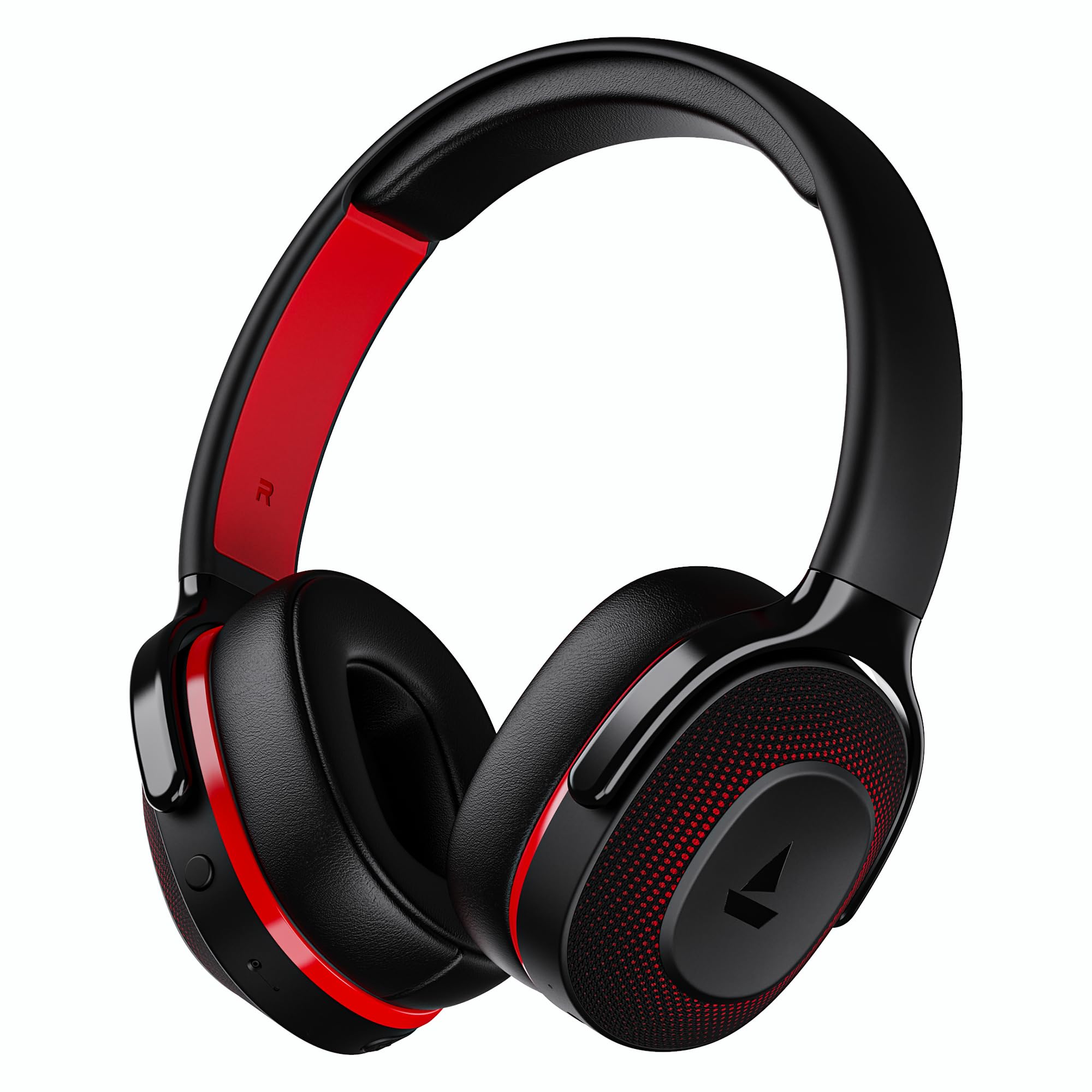
Image: boAt Rockerz 413 Bluetooth Headphones in Black & Red.
2. מה בקופסה
Upon opening your boAt Rockerz 413 package, you should find the following items:
- אוזניות boAt Rockerz 413
- כבל טעינה
3. המוצר נגמרview ובקרות
הכירו את הרכיבים הפיזיים והפקדים של האוזניות שלכם.

תמונה: תקריב view of the right ear cup, highlighting the easy access control buttons for power, volume, and mode selection. The headphones feature an adaptive fit design and support dual pairing with Bluetooth v5.2.
לחצני שליטה:
- לחצן הפעלה: לחץ לחיצה ממושכת להפעלה/כיבוי. לחיצה קצרה להפעלה/השהיה.
- הגברת עוצמת הקול (+): לחיצה קצרה להגברת עוצמת הקול. לחיצה ארוכה לרצועה הבאה.
- להנמיך קול (-): לחיצה קצרה להנמכת עוצמת הקול. לחיצה ארוכה להשמעת הרצועה הקודמת.
- כפתור רב תכליתי: (Specific function may vary, often for call management or voice assistant).
- לחצן מצב: Activates BEAST Mode for low latency gaming.
4. התקנה
4.1 הפעלה/כיבוי
- כדי להפעיל: לחץ והחזק את לחצן ההפעלה למשך כ-3 שניות עד שנורית ה-LED תידלק.
- כדי לכבות: לחץ והחזק את לחצן ההפעלה למשך כ-5 שניות עד שנורית ה-LED יכבה.
4.2 זיווג בלוטות '
- ודא שהאוזניות טעונות במלואן לפני השימוש הראשון.
- Power on the headphones. They will automatically enter pairing mode, indicated by a flashing LED light (e.g., blue and red alternating).
- במכשיר שלך (סמארטפון, טאבלט, מחשב נייד), הפעל את Bluetooth.
- חפש available Bluetooth devices and select "boAt Rockerz 413" from the list.
- Once connected, the LED indicator will show a steady blue light or flash slowly.
4.3 זיווג כפול
The Rockerz 413 supports dual pairing, allowing you to connect to two devices simultaneously (e.g., a smartphone and a laptop). This enables seamless switching between audio sources without manual disconnection.
- Connect the headphones to the first device as described in section 4.2.
- השבת את ה-Bluetooth במכשיר הראשון. האוזניות ייכנסו מחדש למצב צימוד.
- חבר את האוזניות למכשיר השני.
- הפעל מחדש את Bluetooth במכשיר הראשון. האוזניות יתחברו אוטומטית לשני המכשירים.
- האודיו יתנגן מהמכשיר שמנגן תוכן באופן פעיל.
Image: The boAt Rockerz 413 headphones demonstrating their adaptive fit and the capability for dual pairing with Bluetooth v5.2.
5. הוראות הפעלה
5.1 השמעת אודיו
- הפעל/השהה: לחיצה קצרה על לחצן ההפעלה.
- הרצועה הבאה: לחץ לחיצה ארוכה על כפתור הגברת עוצמת הקול (+).
- רצועה קודמת: לחץ לחיצה ארוכה על כפתור הנמכת עוצמת הקול (-).
- בקרת עוצמת הקול: לחיצה קצרה על לחצני הגברת עוצמת הקול (+) או הנמכת עוצמת הקול (-).
5.2 Call Management (ENx Technology)
The boAt Rockerz 413 features ENx Technology, which enhances your voice and cancels surrounding noise for clear call quality.
- מענה/סיום שיחה: לחץ לחיצה קצרה על הלחצן הרב-פונקציונלי.
- דחה שיחה: לחץ לחיצה ארוכה על כפתור הרב-תכליתי.
- עוזר קולי: Double press the Multi-function Button (if supported by your device).

Image: The boAt Rockerz 413 headphones showcasing ENx Technology for enhanced call clarity.
5.3 BEAST Mode (Low Latency Gaming)
Activate BEAST Mode for a low-latency audio experience, ideal for gaming. This mode reduces audio delay to 60ms, providing synchronized sound with your gameplay.
- Activate BEAST Mode: Press the dedicated Mode Button. You may hear an audio prompt confirming activation.
- Deactivate BEAST Mode: Press the Mode Button again.

Image: boAt Rockerz 413 headphones shown alongside a smartphone displaying a game, emphasizing the 60ms low latency BEAST Mode for an immersive gaming experience.
5.4 boAt Signature Sound with 40mm Drivers
Experience rich and balanced audio with the boAt Signature Sound, delivered through powerful 40mm dynamic drivers. These drivers are engineered to provide clear highs, detailed mids, and deep bass for an enjoyable listening experience across various genres.

Image: An exploded diagram of the boAt Rockerz 413 ear cup, illustrating the internal 40mm drivers and components responsible for delivering boAt Signature Sound.
6. טעינה
Your boAt Rockerz 413 headphones offer an impressive 60 hours of playback on a single charge.
- חברו את כבל הטעינה המצורף לשקע הטעינה באוזניות.
- חבר את הקצה השני של הכבל למקור חשמל USB (למשל, מתאם קיר, יציאת USB של מחשב).
- נורית ה-LED תציג אור אדום במהלך הטעינה.
- Once fully charged, the LED indicator will turn blue or off, depending on the model.
- הימנעו משימוש במטענים מהירים או מטענים עם מתחtage exceeding 5V to prevent damage.

Image: Close-up of the boAt Rockerz 413 headphone ear cup, highlighting its 60 hours of playback capability.
7. תחזוקה
כדי להבטיח את אורך החיים והביצועים האופטימליים של האוזניות שלכם, יש לפעול לפי הנחיות התחזוקה הבאות:
- Keep the headphones dry. Do not expose them to water or excessive moisture.
- נקו את כריות האוזניים ואת רצועת הראש באופן קבוע בעזרת מטלית רכה ויבשה.
- הימנע מטמפרטורות קיצוניות.
- אחסן את האוזניות במקום קריר ויבש כאשר אינן בשימוש.
- אל תנסו לפרק או לשנות את האוזניות, שכן פעולה זו תגרום לביטול האחריות.
8. פתרון תקלות
| בְּעָיָה | פתרון אפשרי |
|---|---|
| אוזניות לא נדלקות | ודא שהאוזניות טעונות. חבר למקור חשמל ונסה שוב. |
| לא ניתן להתאים למכשיר |
|
| אין קול או עוצמת קול נמוכה |
|
| Call quality issues (ENx Tech) |
|
| Latency in gaming (BEAST Mode) |
|
9. מפרטים
| תכונה | פְּרָט |
|---|---|
| מותג | סִירָה |
| שם הדגם | רוקרז |
| מספר דגם | PB0019 |
| מיקום אוזניים | מעל אוזן |
| גורם צורה | מעל אוזן |
| בקרת רעש | ביטול רעשים אקטיבי |
| גרסת בלוטות' | 5.2 |
| טכנולוגיה אלחוטית | בלוטות' |
| סוג מנהל התקן שמע | מנהל התקן דינמי |
| גודל דרייבר | 40 מ"מ |
| חיי סוללה (ממוצע) | 60 שעות |
| שיטת בקרה | כפתור לחיצה |
| תכונות המוצר | ENx Technology, BEAST Mode, Dual Pairing |
| מכשירים תואמים | Tablets, Desktops, Telephones, Cellphones, Laptops, Smart Speaker, Television |
| שימושים ספציפיים | Gaming, Music, Travel |
| חוֹמֶר | בַּד |
| משקל פריט | 300 גרם |
| ארץ מוצא | סִין |
10. אחריות
The boAt Rockerz 413 headphones come with a אחריות לשנה from the date of purchase. Please retain your proof of purchase for warranty claims. The warranty covers manufacturing defects but does not cover damage caused by misuse, accidents, unauthorized modifications, or normal wear and tear.
For detailed warranty terms and conditions, please refer to the official boAt webאתר או צור קשר עם תמיכת הלקוחות.
11. תמיכה
For further assistance, technical support, or warranty claims, please contact boAt customer service:
- איש קשר ליצרן: אימג'ין מרקטינג בע"מ
- אֶלֶקטרוֹנִי: info@imaginemarketingindia.com
boAt Hearables App
Enhance your experience by downloading the boAt Hearables App. Scan the QR code below or visit the provided link to access additional features, stream music, listen to audiobooks, and find user help guides.
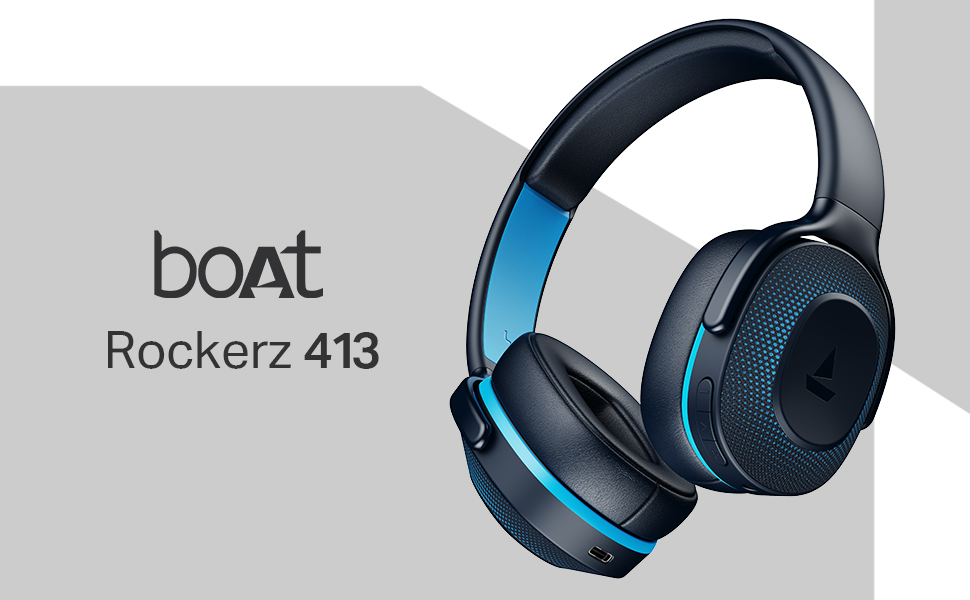
Image: A smartphone screen displaying a QR code for the boAt Hearables App, which allows users to stream music, listen to audiobooks, and access user guides.
הורד את האפליקציה כאן: boAt Hearables App Link