
מָבוֹא
This manual provides essential information for setting up, operating, maintaining, and troubleshooting your Acer Aspire 14 AI Copilot+ PC. This high-performance laptop features an Intel Core Ultra 7 Processor, 32GB LPDDR5X RAM, a 1TB PCIe Gen 4 SSD, and a 14-inch WUXGA Touchscreen Display, designed for enhanced productivity and AI-powered experiences.
מדריך התקנה
1. פריקה ובדיקה ראשונית
Carefully remove your Acer Aspire 14 PC and its accessories from the packaging. Ensure all components, including the AC Adapter, are present and undamaged.

Figure 1: Acer Aspire 14 AI Copilot+ PC, open and ready for setup.
2. חיבור ספק הכוח
Connect the AC Adapter to the power port on your laptop and then plug it into a power outlet. It is recommended to fully charge the battery before initial use.
3. הפעלה ראשונית והגדרת Windows
Press the power button to turn on your PC. Follow the on-screen instructions to complete the Windows 11 Home setup, including language selection, network connection, and user account creation.
4. חיבור ציוד היקפי
Your PC supports various compatible devices. Use the available ports to connect external displays via HDMI, mice, keyboards, storage devices, printers, or wireless headphones. For wireless connectivity, utilize Wi-Fi 6E and Bluetooth 5.3.

איור 2: צד view illustrating available ports for peripheral connections.
הוראות הפעלה
פעולה בסיסית
- הפעלה/כיבוי: Press the power button located on the keyboard deck to turn the device on or off.
- מסך מגע: The 14-inch WUXGA (1920 x 1200) display is multi-touch enabled. Interact directly with the screen using your fingers for navigation and input.
- משטח מגע: Use the integrated touchpad for cursor control and gesture-based navigation.
- מקלדת עם תאורה אחורית: The keyboard features backlighting for comfortable typing in various lighting conditions.

איור 3: מלמעלה למטה view של המקלדת ומשטח המגע עם התאורה האחורית.
AI Copilot+ Features
Leverage the integrated AI Copilot+ capabilities for enhanced productivity and creative tasks. The Intel Core Ultra 7 Processor with its Neural Processing Unit (NPU) and Intel Arc 140V GPU accelerates AI workloads, providing faster performance for AI-driven applications.
תצוגה וגרפיקה
The 14-inch WUXGA (1920 x 1200) IPS LED-Backlit display offers vibrant visuals with 300-Nits brightness and a 120Hz refresh rate. The integrated Intel Arc 140V GPU handles graphics processing efficiently for both work and entertainment.
Webשימוש במצלמות
The integrated FHD Webcam (1920 x 1080) with Blue Glass supports 1080p FHD video, ideal for video conferencing and online communication.
קישוריות
The device supports Wi-Fi 6E (2.4GHz, 5GHz, and 6GHz bands with 2x2 MU-MIMO Technology) and Bluetooth 5.3 for robust wireless connections.
תַחזוּקָה
Cleaning Your PC
השתמשו במטלית רכה ונטולת סיבים לניקוי המסך והמשטחים החיצוניים. עבור כתמים עקשניים, שטפו קלותampשטפו את המטלית במים או בחומר ניקוי המתאים למסכים. הימנעו מכימיקלים חזקים או מחומרים שוחקים.
עדכוני תוכנה
Regularly check for and install operating system and driver updates to ensure optimal performance and security. Windows 11 Home will prompt you for necessary updates.
טיפול בסוללה
To prolong battery life, avoid extreme temperatures and allow the battery to discharge partially before recharging. For long-term storage, charge the battery to about 50%.
ניהול אחסון
The 1TB PCIe Gen 4 Solid State Drive provides ample storage. Regularly back up important data and manage fileכדי לשמור על ביצועי המערכת.
פתרון בעיות
בעיות נפוצות ופתרונות
- המחשב לא נדלק: ודא שמתאם ה-AC מחובר היטב ושקע החשמל פועל. נסה שקע אחר.
- בעיות תצוגה: If the screen is blank or flickering, try restarting the PC. Check external display connections if applicable.
- אין חיבור Wi-Fi: Verify that Wi-Fi is enabled in Windows settings. Restart your router and PC.
- ביצועים איטיים: Close unnecessary applications. Check for background processes and ensure sufficient free storage space.
לבעיות מורכבות יותר, עיינו בתמיכה של Acer webאתר או צור קשר עם שירות הלקוחות.
מפרט מוצר
| תכונה | מִפרָט |
|---|---|
| מותג | Acer |
| שם הדגם | שאיפה 14 |
| מספר דגם | A14-52mt-701k |
| מעבד | Intel Core Ultra 7 Processor 258V (up to 4.8 GHz) |
| אַיִל | 32 GB LPDDR5X |
| אִחסוּן | כונן SSD PCIe דור 4 בנפח 1 טרה-בייט |
| לְהַצִיג | 14" WUXGA (1920 x 1200) Multi-Touch IPS LED-Backlit, 300 Nits, 120Hz Refresh Rate |
| גרָפִיקָה | Intel Arc 140V GPU (Integrated) |
| מַעֲרֶכֶת הַפעָלָה | Windows 11 Home |
| קישוריות | Wi-Fi 6E, בלוטות' 5.3 |
| נמלים | 3x USB Ports, 1x Thunderbolt Port, HDMI |
| Webפִּקָה | Integrated FHD (1920 x 1080) with Blue Glass |
| תכונות מיוחדות | AI Copilot+, Enhanced Webמצלמת רשת, מקלדת עם תאורה אחורית |
| Dimensions (L x W x Thickness) | אורך 13 ס"מ, רוחב 1 ס"מ, עומק 9 ס"מ |
| משקל פריט | 1.8 קילוגרם |
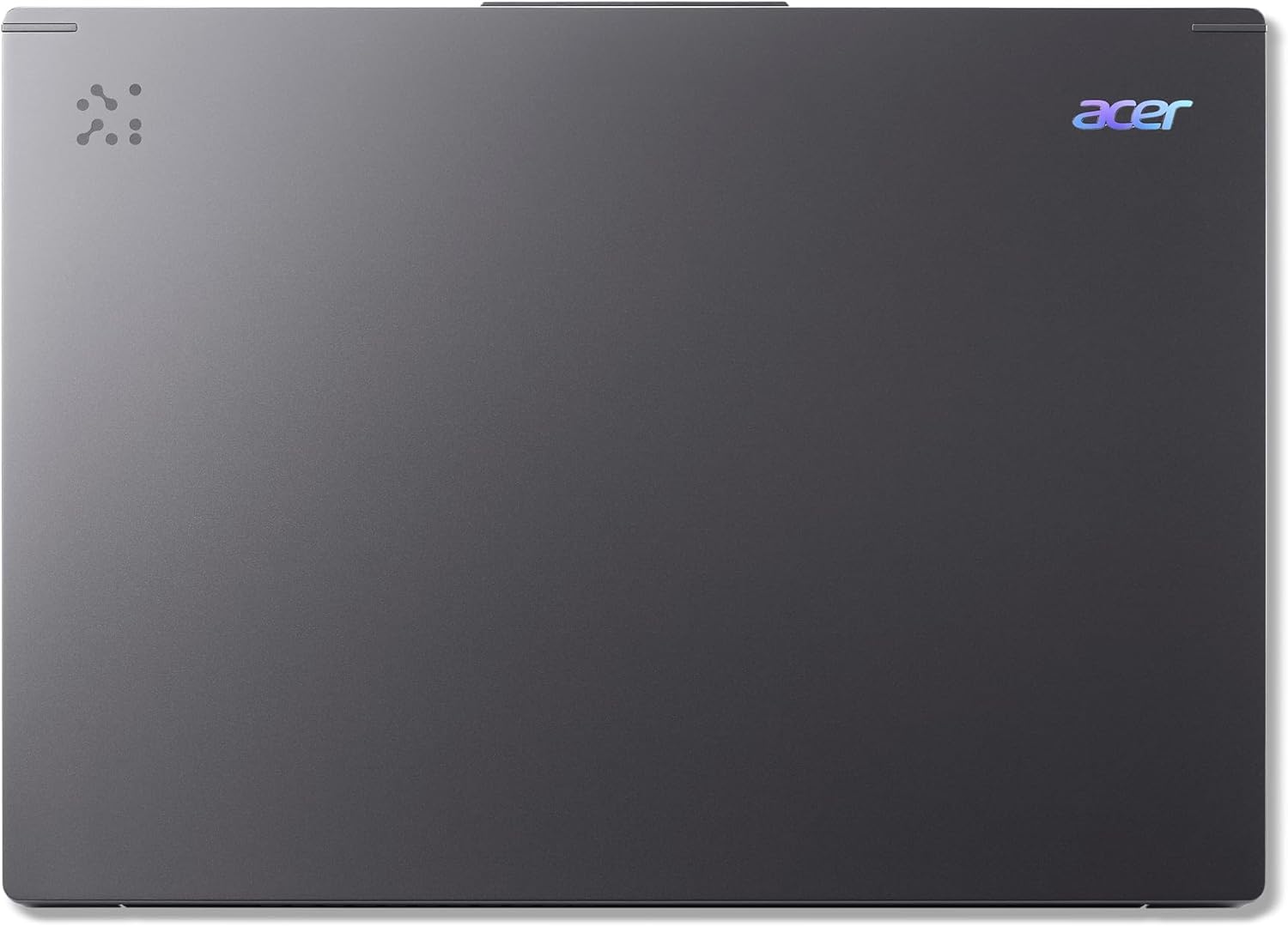
Figure 4: The Acer Aspire 14 AI Copilot+ PC in a closed state.
מידע על אחריות
Your Acer Aspire 14 AI Copilot+ PC comes with a אחריות יצרן לשנה. Please retain your proof of purchase for warranty claims. For detailed terms and conditions, refer to the warranty card included with your product or visit the official Acer webאֲתַר.
תמיכת לקוחות
For further assistance, technical support, or service inquiries, please visit the official Acer support website or contact their customer service hotline. You can find contact information and resources on the Acer webאֲתַר: www.acer.com/support.