
KOORUI S2721XO 27-Inch QD-OLED Gaming Monitor User Manual
דגם: S2721XO
1. הקדמה
This manual provides instructions for the setup, operation, maintenance, and troubleshooting of your KOORUI S2721XO 27-inch QD-OLED Gaming Monitor. Please read this manual thoroughly before using the product to ensure proper function and safety.
The KOORUI S2721XO monitor features a 27-inch QD-OLED panel with QHD (2560x1440) resolution, a 240Hz refresh rate, and a 0.03ms (GtG) response time. It supports HDR True Black 400 and AdaptiveSync technology for a smooth visual experience. Connectivity options include HDMI 2.1 and DisplayPort 1.4.
2. מידע בטיחות
- ודא שהמסך ממוקם על משטח יציב ושטוח כדי למנוע נפילות מקריות.
- אין לחשוף את הצג לגשם או לחות כדי למנוע התחשמלות.
- שמור על פתחי אוורור נקיים כדי למנוע התחממות יתר.
- השתמש רק במתאם החשמל המצורף לצג.
- הימנע מלגעת במסך עם חפצים חדים.
- נתק את כבל החשמל מהשקע לפני ניקוי או אם הצג לא יהיה בשימוש למשך תקופה ממושכת.
3. התקנה
3.1 תכולת החבילה
ודא שכל הרכיבים נמצאים בחבילה:
- KOORUI S2721XO Monitor
- מעמד למוניטור (בסיס וצוואר)
- כבל חשמל
- DisplayPort Cable (1.8m)
- מדריך למשתמש (מסמך זה)
3.2 הרכבת המעמד
- חבר את צוואר המעמד לפאנל הצג. ודא שהוא נצמד היטב למקומו.
- חברו את בסיס המעמד לצוואר המעמד. הדקו את הברגים לפי הצורך.
Alternatively, the monitor supports VESA 100x100mm mounting for compatible wall mounts or monitor arms.
איור 3.2.1: אחורי view of the monitor with VESA mount and stand attachment.

איור 3.2.2: אחורי view של הצג כאשר המעמד מורכב.
3.3 התחברות למכשיר
The monitor provides multiple input options:
- HDMI 2.1: Connect to a PC or gaming console using an HDMI 2.1 cable. The monitor has two HDMI 2.1 ports.
- DisplayPort 1.4: Connect to a PC using a DisplayPort 1.4 cable. A DisplayPort cable is included.
- פלט שמע: חבר רמקולים חיצוניים או אוזניות לשקע שמע 3.5 מ"מ.

Figure 3.3.1: Monitor input ports.
After connecting the video cable, connect the power cable to the monitor and then to a power outlet.
4. תפעול
4.1 הפעלה/כיבוי
Press the power button (usually located on the back or bottom of the monitor) to turn the monitor on or off. The power indicator light will illuminate when the monitor is on.
4.2 תפריט תצוגה על המסך (OSD).
The monitor features a joystick controller for navigating the OSD menu. This allows for easy adjustment of various settings.
- לחץ על הג'ויסטיק: פותח את תפריט ה-OSD.
- הזזת הג'ויסטיק למעלה/למטה: ניווט בין אפשרויות התפריט.
- הזזת ג'ויסטיק שמאלה/ימינה: מתאים ערכים או נכנס לתפריטי משנה.
- לחץ שוב: מאשר בחירה או יוצא מתפריט משנה.
4.3 הגדרות תצוגה
Adjust the following settings via the OSD menu for optimal performance:
- הַחְלָטָה: Set to 2560x1440 (QHD) for the native display resolution.
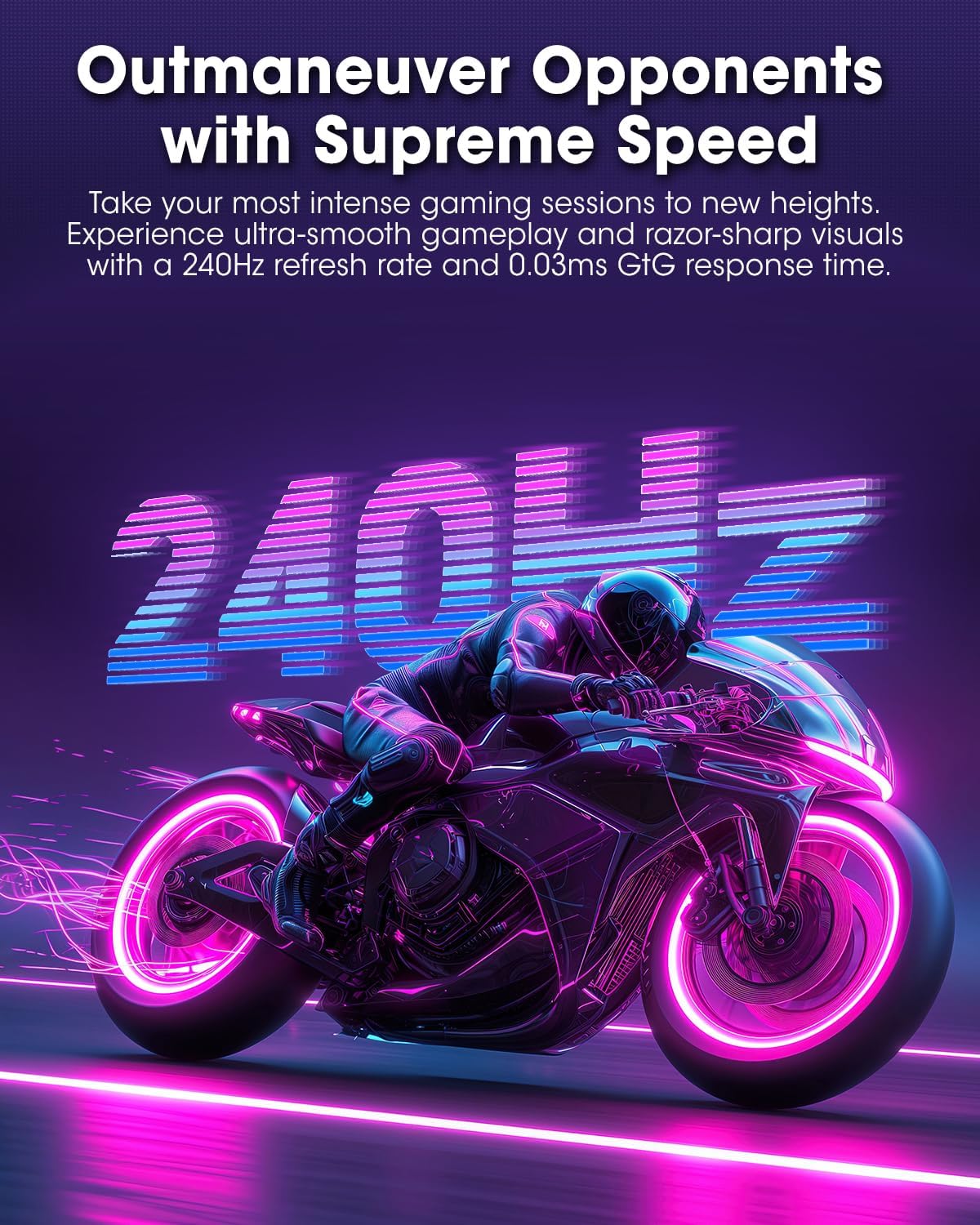
- קצב רענון: Select 240Hz for the smoothest motion.
- AdaptiveSync: Enable AdaptiveSync (FreeSync compatible) to eliminate screen tearing and stuttering during gaming.
- HDR שחור אמיתי 400: Activate HDR for enhanced contrast and color depth in compatible content.
- סולם צבעים: Adjust color settings, including DCI-P3 99% and sRGB 100% modes, for accurate color reproduction.
- ניגוד בהירות: Fine-tune display brightness (average 280 nits) and contrast levels.
- רענון שמירת תמונה: This feature helps prevent burn-in on the OLED panel. It is recommended to keep this enabled.
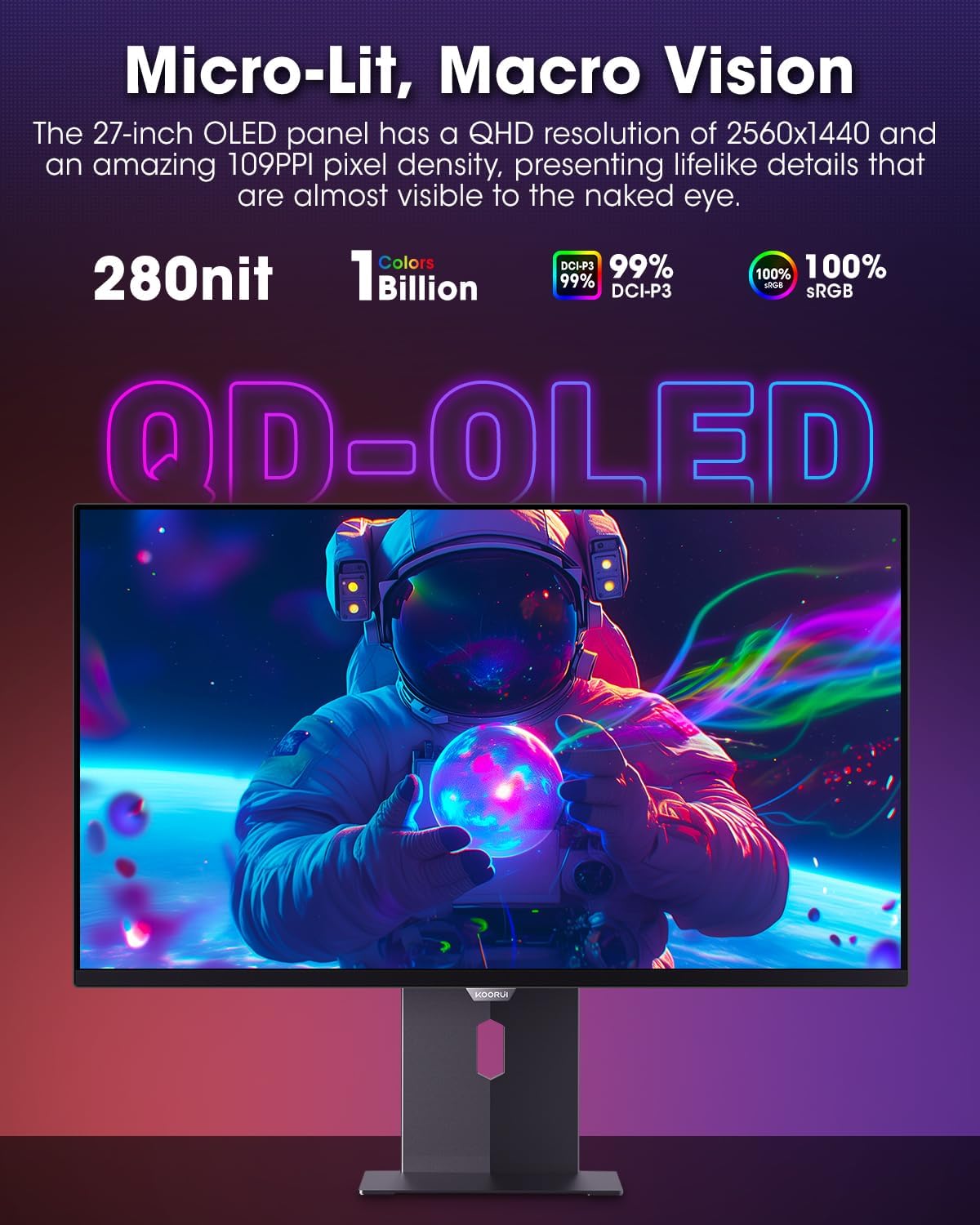
Figure 4.3.1: The QD-OLED panel delivers vivid colors and deep blacks.

Figure 4.3.2: High refresh rate and low response time for smooth gaming.
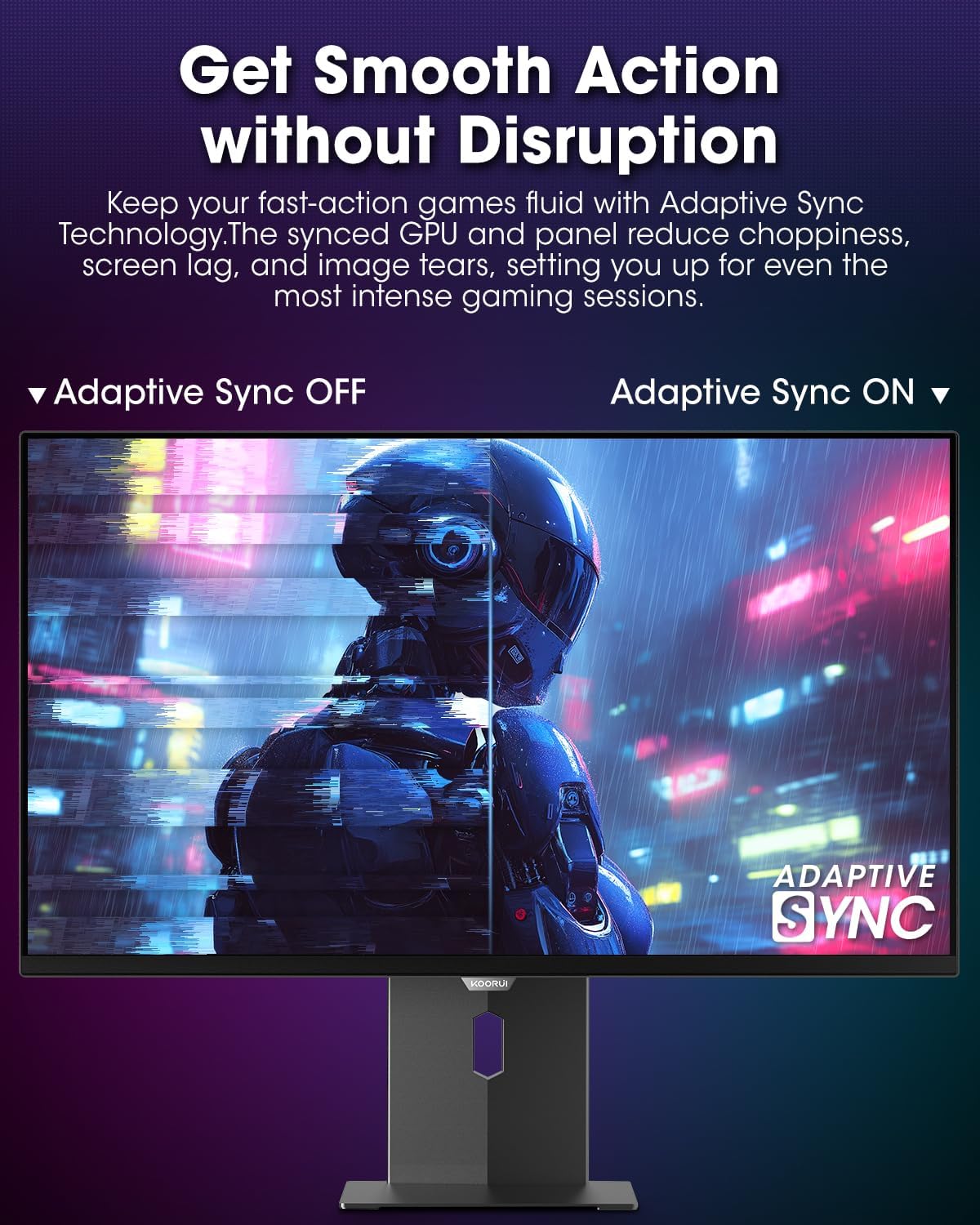
Figure 4.3.3: AdaptiveSync technology prevents screen tearing.
4.4 התאמות ארגונומיות
מעמד הצג מאפשר מגוון אפשרויות כוונון לשיפור viewנוחות:
- התאמת גובה: הרם או הנמך את הצג לגובה העיניים.
- הטיה: כוונן את זווית המסך קדימה או אחורה.
- לְהִסְתוֹבֵב: סובב את הצג אופקית.
- צִיר: Rotate the monitor vertically (portrait mode).

איור 4.4.1: כוונון זווית הצג.

איור 4.4.2: כוונון סיבוב הצג למצב אנכי.
5. תחזוקה
- ניקוי המסך: השתמש קלות במטלית רכה נטולת מוך דampשטפו במים או בחומר ניקוי למסכים. אין לרסס את חומר הניקוי ישירות על המסך.
- ניקוי ה-Casing: נגב את הצג גasing with a soft, dry cloth. Avoid abrasive cleaners.
- אוורור: Ensure the monitor's ventilation holes are not blocked to prevent overheating.
- כיבוי: תמיד כבו ונתקו את הצג מהחשמל לפני ניקוי.
6. פתרון תקלות
| בְּעָיָה | סיבה אפשרית | פִּתָרוֹן |
|---|---|---|
| אין תמונה על המסך | כבל חשמל מנותק; כבל וידאו מנותק; נבחר מקור קלט שגוי. | בדוק את חיבורי כבל החשמל והווידאו; בחר את מקור הקלט הנכון דרך תפריט המסך. |
| הבהוב או קריעה של התמונה | AdaptiveSync not enabled; Graphics card driver issues. | Enable AdaptiveSync in OSD menu; Update graphics card drivers. |
| צבעים נראים שגויים | הגדרות צבע שגויות; כבל וידאו פגום. | Reset color settings in OSD menu; Try a different video cable. |
| המסך לא נדלק | כבל חשמל לא מחובר; שקע החשמל לא עובד. | Ensure power cable is securely connected; Test power outlet with another device. |
7. מפרטים
| תכונה | פְּרָט |
|---|---|
| מותג | KOORUI |
| מספר דגם | S2721XO |
| גודל מסך | 27 אינץ' |
| סוג תצוגה | QD-OLED |
| הַחְלָטָה | רזולוציית QHD רחבה 1440p (2560 x 1440 פיקסלים) |
| קצב רענון | 240 הרץ |
| זמן תגובה | 0.03 Milliseconds (GtG) |
| יחס ניגודיות | 20,000,000:1 |
| בְּהִירוּת | 350 candela_per_square_meter (average 280 nits) |
| סולם צבעים | 99% DCI-P3 |
| תמיכה ב-HDR | HDR שחור אמיתי 400 |
| סנכרון אדפטיבי | תואם FreeSync |
| קישוריות | 2x HDMI 2.1, 1x DisplayPort 1.4, 1x יציאת שמע |
| ארגונומיה | Tilt, Height, Swivel, Pivot Adjustment |
| הרכבה VESA | 100x100 מ"מ |
| מידות המוצר | 21.58 x 61 x 51.2 ס"מ; 8.96 ק"ג |

איור 7.1: מידות הצג.
8. אחריות ותמיכה
8.1 מידע אחריות
The KOORUI S2721XO monitor comes with a אחריות מוגבלת לשנה. Please retain your proof of purchase for warranty claims. For detailed warranty terms and conditions, refer to the official KOORUI webאתר או צור קשר עם תמיכת הלקוחות.
8.2 תמיכת לקוחות
For technical assistance, troubleshooting, or warranty inquiries, please contact KOORUI customer support. Refer to the contact information provided on the official KOORUI webהאתר או מסמכי הרכישה שלך.
You can also find additional support resources and FAQs on the KOORUI brand store on Amazon: חנות אמזון של קורוי
9. סרטוני מוצר
KOORUI 4K OLED Gaming Monitor 240Hz (Seller Video)
הסרטון הזה מספק מעלהview of the KOORUI OLED Gaming Monitor, highlighting its key features such as high refresh rate and OLED display technology. While the title mentions "4K", the video content is generally applicable to high-performance OLED gaming monitors from KOORUI, including the S2721XO model's features like 240Hz refresh rate and fast response time.