
1. הקדמה
This manual provides essential information for setting up, operating, and maintaining your TCL 98Q7K 98-inch QLED 4K Google TV. This television features a stunning QLED 4K display with a 144 Hz panel for smooth motion, integrated Google TV for smart functionality, and advanced audio with Dolby Atmos. It also includes Google Assistant and Alexa compatibility for hands-free voice control, VisionHDR10+, and AiPQ™ processing for optimized picture quality.

2. התקנה
2.1 פתיחת הקופסה ובדיקה ראשונית
Carefully remove the television from its packaging. Inspect the TV and all included accessories for any signs of damage. Keep the packaging materials for future transport or service needs.
2.2 התקנת מעמד
If you plan to use the TV with its included stand, follow these steps:
- הנח את הטלוויזיה כשמסך הטלוויזיה כלפי מטה על משטח רך ושטוח כדי למנוע שריטות.
- יישרו את רכיבי המעמד עם החריצים המיועדים לכך בתחתית הטלוויזיה.
- Secure the stand using the screws provided in the accessory kit. Ensure all screws are tightened firmly.

2.3 התקנה על הקיר (אופציונלי)
For wall mounting, a compatible VESA wall mount (not included) is required. Due to the size and weight of the 98-inch television, professional installation is highly recommended to ensure safety and proper mounting. Refer to the wall mount manufacturer's instructions for specific installation details.
2.4 חיבור ציוד היקפי
Connect your external devices such as Blu-ray players, gaming consoles, sound systems, and cable/satellite boxes to the appropriate ports on the TV. The TCL 98Q7K features 4 HDMI ports and 2 USB ports for versatile connectivity.
3. הוראות הפעלה
3.1 הפעלה/כיבוי
Connect the power cord to the TV and a power outlet. Press the power button on the remote control or on the TV itself to turn the television on or off.
3.2 Initial Setup with Google TV
Upon first power-on, the TV will guide you through the initial setup process for Google TV. This includes selecting your language, connecting to a Wi-Fi network, signing in with your Google account, and configuring basic settings. Follow the on-screen prompts.

3.3 פונקציות שלט רחוק
The included remote control allows you to navigate the TV's interface, adjust volume, change channels, and access smart features. It supports voice control via Google Assistant and Alexa. Insert the provided batteries into the remote control before use.
3.4 תכונות חכמות ובקרת קול
- גוגל טיוי: Access a wide range of streaming apps, movies, and shows.
- גוגל אסיסטנט ואלכסה: Use voice commands for hands-free control of your TV, search for content, get information, and control smart home devices.
- Chromecast Built-in: העבירו תוכן מהמכשירים הניידים התואמים שלכם ישירות לטלוויזיה.
3.5 תכונות משחקים
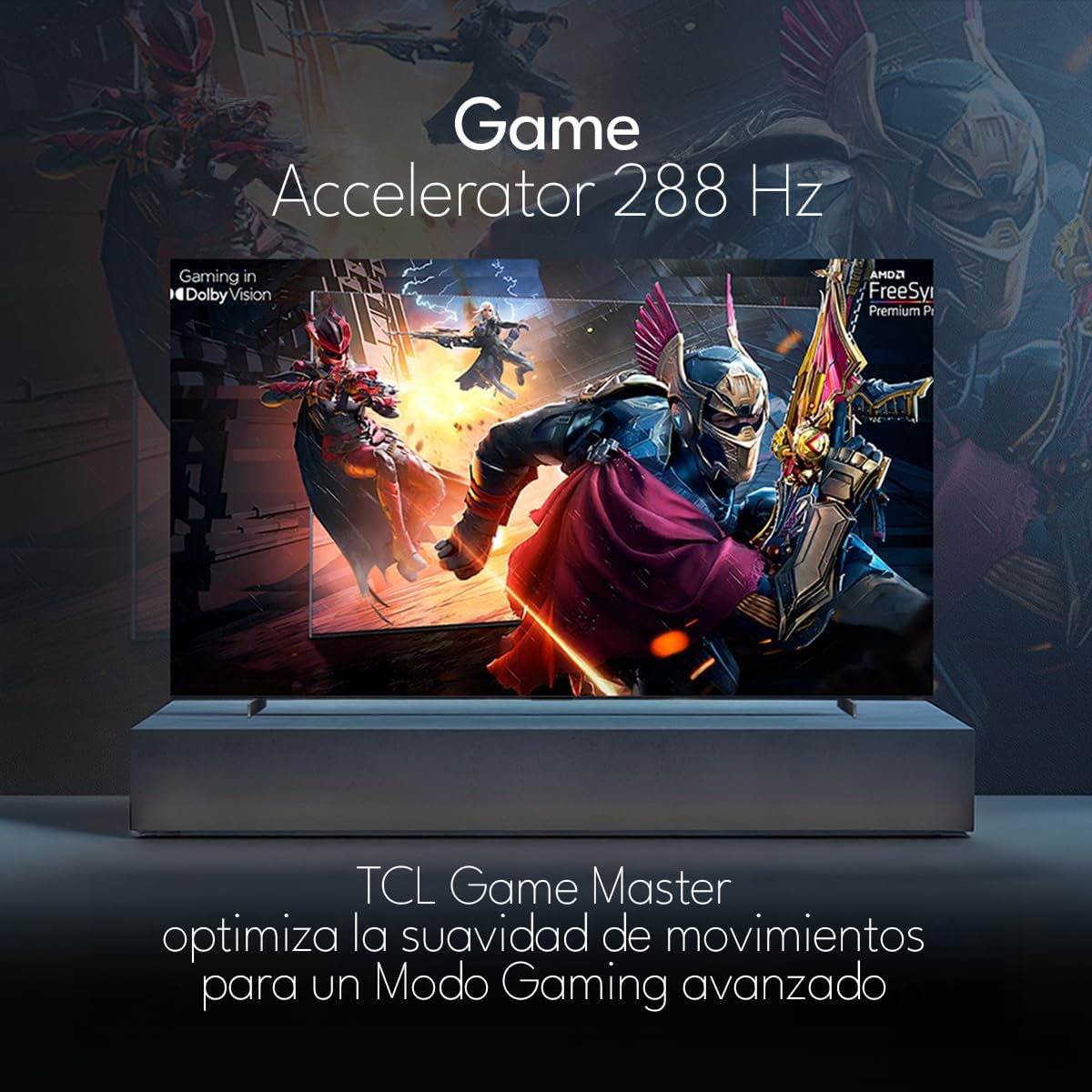
The TCL 98Q7K features a 144 Hz panel and Game Accelerator technology for an enhanced gaming experience with reduced latency and smoother motion.

3.6 תכונות אודיו
Experience immersive sound with Dolby Atmos and the integrated ONKYO Hi-Fi System 2.1 Channels, providing clear vocals and deep bass.

3.7 נגמר המוצרview וִידֵאוֹ
4. תחזוקה
4.1 ניקוי המסך
כדי לנקות את המסך, נגבו אותו בעדינות בעזרת מטלית רכה ונטולת סיבים. במקרה של סימנים עקשניים, נגבו קלותampשטפו את המטלית במים או בחומר ניקוי מיוחד למסכים. הימנעו משימוש בכימיקלים חזקים, חומרים שוחקים או ריסוס ישיר של נוזלים על המסך.
4.2 ניקוי גוף הטלוויזיה
Wipe the TV body with a soft, dry cloth. Do not use liquid cleaners directly on the TV body.
4.3 עדכוני תוכנה
Your TCL Google TV may receive automatic software updates. To manually check for updates, navigate to the settings menu, then select System > About > System update. Ensure your TV is connected to the internet for updates.
5. פתרון תקלות
אם נתקלת בבעיות עם הטלוויזיה שלך, עיין בפתרונות הנפוצים הבאים:
- אין כוח:
Ensure the power cord is securely plugged into both the TV and a working electrical outlet. Try plugging another device into the same outlet to confirm it has power. - אין תמונה או קול:
Verify that the correct input source is selected (e.g., HDMI 1, AV). Check all cable connections between the TV and external devices. Ensure the volume is not muted or set to minimum. - השלט הרחוק לא עובד:
החלף את הסוללות בשלט הרחוק. ודא שאין חסימות בין השלט לחיישן ה-IR של הטלוויזיה. - בעיות חיבור לרשת:
Check your Wi-Fi router and ensure it is powered on and functioning correctly. Restart the TV and your router. In the TV settings, verify the Wi-Fi connection status. - Picture Quality Issues (e.g., blurry, distorted):
Check the resolution settings of your input source. Ensure the cables are not damaged. Adjust picture settings (brightness, contrast, sharpness) in the TV menu.
For persistent issues, consult the full electronic manual available through the TV's help menu or contact TCL customer support.
6. מפרטים
| תכונה | מִפרָט |
|---|---|
| גודל מסך | 98 אינץ' |
| טכנולוגיית תצוגה | QLED |
| הַחְלָטָה | 4K (3840 x 2160) |
| קצב רענון | 144 הרץ |
| תמיכה בפורמט HDR | Dolby Vision, HDR10, HDR10+, HLG |
| בהירות שיא | 450 NITS |
| מערכת סאונד | Dolby Atmos, Dolby Digital, ONKYO Hi-Fi System 2.1 Channels |
| מַעֲרֶכֶת הַפעָלָה | Google TV |
| שליטה קולית | Google Assistant, Alexa |
| קישוריות | Wi-Fi, אתרנט, 4x HDMI, 2x USB |
| מידות (עם מעמד) | 217.8 x 128.5 x 42 ס"מ |
| מידות (ללא מעמד) | 0.06prof. x 2.18an. x 1.25alt. Meters (approx. 6 cm depth) |
| שנת דגם | 2025 |
| רכיבים כלולים | מדריך, שלט רחוק, סוללות |
7. אחריות ותמיכה
7.1 אחריות למוצר
The TCL 98Q7K television comes with a אחריות מוגבלת לשנה מתאריך הרכישה. אחריות זו מכסה פגמי ייצור ותקלות בשימוש רגיל. אנא שמור את הוכחת הרכישה שלך לצורך תביעות אחריות.
7.2 תמיכת לקוחות
For technical assistance, troubleshooting beyond this manual, or warranty inquiries, please contact TCL customer support. Refer to the contact information provided in the separate warranty card or visit the official TCL webאתר עבור האזור שלך.