
1. הקדמה
Thank you for choosing the Intelbras PFL7560 Full HD Wi-Fi Projector. This projector is designed to deliver a high-quality visual and audio experience for various applications, from home cinema to business presentations. It features Full HD resolution, 8000 lumens brightness, and integrated 12W stereo speakers. This manual provides essential information for safe and efficient operation of your projector.
2. מידע בטיחות
אנא קרא בעיון את כל הוראות הבטיחות לפני השימוש במקרן. שמור מדריך זה לעיון עתידי.
- ספק כוח: Use only the power adapter provided with the projector. Ensure the voltage תואם לספק הכוח המקומי שלך.
- אוורור: אין לחסום את פתחי האוורור. יש לוודא מרווח מספיק סביב המקרן לזרימת אוויר תקינה ולמנוע התחממות יתר.
- מיקום: הנח את המקרן על משטח יציב ומאוזן. הימנע מהצבתו באור שמש ישיר, בקרבת מקורות חום או בסביבות עם לחות גבוהה או אבק.
- הגנת עיניים: אל תסתכל ישירות לתוך עדשת המקרן כאשר ה-lamp דולק, מכיוון שהאור הבהיר עלול לגרום נזק לעיניים.
- ניקוי: נתקו את המקרן מהחשמל לפני הניקוי. השתמשו במטלית רכה ויבשה. אין להשתמש בחומרי ניקוי נוזליים או בתרסיס.
- שֵׁרוּת: אל תנסה לתקן את המקרן בעצמך. יש לפנות לכל טיפול בתיקונים ולשירותים המוסמכים.
3. תכולת החבילה
ודא שכל הפריטים נמצאים בחבילה:
- Intelbras PFL7560 Projector Unit
- שְׁלַט רָחוֹק
- כבל חשמל
- מדריך למשתמש
4. המוצר נגמרview
Familiarize yourself with the main components and ports of your Intelbras PFL7560 projector.
4.1. רכיבי המקרן

Image: Intelbras PFL7560 Projector with included remote control.
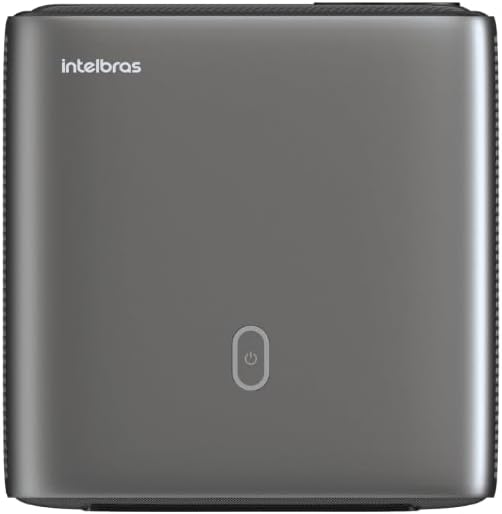
תמונה: למעלה view of the projector, highlighting the power button and sleek design.
4.2. יציאות וקישוריות
המקרן מציע אפשרויות קישוריות מרובות:
- HDMI: For connecting high-definition devices such as laptops, gaming consoles, or Blu-ray players.
- USB: לחיבור התקני אחסון USB להפעלת מדיה files ישירות.
- Wi-Fi (802.11 ac/b/g/n): For wireless connectivity and screen mirroring from compatible Android devices.
- יציאת קול: לחיבור מערכות שמע חיצוניות או אוזניות.
5. התקנה
5.1. מיקום
Choose a suitable location for your projector. The PFL7560 can project images from 60 to 150 inches, making it versatile for various room sizes. Ensure the projector is placed on a stable surface and is not obstructed.
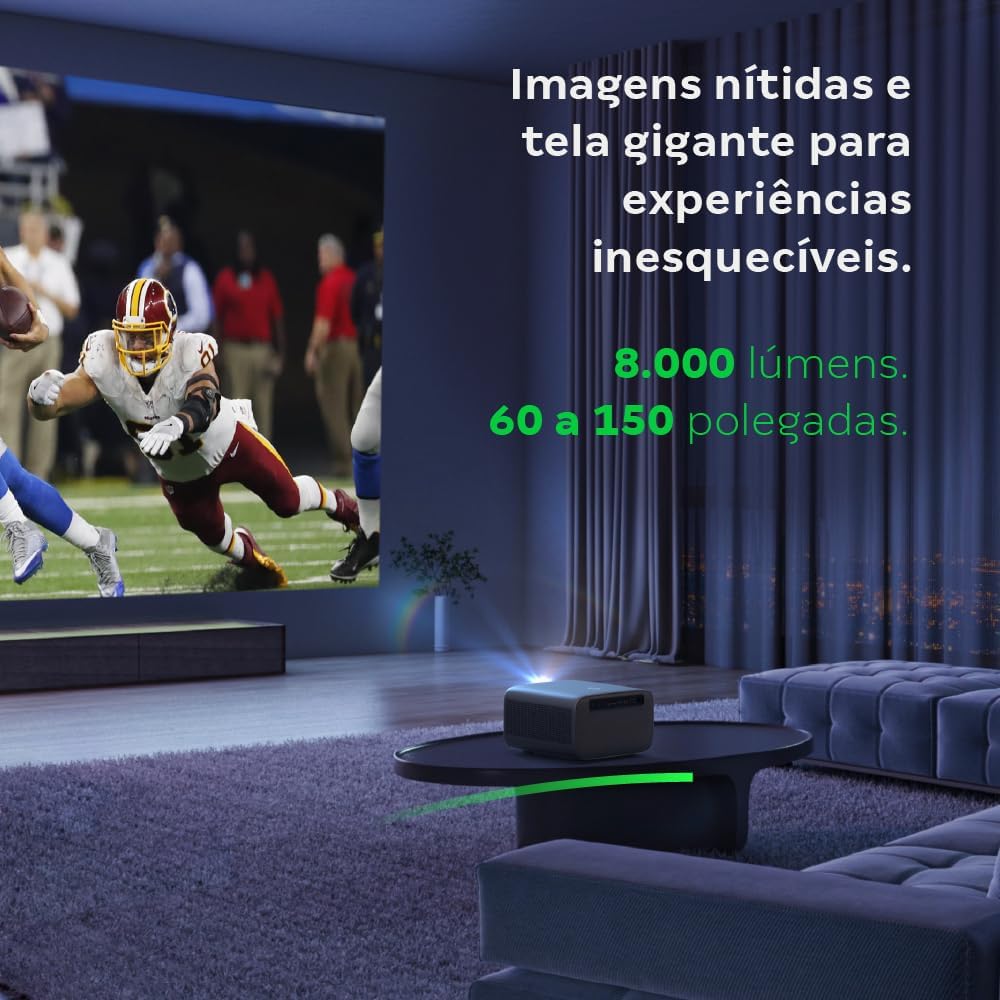
Image: The projector creating a large, clear image in a home environment, demonstrating its capability for immersive viewing.
5.2. חיבור חשמל
חבר את כבל החשמל לכניסת החשמל של המקרן ולאחר מכן לשקע חשמל.
5.3. הפעלה ראשונית
לחץ על לחצן ההפעלה במקרן או בשלט רחוק כדי להפעיל את המכשיר. המקרן יתחיל את רצף האתחול שלו.
5.4. תיקון מיקוד ותיקון טרפז
The PFL7560 features automatic focus and keystone correction for a perfectly aligned and sharp image without manual effort. If manual adjustment is needed, refer to the on-screen display (OSD) menu.
6. הוראות הפעלה
6.1. התקני חיבור
- HDMI: Connect your device using an HDMI cable to the HDMI port on the projector. Select the corresponding HDMI input from the projector's source menu.
- USB: Insert a USB drive into the USB port. The projector's media player will typically detect the drive automatically, allowing you to browse and play files.
- Wi-Fi / Screen Mirroring: For compatible Android devices, enable screen mirroring on your device and select the projector from the available devices. Ensure both devices are connected to the same Wi-Fi network.
6.2. פלט שמע
The projector is equipped with two integrated 12W speakers, providing clear and immersive audio. For external audio, connect speakers or headphones to the audio output port.

Image: Detail of the projector's integrated 12W speakers, designed for powerful and clear sound.
7. תחזוקה
7.1. ניקוי העדשה
השתמשו במטלית רכה ונטולת סיבים המיועדת במיוחד לעדשות אופטיות כדי לנגב בעדינות את עדשת המקרן. הימנעו משימוש בחומרים שוחקים או כימיקלים חזקים.
7.2. ניקוי גוף המקרן
Wipe the exterior of the projector with a soft, dry cloth. Do not use liquid or spray cleaners directly on the unit.
7.3. LED Light Source Longevity
The Intelbras PFL7560 uses an LED light source with a lifespan of up to 30,000 hours, ensuring long-term use and consistent performance without significant brightness degradation.
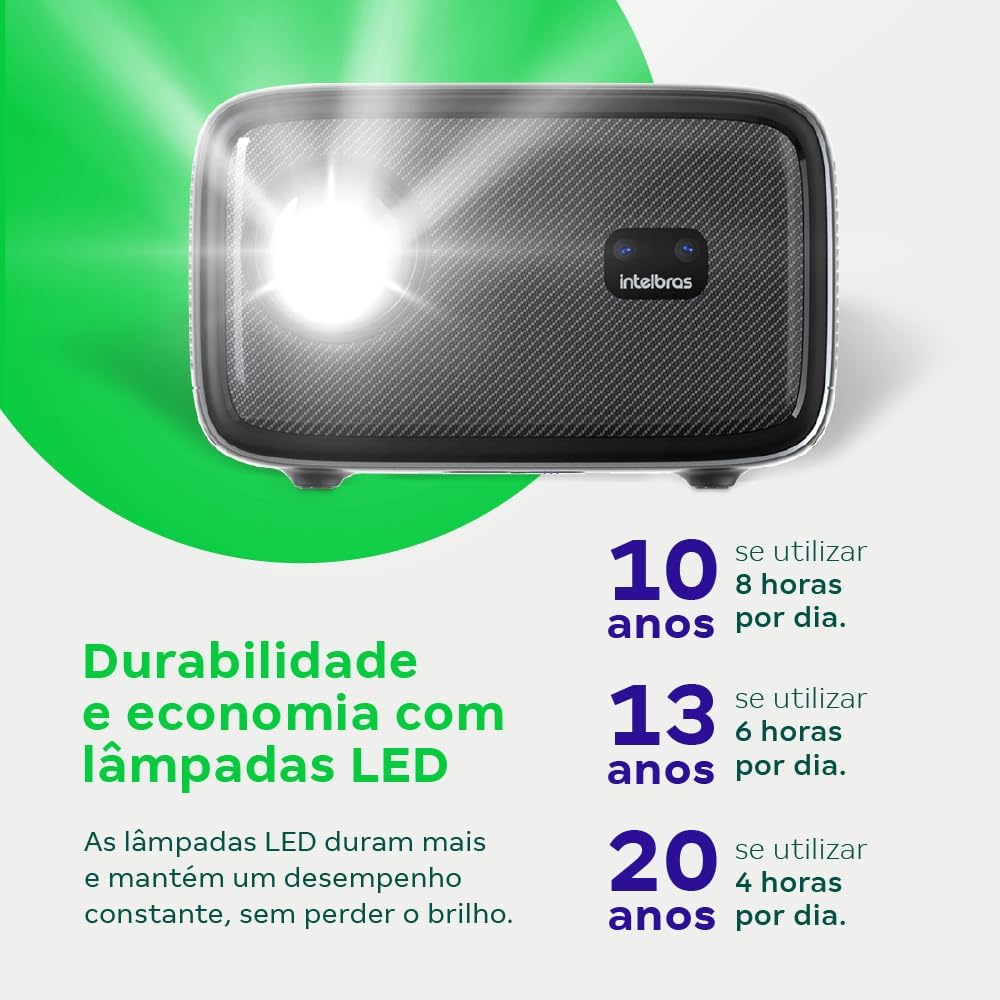
Image: An infographic illustrating the extended durability and economic benefits of the LED lamp, lasting up to 30,000 hours.
8. פתרון תקלות
אם נתקלת בבעיות עם המקרן שלך, עיין בבעיות הנפוצות ובפתרונות הבאים:
- אין תמונה: Ensure the power cable is securely connected and the projector is turned on. Check the input source selection to match your connected device.
- תמונה מטושטשת: Adjust the focus. If the image is distorted, check for automatic keystone correction or adjust it manually via the settings menu.
- אין צליל: Verify the volume level on both the projector and the connected device. Ensure external speakers are properly connected if used, or that the internal speakers are enabled.
- בעיות קישוריות: For Wi-Fi or screen mirroring, ensure both the projector and your device are on the same network. Restart both devices if necessary.
- התחממות יתר: Ensure the projector's ventilation openings are not blocked. Turn off the projector and allow it to cool down if it feels excessively hot.
9. מפרטים
| תכונה | מִפרָט |
|---|---|
| מותג | Intelbras |
| שם הדגם | PFL 7560 |
| טכנולוגיית קישוריות | Wi-Fi |
| תכונות מיוחדות | Wi-Fi מוכן |
| רזולוציית תצוגה | 1920 x 1080 (Full HD) |
| רזולוציה מקורית | 1920 x 1080 |
| רזולוציית תצוגה מקסימלית | 1920 x 1080 |
| סוג תצוגה | LCD |
| בְּהִירוּת | 8000 לומן |
| מכשירים תואמים | מחשב נייד, סמארטפון, טאבלט |
| חיי הפעלה של מקור אור | 30000 שעות |
| ממשק חומרה | 802.11 ac/b/g/n |
| קידוד וידאו | H.264, H.265 |
| שימושים מומלצים | קולנוע ביתי |
| שֶׁמַע | 2 x 12W Integrated Speakers |
10. אחריות ותמיכה
For warranty information, technical support, or service requests, please refer to the official Intelbras webאתר או צרו קשר ישירות עם שירות הלקוחות שלהם. שמרו את קבלת הרכישה כהוכחת קנייה לתביעות אחריות.