
מָבוֹא
Thank you for choosing the JBL Tune 520C wired on-ear headphones. This manual provides essential information for setting up, operating, and maintaining your headphones to ensure optimal performance and longevity.

תמונה: מעלview of JBL Tune 520C features including Pure Bass Sound, foldable design, tangle-free cable, and remote control.
מה יש בקופסה
- 1 x JBL Tune 520C USB-C אוזניות
- 1 x מסמך אחריות/אזהרה
תכונות מפתח
- סאונד JBL Pure Bass: Experience clear, powerful audio from 32mm dynamic drivers.
- Wide USB-C Compatibility: Connect to various devices including PCs, mobile phones, gaming devices, tablets, and laptops.
- שלט רחוק עם 3 כפתורים ומיקרופון: Manage calls, music playback, volume, and EQ presets directly from the cable.
- Comfort Fit and Foldable Design: Padded on-ear design for extended wear and a foldable structure for easy storage.
- כבל שטוח ללא סבכים: Durable, reinforced USB-C cable designed to prevent tangling.
- אודיו ברזולוציה גבוהה: Enjoy higher quality music at 24-bit/96kHz with the DSP chipset.
הגדרה
Follow these steps to set up your JBL Tune 520C headphones for first use.
חיבור האוזניות שלך
- Locate the USB-C connector on your JBL Tune 520C headphones.
- Insert the USB-C connector into the compatible USB-C port on your audio device (e.g., smartphone, laptop, tablet).
- Ensure the connection is secure. Your device should automatically recognize the headphones.
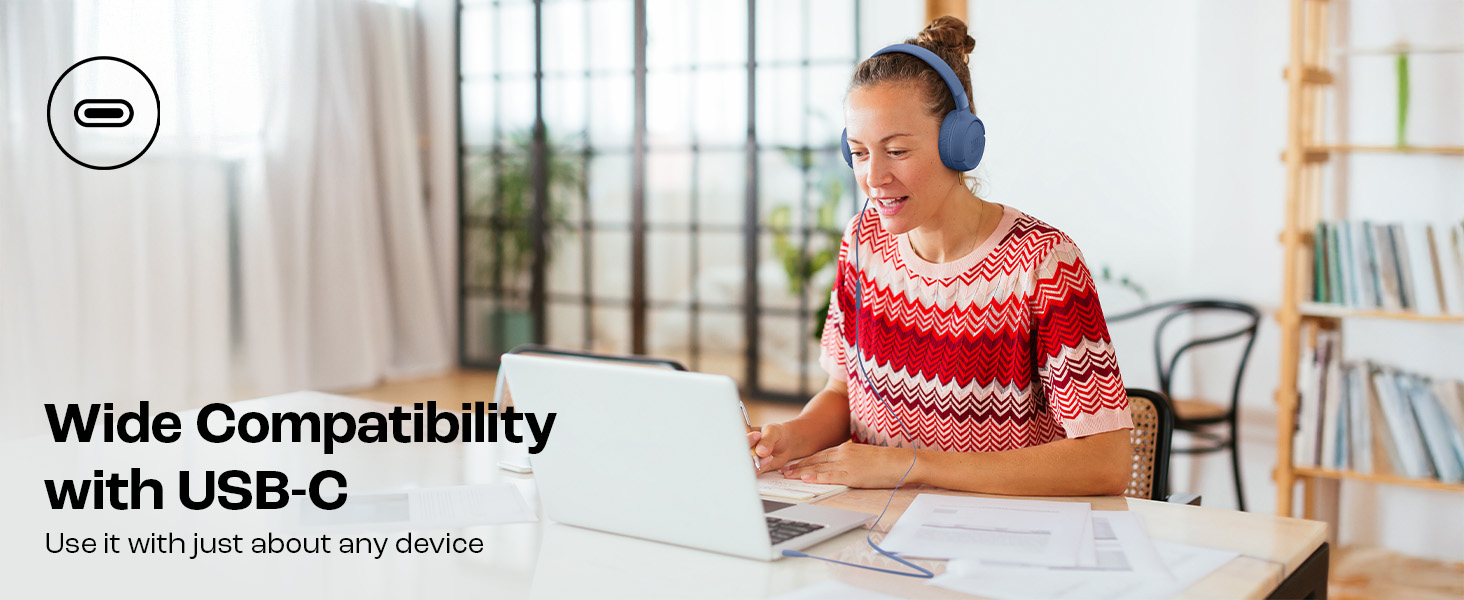
Image: JBL Tune 520C headphones connected to a laptop, demonstrating wide USB-C compatibility.
כוונון לנוחות
- Gently extend or retract the headband to fit your head comfortably.
- Position the earcups so they rest fully on your ears, creating a seal for optimal sound.
הוראות הפעלה
Learn how to use the 3-button remote and microphone for various functions.
Using the 3-Button Remote

תמונה: מפורט view of the 3-button remote control on the headphone cable.
- הגברת עוצמת הקול (+): Press the top button to increase volume.
- להנמיך קול (-): Press the bottom button to decrease volume.
- Play/Pause/Call (Center Button):
- לחץ פעם אחת כדי להפעיל או להשהות מוזיקה.
- לחץ פעם אחת כדי לענות או לסיים שיחה.
- לחץ פעמיים כדי לדלג לרצועה הבאה.
- לחץ שלוש פעמים כדי לעבור לרצועה הקודמת.
Using EQ Presets
The JBL Tune 520C features selectable EQ presets to customize your listening experience.
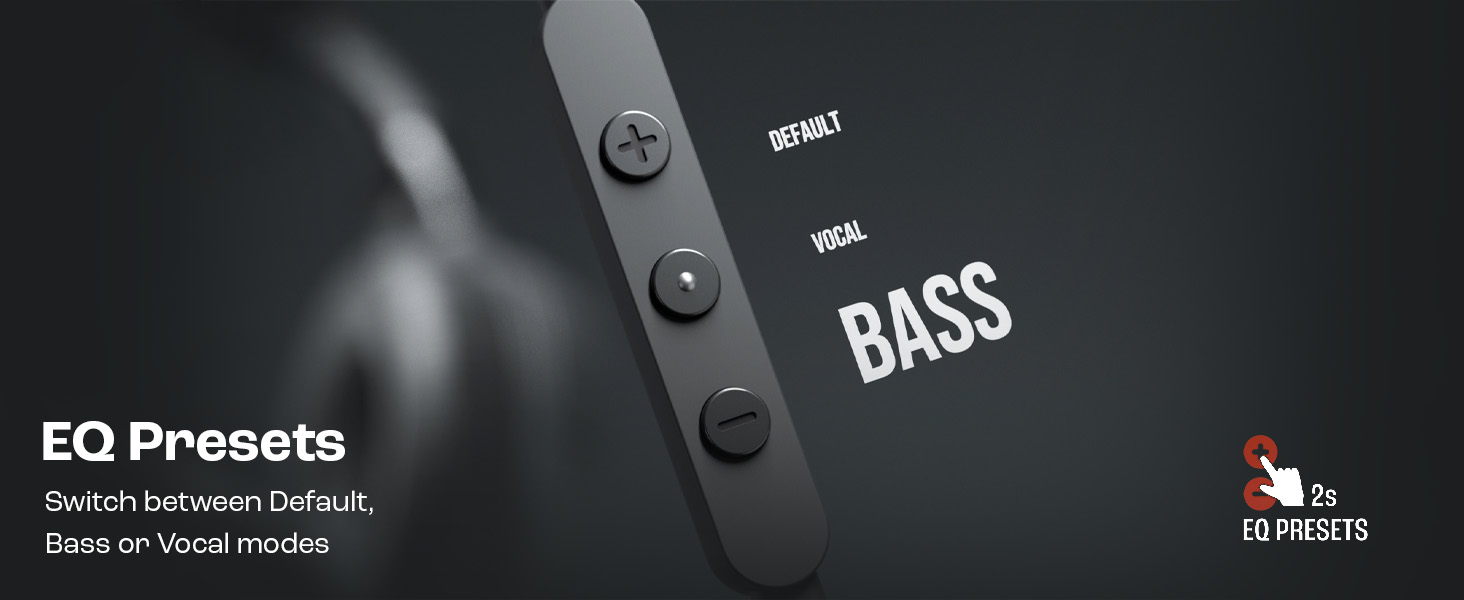
Image: Remote control showing options for Default, Vocal, and Bass EQ presets.
- To switch between EQ presets (Default, Vocal, Bass), press and hold the center button for approximately 2 seconds. The headphones will cycle through the available presets.
תַחזוּקָה
Proper care and maintenance will extend the life of your headphones.
ניקוי
- השתמשו במטלית רכה ויבשה כדי לנגב את כיסויי האוזניים ואת רצועת הראש.
- אין להשתמש בחומרי ניקוי נוזליים או בחומרים שוחקים, מכיוון שהם עלולים לפגוע בגימור או ברכיבים הפנימיים.
- Keep the USB-C connector clean and free of dust or debris.
אִחסוּן
The JBL Tune 520C headphones feature a foldable design for convenient storage.
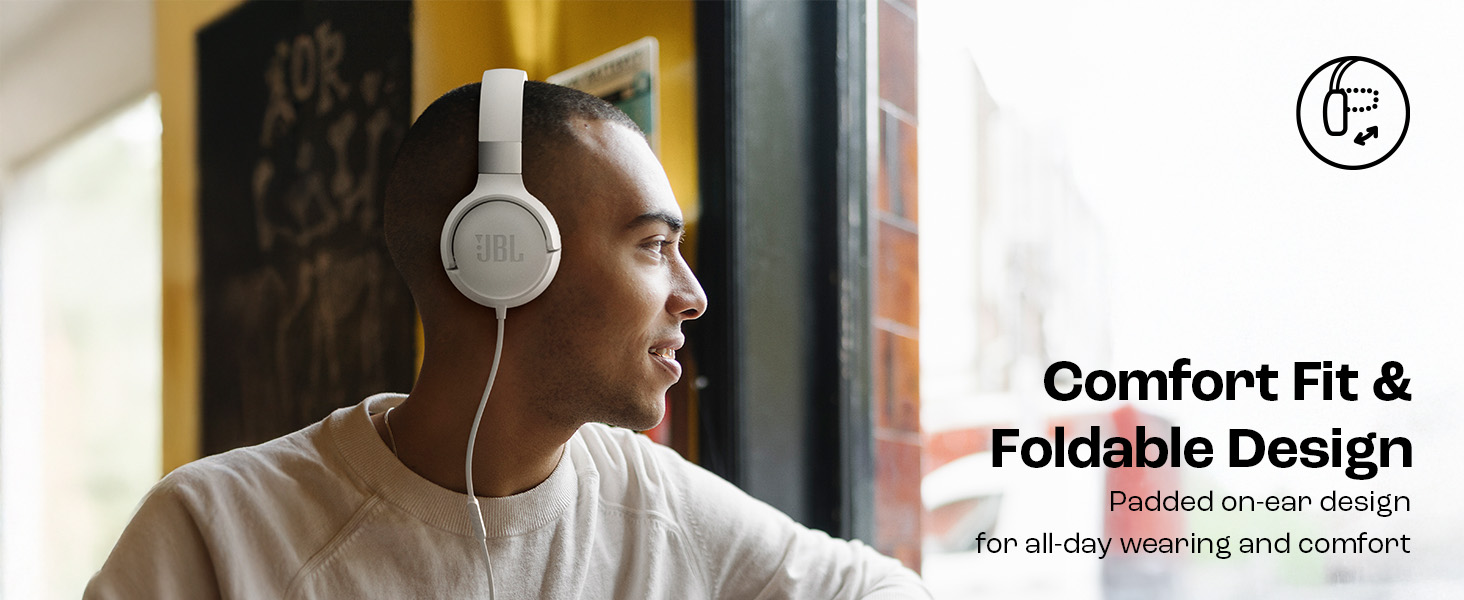
Image: JBL Tune 520C headphones demonstrating comfort fit and foldable design.
- Fold the earcups inward to reduce the headphone's size.
- יש לאחסן את האוזניות במקום קריר ויבש, הרחק מאור שמש ישיר וטמפרטורות קיצוניות.
- Avoid placing heavy objects on the headphones during storage.
טיפול בכבלים
The tangle-free flat cable is designed for durability, but proper handling is still recommended.
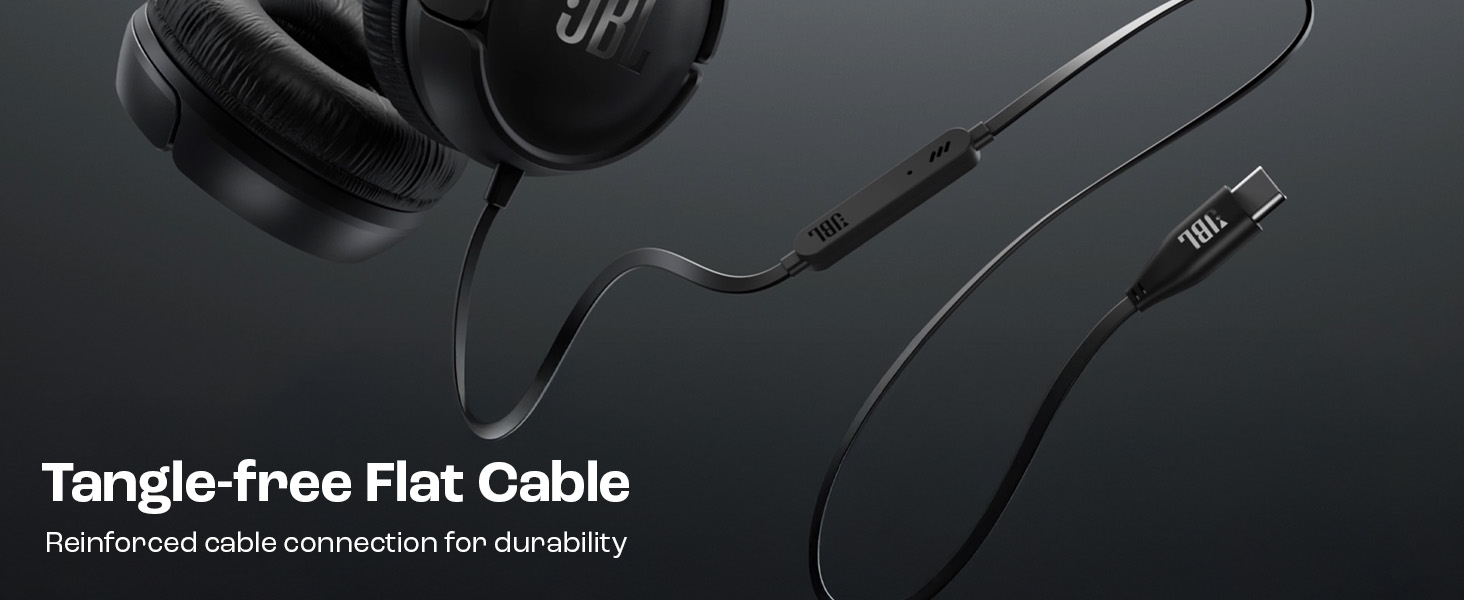
Image: The tangle-free flat USB-C cable of the JBL Tune 520C headphones.
- הימנעו מכיפופים חדים או משיכה מוגזמת של הכבל.
- When coiling the cable for storage, do so loosely to prevent strain.
פתרון בעיות
אם אתם נתקלים בבעיות עם האוזניות שלכם, עיינו בבעיות הנפוצות ובפתרונות הבאים.
| בְּעָיָה | פִּתָרוֹן |
|---|---|
| אין צליל מאוזניות |
|
| המיקרופון לא עובד |
|
| איכות סאונד ירודה |
|
| לחצני השלט רחוק אינם מגיבים |
|
מפרטים
Detailed technical specifications for the JBL Tune 520C headphones.
| תכונה | פְּרָט |
|---|---|
| מותג | JBL |
| שם הדגם | JBL Tune 520C |
| מספר דגם | JBLT520CBLK |
| מיקום אוזניים | על אוזן |
| גורם צורה | על אוזן |
| עַכָּבָּה | 32 אוהם |
| תגובת תדר | 20 הרץ - 20,000 הרץ |
| רְגִישׁוּת | 103 dB |
| סוג מנהל התקן שמע | מנהל התקן דינמי |
| מכשירים תואמים | Tablets, Desktops, Telephones, Gaming Consoles, Cellphones, Laptops |
| שקע אוזניות | שקע USB-C |
| שיטת בקרה | Remote (3-button) |
| משקל פריט | 150 גרם |
| ארץ מוצא | סִין |
אחריות ותמיכה
מידע על אחריות
The JBL Tune 520C headphones come with a אחריות לשנה המסופק על ידי היצרן ממועד הרכישה. אנא שמור את הוכחת הרכישה שלך לצורך תביעות אחריות.
תמיכת לקוחות
For technical assistance, warranty claims, or further inquiries, please contact Harman International customer support. Refer to the warranty/warning document included in your product box for specific contact details for your region.
מידע ליצירת קשר עם היצרן:
הרמן תעשיות בינלאומיות, מאוגדת
שדרת בלבואה 8500, נורתרידג ', קליפורניה 91329 ארה"ב
Importer Contact Information (India):
Harman International (India) Pvt Ltd
Salarpuria Sattva Knowledge Court, Office-1, Wing ‘A’ & ‘B’ 3rd floor, Plot No. 9, Phase I, Doddenakkundi Industrial area Bangalore -560048, Karnataka.