
מָבוֹא
Welcome to the user manual for your new DIALN X65 Unlocked Smartphone. This guide provides essential information to help you set up, operate, maintain, and troubleshoot your device. Please read this manual carefully to ensure optimal performance and longevity of your smartphone.
The DIALN X65 features a 6.5-inch display, runs on Android 13, and offers 32GB of internal storage, expandable via microSD. It is equipped with a 13MP camera and a 4500mAh battery.
מה יש בקופסה
Upon unboxing your DIALN X65, verify that all items are present:
- סמארטפון DIALN X65
- כבל טעינה
- מדריך למשתמש (מסמך זה)
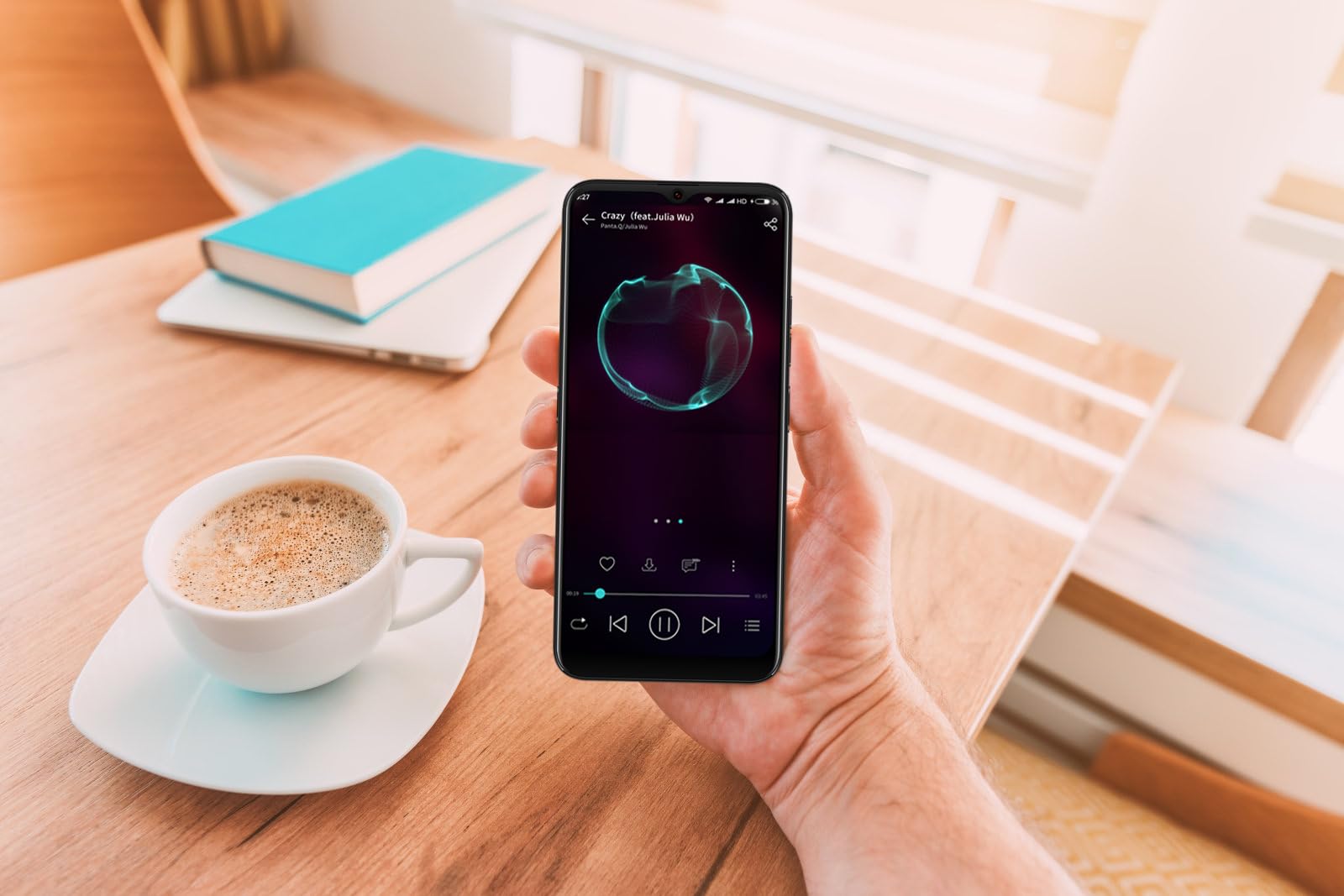
Image: The DIALN X65 smartphone displayed with its charging cable and user manual, as typically found in the product packaging.
הגדרה
1. Insert SIM Card and MicroSD Card (Optional)
- אתר את מגש כרטיס ה-SIM בצד הטלפון שלך.
- Insert the SIM ejector tool (not included, a paperclip can be used) into the small hole on the tray to open it.
- הנח את כרטיס/י ה-Nano-SIM ו/או כרטיס ה-microSD במגש כאשר המגעים הזהובים פונים כלפי מטה, וודא שהם בכיוון הנכון.
- דחף בעדינות את המגש בחזרה לתוך הטלפון עד שייכנס למקומו בנקישה.
2. טעינה ראשונית
Before first use, it is recommended to fully charge your DIALN X65. Connect the charging cable to the phone's charging port and plug the other end into a power adapter (not included) or a USB port. The battery indicator on the screen will show charging progress. A full charge typically takes approximately 2 hours.
3. הפעלה/כיבוי
- כדי להפעיל: Press and hold the Power button (located on the right side) until the DIALN logo appears on the screen.
- כדי לכבות: לחץ והחזק את לחצן ההפעלה עד להופעת תפריט אפשרויות צריכת החשמל. הקש על 'כיבוי' ואשר.
- לאתחל: Press and hold the Power button until the power options menu appears. Tap 'Restart' and confirm.
4. אשף ההתקנה הראשונית
The first time you power on your phone, you will be guided through an initial setup process. Follow the on-screen prompts to:
- בחר את השפה שלך.
- התחבר לרשת Wi-Fi.
- היכנס באמצעות חשבון גוגל שלך או צור חשבון חדש.
- הגדר נעילת מסך (קוד סודי, תבנית, סיסמה או נעילת פנים).
- Review ולקבל את התנאים וההגבלות.
Operating Your DIALN X65
1. ניווט בסיסי
- לָגַעַת: הקש על סמל כדי לפתוח אפליקציה או לבחור פריט.
- לִגנוֹב: גרור את האצבע על פני המסך כדי לגלול או לנווט בין מסכים.
- קַמצוּץ: השתמשו בשתי אצבעות כדי להגדיל או להקטין את התצוגה של תמונות ו web דפים.
- מסך הבית: המרכז לאפליקציות ווידג'טים שלך. החלק שמאלה או ימינה כדי לגשת למסכי בית נוספים.
- לוח הודעות: החלק מטה מראש המסך כדי לגשת להתראות ולהגדרות מהירות.
2. שיחות ואנשי קשר
- להתקשר: פתחו את אפליקציית 'טלפון', הזינו את המספר והקישו על סמל השיחה.
- מענה לשיחה: Swipe up on the green phone icon when a call comes in.
- ניהול אנשי קשר: Open the 'Contacts' app to add, edit, or delete contacts.
3. הודעות
Open the 'Messages' app to send and receive SMS/MMS messages. Tap the '+' icon to compose a new message, enter the recipient's number or select from contacts, and type your message.
4. אינטרנט וקישוריות
- Wi-Fi: עבור אל הגדרות > רשת ואינטרנט > Wi-Fi. הפעל את ה-Wi-Fi ובחר את הרשת הרצויה.
- בלוטות': עבור אל הגדרות > מכשירים מחוברים > העדפות חיבור > Bluetooth. הפעל את Bluetooth כדי להתאים עם מכשירים אחרים.
- מידע נייד: Go to Settings > Network & internet > Mobile network. Ensure mobile data is enabled for internet access via your SIM card.
5. מצלמה
Open the 'Camera' app to capture photos and videos. Tap the shutter button to take a photo. Swipe left or right to switch between photo, video, and other modes. Use the front camera for selfies.
6. זיהוי פנים
To set up Face Unlock, go to Settings > Security & privacy > Device unlock > Face unlock. Follow the on-screen instructions to register your face. Once set up, you can unlock your phone by looking at the front camera.
7. ניהול אחסון
Your DIALN X65 comes with 32GB of internal storage. You can expand this up to 256GB using a microSD card. To check storage usage, go to Settings > Storage. Regularly clear unnecessary fileואפליקציות כדי לשמור על ביצועים אופטימליים.
תַחזוּקָה
1. ניקוי המכשיר
Use a soft, lint-free cloth to clean the screen and body of your phone. Avoid using harsh chemicals or abrasive materials, as these can damage the display and finish. Do not expose the phone to excessive moisture.
2. עדכוני תוכנה
Regularly check for and install software updates to ensure your phone has the latest features, security patches, and performance improvements. Go to Settings > System > System update to check for available updates.
3. טיפול בסוללה
- הימנעו מטמפרטורות קיצוניות, שכן הן עלולות לפגוע בחיי הסוללה.
- אל תתנו לסוללה להתרוקן לחלוטין לעתים קרובות.
- Use the provided charging cable or a compatible, certified charger.
- Unplug the charger once the battery is full to prevent overcharging.
4. אופטימיזציה של אחסון
To keep your phone running smoothly, regularly review and delete unused apps, old photos, videos, and downloaded files. Consider moving large media fileלכרטיס microSD או לאחסון ענן.
פתרון בעיות
בעיות ופתרונות נפוצים:
- הטלפון לא נדלק: ודא שהסוללה טעונה. חבר למטען למשך 15 דקות לפחות, ולאחר מכן נסה להפעיל שוב.
- Poor Signal/No Network: Check if your SIM card is properly inserted. Ensure mobile data is enabled in settings. Try restarting the phone. If issues persist, contact your network provider.
- אפליקציות קורסות/קופאות: Close and reopen the app. Clear the app's cache (Settings > Apps > [App Name] > Storage & cache > Clear cache). If the problem continues, uninstall and reinstall the app.
- הסוללה מתרוקנת במהירות: Reduce screen brightness, disable unused features like Bluetooth or GPS, close background apps, and check for apps consuming excessive power in battery settings.
- מסך מגע לא מגיב: Restart the phone. If the issue persists, a factory reset might be necessary (see below).
Factory Reset (Data Erase)
איפוס להגדרות היצרן ימחק את כל הנתונים מהטלפון שלך וישחזר אותו להגדרות היצרן המקוריות. גבה את כל הנתונים החשובים לפני שתמשיך.
- עבור אל הגדרות > מערכת > אפשרויות איפוס.
- Tap 'Erase all data (factory reset)'.
- אשר את החלטתך והזן את קוד ה-PIN/תבנית/סיסמה שלך אם תתבקש.
- הטלפון יופעל מחדש ויתחיל בתהליך האיפוס.
מפרטים
| תכונה | מִפרָט |
|---|---|
| שם הדגם | X65 |
| מַעֲרֶכֶת הַפעָלָה | אנדרואיד 13.0 |
| גודל תצוגה | 6.5 אינץ' |
| הַחְלָטָה | 1280 x 720 |
| מעבד | Quad Core 2.26GHz (MediaTek) |
| אַיִל | 3 ג'יגה-בייט |
| אחסון פנימי | 32 ג'יגה-בייט (ניתן להרחבה עד 256 ג'יגה-בייט באמצעות microSD) |
| מצלמה ראשית | 13 מגה פיקסל |
| קיבולת סוללה | 4500 מיליאמפר/שעה |
| קישוריות | 4G LTE, Wi-Fi, בלוטות' |
| תכונות מיוחדות | Expandable Storage, Face Unlock, Built-in GPS |
| מידות | 6.5 x 3 x 6.5 אינץ' |
| מִשׁקָל | 6.5 אונקיות |
אחריות ותמיכה
Your DIALN X65 Smartphone is covered by a limited manufacturer's warranty. Please refer to the warranty card included with your product for specific terms and conditions, including warranty period and coverage details. For technical support, service, or further inquiries, please visit the official DIALN website or contact customer service through the contact information provided on the product packaging or official webאֲתַר.