
1. הקדמה
Thank you for choosing the ARZOPA 15.6-inch D15 Digital Photo Frame. This manual provides detailed instructions for setting up, operating, and maintaining your new digital photo frame. Please read this manual thoroughly before use to ensure optimal performance and longevity of your device. The ARZOPA D15 allows you to display your cherished memories with its high-quality FHD touchscreen, unlimited cloud storage, and easy sharing features.
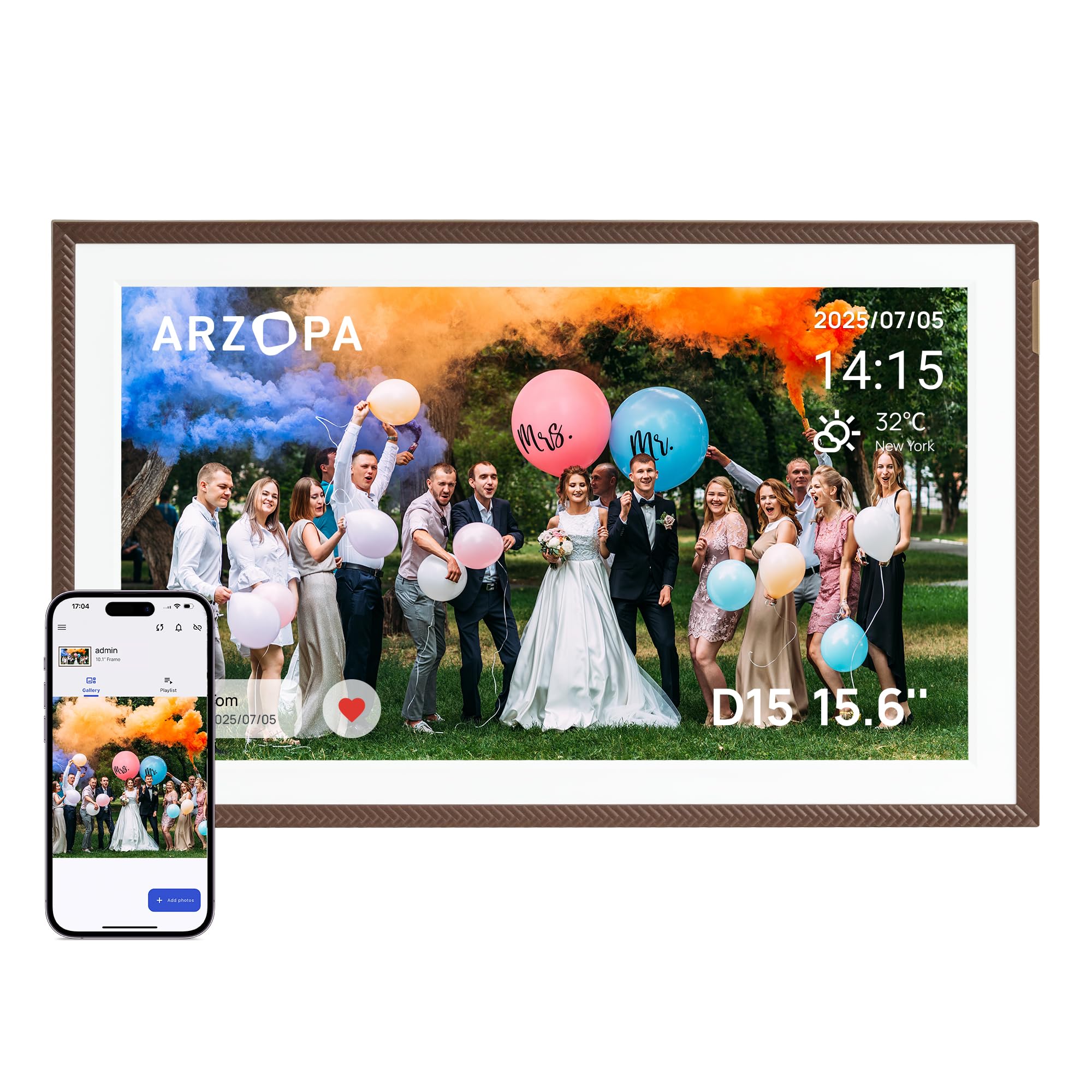
ARZOPA 15.6-inch D15 Digital Photo Frame displaying a family photo in a living room setting.
2. מה בקופסה
- ARZOPA 15.6-inch D15 Digital Photo Frame
- מתאם מתח
- מעמד מתפרק
- מדריך למשתמש
3. המוצר נגמרview
תכונות עיקריות:
- 100% Free and Unlimited Cloud Storage: Transfer your photos and videos to your digital photo frame without a subscription. Enjoy the convenience of cloud storage without an SD card – add memories anytime, anywhere, even when the digital photo frame is offline (automatic synchronization upon reconnection).
- Gift Function, Pre-Loaded Joy: Pre-load photos, videos, and greeting cards via the FREE Arzopa app for a personalized and surprising gift even before the Arzopa D15 frame arrives, without needing to unbox it.
- Easy Setup & Intuitive App: Pre-set Wi-Fi for non-tech-savvy recipients (plug and play). Manage your connected photo frame with over 30 folders and share an unlimited number of photos and videos (up to 2 minutes per video, ≤125MB, 1080p).
- High-Quality Screen & Smart Design: 15.6" FHD 1920*1080 IPS touchscreen with anti-glare technology for true-to-life colors and adjustable brightness (day/night mode). Practical functions (weather, alarm clock, calendar, etc.) and a smart sleep mode (30% energy saving) offer a smart user experience.
- Instant Multi-User Sharing: Invite your loved ones via the free Arzopa app to share their daily lives. 'Like' and 'Comment' on shared moments, enjoy a secure private space. Stay connected with over 30 languages remotely and strengthen family bonds, wherever you are.
רכיבים:
Familiarize yourself with the various parts of your ARZOPA D15 Digital Photo Frame:

אֲחוֹרִי view of the ARZOPA D15 Digital Photo Frame showing ports for power, USB, and Micro SD card slot.
- לחצן הפעלה: Located on the back, used to turn the frame on/off.
- יציאת USB: For connecting to a computer or USB drive to transfer media.
- חריץ לכרטיס מיקרו SD: For expanding storage or transferring media from an SD card.
- כניסת מתח DC: לחיבור מתאם החשמל.
- חור לתלייה על הקיר: להרכבת המסגרת על קיר.
- רַמקוֹל: להשמעת אודיו עם סרטונים.
4. התקנה
4.1 Powering On:
- חבר את מתאם החשמל ליציאת קלט החשמל DC בגב המסגרת.
- חבר את מתאם החשמל לשקע בקיר.
- The frame will automatically power on. If not, press and hold the power button for a few seconds.
4.2 Initial Wi-Fi Connection:
- Upon first startup, the frame will guide you through the initial setup process.
- בחר את השפה המועדפת עליך.
- Connect to a Wi-Fi network. Ensure you are connecting to a 2.4 GHz network for optimal compatibility.
- הזן את סיסמת ה-Wi-Fi באמצעות המקלדת שעל המסך.
4.3 הורדת אפליקציה וצימוד:
To fully utilize the frame's features, download the ARZOPA app on your smartphone or tablet.
ARZOPA D15 Digital Photo Frame displaying app download options for App Store and Google Play.
- Scan the QR code displayed on the frame or search for "ARZOPA" in your device's app store (App Store for iOS, Google Play for Android).
- Download and install the ARZOPA app.
- פתחו את האפליקציה ופתחו חשבון או התחברו.
- Follow the in-app instructions to pair your smartphone with the digital photo frame. This usually involves scanning a QR code displayed on the frame.
5. הוראות הפעלה
5.1 Uploading Photos and Videos:
You can upload media to your ARZOPA D15 frame using the mobile app, a USB drive, or a Micro SD card.
Using the ARZOPA App:
- Open the ARZOPA app on your paired smartphone.
- Navigate to the 'Gallery' or 'Upload' section.
- Select the photos and videos you wish to upload. The frame supports unlimited photos and videos up to 2 minutes in length (≤125MB, 1080p).
- Confirm the upload. The media will be transferred to your frame via cloud storage.

Smartphone screen displaying the ARZOPA app interface for selecting and uploading photos and videos to the digital frame.
Using USB Drive or Micro SD Card:
- Insert a USB drive into the USB port or a Micro SD card into the Micro SD card slot on the frame.
- The frame will detect the external storage.
- Follow the on-screen prompts to import photos and videos to the frame's internal storage.
5.2 Gift Function:
The ARZOPA D15 offers a unique gift function, allowing you to pre-load content and even Wi-Fi settings before gifting the frame.
- In the ARZOPA app, select the 'Gift' option.
- Enter recipient details and choose a theme for the gift card (e.g., Birthday, Mother's Day).
- Upload photos and videos you wish to include.
- Optionally, pre-set the recipient's Wi-Fi network name and password. This allows the frame to connect automatically upon first power-on.
- Once prepared, the app will generate a gift code. The recipient can enter this code on their frame to receive the pre-loaded content.
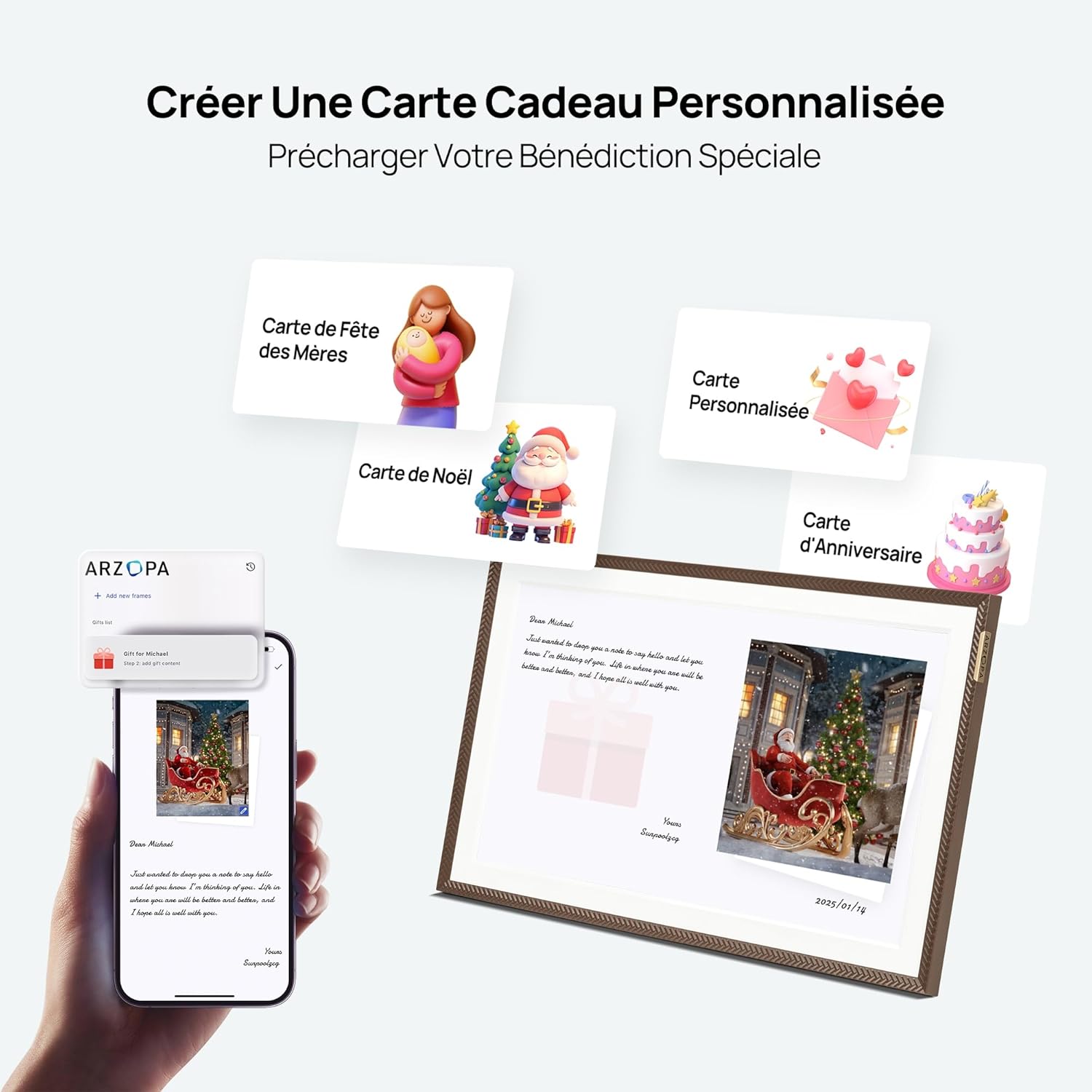
Image showing the process of creating a personalized gift card with photos and messages via the ARZOPA app.
5.3 Display Settings:
התאם אישית את שלך viewing experience through the frame's settings menu.
- בְּהִירוּת: כוונן את בהירות המסך לתנאי תאורה שונים.
- מצב שינה: Set a schedule for the frame to automatically turn off or dim the screen to save energy and avoid disturbance.
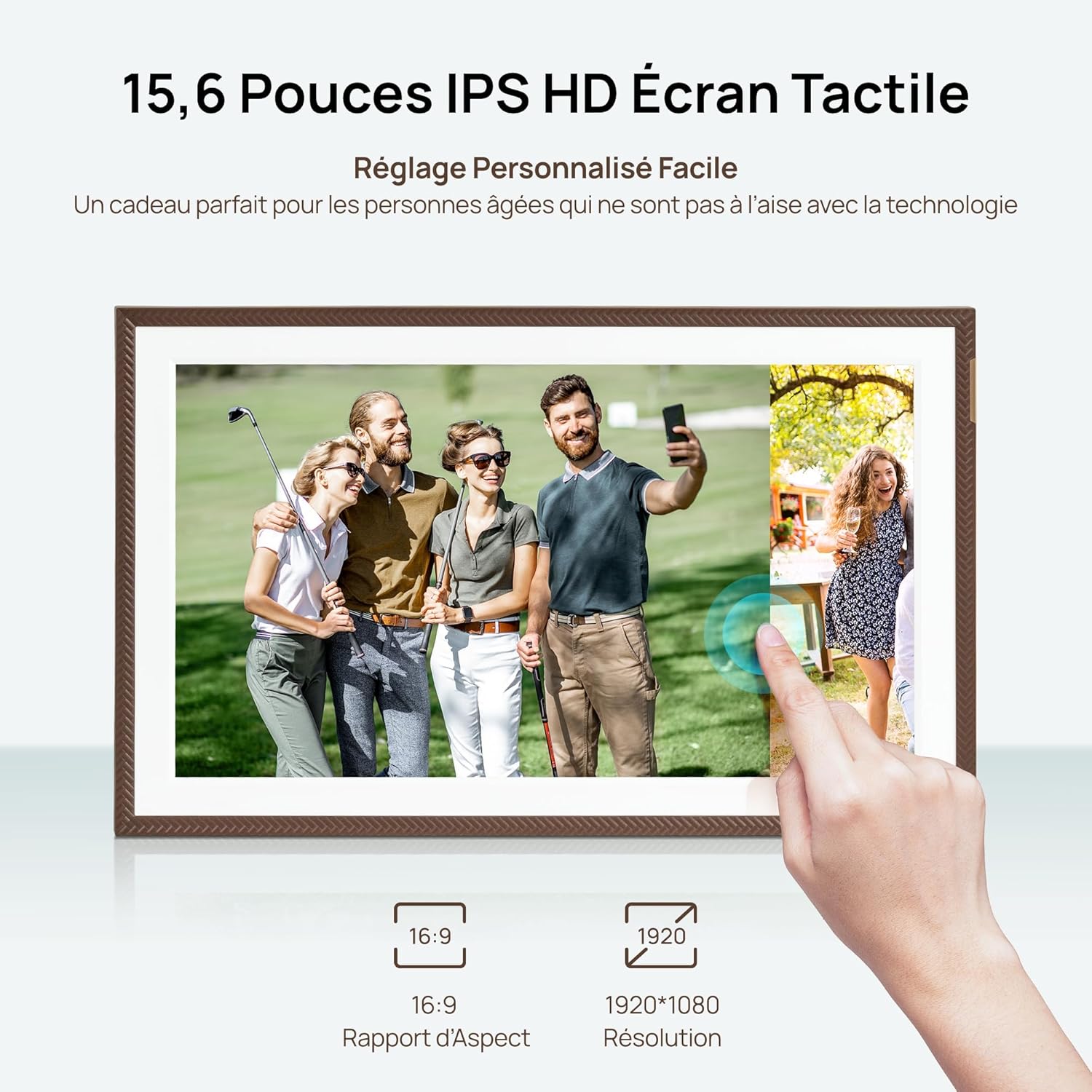
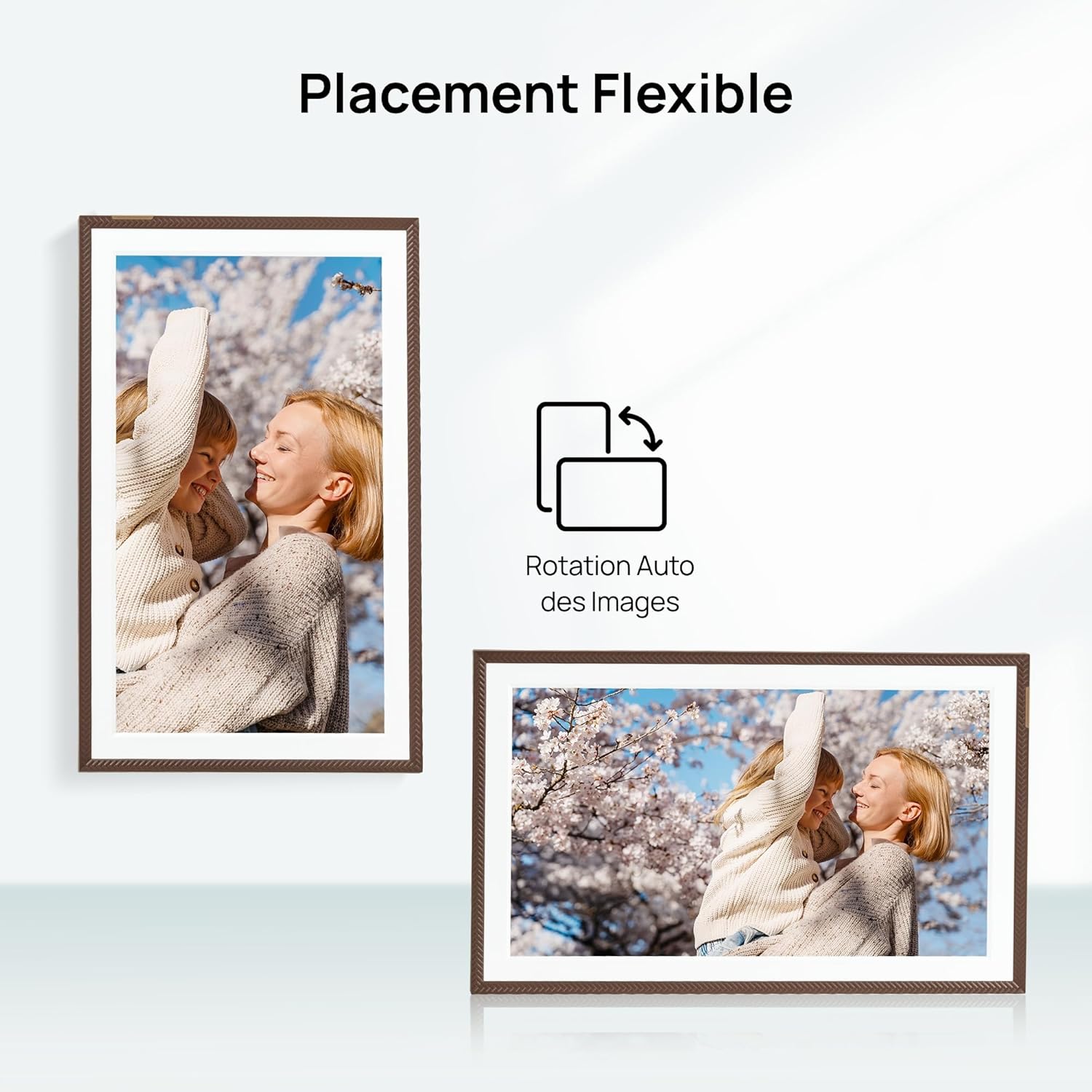
- הִתמַצְאוּת: The frame supports automatic rotation for both portrait and landscape display.

The ARZOPA D15 Digital Photo Frame demonstrating flexible placement and automatic image rotation for both portrait and landscape orientations.

The ARZOPA D15 Digital Photo Frame in a bedroom setting, illustrating the customized sleep mode feature for energy saving and undisturbed rest.
5.4 Cloud Storage:
The ARZOPA D15 comes with 100% free and unlimited cloud storage, allowing you to store and access your media securely from anywhere.
Graphic illustrating the free and secure cloud storage feature, supporting JPEG, PNG, WEBP, MP4, M4V, and MOV formats.
6. תחזוקה
- ניקוי המסך: Use a soft, lint-free cloth to gently wipe the screen. Avoid using harsh chemicals or abrasive materials.
- עדכוני תוכנה: Ensure your frame's software is up to date for the best performance and new features. The frame will typically notify you of available updates.
- ניהול אחסון: באופן קבוע מחדשview ולארגן את המדיה שלך files. While cloud storage is unlimited, managing local storage (if using SD card) can improve performance.
7. פתרון תקלות
| לְהַנפִּיק | פתרון אפשרי |
|---|---|
| המסגרת לא נדלקת. | ודא שמתאם החשמל מחובר היטב הן למסגרת והן לשקע חשמל תקין. נסה שקע אחר. |
| לא ניתן להתחבר ל-Wi-Fi. | Verify the Wi-Fi password. Ensure the frame is within range of a 2.4 GHz Wi-Fi network. Restart your router and the frame. |
| Photos/Videos are not uploading. | Check your internet connection. Ensure the ARZOPA app is updated. Verify file formats and sizes (videos up to 2 minutes, ≤125MB, 1080p). |
| המסך לא מגיב. | Restart the frame by unplugging and re-plugging the power adapter. If the issue persists, perform a factory reset (refer to the settings menu). |
| התמונות נראות מעוותות או באיכות נמוכה. | Ensure the original image/video resolution is high enough for the frame's 1920x1080 FHD display. |
8. מפרטים
| תכונה | פְּרָט |
|---|---|
| מותג | ארזופה |
| דֶגֶם | D15 |
| גודל מסך | 15.6 אינץ' |
| הַחְלָטָה | 1920x1080 (FHD) |
| יחס גובה-רוחב | 16:9 |
| אחסון פנימי | 32 ג'יגה-בייט |
| קישוריות | USB, Wi-Fi (2.4 GHz) |
| ממשק קלט | מסך מגע |
| מקור כוח | כבל חשמלי |
| חומר מסגרת | אקרילוניטריל בוטאדיאן סטירן (ABS) |
| מידות המוצר (L x W x H) | 40 x 25 x 2.5 ס"מ |
| משקל המוצר | 2.43 קילוגרם |
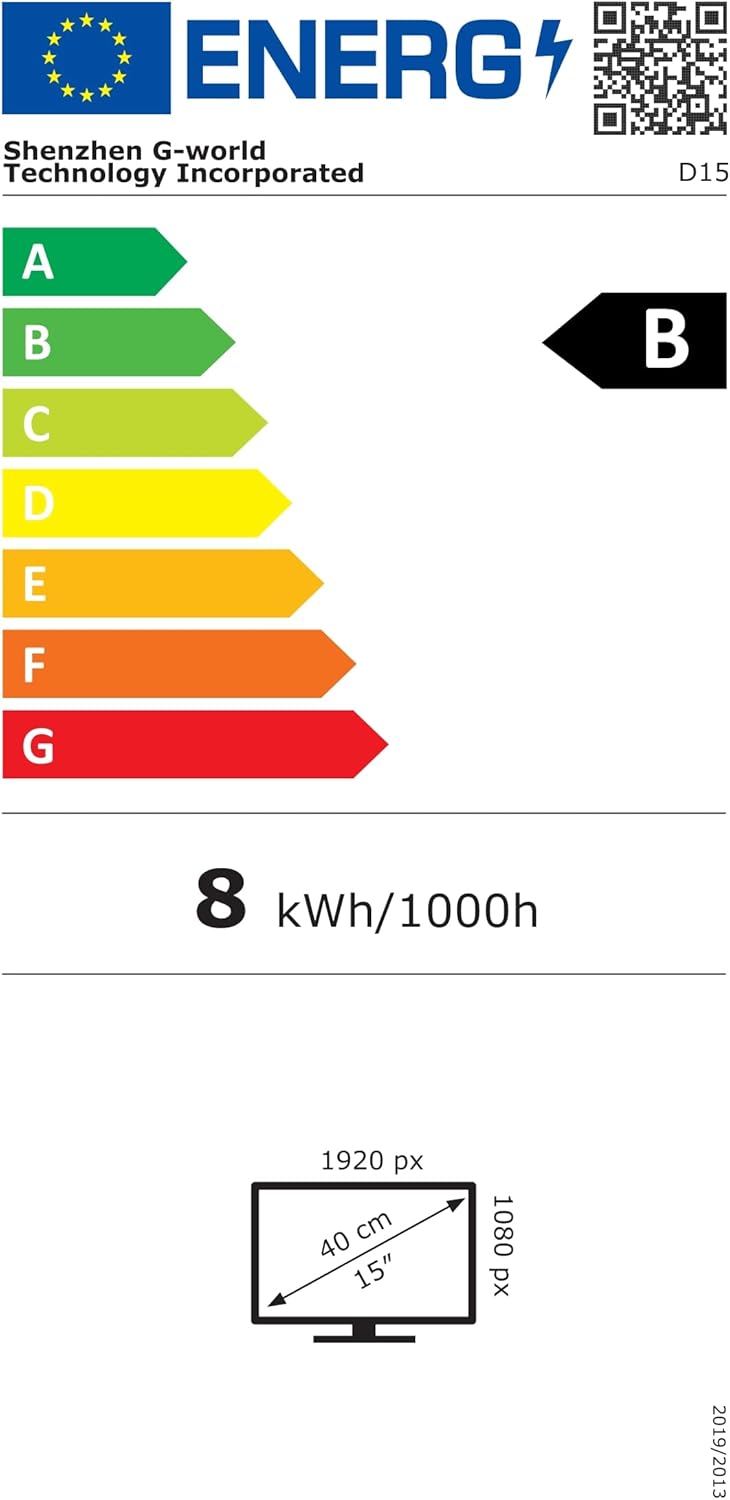
Energy label for the ARZOPA D15 Digital Photo Frame, showing energy consumption and display dimensions. For more details, visit: https://eprel.ec.europa.eu/qr/2089090
9. אחריות ותמיכה
Your ARZOPA D15 Digital Photo Frame comes with a standard manufacturer's warranty. For detailed warranty information, please refer to the warranty card included in your product packaging or visit the official ARZOPA website. If you encounter any issues or have questions not covered in this manual, please contact ARZOPA customer support through their official website or the contact information provided in the warranty documentation.