
1. הקדמה
This instruction manual provides comprehensive guidance for the assembly, operation, and maintenance of your CAT Construction Workforce Jumbo Tower Crane Set. Please read this manual thoroughly before use to ensure safe and correct operation. This product is designed for ages 5 and up.
2. מידע בטיחות
- סכנת חנק: מכיל חלקים קטנים. לא מתאים לילדים מתחת לגיל 3.
- השגיח תמיד על ילדים במהלך המשחק.
- Keep the product away from water and excessive moisture.
- Do not attempt to lift objects heavier than recommended by the manufacturer.
- ודא שכל החלקים מורכבים היטב לפני ההפעלה.
3. תכולת החבילה
ודא שכל הרכיבים המפורטים להלן נמצאים בחבילה שלך:
- Tower Crane components
- שְׁלַט רָחוֹק
- Articulated Figure (4 inches)
- Freewheeling Skid Steer Vehicle
- Wrecking Ball attachment
- מצורף וו
- חיבור מגנט
- כבל טעינה USB

The set includes various parts for the crane structure, a remote control, a construction figure, a skid steer, and multiple attachments for diverse play scenarios.
4. הוראות הרכבה
The CAT Construction Workforce Jumbo Tower Crane Set is designed for quick and easy assembly. Follow these steps to set up your crane:
- Attach the base supports to the main base unit.
- Connect the tower sections, ensuring they lock securely into place.
- Mount the crane cabin and boom assembly to the top of the tower.
- Secure the counterweight section to the rear of the boom.
- Thread the hoist cable through the designated pulleys and attach the desired lifting accessory (hook, wrecking ball, or magnet).
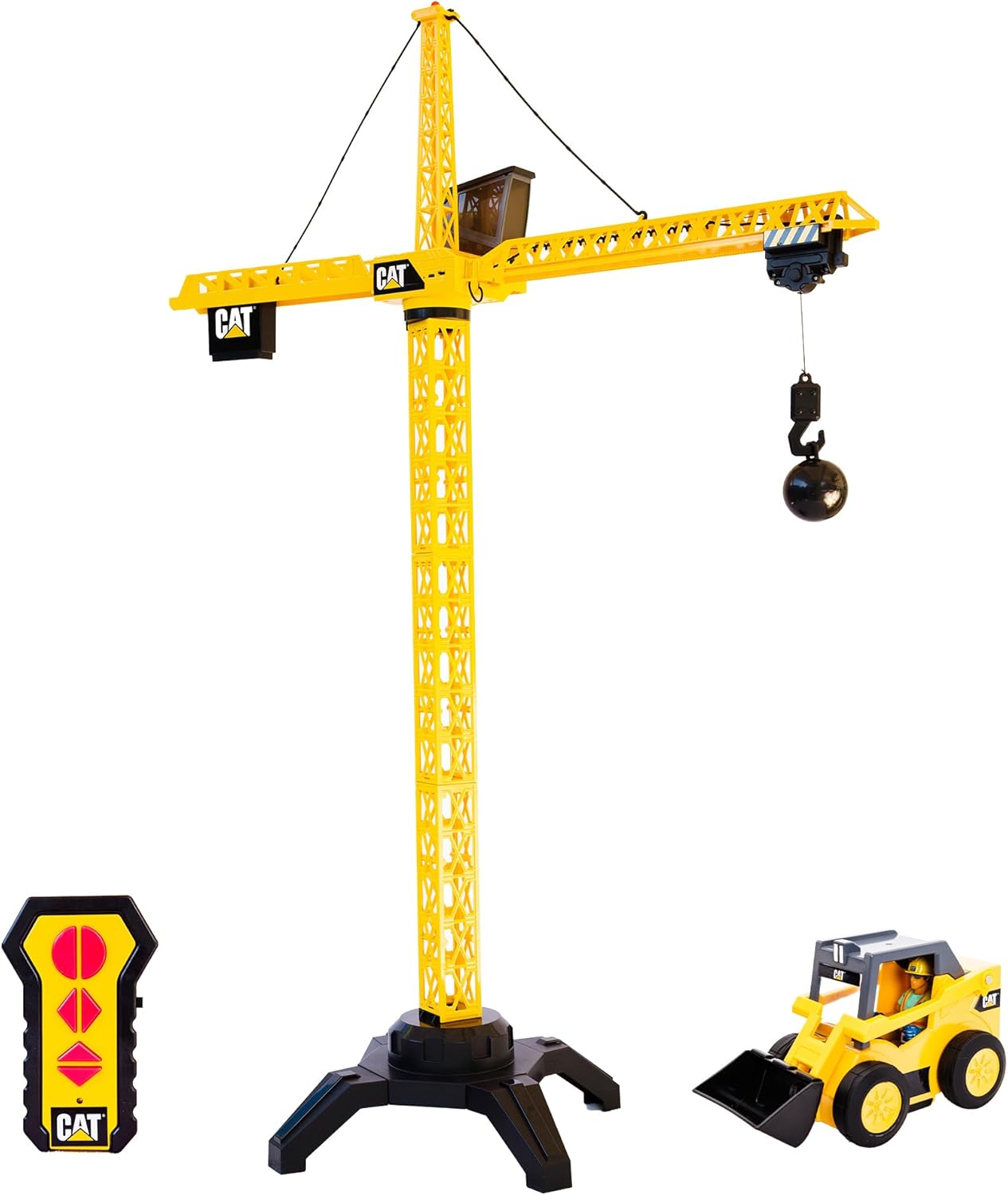
לקבלת מדריך חזותי להרכבה והתקנה ראשונית, אנא עיינו בסרטון שלהלן:
5. התקנת סוללה
The crane unit is USB rechargeable. Use the provided USB cable to charge the crane's internal battery. The remote control requires 2 AA batteries (included).
- עבור השלט רחוק: Locate the battery compartment on the back of the remote. Open the compartment and insert 2 AA batteries, ensuring correct polarity (+/-). Close the compartment securely.
- For the Crane Unit: Connect the USB charging cable to the designated port on the crane unit. Plug the other end into a compatible USB power source. The crane's light may indicate charging status.
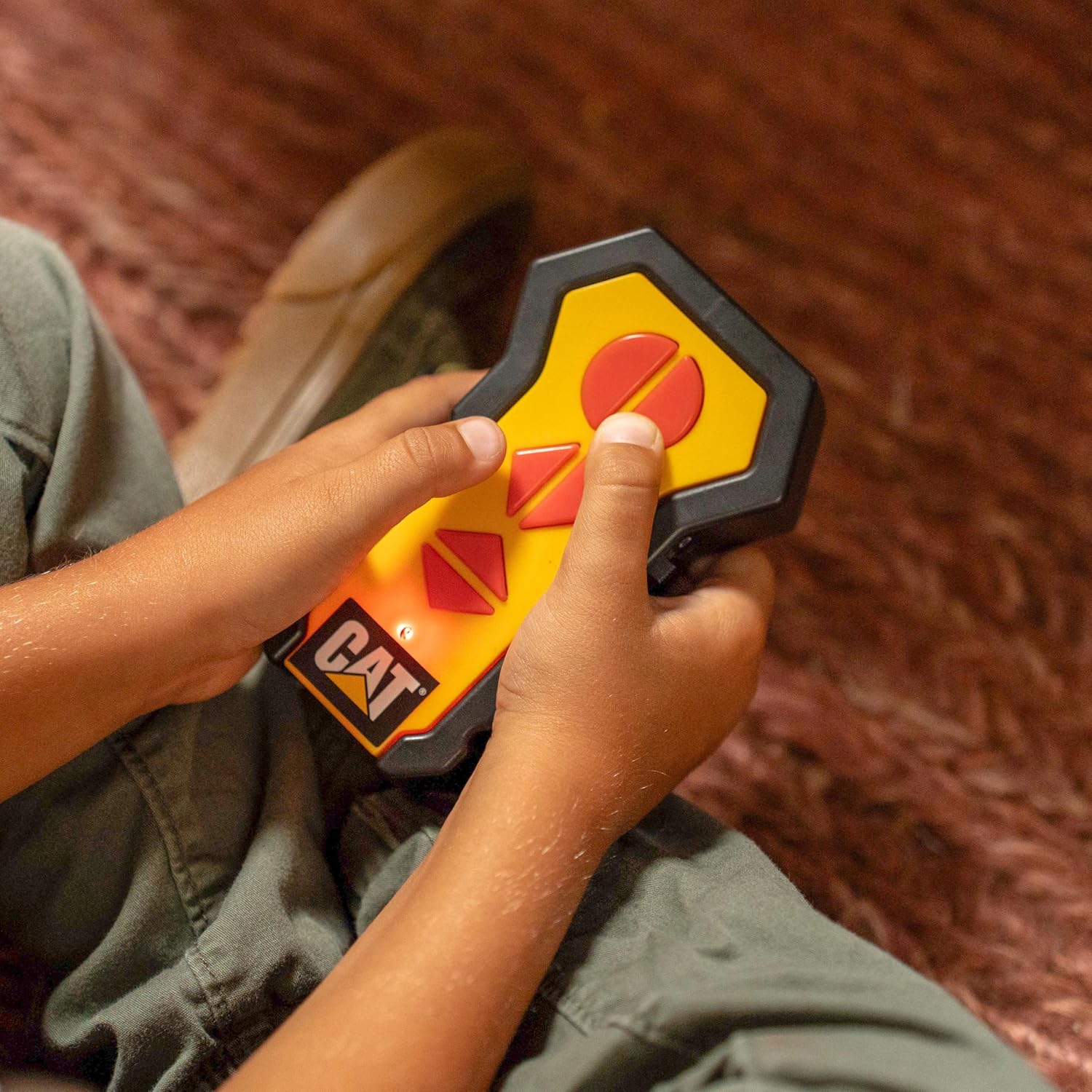
6. הוראות הפעלה
Once assembled and powered, use the wireless remote control to operate the crane's functions:
- רוֹטַציָה: Use the directional controls on the remote to rotate the crane's boom 360 degrees.
- הרמה/הורדה: Use the dedicated buttons to raise or lower the hook and its attached load.
- Trolley Movement: Controls allow the trolley to move along the boom, extending or retracting the hook's reach.
- אור עבודה: The crane features a built-in light on top that illuminates during operation, enhancing realism.

The set also includes a 4-inch articulated figure and a freewheeling skid steer vehicle for expanded play scenarios.

Observe the crane in action with its various functions:
7. תחזוקה
- Clean the crane and accessories with a soft, dry cloth. Do not use harsh chemicals or abrasive materials.
- אחסן את המוצר במקום קריר ויבש הרחק מאור שמש ישיר כאשר אינו בשימוש.
- הוציאו את הסוללות מהשלט אם הצעצוע לא ישמש למשך תקופה ממושכת.
8. פתרון תקלות
- Crane not responding: Check if the crane unit is charged and the remote control batteries are correctly installed and have sufficient power. Ensure the crane and remote are within operating range.
- Weak lifting power: Ensure the crane's battery is fully charged. Avoid attempting to lift objects exceeding the crane's capacity.
- פעולה לסירוגין: Check for any obstructions to the remote control's signal or interference from other electronic devices.
9. מפרטים
| תכונה | פְּרָט |
|---|---|
| מידות המוצר | 17.5 x 37.7 x 50 אינץ' |
| משקל פריט | 5 פאונד |
| מספר דגם | 82438 |
| גיל מומלץ | 5 שנים ומעלה |
| Crane Power | USB נטען |
| סוללות מרחוק | 2 סוללות AA (כלולות) |
| יַצרָן | Funrise, Inc. |
10. אחריות ותמיכה
For warranty information and customer support, please refer to the contact details provided on the product packaging or visit the official Funrise, Inc. webאתר. שמור את קבלת הרכישה כהוכחת קנייה.