
מָבוֹא
This manual provides comprehensive instructions for the assembly, operation, maintenance, and troubleshooting of your FLEXISPOT One-Piece Electric Standing Desk. Please read this manual thoroughly before assembly and use to ensure proper function and safety. Keep this manual for future reference.

Image: The FLEXISPOT One-Piece Electric Standing Desk, featuring a black desktop and black frame, set up with a laptop and monitor.
התקנה והרכבה
Your FLEXISPOT Electric Standing Desk is designed for straightforward assembly. The desk ships in two separate packages, which may arrive at different times. Please ensure all components are present before beginning assembly.
הכלים הדרושים (לא כלול):
- Electric drill (recommended for faster assembly)
שלבי הרכבה:
- הוצא את כל הרכיבים מהאריזה וודא מול רשימת החלקים המצורפת במדריך ההרכבה הנפרד.
- Attach the desk legs to the desktop frame. The main bracket and motor are pre-attached for convenience.
- Secure the desktop to the frame. The desktop is a single, seamless piece, 1 inch thick, providing enhanced stability.
- Connect the control panel and power cables according to the wiring diagram in the assembly guide.
- Install any optional accessories, such as the headphone hooks, if desired.
חָשׁוּב: Always follow the detailed assembly instructions included in your product packaging. Ensure all screws are tightened securely to prevent instability. Do not exceed the maximum weight recommendation of 132 pounds.

תמונה: תקריב view highlighting the seamless, one-piece desktop with rounded edges, emphasizing its solid construction.
הוראות הפעלה
The FLEXISPOT Electric Standing Desk features an intuitive control panel for easy height adjustment and memory presets.
התאמת גובה:
- השתמש ב- Up ו לְמַטָה arrow buttons on the control panel to adjust the desk height.
- ניתן לכוונן את שולחן העבודה מגובה מינימלי של 28.1 אינץ' ועד גובה מקסימלי של 45.7 אינץ'.
- The motor operates quietly, under 50 dB, ensuring minimal disruption to your workspace.
הגדרות זיכרון מראש:
The desk includes four programmable memory height presets, allowing you to save and recall your preferred sitting and standing positions instantly.
- כוונן את שולחן העבודה לגובה הרצוי באמצעות כפתורי למעלה/למטה.
- הקש על מ' button (or similar memory set button, refer to your control panel diagram).
- לחץ מיד על אחד מכפתורי ההגדרות הממוספרות (1, 2, 3 או 4) כדי לשמור את הגובה הנוכחי במיקום זה.
- כדי לשחזר גובה שנשמר, פשוט לחצו על כפתור המספרים המתאים. השולחן יעבור אוטומטית למיקום שנשמר.

תמונה: מפורט view of the smart control panel, showing the LED display for height, up/down buttons, and four memory preset buttons.

Image: A visual representation of the desk's height adjustment range, indicating minimum (28.1 inches) and maximum (45.7 inches) heights.
תַחזוּקָה
תחזוקה שוטפת מבטיחה את אורך החיים והביצועים האופטימליים של שולחן העבודה העומד שלכם.
- ניקוי: נגבו את שולחן העבודה והמסגרת בעזרת מטלית רכהamp מטלית. הימנעו מחומרי ניקוי שוחקים או כימיקלים חזקים שעלולים לפגוע בגימור.
- ניהול כבלים: Periodically check and organize cables to prevent tangles and ensure smooth operation during height adjustments.
- הגבלת משקל: Do not exceed the maximum weight capacity of 132 pounds. Overloading can strain the motor and frame.
- תנאים סביבתיים: Keep the desk away from direct heat sources and excessive moisture.
- בדיקת מחבר: בדקו מדי פעם את כל הברגים והחיבורים כדי לוודא שהם נשארים מהודקים היטב. הדקו מחדש במידת הצורך.
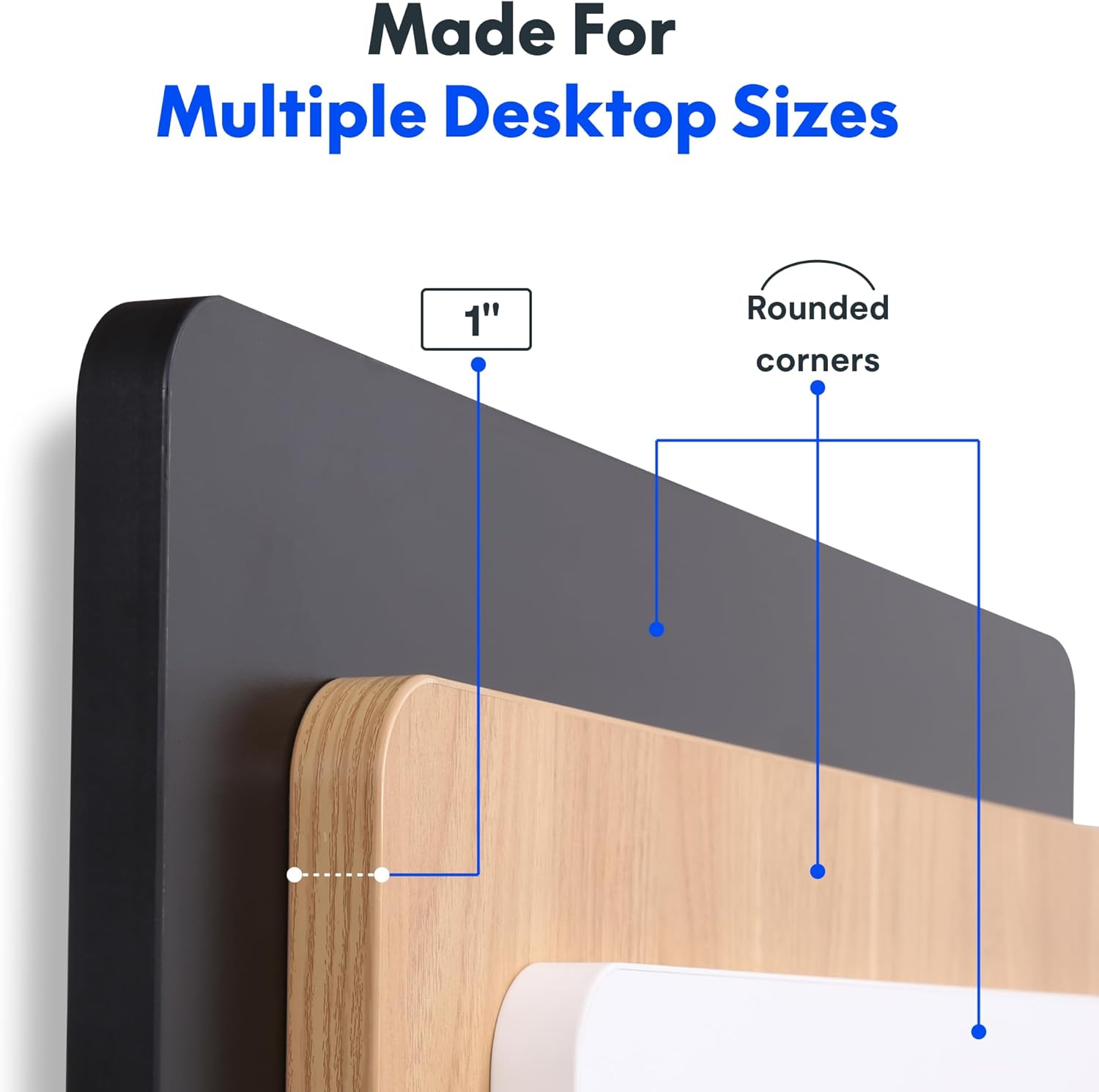
Image: The desk in operation, illustrating its smooth and quiet movement, ideal for maintaining concentration.
פתרון בעיות
If you encounter issues with your FLEXISPOT Electric Standing Desk, refer to the following common problems and solutions.
שולחן העבודה לא מתכוונן לגובה:
- חיבור חשמל: Ensure the power cord is securely plugged into both the desk and a working electrical outlet.
- חיבורי כבלים: Check all cables connecting the control panel to the motor and power supply for secure connections.
- לְהַעֲמִיס יוֹתֵר מִדַי: Verify that the weight on the desk does not exceed the maximum capacity of 132 pounds. Remove excess weight and try again.
- הליך איפוס: Consult your specific assembly guide for any factory reset procedures for the control panel.
רעשים חריגים במהלך כוונון:
- צליל לחיצה: A clicking sound, particularly when lowering, may indicate an issue with the motor or leg mechanism. Ensure the desk is not overloaded. If the issue persists, contact customer support.
- נדנוד: Ensure all assembly screws are tightly secured. Check that the desk is on a level surface.
אם שלבים אלה אינם פותרים את הבעיה, אנא עיין בסעיף האחריות והתמיכה לקבלת סיוע נוסף.
מפרטים
Detailed specifications for the FLEXISPOT One-Piece Electric Standing Desk (48x24 inch model).

Image: A diagram illustrating the key dimensions of the desk: 48 inches in width, 24 inches in depth, and a 1-inch desktop thickness.
| תכונה | פְּרָט |
|---|---|
| מותג | FLEXISPOT |
| דֶגֶם | One-Piece Electric Standing Desk 48x24 |
| מידות שולחן עבודה (רוחב x עומק) | 48 אינץ' x 24 אינץ' |
| עובי שולחן העבודה | 1 אינץ' |
| טווח כוונון גובה | 28.1 אינץ' (מינימום) עד 45.7 אינץ' (מקסימום) |
| רמת רעש המנוע | מתחת ל-50 דציבלים |
| הגדרות זיכרון מוגדרות מראש | 4 |
| קיבולת משקל מקסימלית | 132 פאונד |
| חומר מסגרת | סגסוגת פלדה |
| חומר שולחן עבודה | עץ מהונדס |
| צֶבַע | Black Top + Black Frame |
| תכונות מיוחדות | One-Piece Desktop, Headphone Hook |
| נדרשת הרכבה | כֵּן |

תמונה: תקריב view of the desk's underside, highlighting the two convenient headphone hooks for storage.
מידע על אחריות
FLEXISPOT provides the following warranty for your Electric Standing Desk:
- Frame, Motor, and Mechanical Parts: אחריות מוגבלת לשנה.
- רכיבים אלקטרוניים: אחריות מוגבלת לשנה.
This warranty covers defects in materials and workmanship under normal use. Please retain your proof of purchase for warranty claims. For specific terms and conditions, refer to the warranty documentation included with your product or visit the official FLEXISPOT webאֲתַר.
תמיכת לקוחות
For further assistance, technical support, or warranty claims, please contact FLEXISPOT customer service. You can typically find contact information on the official FLEXISPOT webבאתר או דרך הקמעונאי שממנו רכשת את המוצר.
בעת פנייה לתמיכה, אנא הכינו את המידע הבא:
- Product Model: One-Piece Electric Standing Desk 48x24
- ASIN: B0DRFZWN7X
- תאריך הרכישה
- תיאור מפורט של הבעיה
בקר ב FLEXISPOT Store on Amazon למידע נוסף על המוצר ומשאבי תמיכה.